Systems for a Recruitment Agency: Five You Actually Need
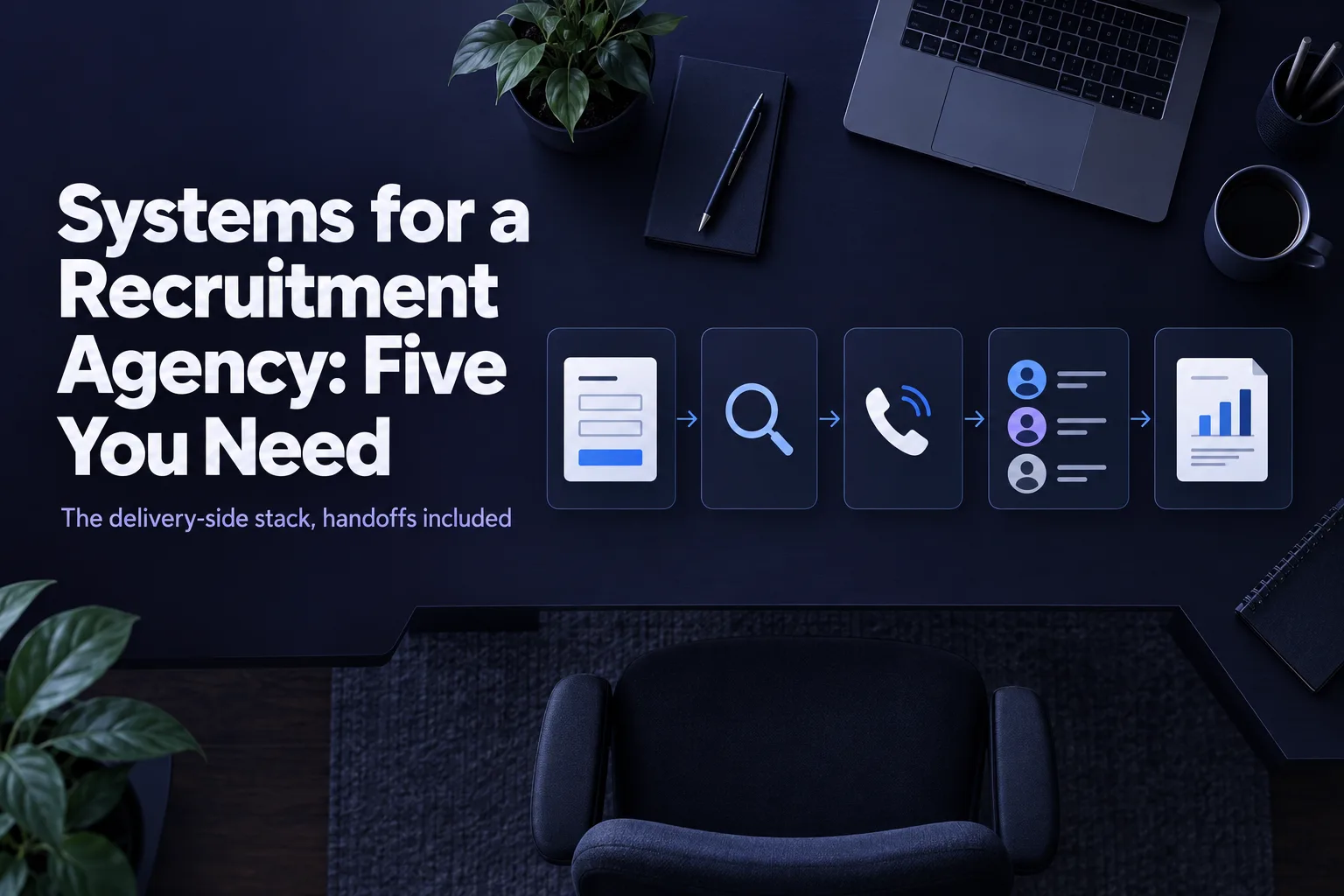
Your agency runs on five systems: client intake, sourcing, screening, submission tracking and client reporting. They can live in one product or in five, but the handoffs between them decide how fast a shortlist lands in front of a client. Business development, meaning the CRM that finds you new clients, is a sixth system, and we are leaving it out. The five below are the delivery side, where fees are earned or lost.
Fix intake first, because everything downstream is scored against it
Intake is a form, not a conversation. Before any search starts, capture the client brief in a fixed set of fields:
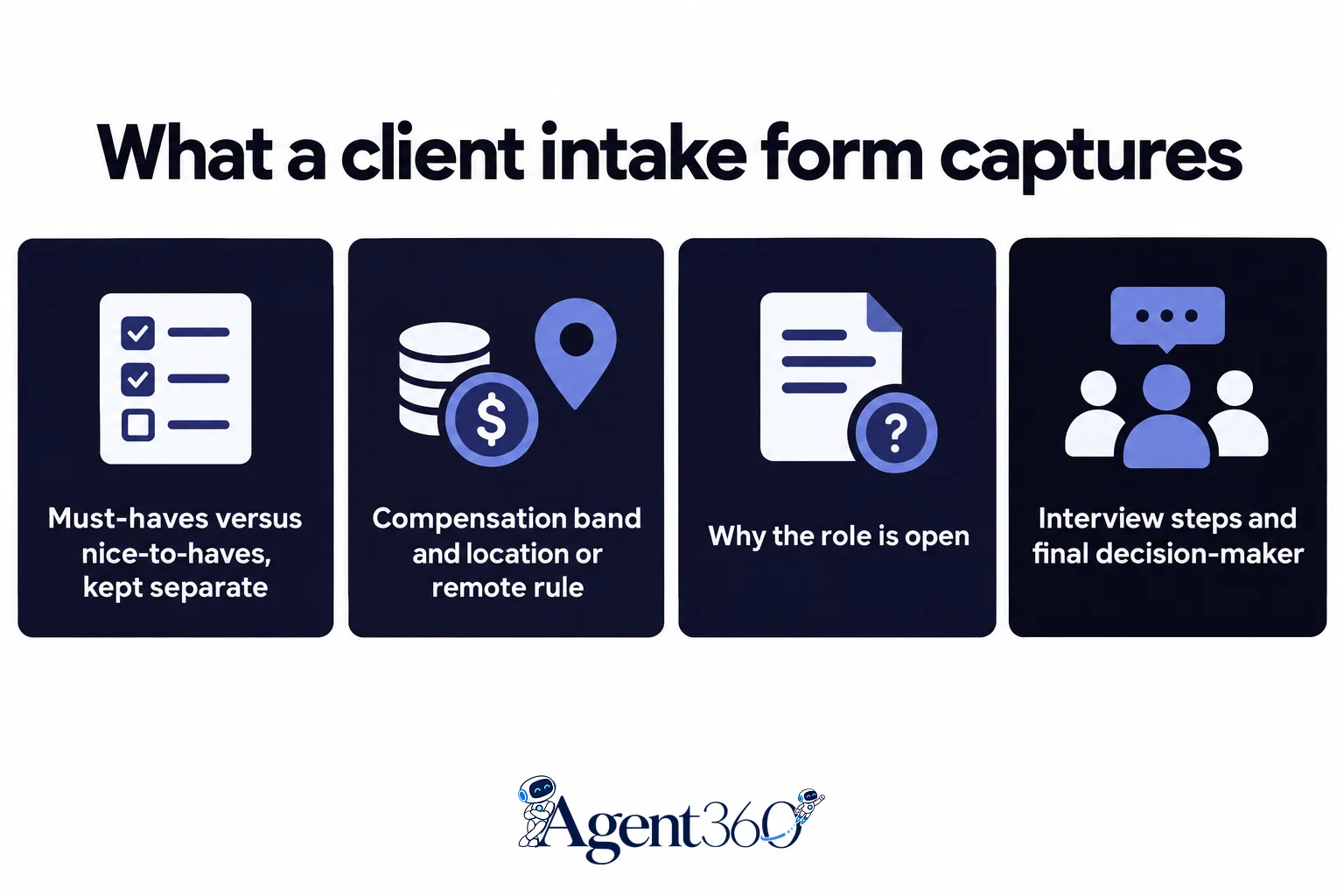
- Must-haves versus nice-to-haves, kept separate.
- Compensation band and the location or remote rule.
- Why the role is open and what the last person did or did not do.
- Interview steps, and who makes the final call.
- Fee terms and whether you have exclusivity.
The usual failure is a brief that lives in an email thread. The sourcer then works from a job title and guesses the rest. Search filters, match scores and screening questions all come from the description, so a vague one gets multiplied through the whole pipeline.
If you cannot write the role in a paragraph a stranger could search from, you are not ready to source.
Your sourcing system should return a ranked list, not a pile
Two failure modes are common. One is boolean strings that only a single person on the team can write or maintain. The other is the opposite: a tool that dumps hundreds of profiles with no order, so a recruiter ends up reading them all anyway.
Judge a sourcing system on three things. Does it build the search from the description? Does it rank results and give a reason for each? Can you re-run it when the client changes the brief mid-search? The client will change the brief. If a re-run costs an afternoon, you will skip it and keep working a stale list. For more on how the search layer differs from the rest of the stack, see why agency software is usually three tools, not one.
Screen the top of the list, not everyone
The first call is where recruiter hours disappear. Plenty of those calls die in minute two on a salary, location or notice-period mismatch that a written question could have caught. Automate that call only if a person still decides who moves on. A screen that gathers answers helps. A screen that quietly rejects people is a liability with your client's name on it. We lay out the argument in a phone screening agent should ask, not decide.
Set a score cutoff for who gets screened, and read the people just under it by hand. Cutoffs hide the candidate with an odd title and the right background. A cutoff you never audit becomes a filter you cannot defend.
Track submissions per client, and keep the candidate record after the role closes
Most agencies under-build this system, and it pays back fastest. Two rules:

- One record per person, many roles. If candidates are rows in a spreadsheet per job, the strong runner-up from March is invisible in June. A shared pool turns every closed search into the start of the next one.
- Log where each candidate has been submitted. Without it, you risk sending the same person to two clients in the same market, and finding out from the candidate.
Also record the client's reason every time they pass on someone. A free-text note is enough. Those reasons are the best calibration data you will get for the next search, and each one costs ten seconds. Stages matter less than people think. What matters is that every move gets recorded without someone having to remember.
Use client reporting to pull feedback out of the client
Once the shortlist is delivered, the biggest delay is usually the client sitting on feedback. A weekly one-page report per role (submitted, interviewed, feedback outstanding, next step) makes that visible and slightly uncomfortable. That is its job. It is not there to impress anyone. A dashboard nobody uses to change a decision is decoration; recruiting reports that actually change a hiring decision covers the ones worth building.
Choose systems by where your days leak, not by feature list
Before you buy anything, measure two intervals on your last ten roles for a month: brief to first submission, and submission to client feedback. A long first interval points to intake or sourcing. A long second one points to tracking and reporting, and no sourcing tool will fix it.
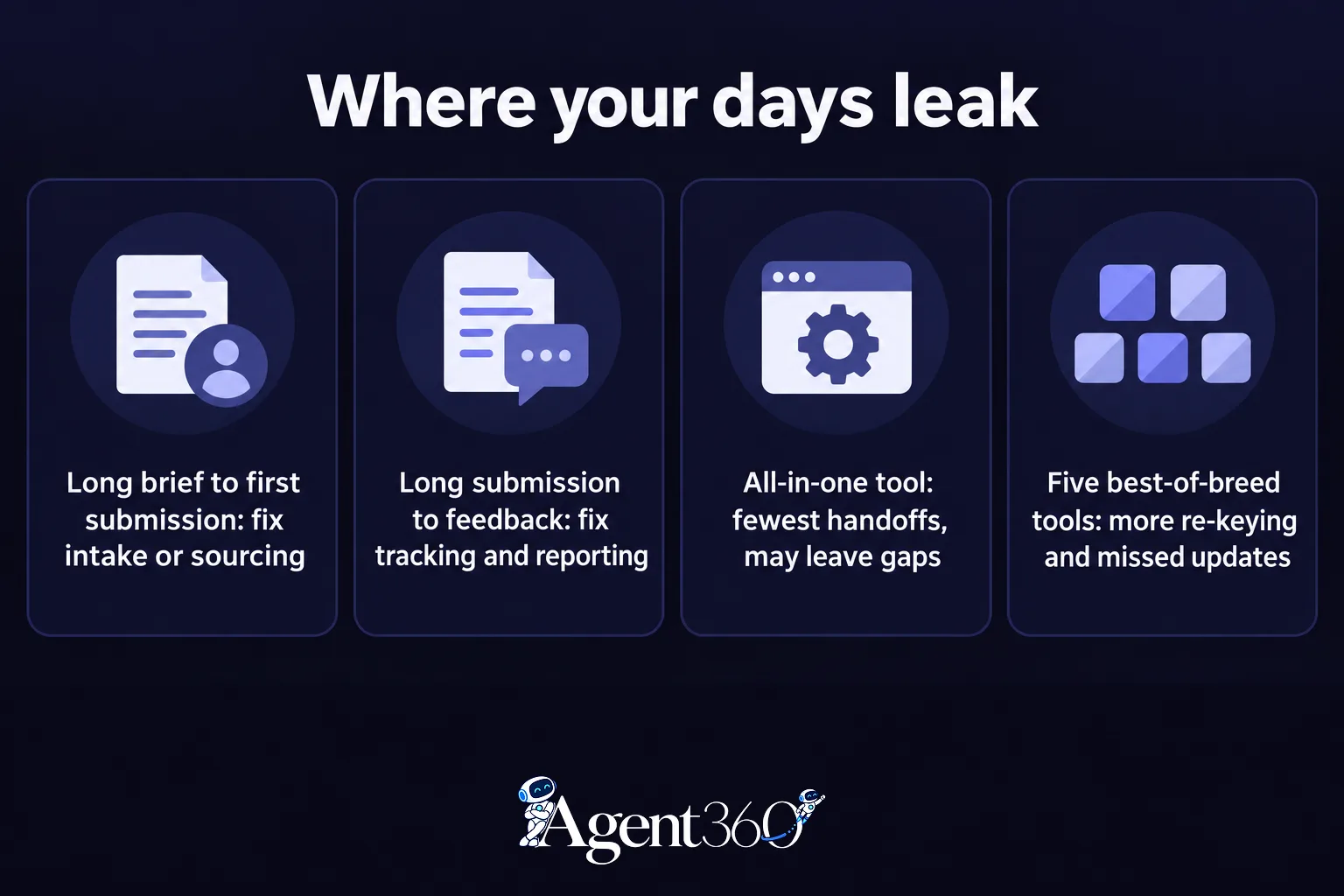
Don't buy an all-in-one just because it is all-in-one. Don't assemble five best-of-breed tools either. Every extra tool adds a handoff where candidate data gets re-keyed and updates get missed. Aim for the fewest handoffs that still cover the five jobs. For the metric behind this, read judge recruiting agency software by time to shortlist.
Where HiringAgent fits
HiringAgent covers four of the five. It turns the client description into search filters and scores each candidate 0 to 100. It runs AI phone screens that candidates book themselves. It tracks sourced candidates and applicants in one pipeline, and it ships ten built-in hiring reports. See the recruiting agencies page for the workflow. Plans start at $197 a month with unlimited users and no contract; details are on the pricing page.
It also has gaps you should plan around. It has no integrations with other ATS or HR systems, no job-board posting, no offer letters, e-signature or background checks, and no custom pipeline stages. The phone screen produces no transcript or score, so a person decides who moves on. Keep your business development CRM and billing wherever they are now.
Questions
What systems does a recruitment agency need?
Five on the delivery side: a client intake form, a sourcing system that ranks candidates against the brief, a first-round screening process, submission tracking by client and role, and client reporting. A sixth, a CRM for winning new clients, sits on the business development side.
Do I need both a CRM and an ATS?
Usually yes, because they track different people. A CRM tracks clients and prospects; an ATS tracks candidates through roles. Small agencies sometimes run both in one tool. Still, the candidate side needs a shared pool and per-role pipelines, so check that before you treat the CRM as your whole system.
Can a small agency run on one system?
Yes, if it covers intake, sourcing, screening and tracking without re-keying data. Just check what it leaves out. Invoicing, offer paperwork and links to a client's own ATS are the usual gaps, and something else will have to fill them.
More articles
- Candidate Sourcing VA: What to Hand Off and What to Keep
- Resume OCR: Why Scanned Resumes Fail and How to Check Yours
- Come trovare candidati qualificati che non cercano lavoro
- Search for Candidates Without Boolean Strings: 3 Ways
- Filter Sales Candidates by Deal Size: Proxies, Then Proof
- Steps to Find Qualified Employees Online, in Order
- A Phone Screening Agent Should Ask, Not Decide
- Pick a Talent Sourcing Tool by the Bottleneck It Removes
