Search for Candidates Without Boolean Strings: 3 Ways

You can search for candidates without writing boolean strings: filter on title, location, skills, seniority and years of experience instead of on raw text, then rank what comes back against the job description. The string was never the valuable part. The decision about who counts as a fit is. Keep that and drop the parentheses.
Below: what boolean actually is, what it can't do, whether Google still handles it, and three replacements, each with the specific way it fails.
What is Boolean search and how does it work?
Boolean search combines keywords with logical operators so a search engine returns only records that satisfy your logic. The core operators are AND (both terms must appear), OR (either may appear), and NOT (exclude the term). Quotation marks lock a phrase together, and parentheses control the order of evaluation.
A recruiter hiring a field sales rep might write: (“account executive” OR “sales executive”) AND (SaaS OR software) NOT intern. The engine does one thing. It checks whether the characters you typed appear in each profile. It's a text filter with logic on top.
What is a Boolean term?
A Boolean term is any keyword or phrase you place inside that logic: a job title, a skill, a tool, a company name. Each one is matched literally. That single fact explains most of the pain, because the profile you want may describe the same work in words you never typed.
What does the Boolean operator not do in a search query?
Operators combine terms. They don't understand them. Four things follow:
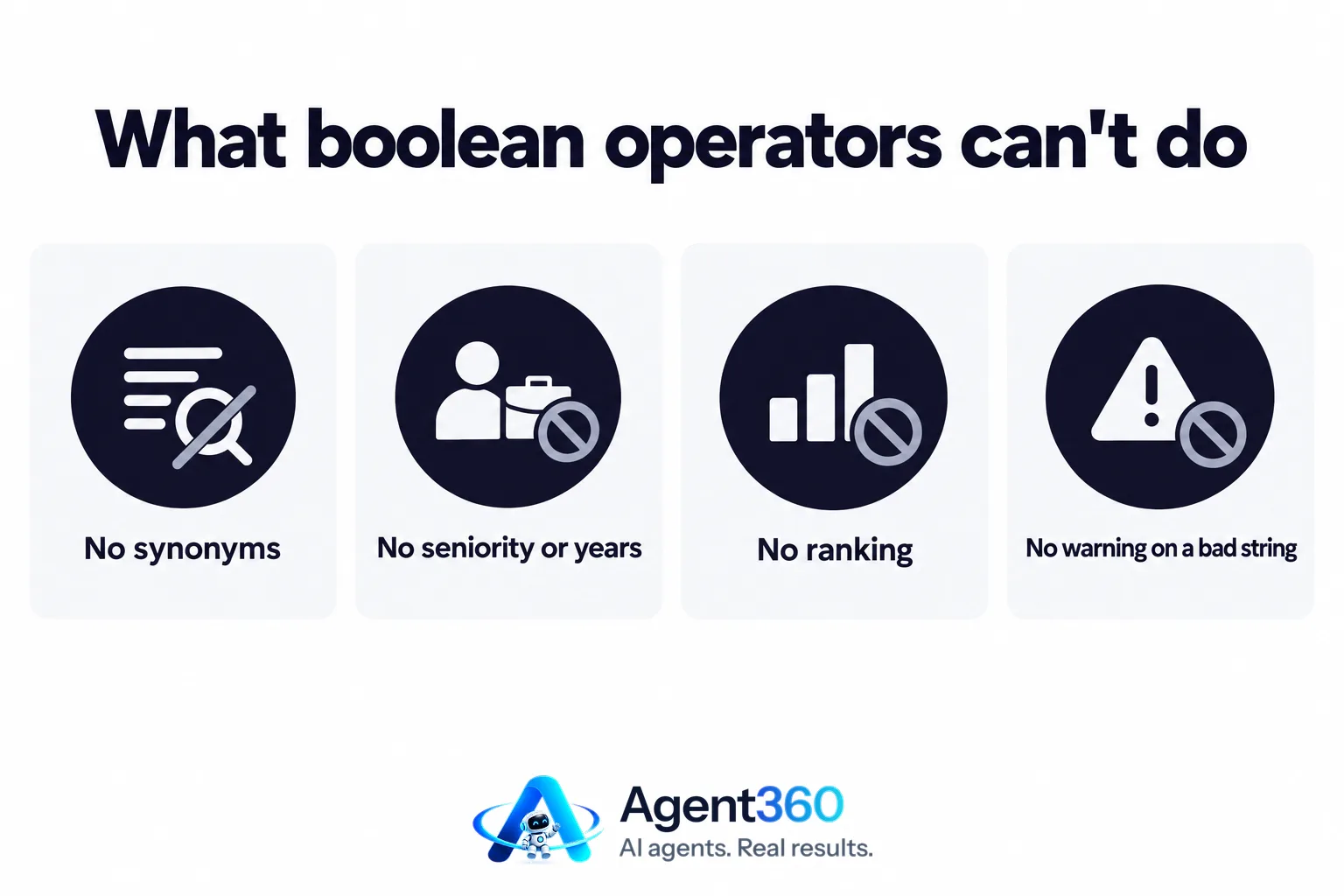
- No synonyms. “Revenue operations” and “sales operations” are separate strings unless you list both. Every missed variant is a candidate you never see, and you won't know who is missing.
- No seniority or years. A string can't reliably tell a person with two years in seat from one with nine. People add “senior” or “lead” as keywords and end up filtering out strong people whose title says “manager.”
- No ranking. Boolean returns a set, not an order. A perfect match and a keyword-stuffed profile sit side by side, and you read both.
- No warning on a bad string. One misplaced parenthesis, or a NOT that's too greedy, quietly changes the result set. Nothing tells you. The failure just looks like “not many people out there.”
Take that last one seriously. A thin list from a broken string feels exactly like a thin market.
Does Google still do Boolean search?
Partly. Google treats a space between words as AND, honors quotation marks and a minus sign to exclude, accepts a capitalized OR, and supports operators like site:. Recruiters use that for X-ray searching: restrict results to a professional-profile site, then string keywords against it.
Two limits matter. Google returns pages, not people, so you get links to open one by one, with no filter for years of experience or current employer. And Google doesn't promise strict literal matching the way a database query does, so a result that ignores one of your terms isn't a bug you can report.
X-ray search is a workaround for not having a candidate database. If you have one, skip the workaround.
Three ways to search without strings, and how each one fails
1. Filter-based search
Pick job titles, locations, skills and seniority from fields. It's still boolean logic, just through a form: multiple titles are OR, separate fields are AND. This is the lowest-effort switch.
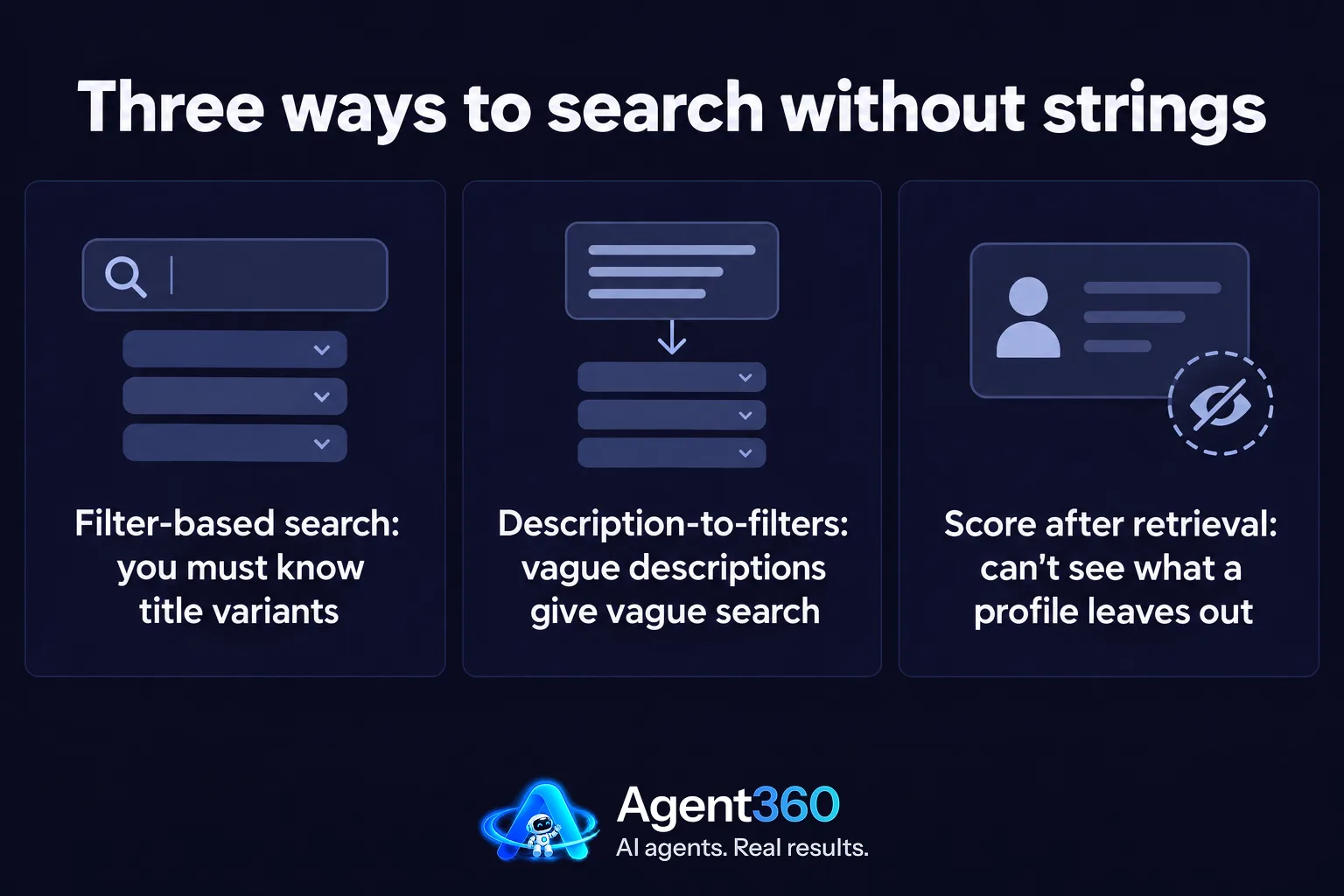
Where it fails: you still have to know the title variants. Select only “Marketing Manager” and you miss the “Growth Lead” who has done the same job. Filters are only as wide as your imagination.
2. Description-to-filters
A tool reads your job description and builds the filters for you: titles, skills, seniority, years, location. This is where AI sourcing earns its place. Thinking up the six titles a role might carry is the step people do worst when they're rushed. We cover the general idea in what AI candidate sourcing is.
Where it fails: garbage in, garbage out. A description that says “rockstar who wears many hats” gives the tool nothing to filter on. A vague description gets a vague search, so fix the description first.
3. Score after retrieval
Don't try to make the search perfect. Make it broad, then rank the results against the role. A 0–100 score with a reason turns a pile of 300 profiles into a reading order. It flips the boolean mindset: boolean tries to exclude before you read, scoring lets you read the best first.
Where it fails: a score is a model's read of a public profile, and it can't see what the profile leaves out. Treat it as a sort order, and check the stated gap before you reject anyone. A reading order, not a verdict.
Write five lines of logic before any tool touches it
Here's the disagreement worth having: moving off boolean doesn't mean you can stop thinking in boolean. Before you search by any method, write this down:

- Titles that count, including at least three variants someone else might use for the same job.
- Two or three must-have skills, things that if absent, you would pass.
- Seniority and years, as a range, not a single number.
- Location rules: on-site, hybrid, or remote, and what radius you will accept.
- One exclusion you are willing to defend, such as agency-only backgrounds for an in-house role.
That's a boolean string in plain language. Type it into a filter form, paste it into a description for a tool to read, or turn it into a string if you like. If you can't write the five lines, no search method will rescue the role. For engineering roles, where strings tend to balloon, the boolean search alternative guide goes deeper on that rewrite.
Where HiringAgent fits
HiringAgent takes the second and third approach together. You paste a job description and the Sourcing Agent turns it into filters for titles, locations, skills, seniority and years, then pulls matching people from a database of public professional profiles, up to 300 candidates per run on Pro and Scale (100 on Starter). The Match Agent scores each one from 0 to 100 with skills, experience and location sub-scores, a one-line reason and the gap to check; 80 and above is a strong match. Every sourced candidate has a LinkedIn profile. Plans start at $197 a month with unlimited users, month to month, and our team sets it up with you. See pricing for the tiers.
Two limits. It does not send LinkedIn InMail, and it won't decide for you who counts as a fit. If you're weighing it against a seat-based search tool, the comparison with LinkedIn Recruiter lays out the differences.
Questions people still ask
Do I still need to learn boolean search?
Learn the logic, not necessarily the syntax. Knowing the difference between AND, OR and NOT helps you write a better job description and spot a tool's weak filters. But you no longer need to hand-type long strings for every role to get a usable candidate list.
Will I lose precision if I stop using boolean strings?
You lose literal control and gain coverage. A string excludes anyone who didn't use your exact words. A filter-and-score approach casts wider and ranks the results, so precision moves from the search step to the reading order. Review the top-scored profiles and the stated gaps rather than trusting the number alone.
Can a vague job description still produce a good search?
No. Any tool that builds filters from a description can only work with what the description says. Name the titles, the must-have skills, the years and the location in the text. Write the description as if it were the search string, because for these tools it is.
More articles
- Candidate Sourcing VA: What to Hand Off and What to Keep
- Systems for a Recruitment Agency: Five You Actually Need
- Resume OCR: Why Scanned Resumes Fail and How to Check Yours
- Come trovare candidati qualificati che non cercano lavoro
- Filter Sales Candidates by Deal Size: Proxies, Then Proof
- Steps to Find Qualified Employees Online, in Order
- A Phone Screening Agent Should Ask, Not Decide
- Pick a Talent Sourcing Tool by the Bottleneck It Removes
