Recruiting Agency Software: Judge It by Time to Shortlist
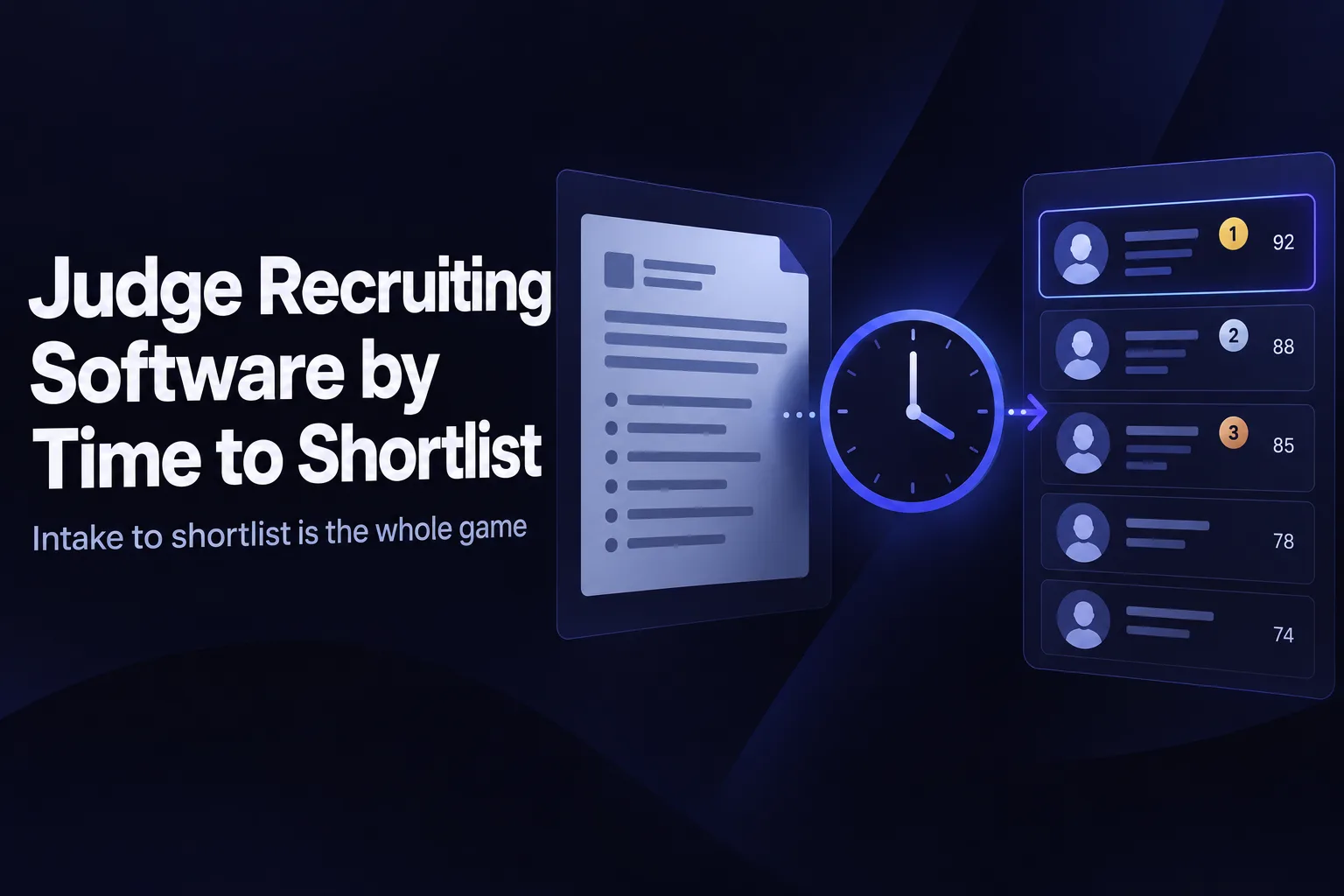
Recruiting agency software earns its keep in one place: the days between a client sending you a job and you sending back a shortlist worth presenting. That gap is the business. A desk that gets from intake to three strong candidates in two days wins the search and the next one. A desk that takes eight days is usually competing against the client's own network, a second agency, and the job quietly getting filled some other way. Most buying guides for this category list features — resume database, pipeline stages, email templates — without ever asking which of those features actually compresses that number.
A better test: trace the actual path a requisition takes from the client's inbox to your shortlist, and ask where each tool in your recruiting agency software stack removes a step — or adds one.
The clock starts when the client's job comes in, not when you post it
Most agency software is built around posting and waiting: list the job, collect applicants, filter. Fine for roles with real inbound volume. Useless for the roles agencies actually get paid to fill — niche, senior, or confidential searches where the client already tried posting and came up empty. For those, the clock starts the second you read the job description, because the first move is outbound search, not a listing. Software that treats sourcing as an afterthought to posting is solving the wrong problem.
The faster path turns the job description itself into a search — titles, seniority, skills, years, location — without anyone hand-building a boolean string. That's the mechanical step AI candidate sourcing is built to remove. Test it on your hardest-to-fill role first, not an easy one.
A resume database isn't the same tool as a search engine
Plenty of agency platforms bundle a resume database with the ATS and call the combination sourcing. A database answers one question: who has already told us they're looking. It says nothing about the much larger pool of people who fit the role and aren't applying anywhere — and for most agency searches, that's the pool the fee actually depends on. If your stack can't turn a job description into a ranked list of people who've never applied to you, you're paying for storage, not search. The tool's name on the invoice doesn't change that.
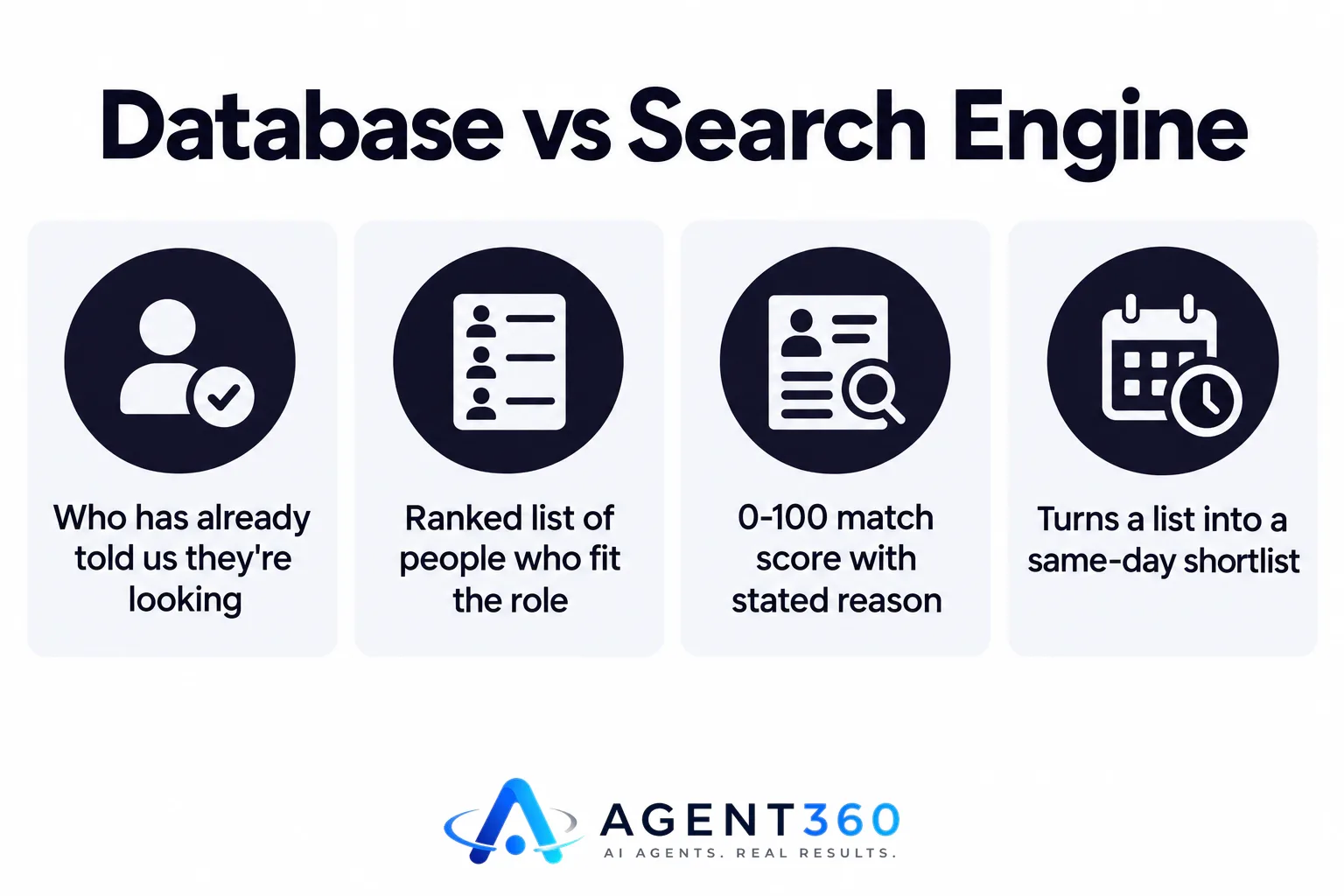
Score matters just as much. Sixty unranked names just moves the sorting work from the search bar to your afternoon. A 0–100 match score against the actual requirement — skills, experience, location, with a stated reason — is what turns a list into a shortlist you can act on the same day. That's the whole point.
Confidentiality breaks the moment the wrong person sees your outreach
Agency recruiters spend most of their day contacting people who are currently employed and haven't told their boss they're looking. Software built for in-house teams rarely accounts for that. A careers page, a public job title, a client name in the subject line of an automated email — any of it can surface somewhere a candidate's manager might see. For clients who care about discretion, confidentiality isn't a feature on a list. It's the thing that decides whether a candidate replies at all. Worth reading how a confidential job search actually has to be structured before assuming your current setup handles it.

Per-seat pricing taxes the exact behavior you want
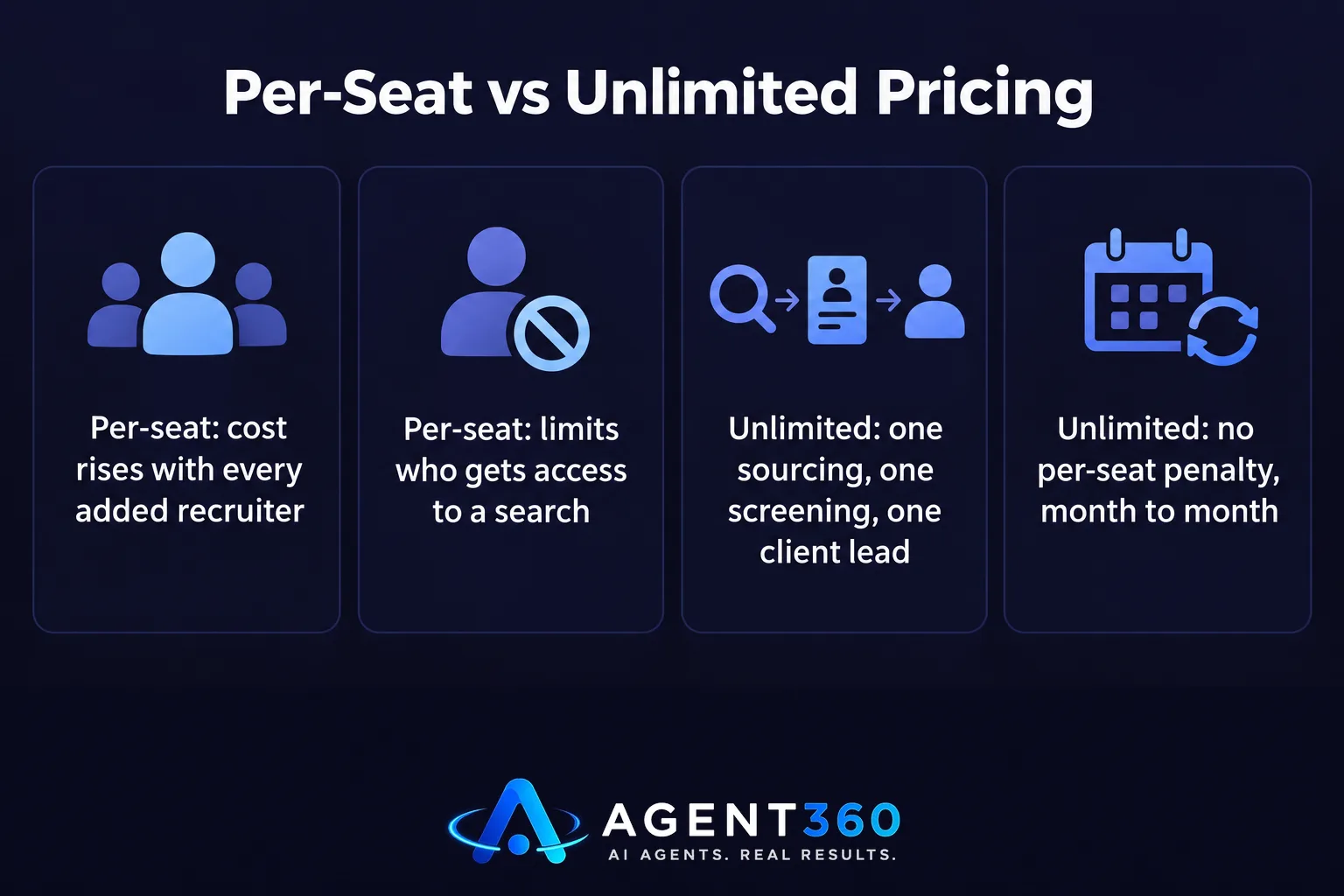
A lot of agency software charges per user. Every recruiter you add to a search costs more, and a desk that wants to collaborate on a role pays for the privilege. That's backwards for agency work, where speed usually comes from more than one person touching the same requisition — one sourcing, one screening, one running the client relationship. Punish that behavior with pricing and you'll quietly limit who gets access, which slows the search down to protect the invoice. Unlimited seats isn't a vanity feature. It changes how a desk actually staffs a search.
Where HiringAgent fits
HiringAgent is built around that intake-to-shortlist path specifically. Paste or write the job description, and its agents turn it into search filters, pull candidates from a database of public professional profiles, and score each one 0–100 with a stated reason and the gap to check — up to 300 candidates a run. Open-to-work signals get flagged on their own, candidates move through one pipeline whether they were sourced or applied, and a booked AI phone screen handles the first round before your team spends time on a call. Plans start at $197 a month with unlimited users and no per-seat penalty, month to month — see the plans for what each tier includes. It doesn't post to job boards, handle fee invoicing, or plug into other ATS platforms. If your workflow depends on those, budget for a second tool alongside it.
What to actually test before you switch
Skip the feature list. Run one real search through a trial instead: take your hardest open role, the one that's been sitting open longest, and time how long it takes to get a scored, ranked shortlist you'd actually send the client. Compare that number against your current setup for the same role. If the new tool doesn't beat your time to shortlist on the role you're already stuck on, nothing else on the feature list matters. For a broader look at how this category splits into separate layers, see how agency software is usually three tools, not one, and what each layer is actually buying you.
FAQ
Does recruiting agency software replace a CRM? Not fully. Agency software built around sourcing and an ATS tracks candidates through a hiring pipeline. A CRM tracks client relationships, deal stages, and fee agreements — a different job. Some agencies run both; at minimum, the ATS side should hand off clean candidate data when a placement happens.
How many seats does an agency desk actually need? More than the pricing page usually assumes. A single search often involves a sourcer, a screener, and the account lead — three people, one role. Per-seat pricing pushes desks to under-staff a search just to control cost. Unlimited-user pricing removes that trade-off entirely.
Is a traditional ATS enough for a recruiting agency? Usually not on its own. A traditional ATS tracks applicants who find you, and agency work depends on finding people who haven't applied anywhere. See the difference laid out in what a traditional ATS does versus a modern one before you assume your current system already covers sourcing.
More articles
- Are All Tracking Systems the Same? Not Even Close
- Gen AI Direct Sourcing: What It Actually Automates
- ATS Tracking Price: What the Number on the Page Means
- ATS Tracking Cost: What You Actually Pay For
- A Confidential Job Search for Employers, Done Right
- How to Hire Software Engineers: A Level-First Playbook
- How to Hire Sales Reps Without Guessing on Resumes
- A Talent Sourcing Strategy That Doesn't Start at Zero
