Recruitment Agency Software Is Usually Three Tools, Not One
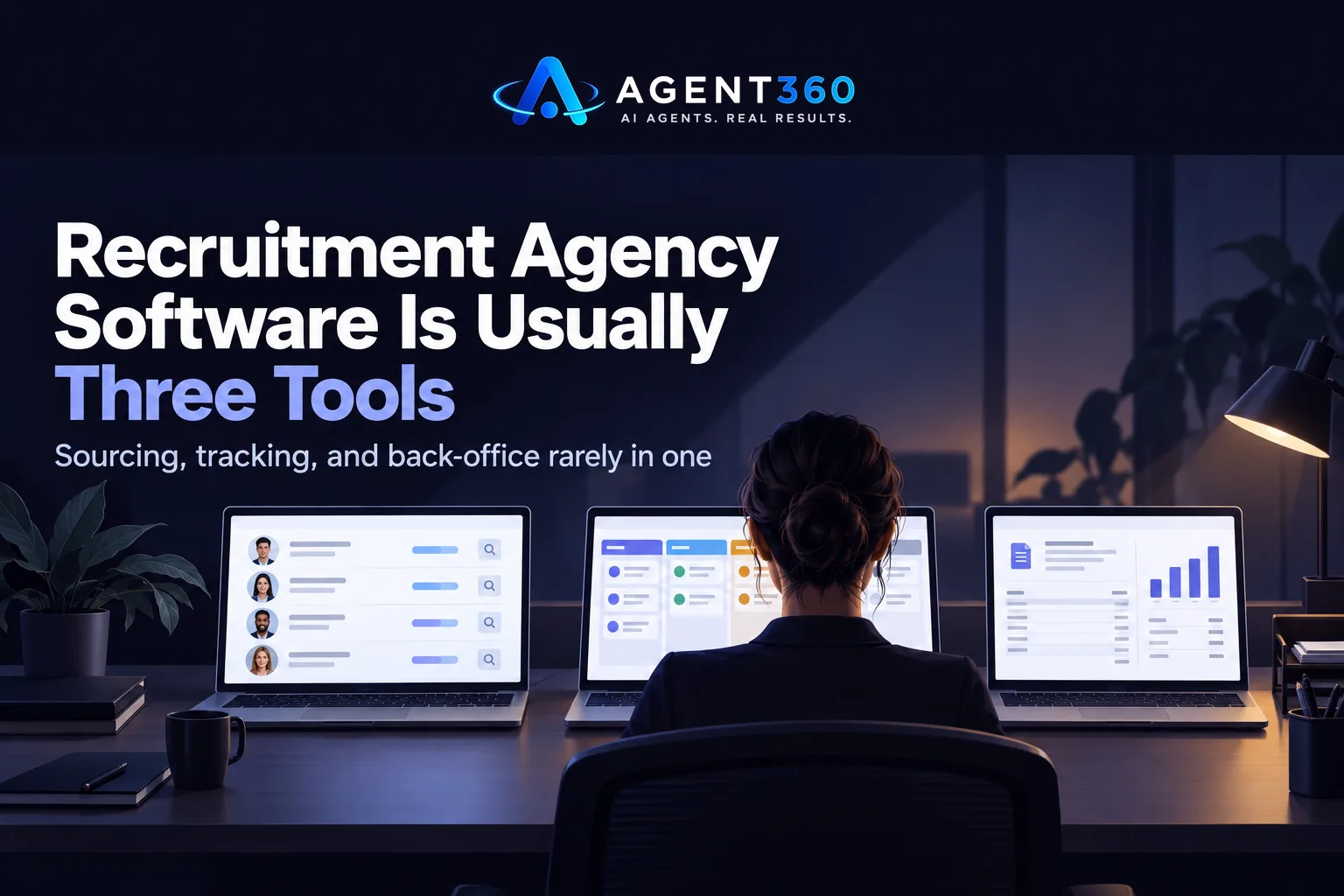
Ask five recruiters what “recruitment agency software” means and you’ll get five different answers. The phrase covers at least three separate jobs — finding candidates, tracking them through a pipeline, and running the business side of a placement: contracts, timesheets, invoicing. Buy a tool built for one of those jobs and expect it to cover all three, and you’ll be shopping again inside a year.
So before you look at a single vendor, name the job that’s actually costing you placements. That answer decides which of the three systems below you need first.
What is the best software for recruitment agencies?
There’s no single best answer — the question hides a bottleneck that’s different at every agency. Can’t find enough candidates for each req? That’s a sourcing problem, not a tracking one. Candidates falling through the cracks between a first call and a submission? That’s an ATS or CRM problem. Drowning in timesheets, contractor pay, client invoicing? No ATS touches that — you need a staffing-specific back-office system.
A rough but useful signal: once an agency runs more than five or six open roles at once, spreadsheets stop working. The same candidate shows up for two different roles and nobody notices — until a client call gets awkward. That’s the point to move off spreadsheets. Not before.
What software do staffing agencies use?
Staffing agencies — the ones placing temp and contract workers — carry needs that contingency or retained search firms simply don’t have: vendor management system (VMS) integration for enterprise clients, timesheet collection, payroll for workers who are technically employed by the agency. The stack usually ends up as a staffing-specific ATS with VMS and timesheet modules bolted on, plus a separate payroll provider.
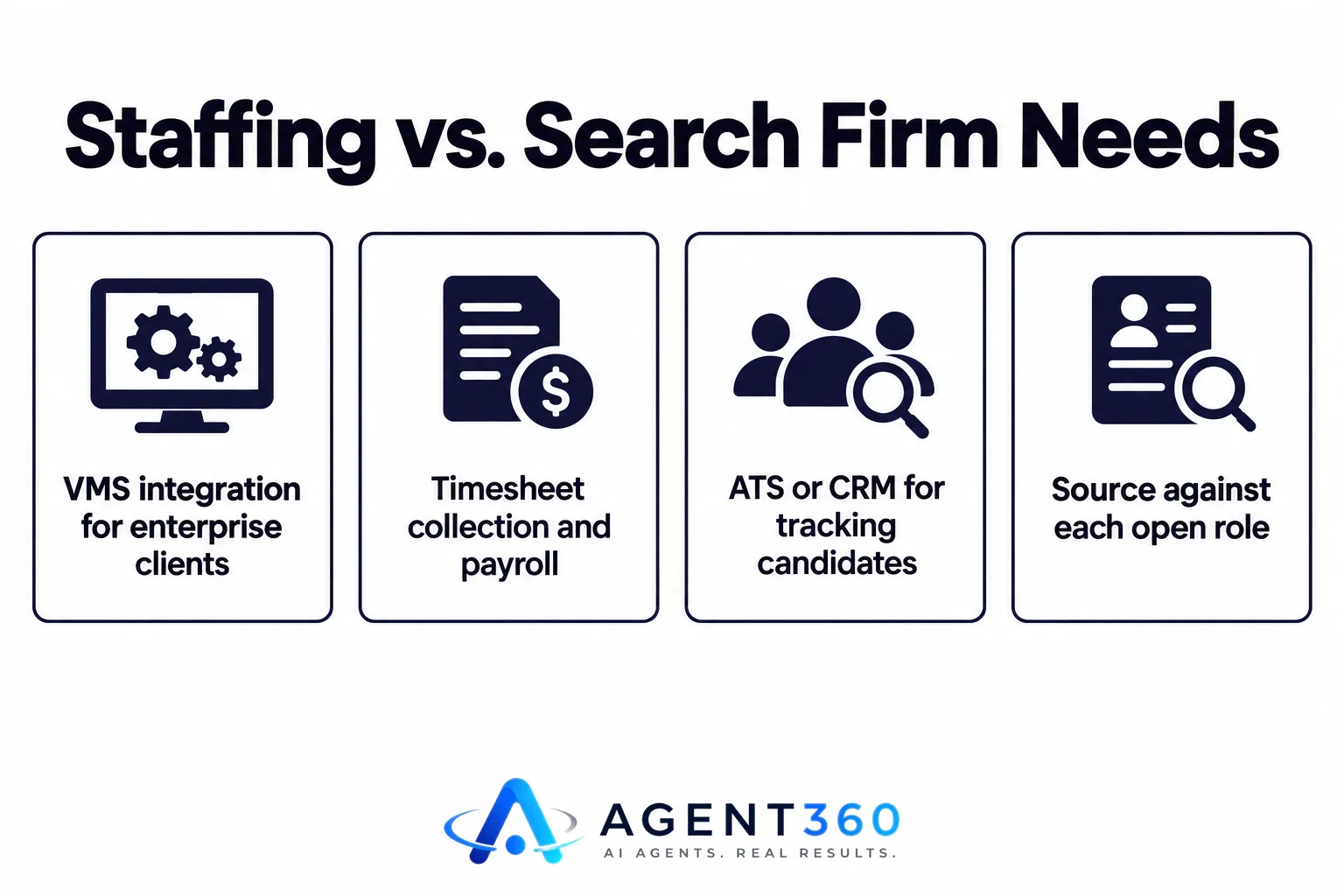
Contingency and retained search firms skip most of that. Their stack is closer to an ATS or CRM for tracking candidates and clients, a way to source against each open role, and a way to run first-round screens before a client sees a shortlist. If your agency doesn’t place W-2 temp workers, VMS and timesheet features are a job you don’t have — don’t pay for them.
What are the top 5 ATS systems?
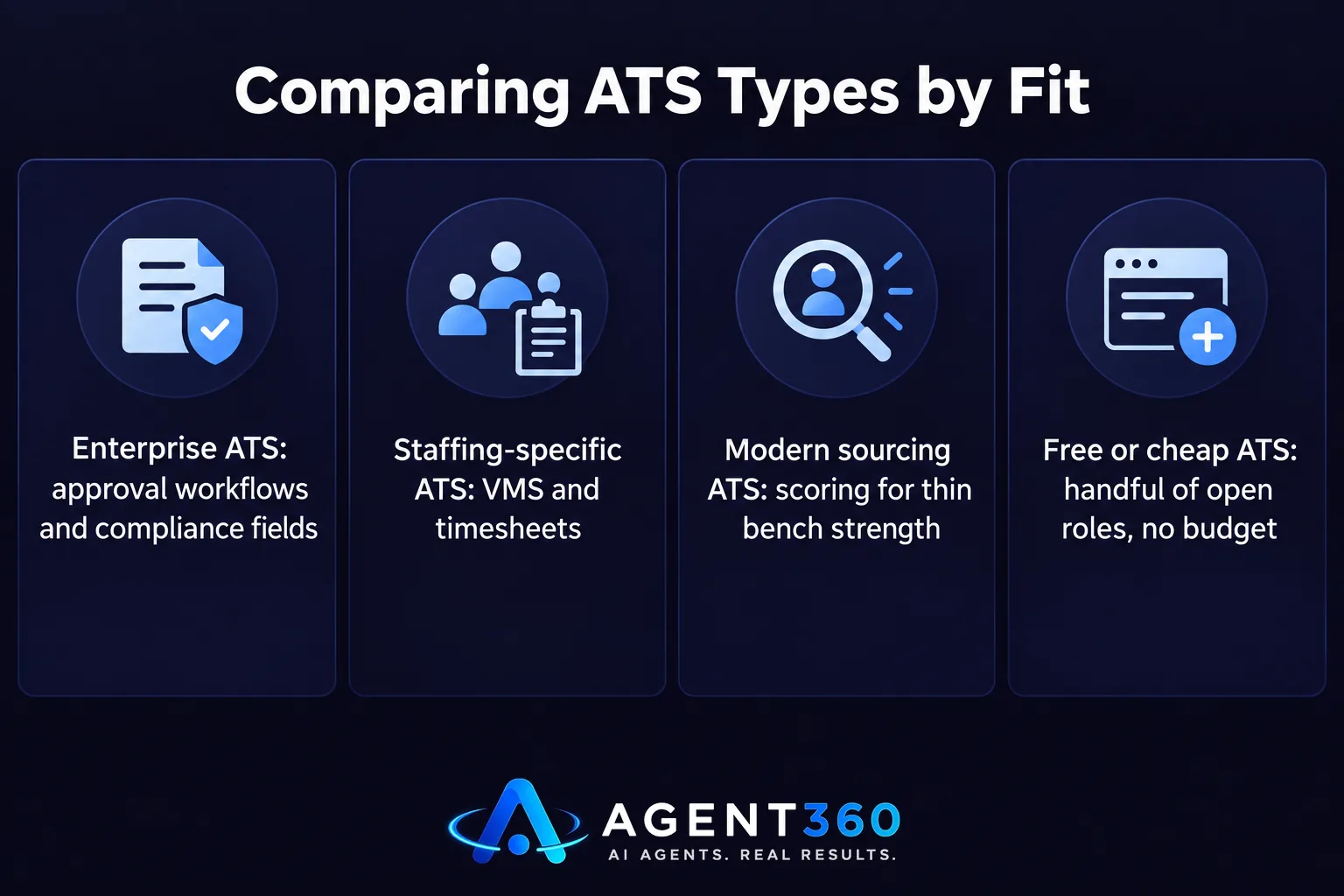
Rankings of “top 5 ATS systems” are usually written for one buyer — large in-house HR teams — then reused for agency recruiters, where the fit is poor. The honest version of the question is: top 5 for what kind of agency? An ATS built for enterprise internal TA teams optimizes for approval workflows and compliance fields an agency doesn’t need. A staffing-specific ATS optimizes for VMS and timesheets a search firm doesn’t need. A modern ATS built around sourcing and scoring optimizes for agencies running many reqs with thin bench strength. A free or cheap ATS optimizes for agencies with a handful of open roles and no budget yet.
Skip the ranked list. Compare on four things instead: does it source candidates or only track the ones who apply, does it score candidates against the role or just store a resume, can it run a confidential search for a client, and what does it cost per open role rather than per seat. Those four answers sort most “top 5” lists faster than the list itself does.
What are some popular recruitment software programs?
The category splits into a handful of jobs: applicant tracking and candidate CRM, job board posting and aggregation, candidate sourcing (searching for people who haven’t applied), AI or human-run first-round screening, background check and verification. Most agencies end up running three or four of those at once, stitched together with CSV exports instead of a single login.
What’s usually missing from a stack built this way: nobody owns the moment between “found a good candidate” and “candidate is in the pipeline.” Sourcing tools hand you a list. ATS systems wait for someone to add that list by hand. In that gap, a scored, ranked shortlist sits in an inbox for three days while a competing agency calls the same candidate first. That’s the real cost of running sourcing and tracking as two unconnected tools — covered in more detail in what agencies should actually buy when they shop for recruiting software.
Where a combined tool fits, and where it doesn’t
HiringAgent sources candidates from a job description, scores each one 0–100, and tracks them in the same pipeline as everyone who applies — so that gap never opens. It runs AI sourcing and confidential first-round AI phone screens for agency work, the part recruiting agencies usually pay a human researcher to handle. It doesn’t do VMS, timesheets, payroll, or job board posting — if that’s the job you need done, this is the wrong purchase. Plans start at $197 a month with unlimited users; see pricing for what each tier sources and screens.
Do I need an ATS and a CRM?
If you work both candidates and client relationships, you need the fields both groups require — but that doesn’t mean two separate logins. A combined ATS/CRM that tracks client reqs and candidate pipelines in one place saves you the duplicate data entry that eats the most hours.
Can one platform do sourcing and tracking?
Yes. It removes the manual step of copying a sourced list into a tracker, which is where candidates most often get lost or contacted late. The tradeoff: a combined tool won’t match a dedicated sourcing platform’s depth of search, or a dedicated ATS’s depth of workflow customization. You’re trading specialization for speed.

How much should recruitment agency software cost?
Per-seat pricing from enterprise ATS vendors adds up fast when an agency adds and drops recruiters every quarter. Look for unlimited-user plans priced by volume of roles or candidates instead — that’s closer to how an agency’s costs actually move, month to month.
More articles
- Recruiting Software for Agencies: What to Buy
- Recruiting Funnel Metrics That Predict a Bad Hire
- The Time to Hire Metric: What It Measures, What It Hides
- How to Reduce Time to Hire Without Lowering the Bar
- How to Screen Candidates Faster Without Lowering the Bar
- A Boolean Search Alternative for Recruiters Who Are Done With Strings
- What Passive Candidate Sourcing Actually Takes
- How to Find Candidates Who Are Open to Work
