Resume Parsing Software: What It Gets Right (and Wrong)
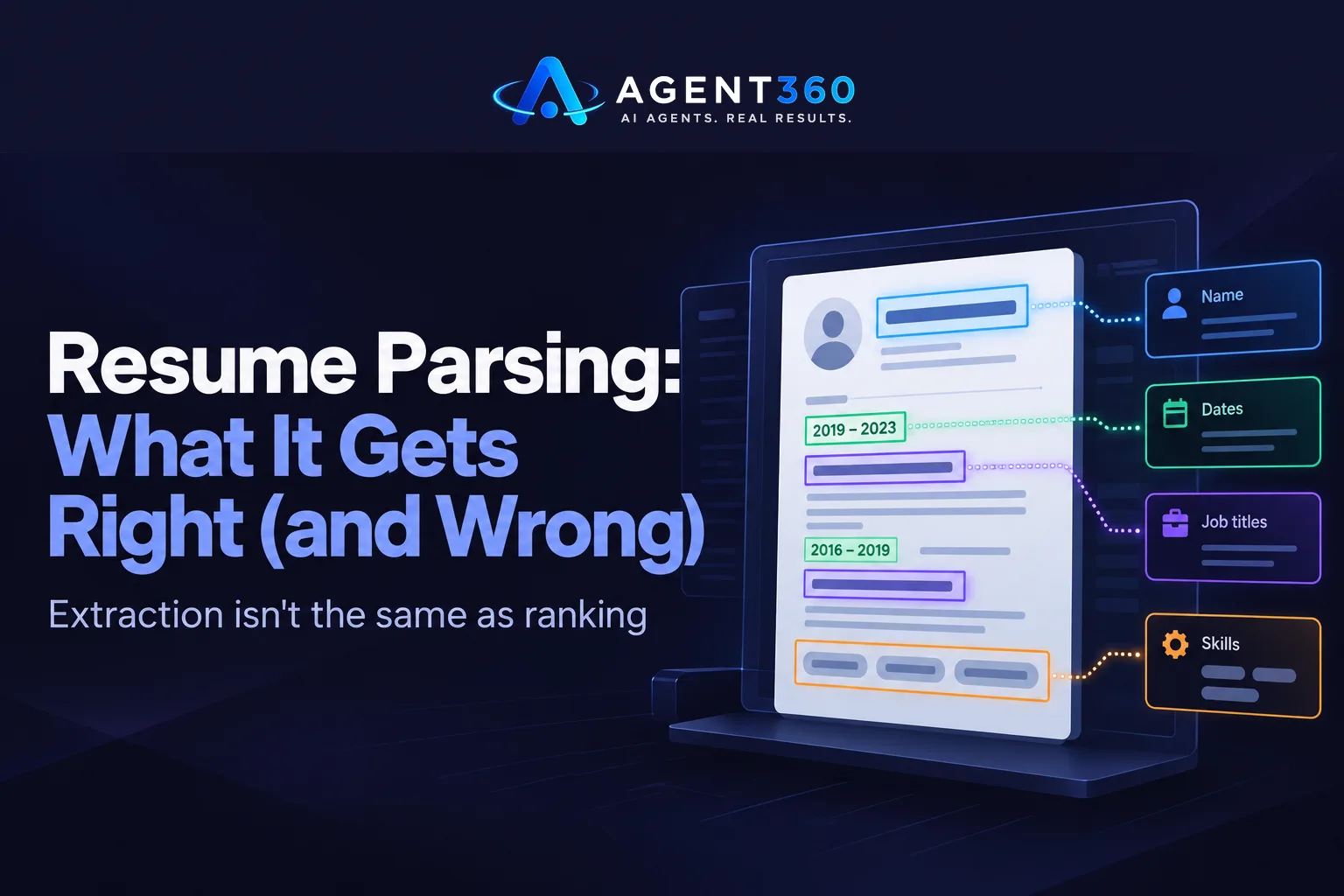
Resume parsing software reads a resume — PDF, Word document, sometimes plain text pasted into a form — and pulls structured data out of it: name, contact details, employer history, job titles, dates, education, skills. That's the whole job. Nothing more. It does not decide who is a strong candidate, and most of the frustration people have with these tools comes from expecting judgment out of something built only to extract.
If you're evaluating one, don't ask “does it parse resumes.” Of course it does — every vendor claims that. Ask what happens to the 10 to 20 percent of resumes that don't look like a template, and what the extracted fields actually get used for once they land.
Parsing extracts fields; it doesn't rank anyone
Under the hood, parsing software uses pattern matching and named-entity recognition trained on resume structure. It looks for section headers like “Experience” or “Education,” date patterns near job titles, and formatting cues to figure out where one job ends and the next starts. On a clean, single-column resume in a standard format, this works close to invisibly — fields land in the right place, dates line up, skills get pulled into a list.
What it won't tell you is whether five years as an “Account Executive” at a ten-person startup means the same thing as five years in that title at an enterprise software company. That's a scoring problem, not a parsing problem. The two get sold together often enough that buyers assume one implies the other. It doesn't.
Two-column layouts and image-based PDFs still trip most parsers
The accuracy drop isn't random. It clusters in a handful of predictable formats. Two-column resumes confuse parsers that read left to right, top to bottom, because a skills sidebar next to a work history section gets read as one interleaved block. Resumes exported as scanned images or flattened PDFs — no selectable text — need OCR first, and OCR introduces its own error rate before parsing even starts. Creative templates with icons, graphics, or tables in place of plain text sections are the hardest case of all: the visual structure that makes the resume look good to a human is exactly what breaks the extraction logic.
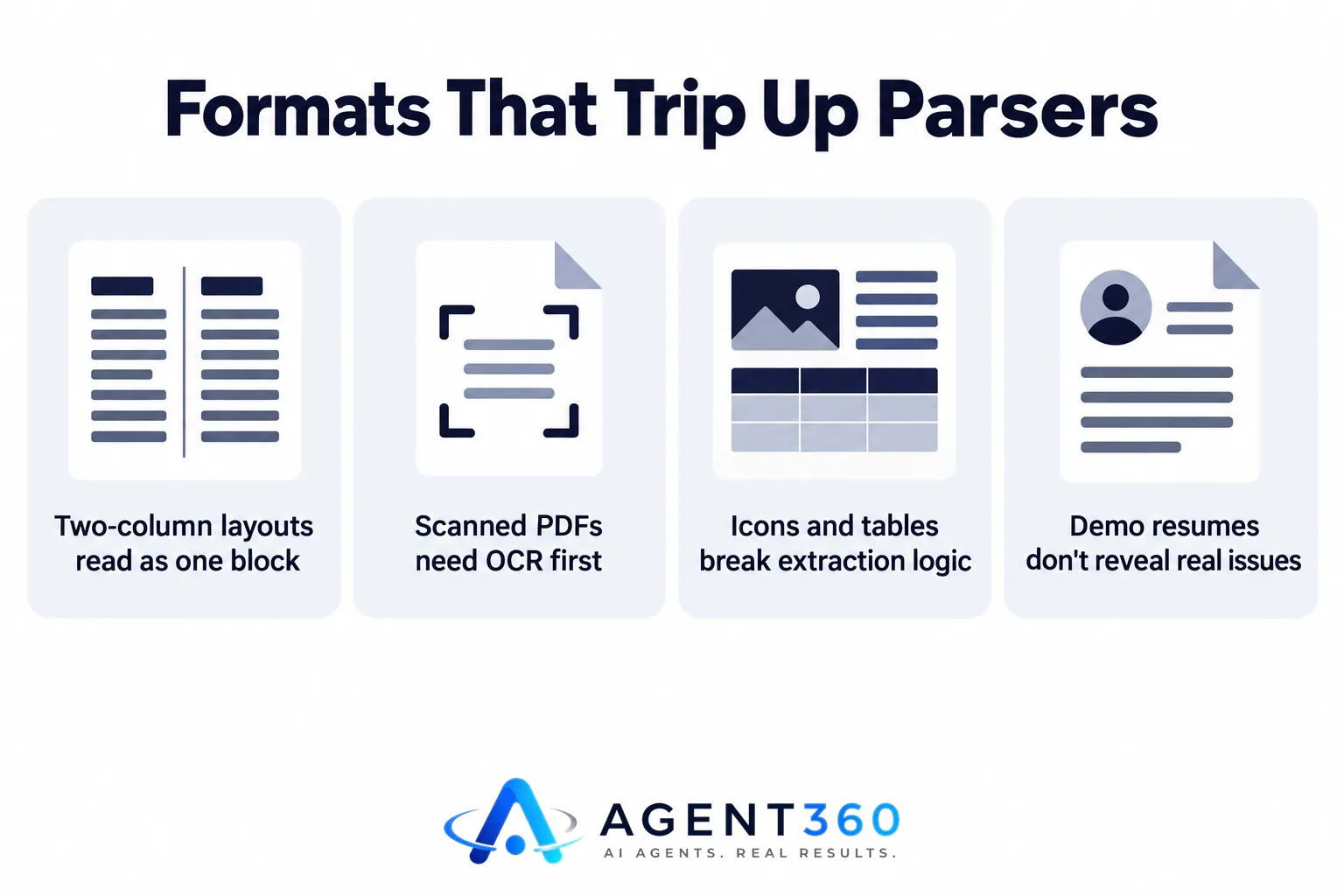
None of this means the software is bad. It means a demo run on three well-formatted sample resumes tells you almost nothing about how it handles the resume someone exported from a design tool, or the PDF that's actually a photo of a printed page.
Date formats and job-title variations are the quiet accuracy killer
Years of experience is one of the most commonly used filters in hiring, and also one of the easiest fields to get wrong. “Jan ’22 – Present” parses differently than “01/2022 – Current,” and a resume with overlapping date ranges — a contract role run alongside a full-time job — can read as either more or less total experience depending on how the parser handles the overlap. Job-title variation adds another layer: “Growth Lead,” “Senior Marketing Manager,” and “Head of Growth” might describe the same scope of work, but a parser matching on title strings alone won't connect them without something that understands seniority and function, not just text.
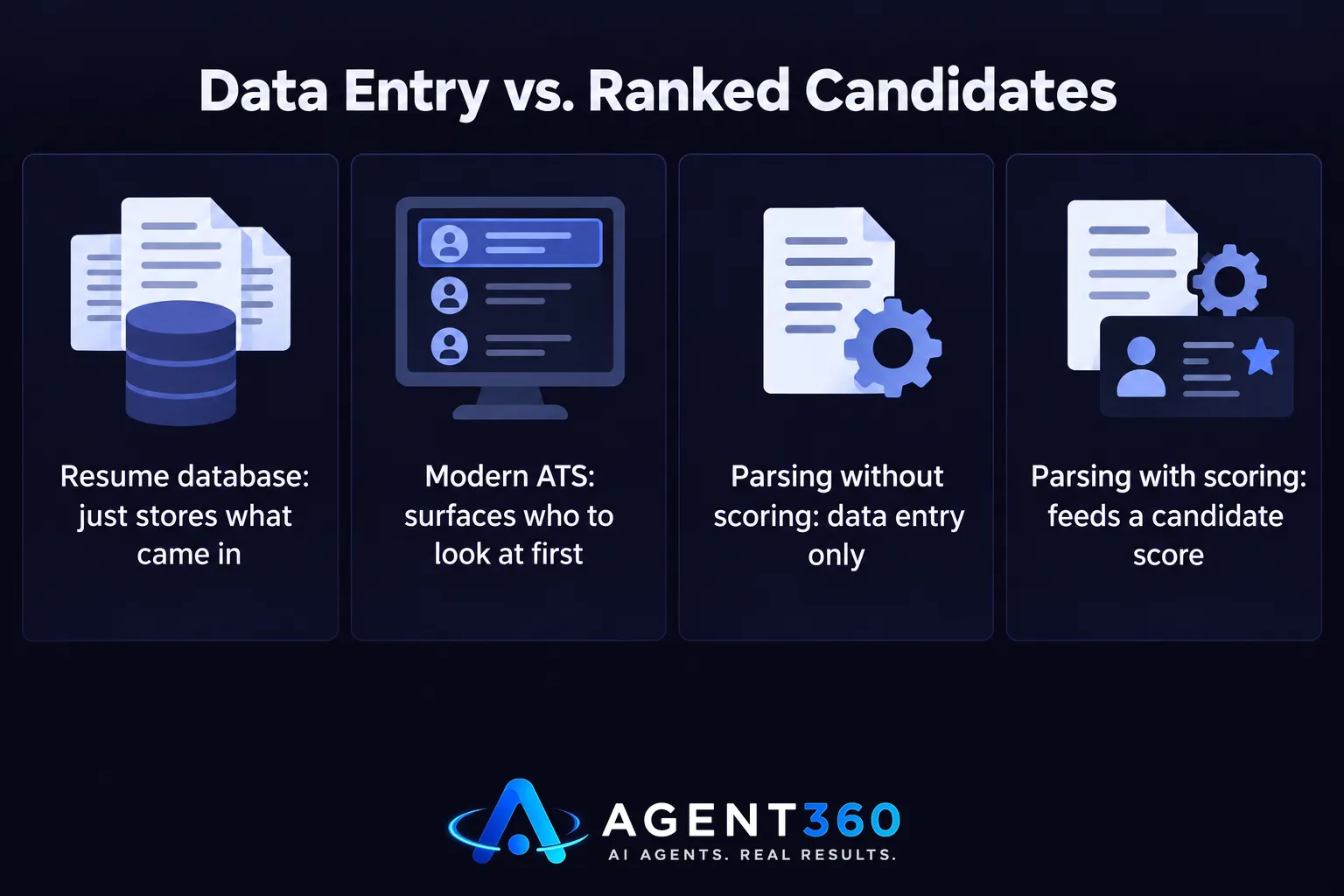
A parser that doesn't feed a score is just data entry
Extraction on its own saves someone from retyping a resume into a spreadsheet. That has value — but it's a small piece of the actual decision. The more useful version of parsing feeds straight into a score against the specific job description — skills match, experience match, location match — with a reason attached, so a recruiter isn't staring at a parsed field list guessing whether it's relevant. That's the difference between a modern ATS and a resume database with search filters: one surfaces who to look at first, the other just stores what came in. The same logic applies to the scoring layer itself. A match score is only as good as the fields it's built on, which is why parsing accuracy and scoring accuracy live or die together.
Test it on your worst resume, not your best
Before you buy, pull three resumes that would actually give a parser trouble: one with a two-column layout, one exported as a flattened PDF, one with a nonstandard date format or an unusual section order. Run all three through and check what comes back empty, what gets misattributed to the wrong employer, and whether the skills list is complete or missing something that lived in a sidebar. A vendor's own sample resumes will always parse cleanly — that's why they're the samples. Your messiest real applicant is the actual test.
It's also worth checking whether parsing only runs when a candidate applies, or whether it does the same job on resumes you upload in bulk or import from a CSV — a gap in how most a traditional ATS handles batch imports versus live applications.
Where this fits inside a hiring process
HiringAgent's Intake Agent parses resumes submitted through each job's apply page, fills in the candidate's profile automatically, and scores the resume against that job's description the same way sourced candidates are scored — so parsing isn't a separate step that dumps data into a spreadsheet, it's one input into the same ranking every other candidate gets. Plans start at $197 a month, detailed on the pricing page.

Is resume parsing software accurate?
Accuracy depends heavily on resume format. Single-column resumes in standard formats parse close to completely. Two-column layouts, scanned or image-based PDFs, and resumes with heavy graphics or tables produce more missed or misattributed fields — test with your own messiest examples rather than trusting a vendor's sample resumes.
What resume format parses best?
A single-column layout with standard section headers (“Experience,” “Education,” “Skills”), selectable text rather than a scanned image, and consistent date formatting parses most reliably across almost any parsing tool.
Does resume parsing software replace an ATS?
No. Parsing extracts fields from a resume; an ATS tracks a candidate through a hiring process and, in a modern version, scores and ranks them against the role. Parsing is one input an ATS uses, not a substitute for one.
More articles
- AI Resume Screening Scores Resumes, Not Hires
- Automated Phone Screening Interviews: What They Replace
- AI Phone Screening for Recruiters: What the Call Should Do
- What an ATS With AI Candidate Matching Should Actually Do
- The Best ATS for Startups Finds Candidates Too
- What a Modern Applicant Tracking System Actually Does
- What an Applicant Tracking System for Small Business Costs
- AI Recruiting Software Won't Pick Your Hire — Here's What It Does
