Skylead vs HeyReach: Which LinkedIn Tool Books More Meetings?
Skylead and HeyReach are both built to automate LinkedIn connection requests, messages, and follow-up sequences, but the choice between them usually comes down to three things: how much risk the tool puts on your LinkedIn account, how pricing scales once you add a second or third rep, and whether you need anything beyond LinkedIn itself. Neither tool fills a pipeline by itself. They move messages. A person or a separate system still has to turn replies into booked meetings.
This comparison looks at where the two tools genuinely differ and where the choice matters less than most buyers assume. If you're a founder running your own outbound, or a staffing or agency owner managing outreach for several clients, the right pick depends on how many LinkedIn accounts you're running and whether LinkedIn is your only channel.
If you want the side-by-side feature breakdown, the Skylead vs HeyReach comparison page has the detail. This post focuses on the decision itself.
Key Takeaways
- Both tools automate LinkedIn messaging; neither replaces a sales process for turning replies into meetings.
- Account safety depends more on daily volume and warm-up than on which brand you pick, so check current platform guidance before you scale sends.
- Pricing differences show up fastest once you add a second seat or manage LinkedIn accounts for multiple clients.
- If your outbound needs email and phone alongside LinkedIn, check how HeyReach compares to Expandi for a sense of where pure LinkedIn tools stop.
- Decide based on how many accounts you run and whether you need the outreach tied to a CRM, not on brand reputation alone.
Table of Contents
What's the real difference between Skylead and HeyReach?
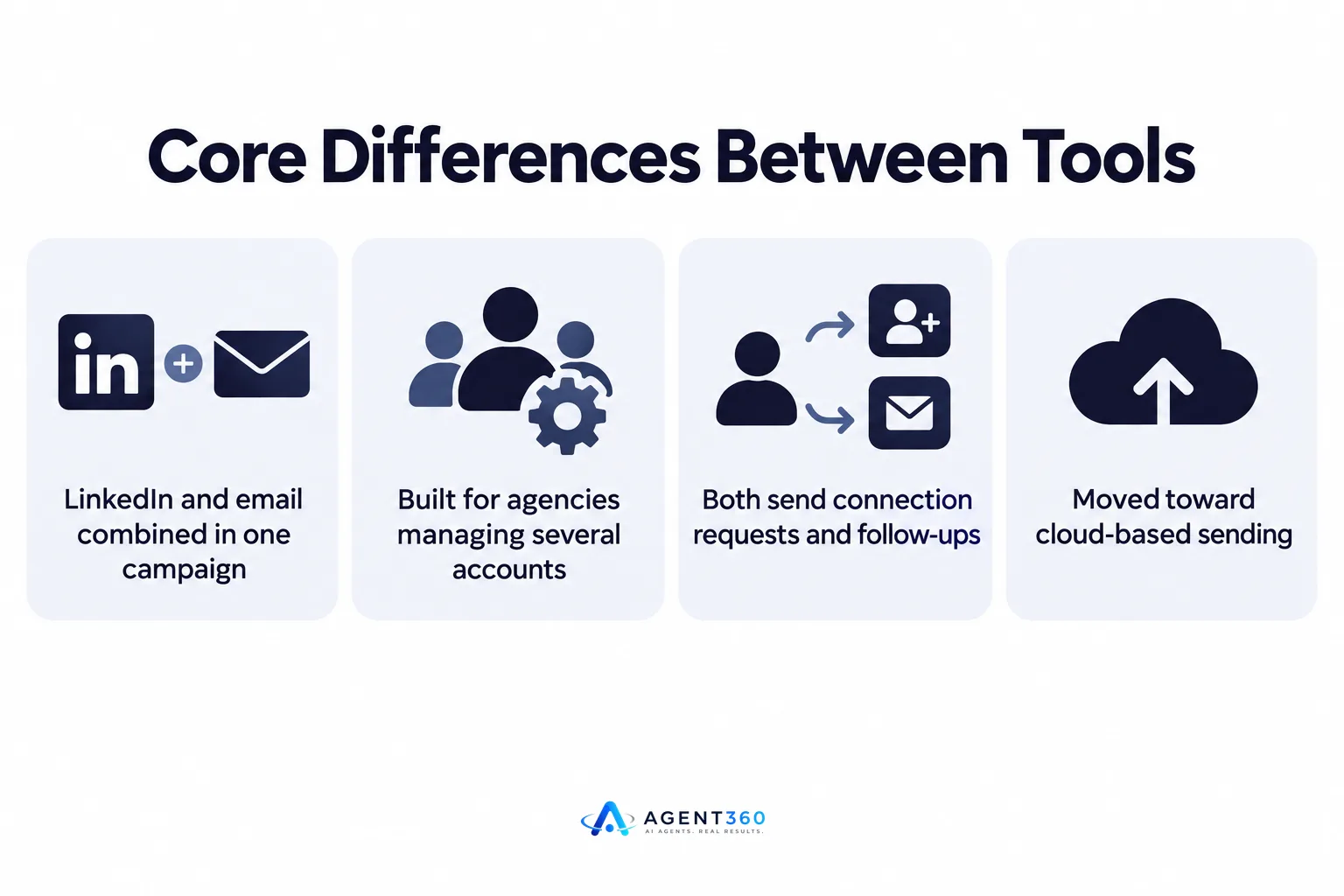
Skylead is built around combining LinkedIn and email sequences in one campaign; HeyReach is built primarily for teams and agencies managing several LinkedIn accounts at once. Both send connection requests, personalized messages, and follow-ups on a schedule. The split shows up in who they're designed for: a solo founder running one LinkedIn profile has different needs than an agency managing outreach for ten client accounts.
Does one send through the cloud and the other through a browser?
Current LinkedIn automation tools, including both of these, have moved toward cloud-based sending rather than a browser extension, which generally reduces the chance of a session looking automated to LinkedIn. Confirm the current sending method directly with each vendor before you buy, since tools update their infrastructure without much notice.
Which one is easier to set up for a non-technical founder?
If you're running outbound yourself without a dedicated ops person, the simpler setup usually wins. Look at how many steps it takes to connect an account, build a sequence, and see a reply land somewhere you'll actually check. A tool that requires a separate inbox-checking habit on top of your sales process tends to get abandoned within a few weeks.
Which tool is safer for your LinkedIn account?
Account safety comes down to sending volume and warm-up discipline more than brand choice. LinkedIn doesn't publish exact daily limits for connection requests or messages, and both tools' own guidance changes over time, so treat any specific number you read as a guideline, not a guarantee.

What raises the risk of a restriction?
A brand-new account sending at full volume on day one is the most common mistake, regardless of which tool runs it. Ramping sends gradually, spacing messages across the day instead of firing them in a batch, and keeping message content varied rather than identical across prospects all reduce risk. For the mechanics of safe scaling, see how outbound volume limits typically work on LinkedIn.
How do the two compare on price and seats?
Per-seat pricing is the detail that changes the total cost fastest once you're not a solo operator. A tool priced attractively for one user can get expensive quickly once an agency adds client accounts, or a sales team adds reps. Before comparing sticker price, map out how many accounts you'll be running in six months, not just today.
What happens when you add a second rep?
Check whether adding a seat means a flat per-user fee or a tiered jump to a higher plan. Agencies managing outreach for multiple clients should ask specifically about multi-account management, since that's where per-seat costs compound fastest.
Which one fits a team that needs more than LinkedIn?
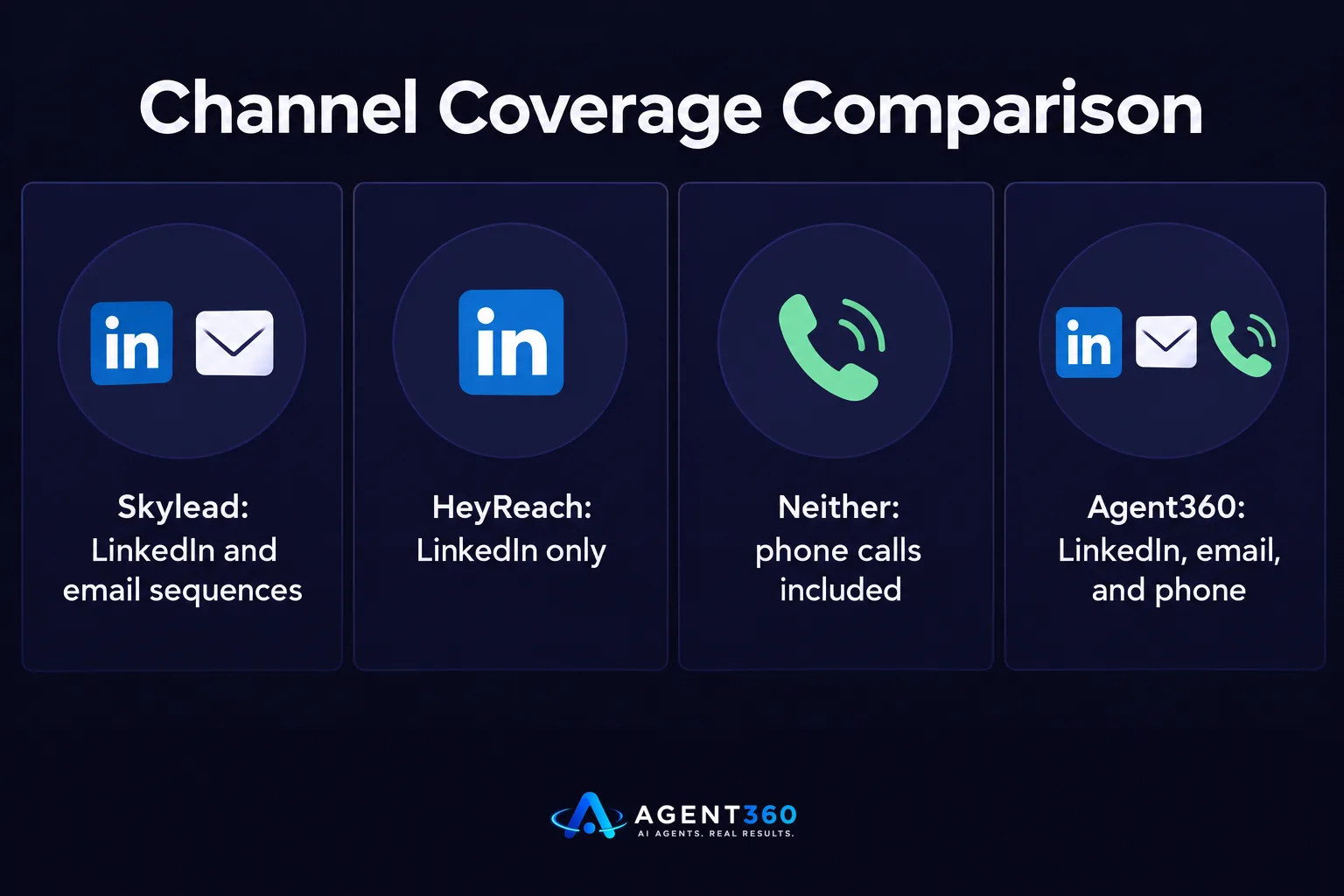
Neither Skylead nor HeyReach is built to run phone calls, so if your outbound needs a calling channel alongside LinkedIn and email, you'll be stitching together a second tool. That's fine if LinkedIn is genuinely your primary channel. It becomes a problem once you need a single view of a prospect across LinkedIn, email, and calls.
Do either of them call or email prospects?
Skylead combines LinkedIn and email in one sequence. HeyReach is positioned around LinkedIn specifically. Neither places phone calls, so teams that call as part of their cadence need a separate system or a platform built to run all three channels together.
How should you decide between Skylead and HeyReach?
- Count your accounts. One LinkedIn profile versus ten client accounts points you toward different pricing tiers and different account-management features.
- List your channels. If email matters as much as LinkedIn, weigh that against a tool built for LinkedIn alone.
- Check current sending guidance. Ask each vendor directly what volume and warm-up they recommend today, since this changes.
- Trial with a low-risk account. Test any new tool on a secondary or less critical profile before moving your main one over.
- Map where replies go. A reply sitting in a LinkedIn inbox nobody checks daily is a lost meeting regardless of which tool sent the message.
Need Outreach That Goes Beyond LinkedIn Messages?
LinkedIn automation solves one piece of outbound: getting a message in front of the right person. Booking the meeting and keeping the deal moving is the harder part, and it's where most LinkedIn-only tools stop.
Agent360 runs AI prospecting to find buyers and catch buying signals, then engages them across LinkedIn, email, and phone instead of LinkedIn alone, and books meetings straight onto your calendar with CRM tools to track the pipeline behind it. If you're weighing a switch from a LinkedIn-only tool, the mechanics are covered in what to check before switching from Skylead.
See the full channel and workflow breakdown on the outreach product page.
Frequently Asked Questions
Is Skylead or HeyReach better for a solo founder running their own outbound?
A solo founder with one LinkedIn account usually cares more about ease of setup and combined email sequencing than multi-account management, which points toward whichever tool has the simpler single-user flow at the time you're buying.
Can I run both Skylead and HeyReach on the same LinkedIn account?
Running two automation tools on one account at the same time increases the risk of conflicting sending patterns and is generally discouraged by both vendors; pick one tool per account.
Does either tool guarantee my LinkedIn account won't be restricted?
No automation tool can guarantee that, since LinkedIn enforces its own usage policies and doesn't publish exact thresholds. Vendors can only offer guidance on safer sending patterns.
Which tool is better for an agency managing several client LinkedIn accounts?
Agencies should weigh whichever tool has clearer multi-account management and per-seat pricing that doesn't spike sharply as client accounts are added, since that's the main cost driver at agency scale.
Do I need a separate CRM if I use Skylead or HeyReach?
Most likely yes, since neither tool is built as a full pipeline-tracking system; you'll still need somewhere to track deal stages once a reply turns into a conversation.
More articles
- How to Find LinkedIn Profiles Worth Outreach
- A LinkedIn Outreach Tool That Books Meetings, Not Just Sends
- How to Choose a LinkedIn Lead Generation Tool That Books Meetings
- Export LinkedIn Post Commenters for Warm B2B Leads
- How to Export LinkedIn Post Comments for Warm Leads
- How to Export LinkedIn Post Likers for Warm Outbound Leads
- How to Turn Leads From LinkedIn Comments Into Meetings
- HeyReach vs Waalaxy: Which LinkedIn Tool Fits B2B Outbound?
