How to Choose a LinkedIn Lead Generation Tool That Books Meetings
A linkedin lead generation tool finds prospective buyers on LinkedIn, engages them with connection requests and messages, and surfaces the ones ready for a conversation. The better ones also track replies and hand qualified prospects to your sales process, instead of leaving you with a spreadsheet of names.
Most teams go looking for one of these tools after they've outgrown manual prospecting: scrolling LinkedIn, copying names into a list, sending connection requests one by one. That works at ten prospects a week. It breaks down well before a hundred.
The hard part isn't finding a tool that sends messages. It's finding one that keeps your account safe, fits with your email and phone outreach, and actually produces meetings instead of connection requests nobody answers.
Key Takeaways
- A LinkedIn lead generation tool should find buyers, engage them, and track replies — not just automate connection requests.
- Check how a tool paces messages before you buy, since LinkedIn's own limits are not published and vary by account age and activity.
- Multi-channel sequencing across LinkedIn, email, and phone usually outperforms LinkedIn alone, as covered in this comparison of automation tools.
- Decide upfront whether reps use their own LinkedIn accounts or a shared pool, since that choice affects risk and reporting.
- Test any tool with a small, real list before committing a full territory to it.
Table of Contents
What does a linkedin lead generation tool actually do?
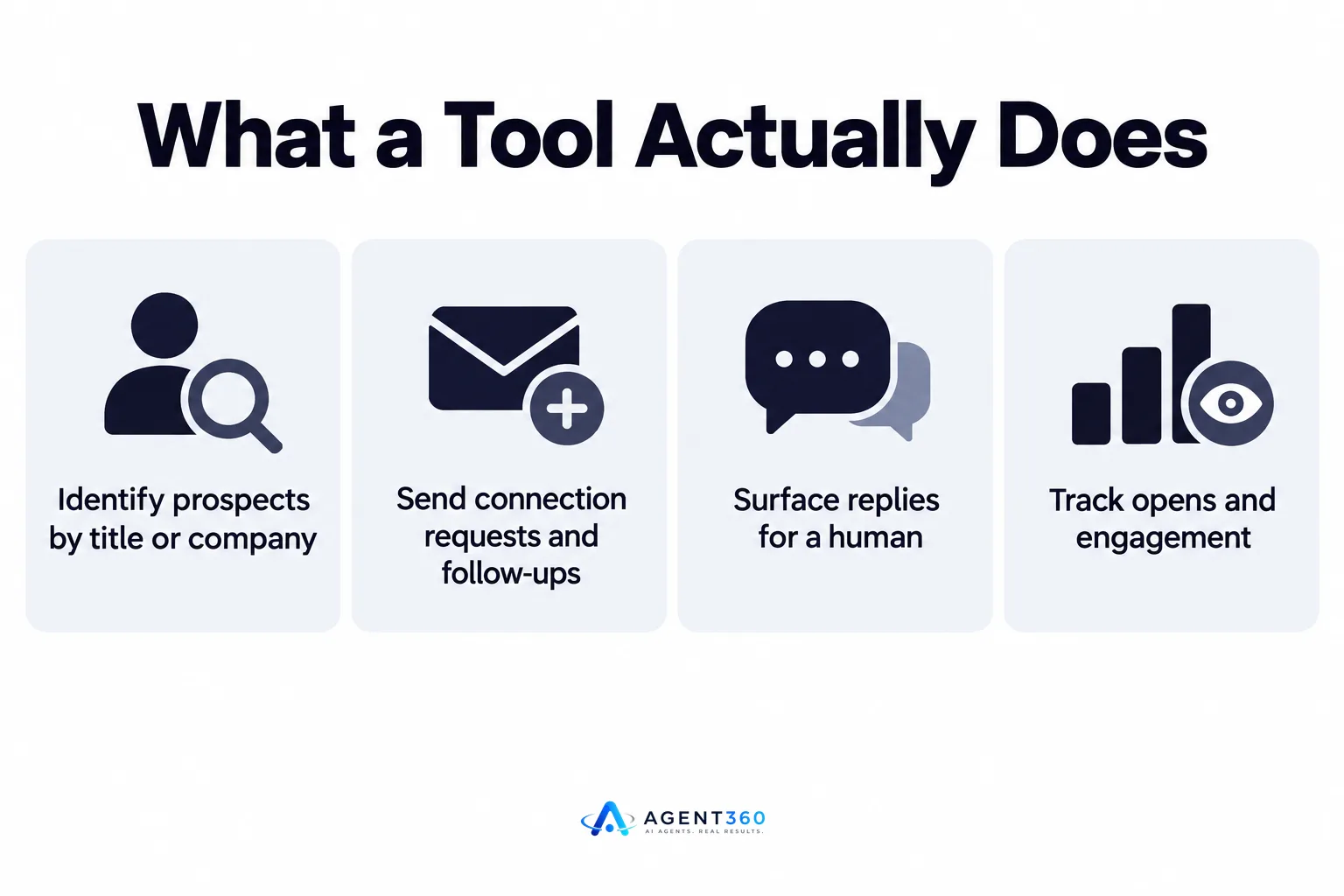
It finds people who match your buyer profile, sends them outreach, and flags who's engaging. The core job has three parts: identify prospects by title, industry, or company signal; send connection requests and follow-up messages on a schedule; and surface replies so a human can take over the conversation. Tools differ mainly in how they do the finding and how well they protect your account while messaging.
What's the difference between a prospecting tool and an automation tool?
A prospecting tool builds the list — it searches LinkedIn or a data source for people who fit your target criteria. An automation tool takes that list and sends the messages. Some products do both; many do only one, which means you're stitching together a list-builder and a sender yourself.
Can it replace an SDR?
It replaces the manual parts of an SDR's day: list-building, sending, and tracking opens. It doesn't replace judgment on messaging, objection handling, or deciding which replies are worth a meeting. The tools that combine AI sending with human oversight on replies tend to hold up better than ones that run fully on autopilot.
What should you check before you buy a linkedin lead generation tool?
Check how it paces sends, whether it works across channels, and how it reports on pipeline — not just its feature list. A tool with a long feature page and no answer on daily send limits is a risk to your LinkedIn account before it's a help to your pipeline.
- Ask for the daily and weekly send limits. If a vendor can't tell you how messages are paced, assume it sends as fast as possible, which is the fastest way to get an account restricted.
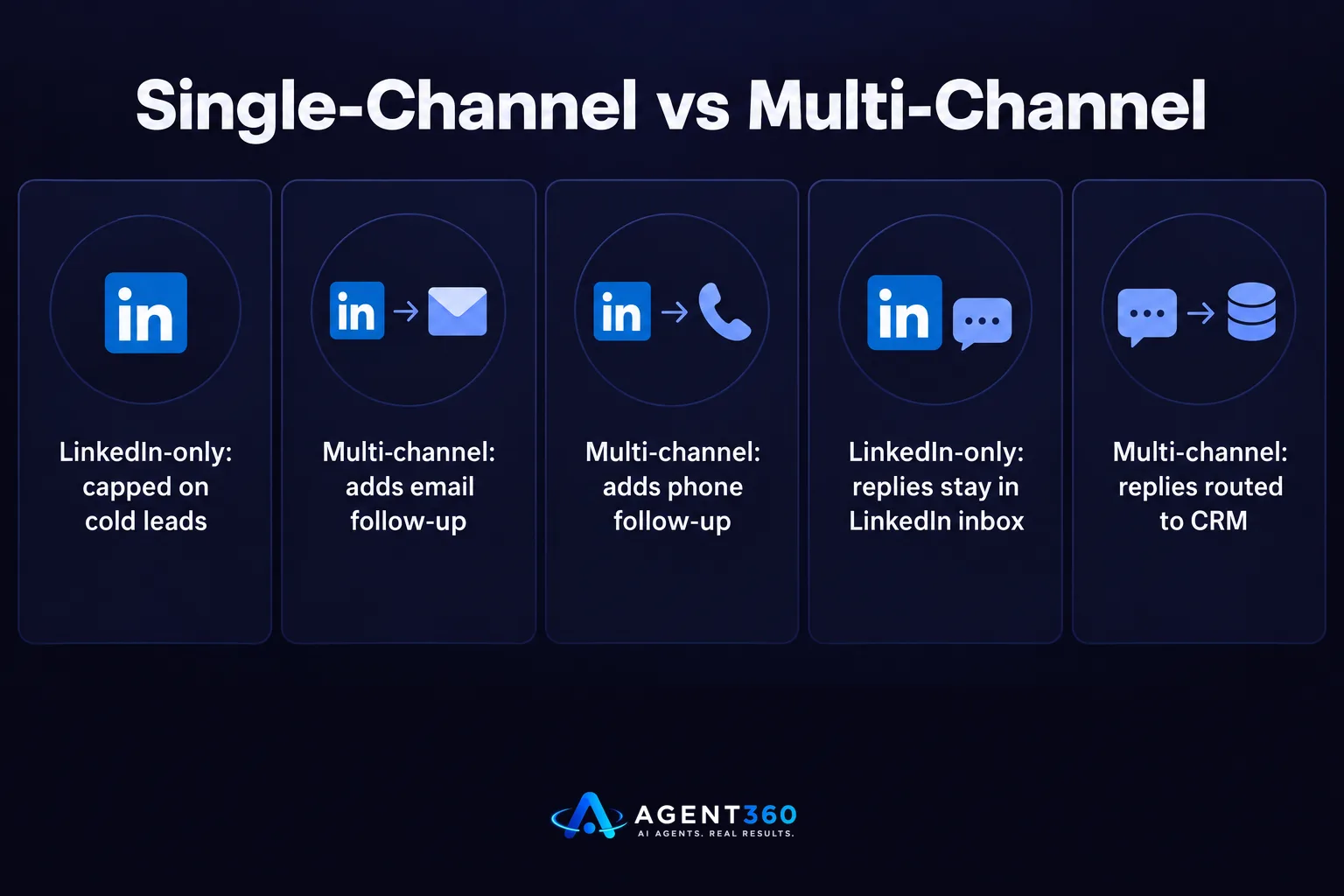
- Confirm it supports more than LinkedIn. A prospect who ignores a LinkedIn message might answer an email or a call; a single-channel tool caps what you can do with a cold lead.
- Check where replies land. If replies sit inside LinkedIn's own inbox with no CRM record, your team will lose track of conversations once volume grows.
- Run a small test list first. Fifty to a hundred real prospects will show you reply rates and account behavior faster than any demo.
Does it support multi-channel sequencing?
Check whether a prospect who doesn't respond on LinkedIn can automatically get an email or a call as a next step, inside the same sequence. Tools that only do LinkedIn force you to manage the other channels separately, which usually means they don't happen consistently.
How does it handle LinkedIn's limits?
LinkedIn doesn't publish exact daily limits, and they appear to vary by account age, activity history, and whether you have Sales Navigator. Any tool worth using should pace sends conservatively by default and let you slow things down further, rather than pushing volume as high as the platform allows. This resource on LinkedIn outreach limits covers the signs that an account is being pushed too hard.
How do you avoid getting your LinkedIn account restricted?
Keep send volume conservative, vary your messaging, and don't automate every single action. Restrictions usually follow a pattern: a new account suddenly sending dozens of near-identical connection requests a day. The fix isn't complicated, but it does mean resisting the urge to run a tool at its maximum setting.

What counts as safe daily volume?
There's no official number from LinkedIn, so treat any tool's default as a starting point, not a target. A newer or less active account should send fewer messages than one with years of normal usage and a full profile. Watch for warning signs — a sudden drop in acceptance rate or a temporary restriction notice — and scale back immediately if they appear.
Should reps use their own accounts or a shared pool?
Using a rep's own account keeps replies personal and ties activity to a real relationship, which matters for trust. A shared pool of accounts can increase volume but adds complexity in tracking who owns which conversation. Most B2B teams start with individual accounts and only consider a pool once volume genuinely outgrows what one person can run safely.
Ready to Add LinkedIn to Your Pipeline?
Picking a tool is only half the job — the other half is running it well enough that LinkedIn stays a channel you can rely on instead of one you have to apologize for. Agent360 combines AI-driven prospecting with multi-channel outreach across LinkedIn, email, and phone, and routes every qualified reply into CRM tools built for tracking pipeline, not spreadsheets.
If you're running outbound yourself or trying to keep a small sales team's calendar full, the question isn't whether LinkedIn should be part of the mix. It's whether your current setup can send safely, follow up across channels, and book directly onto a calendar without someone manually chasing replies.
See how AI prospecting and multi-channel outreach work together to turn LinkedIn activity into booked meetings.
Frequently Asked Questions
Is a LinkedIn lead generation tool the same as LinkedIn Sales Navigator?
No. Sales Navigator is LinkedIn's own search and list-building product. A lead generation tool typically layers on top of it, or uses its own data source, to automate the sending and tracking that Sales Navigator doesn't do on its own.
How much do these tools typically cost?
Pricing varies widely by vendor and by whether the tool covers LinkedIn alone or multiple channels. Check a vendor's pricing page directly rather than relying on third-party estimates, since plans change and seat structures differ.
Can one tool handle LinkedIn, email, and phone together?
Some do, and it's worth prioritizing those over single-channel tools. A prospect who never opens LinkedIn messages might answer an email, and running all three from one sequence keeps follow-up consistent without manual handoffs between separate tools.
Do I still need a separate CRM?
Not necessarily. Tools that include built-in CRM features can track replies and pipeline stage without a second system, which matters most for smaller teams that don't want to maintain two tools in parallel.
How fast can I expect to see meetings booked?
It depends on list quality, messaging, and how conservatively the tool paces sends — there's no fixed timeline that applies to every account. A short test run on a real list is the most reliable way to see how a specific tool performs for your market before committing to it fully.
More articles
- A LinkedIn Outreach Tool That Books Meetings, Not Just Sends
- Export LinkedIn Post Commenters for Warm B2B Leads
- How to Export LinkedIn Post Comments for Warm Leads
- How to Export LinkedIn Post Likers for Warm Outbound Leads
- How to Turn Leads From LinkedIn Comments Into Meetings
- HeyReach vs Waalaxy: Which LinkedIn Tool Fits B2B Outbound?
- Multiple LinkedIn Accounts for Outreach: Help or Ban Risk?
- Is LinkedIn Automation Safe? What B2B Teams Should Know
