How to Export LinkedIn Post Likers for Warm Outbound Leads
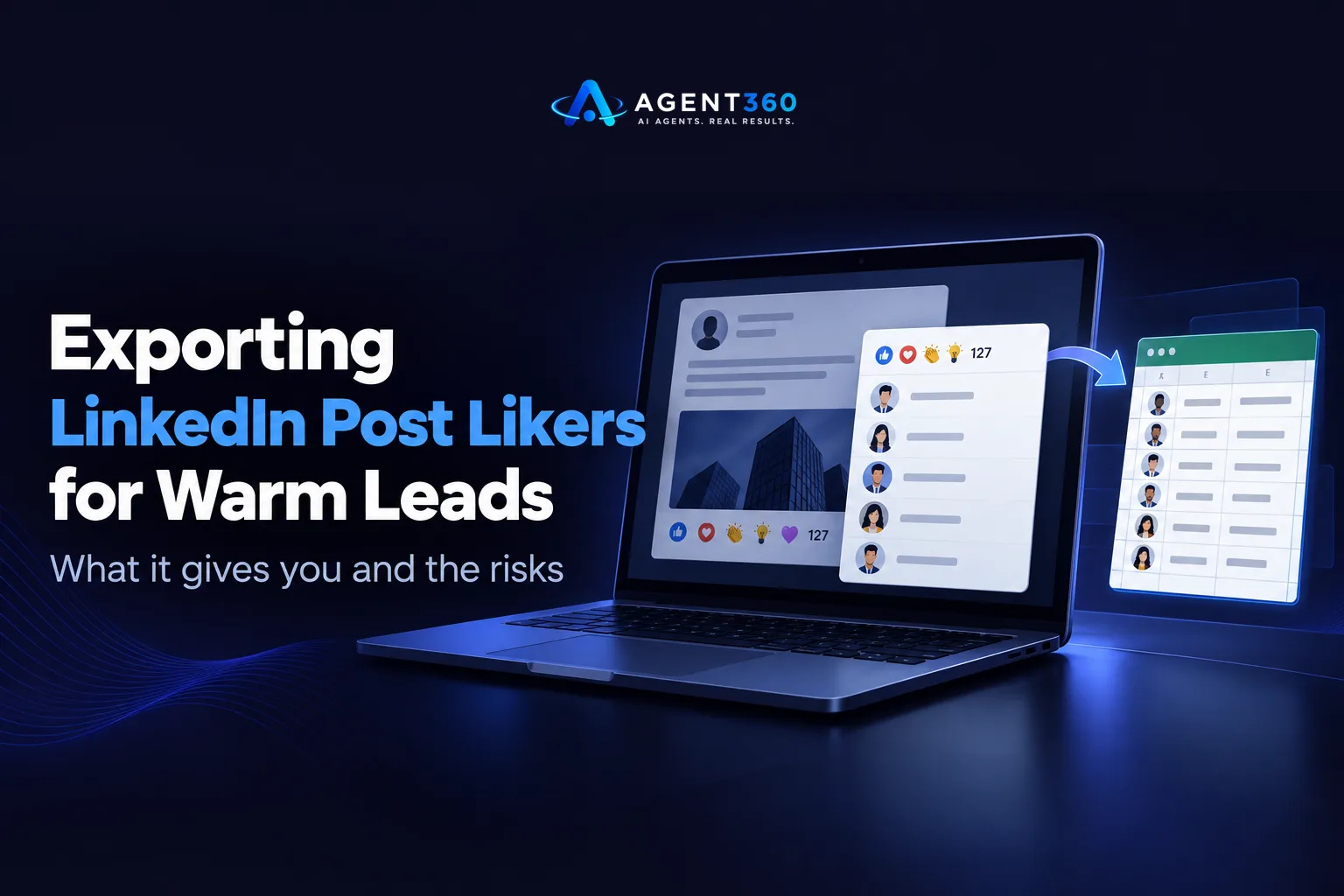
Exporting LinkedIn post likers means pulling the list of people who clicked a reaction on a specific post so you can reach out to them directly. Sales teams want this list because liking a post is a small but real buying signal: the person is paying attention to a topic, a competitor, or a company. The problem is that LinkedIn does not give you a clean export button for this, and the workarounds carry real account risk.
This article covers what the export actually gives you, the methods people use, where those methods run into LinkedIn's limits, and what to do with the list once you have it so the engagement turns into pipeline instead of a spreadsheet that never gets touched.
Key Takeaways
- A list of post likers is a weak-to-medium buying signal on its own; it tells you attention, not intent.
- LinkedIn's native UI only shows likers one page at a time, so any bulk export relies on a browser extension or scraper outside LinkedIn's own tools.
- Scraping engagement data at volume is the kind of activity that trips LinkedIn's automation detection, covered in LinkedIn outreach limits.
- Pair the liker list with other signals, like job changes or hiring activity, before you spend outreach credits on it; see buying signals.
- A short, personalized first touch referencing the post beats a generic connection request to the same list.
Table of Contents
What does exporting LinkedIn post likers actually give you?
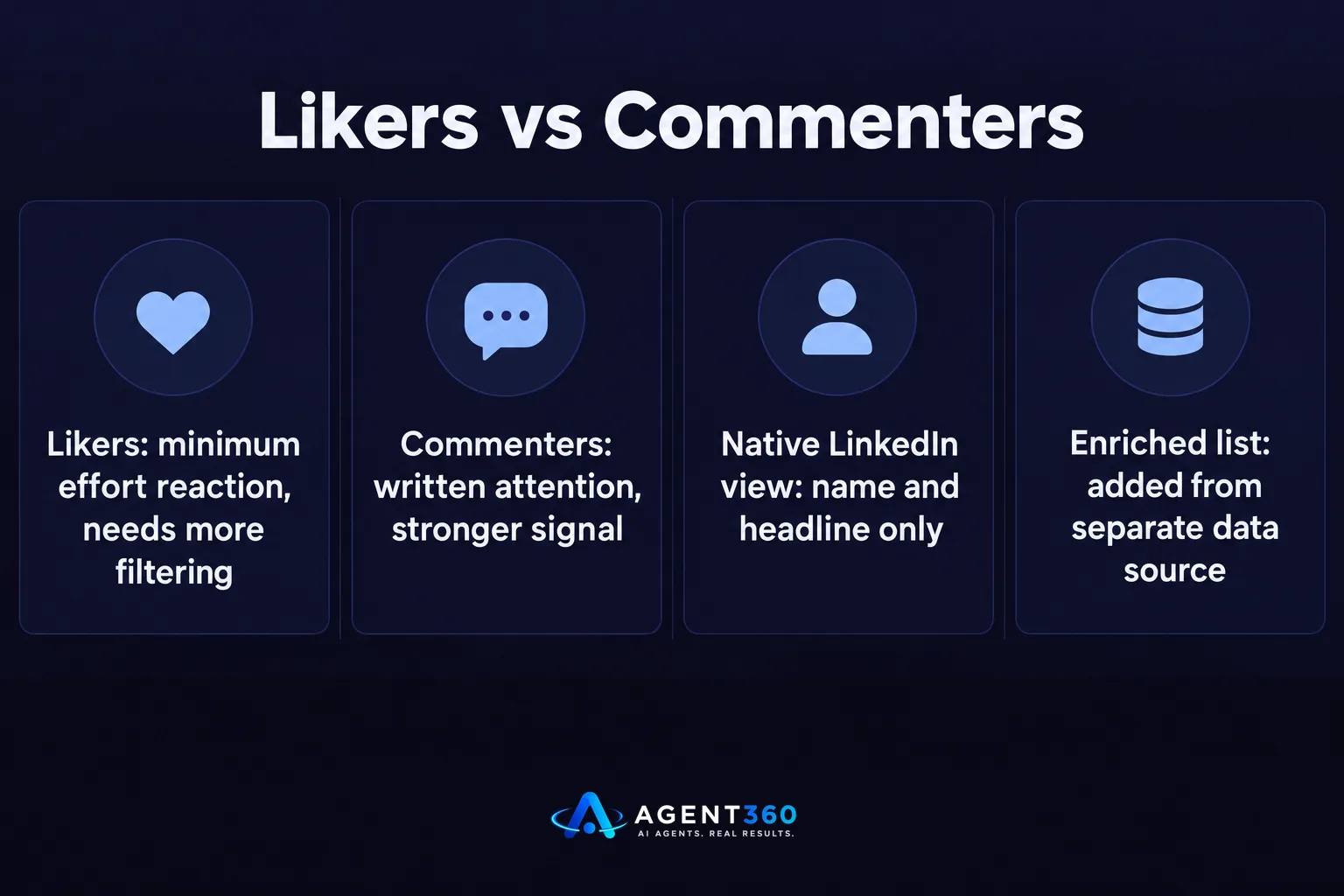
It gives you a name list, not a qualified lead list. Likes are the lowest-effort reaction on LinkedIn, so the list mixes genuinely interested prospects with people who tap like out of habit, politeness, or algorithm-driven scrolling. Treat the export as a starting pool to filter, not a ready-to-send list.
Is a liker more valuable than a commenter?
No. Commenters have written something, which is a stronger signal of attention and usually gives you context to reference in a message. Likers have done the minimum action LinkedIn allows, so they need more filtering before outreach, not less.
Does the list include job titles and company data?
LinkedIn's own interface shows name and headline when you view likers, but it does not hand you a structured export with company, title, and contact details attached. Any tool claiming to add that layer is enriching the names after the fact, usually from a separate data source.
How do people get the list of people who liked a post?
Most rely on a browser extension or scraping tool since LinkedIn has no built-in export. The steps below describe the manual path people use before reaching for automation.
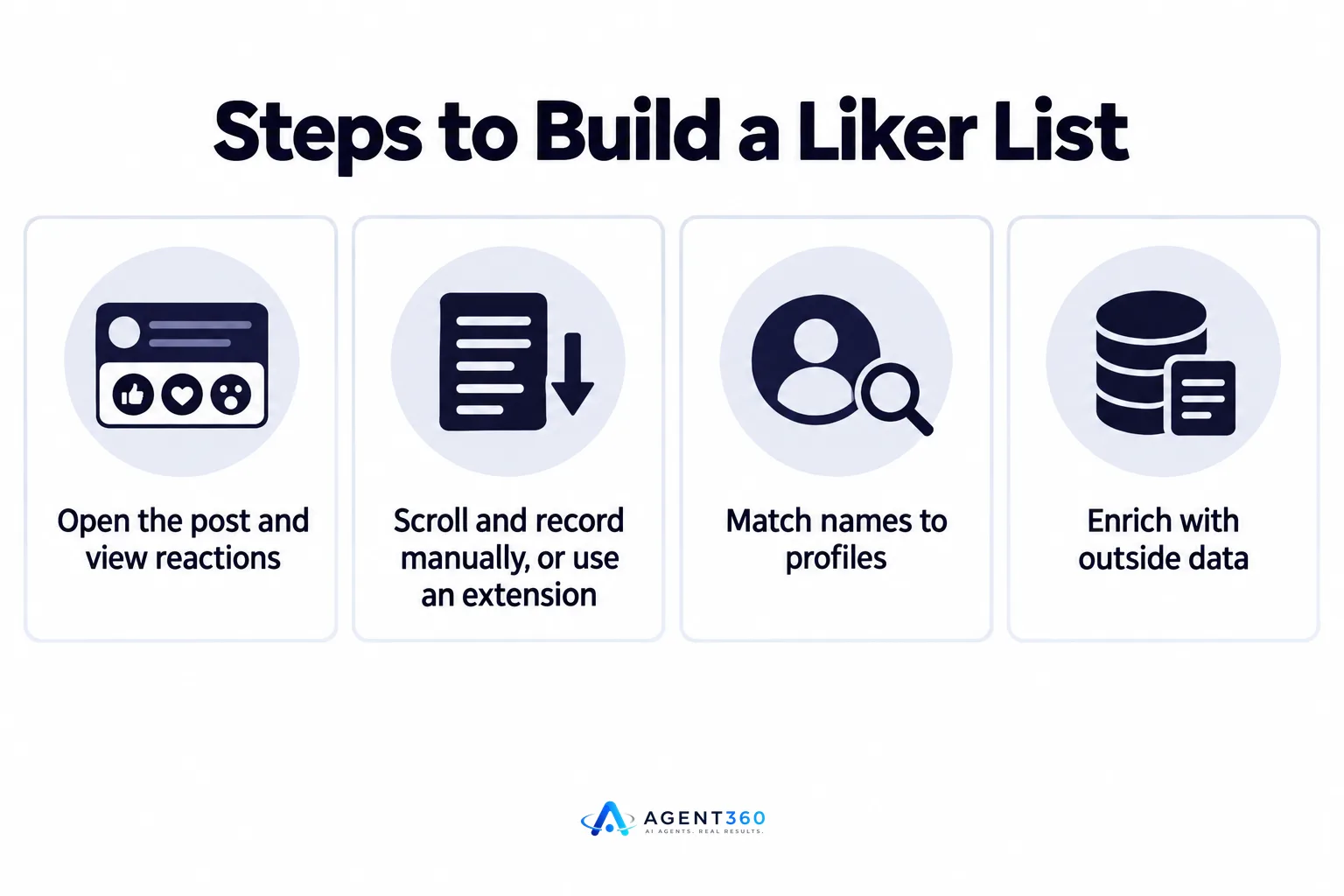
- Open the post and view reactions. Click the reaction count under the post to open the panel listing everyone who liked, loved, or otherwise reacted.
- Scroll and record manually, or use an extension. For small posts, copying names by hand works; for larger posts, people install a browser extension that scrapes the panel as it loads.
- Match names to profiles. Click through to each profile to confirm the company and title, since the reaction panel often shows limited context.
- Enrich with outside data. Add email or phone where you have a separate tool for that, since LinkedIn itself does not surface contact details.
- Filter before you send anything. Drop names with no clear fit to your target market before loading the list into outreach.
What goes wrong with scraping tools specifically?
Scraping tools simulate rapid browsing and data pulls that look nothing like normal LinkedIn use, which is the pattern LinkedIn's detection systems are built to catch. The risk sits with the LinkedIn account doing the scraping, not just the outreach that follows, a point covered in Multiple LinkedIn Accounts for Outreach: Help or Ban Risk?.
Is exporting LinkedIn post likers against the platform's rules?
LinkedIn's User Agreement prohibits scraping and automated data collection, so bulk export sits outside what the platform allows. Manually clicking through and noting a handful of names is different from running a tool that pulls hundreds of profiles unattended; the second is what LinkedIn's enforcement targets.
What's the realistic risk if I use a scraper anyway?
LinkedIn does not publish exact thresholds for when an account gets flagged, so there is no safe number to quote. The direction is clear: more automated activity, concentrated in a short window, from an account with no other normal usage pattern, raises the odds of a restriction or ban.
What should you do with the liker list once you have it?
Filter it hard, then reach out with a message that references the post, not a generic pitch. A liker list is only useful if the people on it match your target buyer, so run it against your ideal customer profile before anything else.
Should I message likers on LinkedIn, by email, or both?
Starting on LinkedIn, where the engagement happened, keeps the message in context. If the reply rate is low after a short sequence, moving to email adds a second channel without restarting the relationship from zero. Multi-channel outreach across LinkedIn, email, and phone is built to handle exactly this kind of handoff.
How do I know if a liker is worth prioritizing?
Look for a second signal alongside the like: a recent job change, a hiring post from their company, or a role that matches your buyer profile. Job postings in particular are a signal worth weighing, covered in Job Postings Are a Buying Signal Sales Teams Miss.
Turn Engagement Into Booked Meetings
Building a liker list by hand or with a scraper gets you names, but it stops there. The work of filtering, enriching, sequencing, and following up across channels is where most of these lists die in a spreadsheet.

Agent360 finds ideal buyers and detects buying signals for your target market, then runs multi-channel outreach across LinkedIn, email, and phone to book meetings directly on your calendar, with CRM tools to track the pipeline that follows. Instead of exporting a static list once, buying signals get monitored continuously, so engagement like a post like gets picked up alongside other signals that point to real intent.
See how the signal detection works on the buying signals page, or book a demo to see it run against your target accounts.
Frequently Asked Questions
Can I export LinkedIn post likers for free?
Manually copying names from the reaction panel is free but slow and caps out quickly on larger posts. Free browser extensions exist for bulk scraping, but they carry the same platform risk as paid tools since the activity pattern is what gets flagged, not the price you paid.
Does LinkedIn notify someone when you view who liked their post?
No. Viewing the public reaction panel on a post is normal LinkedIn use and does not notify the post author or the people who reacted.
How many likers can I safely message in a day?
LinkedIn does not publish a daily outreach limit, so there is no official number to follow. The safer approach is sending a small, steady volume each day rather than messaging an entire list at once, a pattern covered in LinkedIn outreach limits.
Is there a LinkedIn Sales Navigator export for likers?
Sales Navigator improves search and filtering for prospecting but does not add a native bulk export button for post reactions. The reaction panel itself works the same way across the free and paid versions of LinkedIn.
What's a safer alternative to scraping likers manually?
Tools that monitor engagement and other buying signals continuously, within LinkedIn's normal usage patterns, avoid the concentrated scraping activity that triggers detection. Combining that signal with multi-channel outreach, detailed on which channels Agent360 uses, gets the same intent data without the account risk.
More articles
- How to Export LinkedIn Post Comments for Warm Leads
- How to Turn Leads From LinkedIn Comments Into Meetings
- HeyReach vs Waalaxy: Which LinkedIn Tool Fits B2B Outbound?
- Multiple LinkedIn Accounts for Outreach: Help or Ban Risk?
- Is LinkedIn Automation Safe? What B2B Teams Should Know
- Scale LinkedIn Outreach Safely – Avoid Bans and Boost Meetings
- Over-Automating LinkedIn Kills Your Pipeline – Here's Proof
- How Fast to Reply to Sales Leads: The 48-Hour Rule
