How to Export LinkedIn Post Comments for Warm Leads
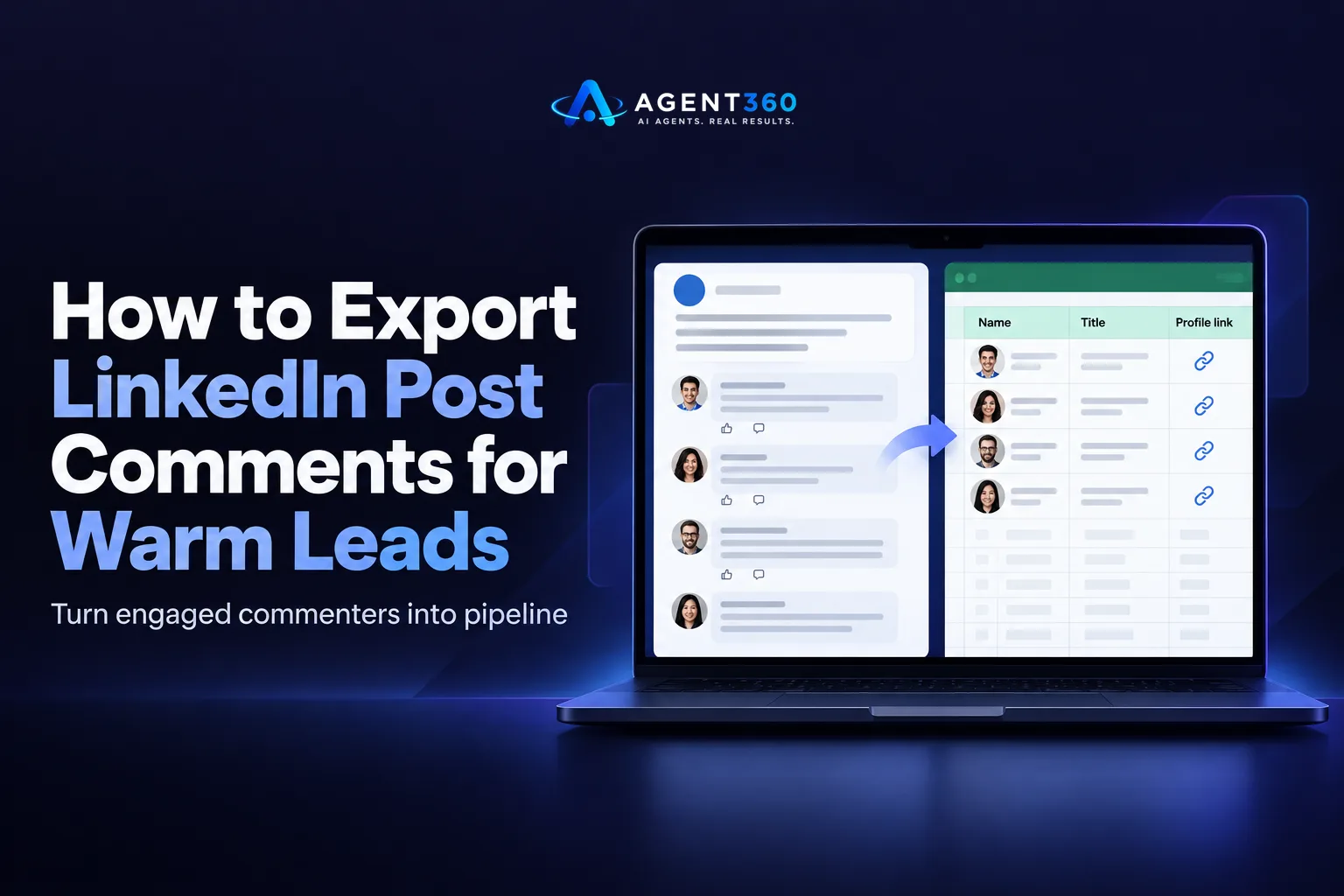
Exporting LinkedIn post comments means pulling the names, titles, and profile links of everyone who commented on a post into a list you can work from, usually a spreadsheet. LinkedIn does not offer a native export button for this. You either copy the names by hand or use a browser extension that scrapes the comment thread and drops it into a CSV.
People who comment on a post have already raised a hand. They read something, had a reaction, and typed it out. That is a warmer signal than a cold list pulled from a database, and it is why founders and sales teams bother with the manual work of pulling these names out.
This guide covers how to get the list, what to capture, where the rules get risky, and what to do with the names once you have them.
Key Takeaways
- LinkedIn has no built-in export for comments, so you are either copying by hand or using a third-party scraping tool.
- Commenters are a warmer list than cold database leads because they already engaged with the content.
- Scraping tools that automate clicks on LinkedIn's interface carry account risk, so pace any export and any outreach that follows; check current limits before you scale either one.
- Capture name, headline, company, and profile URL at minimum; comment text helps you personalize the first message.
- Reach out inside 48 hours of the comment, while the context is still fresh for the person you are contacting.
Table of Contents
What does it mean to export LinkedIn post comments?
It means turning a list of names stuck inside a LinkedIn post into a working spreadsheet you can act on. A popular post can gather dozens or hundreds of comments. Scrolling through them one by one to find prospects is slow, and LinkedIn does not let you download the thread. Exporting is the workaround: either you manually log each commenter, or a browser extension reads the page and compiles the list for you.
Why would you want this list?
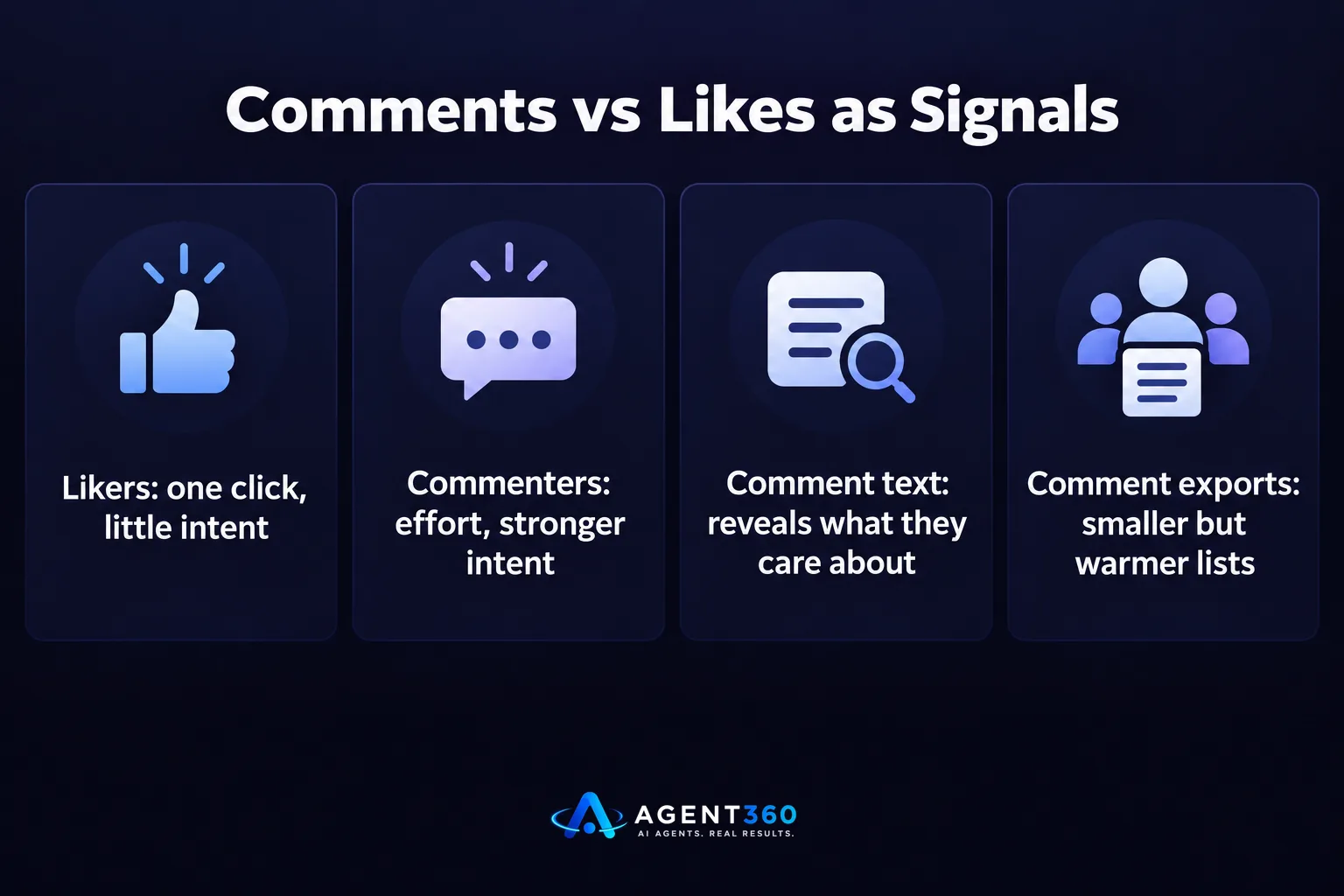
Commenters are self-selected. They stopped scrolling, read a post relevant to their work, and engaged publicly with their name attached. If the post topic maps to a problem your product solves, that comment thread is a shortlist of people already thinking about it.
What's the difference between exporting comments and exporting likers?
A like takes one click and signals almost nothing. A comment takes effort, and the text often tells you what the person cares about, which makes it easier to personalize the first message. Comment exports are smaller lists than like exports, but the intent signal is stronger.
How do you actually get the list of commenters out of LinkedIn?
You either copy names manually from the comment section or run a browser extension that scrapes the thread for you. Manual copying works fine for a post with ten or twenty comments. Past that, it is a poor use of an hour.
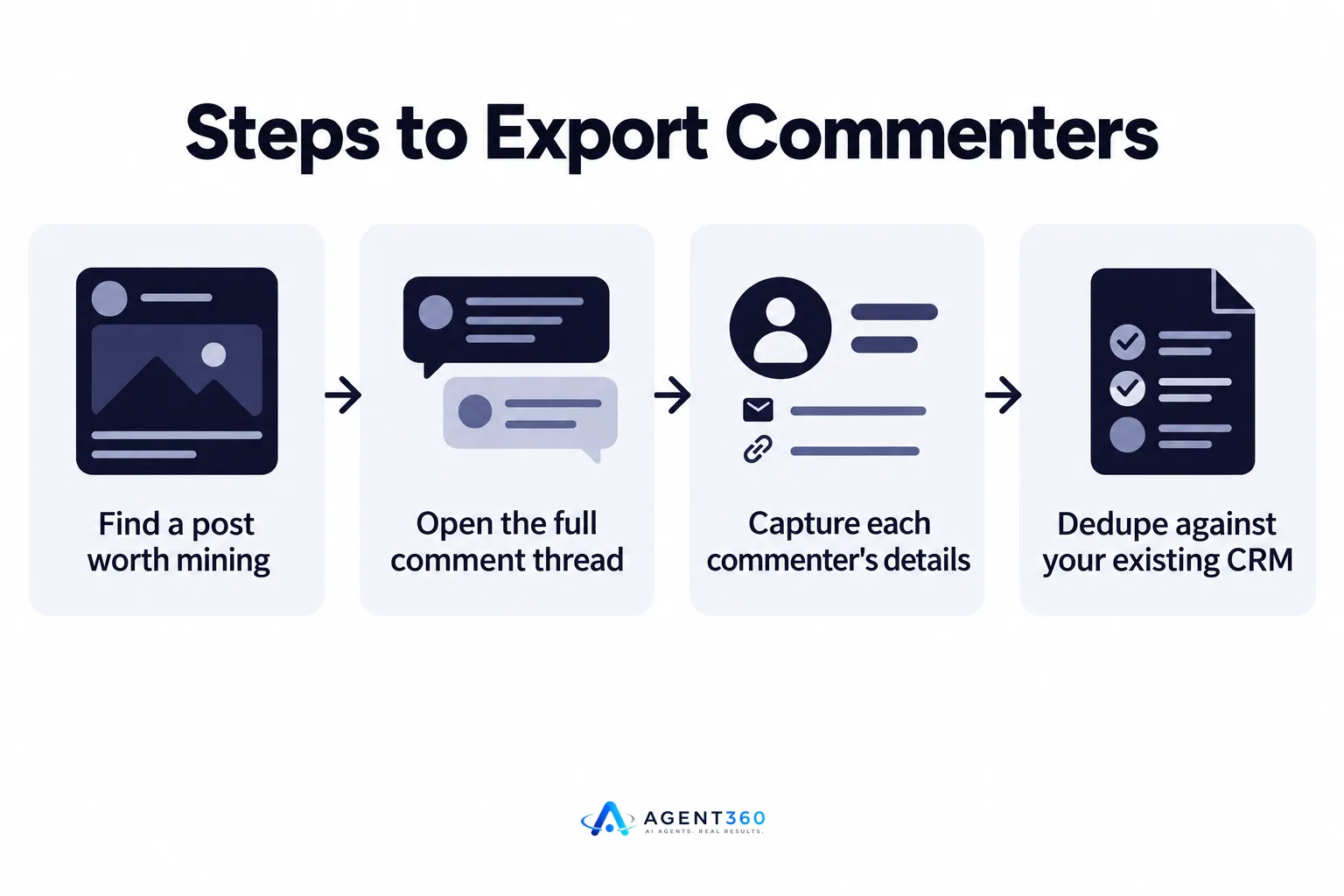
- Find a post worth mining. Look for posts in your niche with real comment volume, not just likes, ideally from an account whose audience matches your buyer.
- Open the full comment thread. Click to expand replies so nested comments and the full count are visible before you start capturing anything.
- Capture each commenter's details. Name, headline, company, and profile URL are the minimum; copy the comment text too if you plan to reference it later.
- Dedupe against your existing CRM. Cross-check the list against contacts you already have so you are not messaging someone already in a sequence.
- Move the clean list into outreach. Once the list is deduped and fields are filled in, it is ready for a sequence, not a mass blast.
What fields should you capture?
Name, current title, company, and the profile URL are non-negotiable, since the URL is what lets you connect or message later. Comment text is worth keeping too; a line referencing what they actually said beats a generic opener.
Is exporting LinkedIn comments against LinkedIn's rules?
Manual copying is fine; automated scraping tools sit in a gray area that LinkedIn's own user agreement does not favor. LinkedIn's terms restrict automated data collection from the platform, and extensions that scrape comment threads are doing exactly that. The practical risk is to the LinkedIn account running the extension, not to the fact of having a spreadsheet of public names.
What's the safer alternative?
Keep the scrape to a small, one-time action rather than a tool running continuously in the background, and pace whatever outreach follows so it looks like a person working through a list, not a script firing on a schedule. The same caution applies to the outreach that follows the export; running it at human pace matters more than the export method itself, a point covered in more detail in this look at LinkedIn automation risk.
What do you do with the exported list once you have it?
You turn it into a short, personalized outreach sequence, not a bulk email blast. The value of a comment export is the context it hands you. Wasting that by sending the same generic template everyone gets throws away the one advantage this list has over a cold one.

How fast should you reach out?
Reach out while the post and the comment are still fresh, ideally within a couple of days. Waiting a week means the person has moved on and your reference to their comment lands as an afterthought instead of a timely follow-up, a timing issue covered in the 48-hour rule for reaching out.
Ready to Turn Commenters Into Booked Meetings?
Finding the list is only the first step. The harder part is keeping a sequence personal across email, LinkedIn, and phone without it turning into a copy-paste exercise, and doing that for every warm signal you find, not just the ones from one post.
Agent360 combines AI prospecting that flags buying signals like these with multi-channel outreach across LinkedIn, email, and phone, backed by meeting booking straight onto your calendar and CRM tools to track it all. We help you turn signals like a comment thread into a working pipeline instead of a spreadsheet that goes stale.
See how the prospecting engine finds and ranks signals like this automatically, or book a demo to see it on your own target list.
Frequently Asked Questions
Can I export LinkedIn comments without a browser extension?
Yes, by manually copying each commenter's name, headline, and profile link into a spreadsheet. It is slow for large threads but carries no account risk since you are not automating anything.
Does LinkedIn notify a post's author when someone exports the comments?
No. LinkedIn does not send a notification for viewing or copying public comment data, whether you do it manually or with a tool.
How many commenters should I expect from a typical post?
It varies widely by account size and topic, so there is no reliable number to plan around. Treat each post as its own small list rather than expecting a consistent yield.
Should I connect with commenters before messaging them?
A connection request with a short, specific note referencing their comment tends to land better than a cold InMail, since they have no existing relationship with you otherwise. Either path works if the message references what they actually said.
What should the first message say?
Reference the specific comment or post topic in the first line, then ask a question related to what they raised rather than pitching immediately. A message that reads as generic defeats the purpose of pulling a warm list in the first place.
More articles
- How to Export LinkedIn Post Likers for Warm Outbound Leads
- How to Turn Leads From LinkedIn Comments Into Meetings
- HeyReach vs Waalaxy: Which LinkedIn Tool Fits B2B Outbound?
- Multiple LinkedIn Accounts for Outreach: Help or Ban Risk?
- Is LinkedIn Automation Safe? What B2B Teams Should Know
- Scale LinkedIn Outreach Safely – Avoid Bans and Boost Meetings
- Over-Automating LinkedIn Kills Your Pipeline – Here's Proof
- How Fast to Reply to Sales Leads: The 48-Hour Rule
