Export LinkedIn Post Commenters for Warm B2B Leads
Exporting LinkedIn post commenters means pulling the names, job titles, and profile links of everyone who left a comment on a specific post into a working list, usually a spreadsheet or a CRM import file. The point isn't the list itself. It's what the comment tells you: this person is engaged enough with a topic to type a public reply, which is a stronger signal than a cold name on a purchased list.
The export part is mechanical. The part that actually fills pipeline is deciding which posts to pull from and what you do with the names once you have them. A list of fifty commenters sitting untouched in a spreadsheet books zero meetings.
This article covers both: how the export works, and how to turn it into outreach that gets replies.
Key Takeaways
- Export commenters from posts tied to a real buying moment, not just high-engagement content.
- Filter the raw list by title and company size before anyone gets a message.
- Treat a comment as one signal, not a qualification, and check it against other buying signals before you reach out.
- Message within a few days of the comment, while the context is still fresh for them.
- Keep the list moving through a pipeline instead of letting it sit in a spreadsheet.
Table of Contents
How do you export LinkedIn post commenters?
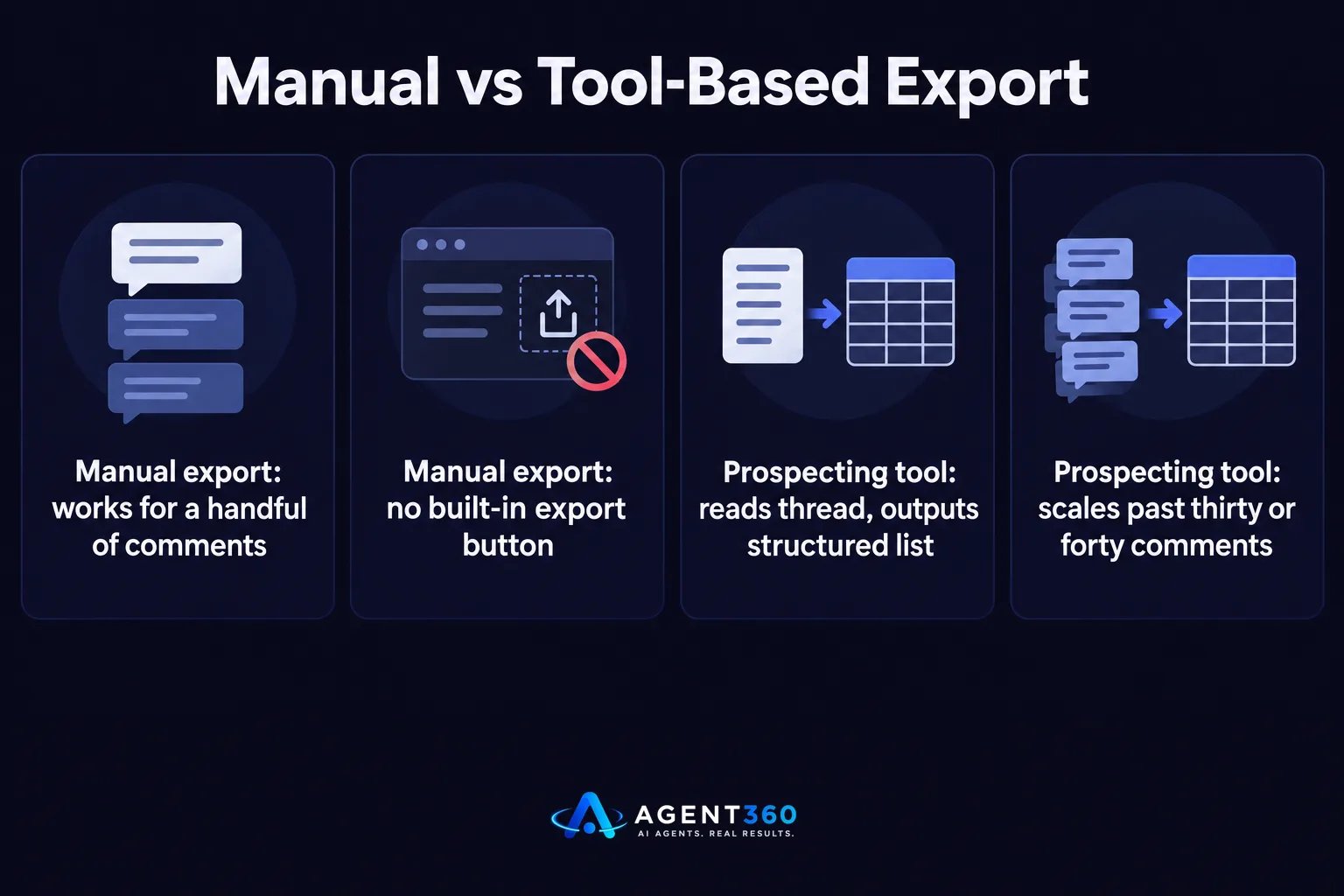
You either copy the data manually from the post or pull it with a prospecting tool that reads the comment thread and outputs a structured list. Manual export means opening the post, scrolling the comments, and copying each name and headline by hand. It works for a handful of comments and falls apart past thirty or forty, since LinkedIn doesn't give you a built-in export button on a post's comment section.
What does a usable export include?
At minimum you want the commenter's name, current title, company, and profile URL. Anything less and you're back to looking each person up individually before you can message them, which defeats the purpose of exporting in the first place.
Should you export comments or likes?
A comment is a stronger signal than a like. Liking takes one tap; commenting means someone stopped, read, and chose to respond publicly. If you're choosing where to spend time building a list, start with commenters and treat likers as a secondary pool.
Which posts should you pull commenters from?
Pull from posts tied to a specific business problem your buyer is already dealing with, not just posts with a lot of engagement. A viral post about remote work culture gets thousands of comments from people with no connection to what you sell. A post about a specific tool failure, a hiring freeze, or a budget cut in your niche gets fewer comments, but almost everyone who left one is closer to your actual buyer.

Do competitor posts work for this?
They can. If a competitor posts about a product change, pricing shift, or outage, the commenters are often current customers voicing frustration or asking questions. That's a specific, timely reason to reach out, which matters more than the list size.
How do you turn an exported commenter list into meetings?
Filter the list for fit first, then reach out with a message that references the actual comment, not a generic pitch. Exporting is the easy part. Most lists fail because every name gets the same templated opener regardless of what they said or who they are.
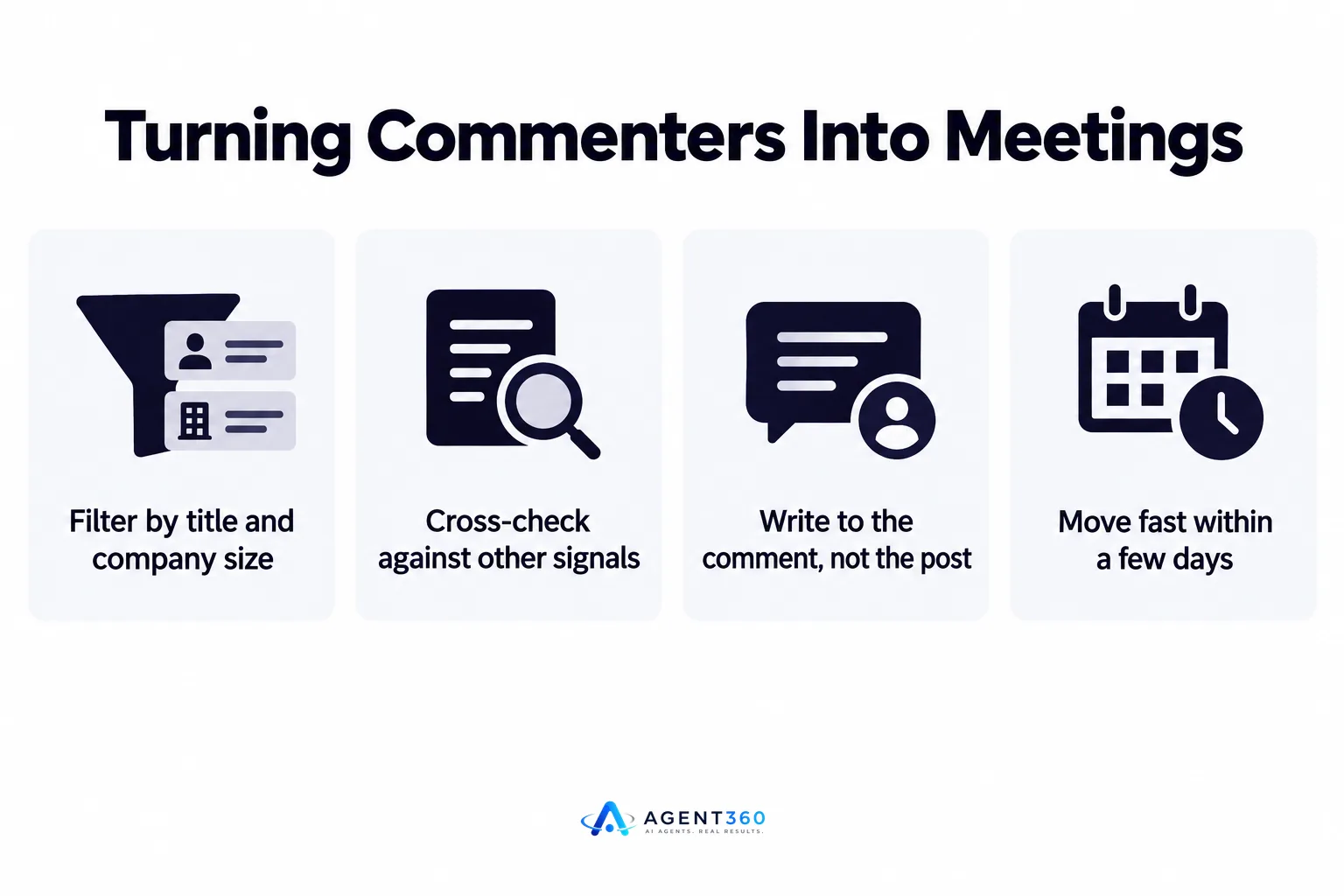
- Filter by title and company size. Drop anyone outside your target buyer profile before they're added to an outreach sequence.
- Cross-check against other signals. A commenter whose company also just posted a related hiring signal is a stronger lead than one with no other context.
- Write to the comment, not the post. Reference what they specifically said, which takes longer per message but gets more replies than a line that could apply to anyone.
- Move fast. Reach out within a few days, while the post and the comment are still something they'd recognize.
- Load the list into your pipeline. Track each name through a stage in your CRM instead of leaving it in the original spreadsheet.
Is exporting LinkedIn commenters against LinkedIn's rules?
Manually copying public comment data is different from automated scraping at volume, and the two carry different risk. LinkedIn's own terms restrict automated data collection from the platform, and tools that scrape comments in bulk can trigger account restrictions if they move too fast or run on a personal account without limits in place.
How much can you safely pull per day?
LinkedIn doesn't publish a fixed daily number for comment scraping, and any figure you see quoted elsewhere is a guess, not an official limit. The safer approach is pacing exports the way you'd pace any outreach activity on the platform, which is covered in more detail in this breakdown of LinkedIn outreach limits.
What's the safer alternative to raw scraping?
Reading comments and building a list in smaller batches, spread across a normal working pattern rather than one bulk pull, keeps activity closer to how a person actually uses LinkedIn. More on what counts as safe versus risky automation is covered in Is LinkedIn Automation Safe? What B2B Teams Should Know.
Make Commenter Exports Part of a Full Outbound System
A commenter list is one input. On its own it's a spreadsheet of names with a comment next to each one. Turned into a working pipeline, it needs filtering, a message written to the signal, a channel sequence, and a place to track replies so nothing sits unanswered.
Agent360 runs that full sequence: AI prospecting finds and scores buyers using signals like comment activity, multi-channel outreach reaches them on LinkedIn, email, and phone, meeting booking puts time directly on your calendar, and CRM tools keep the whole pipeline visible in one place.
See the full mechanism on the how it works page, or book a demo to see it run against your own target list.
Frequently Asked Questions
Can you export LinkedIn post commenters for free?
Yes, by manually copying names and titles from the comment section, though this only works for posts with a small number of comments. Past a few dozen, manual copying becomes slow enough that most teams use a prospecting tool instead.
Do I need a LinkedIn Sales Navigator account to export commenters?
No. Comments on a public post are visible to anyone with a LinkedIn account, Sales Navigator or not. Sales Navigator adds filtering and search capability elsewhere in the platform, but it isn't required to read or copy a comment thread.
How many commenters should I expect from a typical post?
This varies widely by audience size and topic, and there's no reliable average to quote. A niche post in a specific industry might get a dozen relevant comments; a broad industry post can get hundreds, most of them outside your target buyer.
What should I do with commenters who don't match my ideal buyer profile?
Drop them from the active outreach list rather than messaging everyone. Sending to poor-fit contacts lowers your reply rate and can affect how your account is viewed on the platform.
Is commenting on someone's post before messaging them a good idea?
It can warm the relationship, but it isn't a substitute for a specific message once you do reach out. A generic reply added to the public thread doesn't replace a direct message that references what they said.
How does exporting commenters compare to buying a prospect list?
A commenter list is smaller but higher-intent, since every name on it chose to engage with a specific topic. A purchased list is larger but cold, with no signal beyond fitting a filter. Comparing the two approaches is covered in AI Buying Signals Beat Job Boards for Warm Leads.
More articles
- How to Choose a LinkedIn Lead Generation Tool That Books Meetings
- How to Export LinkedIn Post Comments for Warm Leads
- How to Export LinkedIn Post Likers for Warm Outbound Leads
- How to Turn Leads From LinkedIn Comments Into Meetings
- HeyReach vs Waalaxy: Which LinkedIn Tool Fits B2B Outbound?
- Multiple LinkedIn Accounts for Outreach: Help or Ban Risk?
- Is LinkedIn Automation Safe? What B2B Teams Should Know
- Scale LinkedIn Outreach Safely – Avoid Bans and Boost Meetings
