HeyReach vs Waalaxy: Which LinkedIn Tool Fits B2B Outbound?
HeyReach vs Waalaxy comes down to who is running the outreach and how many LinkedIn accounts they need to manage. HeyReach is built around multiple accounts working from one dashboard, which fits agencies and staffing firms sending from several recruiters' profiles at once. Waalaxy is built around a single account, which fits a founder or solo rep running their own sequences.
Neither tool sends email or makes calls on its own, and both sit on top of LinkedIn's own daily limits, not around them. Picking between them means matching the tool to your team size and your appetite for managing LinkedIn risk, not just comparing feature lists.
Key Takeaways
- HeyReach is built for teams running outreach across multiple LinkedIn accounts; Waalaxy is built for a single account.
- Both tools only automate LinkedIn, so you still need a separate plan for email and phone follow-up.
- Check LinkedIn's own outreach limits before picking either tool, since both operate inside the same caps.
- Price per seat matters less than price per connected LinkedIn account if you run outreach for several recruiters or clients.
- If the goal is meetings booked on a calendar, not just messages sent, weigh both against tools built around booking as the end result.
Table of Contents
What's the core difference between HeyReach and Waalaxy?
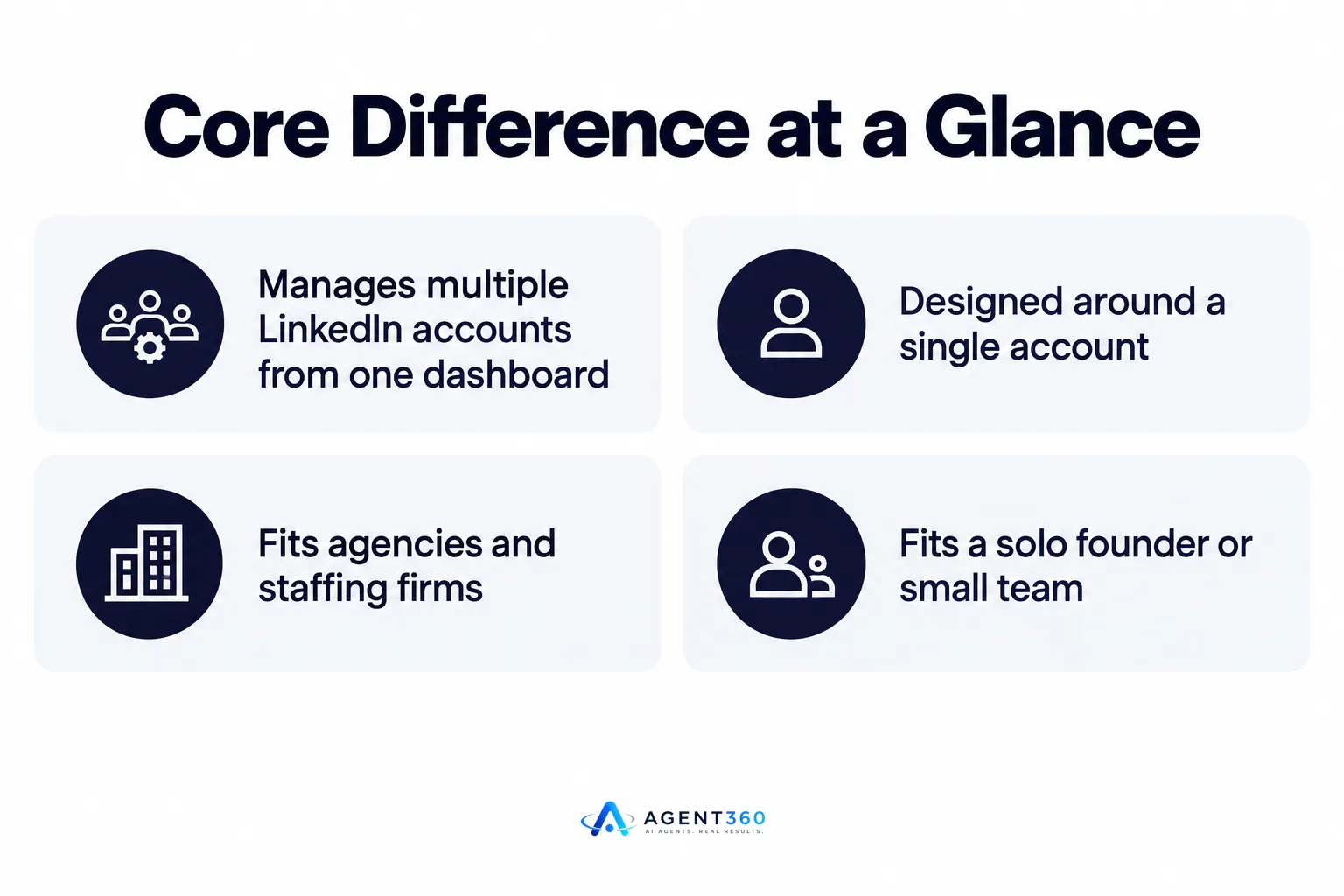
HeyReach manages multiple LinkedIn accounts from one dashboard; Waalaxy is designed around a single account. That one structural choice shapes almost everything else about who should use which tool.
Who is HeyReach built for?
HeyReach targets agencies, recruiters, and sales teams running outreach from several LinkedIn profiles at once, with shared reporting across all of them. It fits a staffing firm with multiple recruiters each messaging candidates and clients from their own accounts.
Who is Waalaxy is built for?
Waalaxy fits a solo founder or a small team where one or two people run sequences from their own profiles. It's lighter to set up for a single account but doesn't give the same cross-account visibility an agency needs.
How do HeyReach and Waalaxy handle LinkedIn account safety?
Both tools depend on staying under LinkedIn's connection and message limits; neither one controls what LinkedIn decides to flag. Account safety comes down to sending volume and pacing, not which automation tool sits on top.
What happens if LinkedIn flags an account?
A flagged account can mean a temporary restriction or a full ban, and no third-party tool can reverse that decision once LinkedIn makes it. Running multiple accounts through one tool, as HeyReach does, spreads that risk across more profiles instead of concentrating it on one. For a closer look at how automation volume affects account health, see Is LinkedIn Automation Safe? What B2B Teams Should Know.
Which tool costs less at scale?
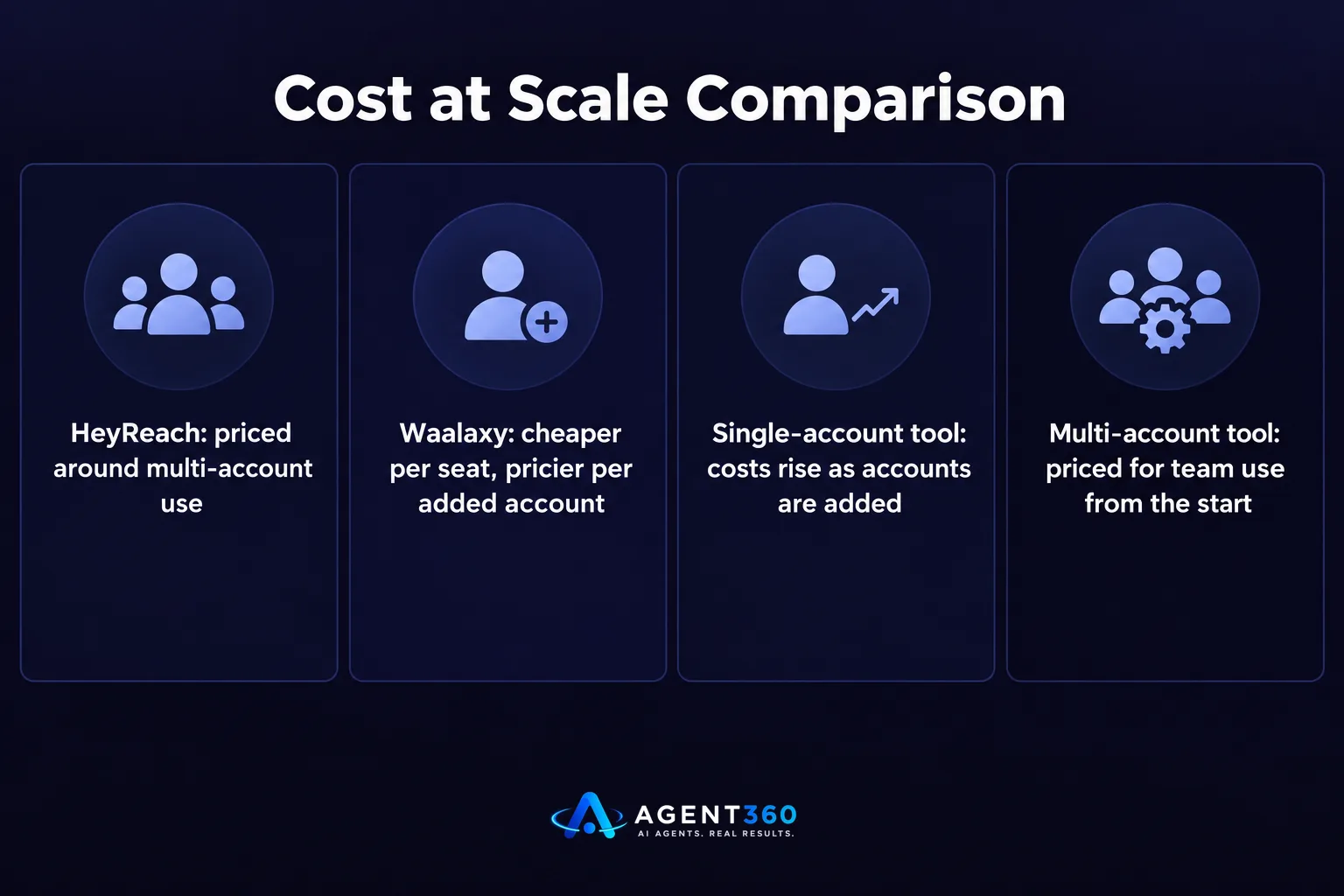
Cost depends on how many LinkedIn accounts you're running, not just how many team members need a login. A single-account tool can look cheaper per seat but gets expensive fast once you add accounts one at a time, while a multi-account tool is priced around that use case from the start.
What changes when you add more seats or accounts?
Adding recruiters or sales reps usually means adding LinkedIn accounts, and that's where per-account pricing structures diverge the most between tools built for teams and tools built for individuals. Before committing, map out how many accounts you'll realistically run in six months, not just today.
Do either tool cover email and phone outreach?
No, both HeyReach and Waalaxy are LinkedIn-only automation tools. Neither sends email sequences or places calls, so a LinkedIn-only tool leaves a gap if your outbound motion depends on more than one channel.
What do you need to add other outreach channels?
You'll need a separate email tool, a separate dialer, or a platform that runs LinkedIn, email, and phone from one system, like the multi-channel outreach approach some teams use to keep every touch in one place instead of stitching tools together.
Which one fits a founder running their own outbound?
A founder running solo outbound usually starts with the simpler, single-account tool and moves to a multi-account platform once hiring or scaling adds more people to the motion. The right choice changes as the team grows, so it helps to evaluate against where you'll be in a few months, not just where you are now.

- Count your current accounts. If it's one person sending from one profile, a single-account tool covers the job today.
- Project your hiring plan. If you're adding reps or recruiters within the next two quarters, a multi-account tool avoids a painful switch later.
- Check your other channels. If email or phone already matter to your pipeline, weigh whether a LinkedIn-only tool leaves too much manual work outside it.
- Review the full list before deciding. See how both stack up against other LinkedIn tools in a broader comparison of LinkedIn automation tools.
Take the Next Step With Full-Funnel Outbound
HeyReach and Waalaxy both automate LinkedIn messaging, but neither finds your buyers, works email and phone alongside LinkedIn, or books the meeting directly on your calendar. Agent360 combines AI prospecting, multi-channel outreach across LinkedIn, email, and phone, meeting booking, and CRM tools in one system, so the outreach tool isn't the only piece you have to manage.
If LinkedIn-only automation is leaving gaps in your pipeline, see how Agent360 books meetings across every channel.
Frequently Asked Questions
Is HeyReach better than Waalaxy for agencies?
HeyReach's multi-account structure generally fits agency and staffing firm use better, since it manages several LinkedIn profiles from one dashboard with shared reporting. Waalaxy is built around a single account, so agencies running outreach for multiple recruiters would need to manage several separate instances.
Can I run both tools at the same time?
Running two LinkedIn automation tools on the same account at once increases the risk of hitting LinkedIn's limits twice over, since both tools send from the same profile. Most teams pick one tool per account rather than layering automation.
Do HeyReach or Waalaxy send email sequences?
No, both tools are built for LinkedIn messaging only. Neither sends email or makes calls, so email and phone outreach require a separate tool or a platform built to cover all three channels.
Which tool is safer for a new LinkedIn account?
Safety depends more on sending volume and pacing than on which tool you choose, since both operate inside LinkedIn's own limits. A new account generally needs a slower ramp-up regardless of the automation tool behind it; see LinkedIn's outreach limits for guidance on pacing.
Does switching tools affect my existing LinkedIn connections?
Your existing connections and message history stay on LinkedIn itself, not inside the automation tool, so switching tools doesn't erase them. You'll need to reconnect the account and rebuild any saved sequences in the new tool, though.
More articles
- How to Export LinkedIn Post Likers for Warm Outbound Leads
- How to Turn Leads From LinkedIn Comments Into Meetings
- Multiple LinkedIn Accounts for Outreach: Help or Ban Risk?
- Is LinkedIn Automation Safe? What B2B Teams Should Know
- Scale LinkedIn Outreach Safely – Avoid Bans and Boost Meetings
- Over-Automating LinkedIn Kills Your Pipeline – Here's Proof
- How Fast to Reply to Sales Leads: The 48-Hour Rule
- AI Buying Signals Beat Job Boards for Warm Leads
