Skylead Alternative: What to Check Before You Switch
A Skylead alternative is a tool that replaces LinkedIn-only automation with something that books meetings across more than one channel and keeps your pipeline in one place. Teams search for this when LinkedIn automation alone stops moving the needle, or when they need calling and email working alongside LinkedIn instead of as separate tools. The right alternative should fill pipeline with less manual stitching, not add another dashboard to check.
This matters most for two groups: sales teams who need more booked meetings with the same headcount, and founders running their own outbound who can't hire a full SDR team yet. Both need outreach that works across channels and lands on a calendar, not just a tool that sends LinkedIn connection requests.
Key Takeaways
- Check whether a tool only automates LinkedIn or also handles email, phone, and meeting booking.
- Ask where replies go: a true alternative routes them into one CRM view, not three separate inboxes.
- Compare switching cost against the pricing and setup time of the new platform before committing.
- Run the new tool alongside the old one for a short overlap period instead of cutting over in one day.
- Decide based on booked meetings, not feature lists, since that's the number that moves revenue.
Table of Contents
What does Skylead do well, and where does it fall short?
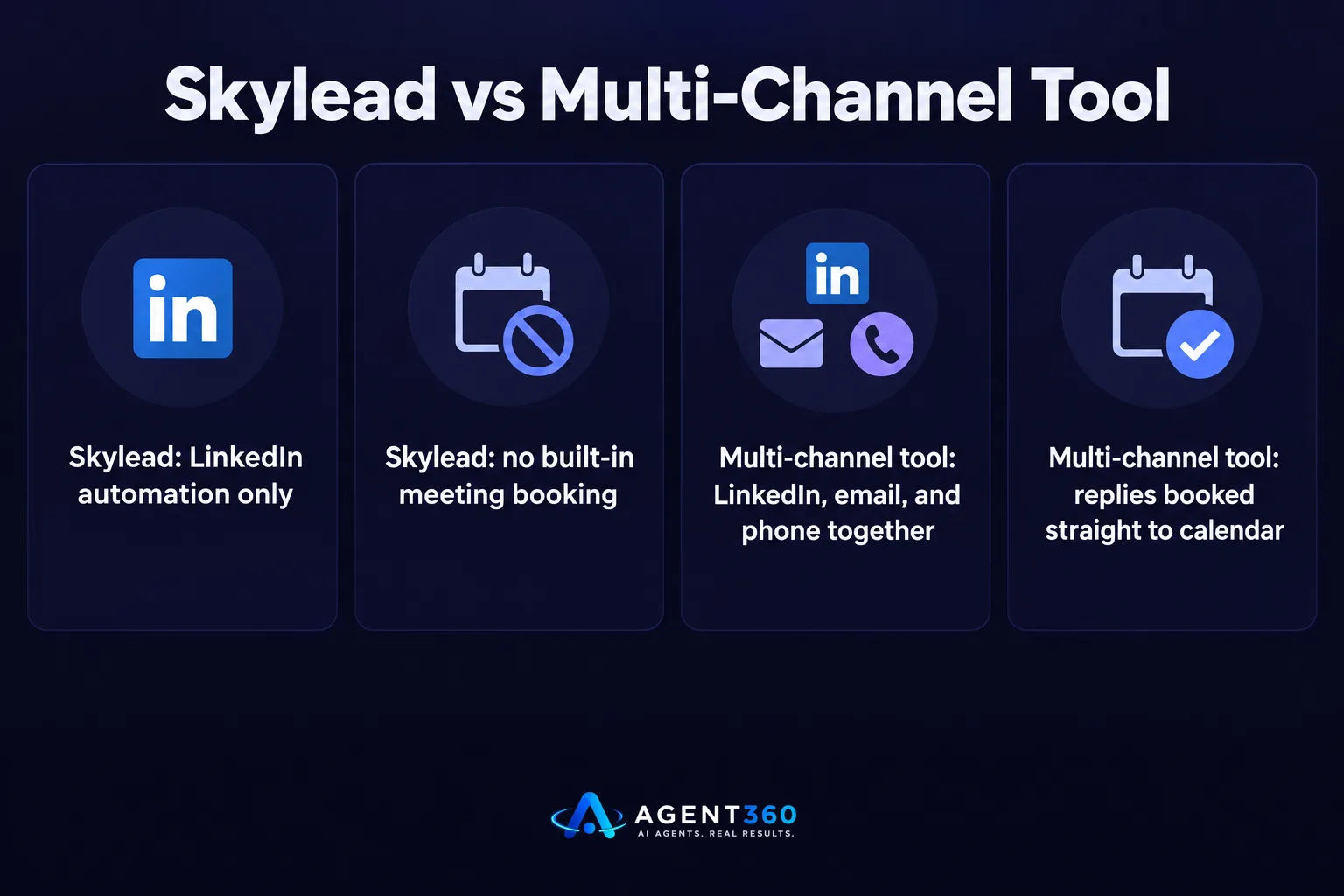
Skylead automates LinkedIn connection requests and follow-up sequences, but it stops at LinkedIn and doesn't book meetings or manage the rest of your pipeline. That's fine for a team whose only channel is LinkedIn. It becomes a limit once a team needs email and phone working in the same cadence, or once replies need to turn into booked calls without someone manually checking a LinkedIn inbox and copying names into a spreadsheet.
Why do teams outgrow a LinkedIn-only tool?
Pipeline built on one channel slows down when that channel gets noisy or a prospect simply doesn't check LinkedIn messages often. Teams that add email and phone to the same prospect list typically see more total replies, because not every buyer responds the same way on every channel.
What breaks when outreach and CRM are separate tools?
Replies have to be read in one place and logged in another. That gap is where meetings get missed, follow-ups get forgotten, and a founder running outbound solo loses track of who said yes and who went quiet.
What should you look for in a Skylead alternative?
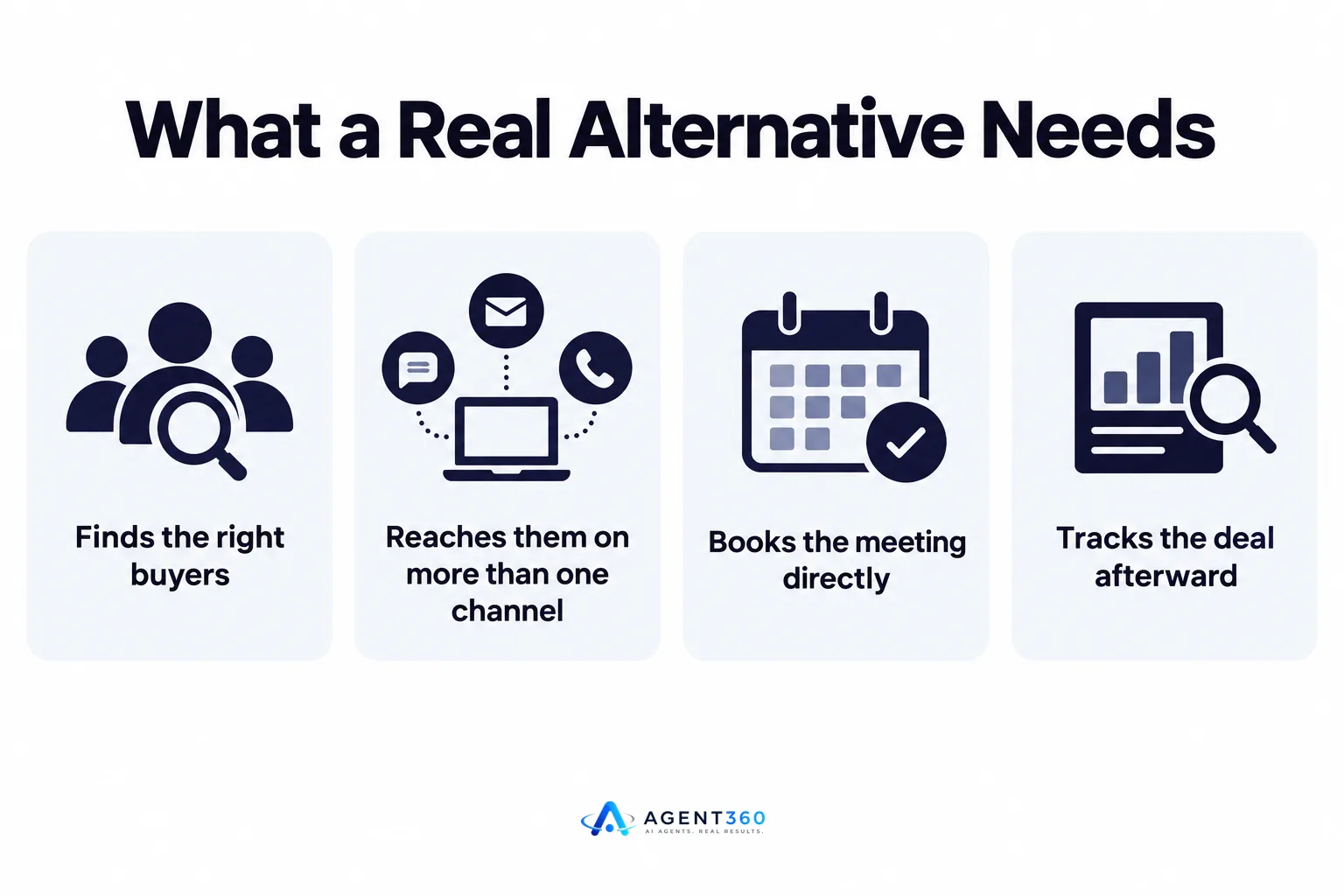
Look for a tool that finds the right buyers, reaches them on more than one channel, books the meeting directly, and tracks the deal afterward. Those four things working together are what actually move a prospect from cold name to booked call, rather than just producing more LinkedIn messages sent.
Does the alternative need AI prospecting, or just automation?
Automation alone sends messages to whoever is on the list. AI prospecting narrows that list first, flagging accounts showing signals like hiring, funding, or role changes, so outreach goes to people more likely to respond.
Should meeting booking be built in?
Yes. A tool that gets a reply but still requires manual back-and-forth to find a time adds a step that costs meetings. Booking directly on a calendar when a prospect says yes removes that friction.
How do you switch tools without losing pipeline?
Switch in stages, keep the old tool running until replies are confirmed flowing into the new one, and move your active conversations last. A clean cutover protects deals already in motion.

- Export current contacts and conversation history. Pull every active LinkedIn thread and email contact out of Skylead before you cancel anything.
- Set up the new platform on a small segment first. Run a subset of your list through the new tool to confirm channels, templates, and CRM sync work as expected.
- Run both tools in parallel for two to three weeks. Keep Skylead live for existing threads while new prospects go through the new system.
- Move active replies manually, one by one. Don't bulk-import live conversations; hand-check that each one lands in the right stage of your pipeline.
- Cancel the old tool once the new one is booking meetings. Confirm a full cycle of outreach-to-meeting has worked before you drop the backup.
For a side-by-side on how a dedicated LinkedIn tool compares against another, see Expandi vs Skylead or Skylead vs HeyReach if LinkedIn volume and safe sending limits are the main concern.
Take the Next Step With a Multi-Channel Setup
Agent360 runs AI prospecting to find buyers and flag signals, then reaches them across LinkedIn, email, and phone from one system. Replies get booked straight onto your calendar, and the CRM tools keep every deal visible in one place instead of split across a LinkedIn inbox and a spreadsheet.
If LinkedIn-only automation has stopped producing enough meetings, the fix usually isn't sending more messages on the same channel. It's adding channels and closing the gap between a reply and a booked call.
See how the setup works on the how it works page before you decide.
Frequently Asked Questions
Is Skylead only for LinkedIn outreach?
Skylead's core function is LinkedIn automation, including connection requests and message sequences. It does not natively run email or phone outreach or book meetings on a calendar, which is why teams needing those functions look for alternatives.
What's the risk of switching outreach tools mid-campaign?
The main risk is losing track of active conversations during the handover. Running both tools in parallel for a few weeks and moving live replies manually avoids dropped follow-ups.
Do I need a separate CRM if I switch to a multi-channel tool?
Not necessarily. A platform with built-in CRM tools can track pipeline stages without a separate system, which removes one more tool to maintain.
How long does switching from a LinkedIn-only tool usually take?
Expect a parallel-run period of two to three weeks to confirm the new tool's channels and CRM sync work before fully retiring the old one. Moving faster than that risks losing active conversations.
Does adding email and phone outreach replace LinkedIn, or add to it?
It adds to it. LinkedIn remains one channel in the sequence; email and phone give prospects other ways to respond when they don't check LinkedIn messages often.
More articles
- Clay vs LeadSwift: Which Fits Your Outbound Job?
- Local SEO Checklist: What to Fix First, in Order
- Agent360 vs Belkins: a fair, side-by-side comparison
- Best done-for-you marketing package for local service businesses?
- How to Get Your Business Mentioned in Google AI Answers
- Who Should You Use for Done-For-You Auto Shop Marketing?
- What's a White Label GEO Agency and Who Offers It?
- The Best Marketing Strategy for an Auto Repair Shop
