A LinkedIn Outreach Tool That Books Meetings, Not Just Sends
A LinkedIn outreach tool automates connection requests, messages, and follow-ups so you can reach prospects at scale without manually clicking through profiles. The better ones add email and phone, so a prospect who ignores LinkedIn still gets a shot on another channel. The best ones go further and put the meeting on your calendar, not just a reply in your inbox.
Most people searching for a LinkedIn outreach tool are comparing point solutions that automate connection requests and sequences. That's a narrow job. Sending a message is not the same as filling pipeline, and a tool that stops at \"message sent\" leaves the hardest parts of outbound — qualifying, booking, and tracking — on your plate.
This article covers what the tool should actually do, where LinkedIn's own limits box in automation, and how to choose between a single-channel point tool and a platform built to carry a prospect from first touch to booked meeting.
Key Takeaways
- A LinkedIn-only tool handles one channel; look for one that adds email and phone so prospects who don't reply on LinkedIn still get reached.
- LinkedIn's own connection and messaging limits cap how much a single account can send, so tools that promise unlimited volume are working around platform rules, not with them.
- Meeting booking should happen on your calendar automatically, not as a manual step after a prospect replies, as covered in multi-channel outreach.
- CRM visibility matters as much as sending volume — a full pipeline view stops leads from going cold after the first reply.
- Compare categories, not just features, before you buy; see how the main options stack up at best LinkedIn automation tools.
Table of Contents
What should a LinkedIn outreach tool actually do?
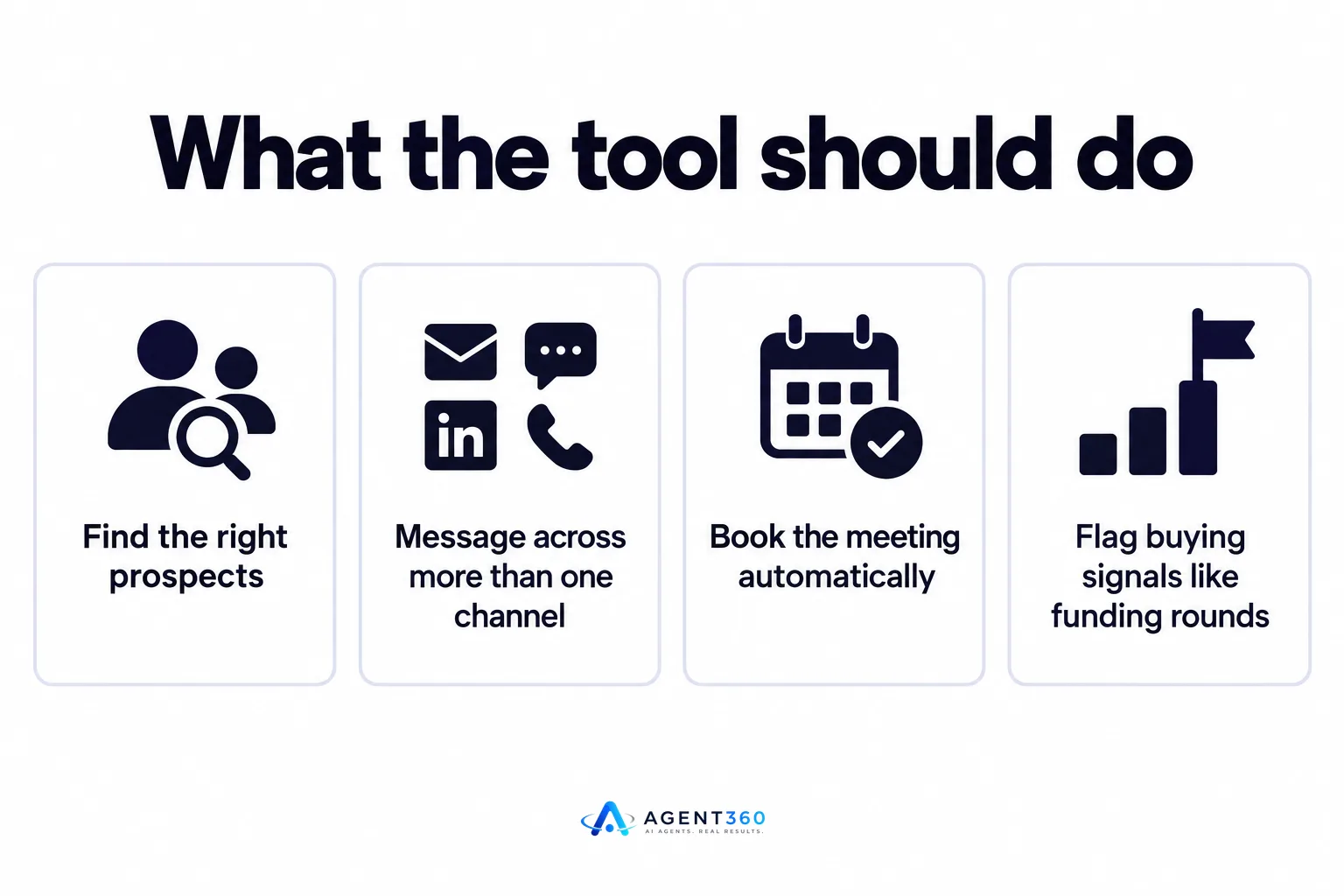
It should find the right prospects, message them on more than one channel, and book the meeting without a manual handoff. A tool that only automates LinkedIn connection requests solves one piece of a much larger job. Finding the right people, engaging them where they'll actually respond, and getting a meeting on the calendar are three separate problems, and most point tools only solve the middle one.
Does it need to find prospects, or just message them?
If you're buying a separate list from a data provider and feeding it into your outreach tool, you're doing the prospecting work yourself. A tool that finds ideal buyers and flags buying signals — a new hire, a funding round, a job posting — saves that step and surfaces people who are actually in-market right now.
Does it need to book the meeting, or just manage the reply?
A reply is not a meeting. Prospects who say \"sounds interesting, let's talk\" often go quiet during the back-and-forth of finding a time. A tool that puts your calendar link in front of the prospect at the moment they reply, and confirms the slot without more emails, converts more replies into meetings that actually happen.
How is a LinkedIn outreach tool different from a full outbound platform?
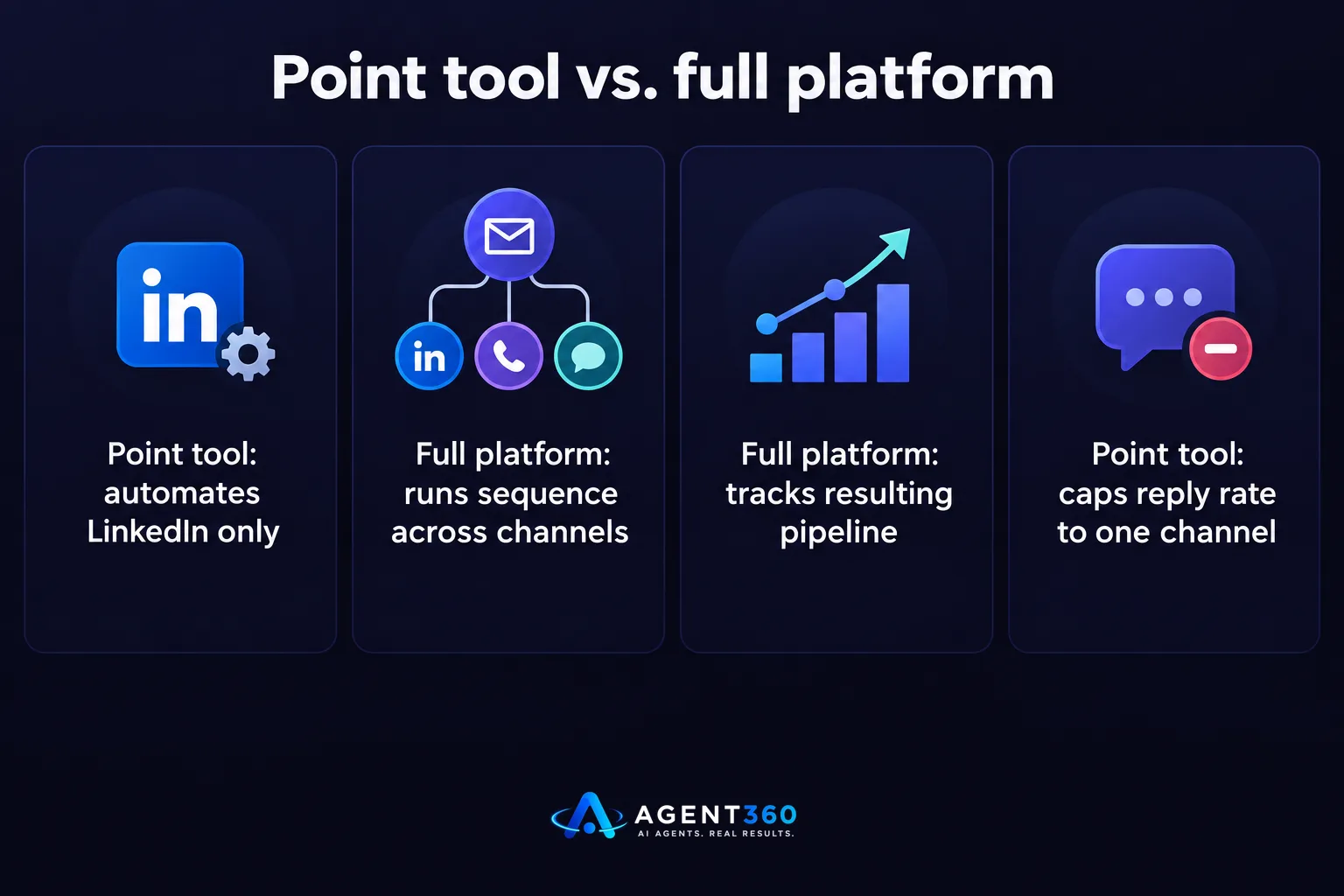
A LinkedIn outreach tool automates one channel; a full outbound platform runs the whole sequence across channels and tracks the pipeline that results. If your buyers only live on LinkedIn, a point tool might be enough. Most B2B buyers don't check LinkedIn daily, which is why relying on one channel caps your reply rate no matter how well you write the messages.
Why does channel order matter?
A prospect who's seen your name on LinkedIn opens a cold email differently than one who's never heard of you. Sequencing LinkedIn before email, rather than firing both at once, gives the prospect a reason to recognize your name when the email lands.
What LinkedIn outreach limits should you plan around?
LinkedIn caps connection requests and messages per account, and pushing past those limits risks a restriction, not just a slow week. The exact thresholds aren't published by LinkedIn and change without notice, so any tool that promises a fixed daily number is estimating, not guaranteeing. Plan around steady, moderate volume per account rather than chasing a number you read on a vendor's site.

What happens if you ignore the limits?
Accounts that send too fast or too uniformly get flagged, and a restricted account stops producing meetings entirely until it's restored. The detail on how to pace volume without tripping these flags is covered in LinkedIn outreach limits.
How do you choose between a point tool and a multi-channel platform?
Choose based on how many channels your buyers actually respond on, not on which tool has the most LinkedIn-specific features. If you're a solo founder running your own outbound, you need something that covers LinkedIn, email, and phone without hiring anyone. If you're a staffing or recruiting firm, you're often running outreach in two directions — to hiring managers and to candidates — which makes a single connected system worth more than separate tools for each channel.
- List what channels your buyers use. Check your own CRM for where past deals actually started a conversation, not just where you sent the most messages.
- Decide if you need prospecting built in. If you're already buying lists elsewhere, you may only need the messaging and booking layer.
- Check how replies get sorted. A tool that dumps every reply into one inbox makes it hard to tell interested prospects from objections.
- Confirm the booking step is automatic. Ask whether the prospect books directly on your calendar or whether someone on your team has to coordinate a time by hand.
Ready to Stop Managing Tools and Start Booking Meetings?
Picking a LinkedIn outreach tool is really a decision about how much of the pipeline process you want to run by hand. Agent360 combines AI prospecting, multi-channel outreach across LinkedIn, email, and phone, meeting booking straight onto your calendar, and CRM tools to track the pipeline that results — built for sales teams and for founders running their own outbound without hiring SDRs.
If you're comparing options, start with booking a demo to see how the full sequence runs end to end.
Frequently Asked Questions
What's the difference between a LinkedIn outreach tool and a cold email tool?
A LinkedIn outreach tool automates connection requests and messages inside LinkedIn, while a cold email tool handles sequences through your inbox or a sending domain. Many B2B teams need both, since prospects who ignore one channel often respond on the other.
Can one LinkedIn outreach tool cover my whole sales process?
Only if it goes beyond sending messages to include prospecting, meeting booking, and a CRM view of the pipeline. A tool that only automates sends still leaves qualifying and booking as manual work.
Is LinkedIn automation safe to use for outreach?
Automation is widely used, but pacing and account behavior matter more than the tool itself. Review how volume and account setup affect risk before you commit to heavy daily sending.
Do I need a separate CRM alongside a LinkedIn outreach tool?
Not if the tool includes pipeline tracking. If it doesn't, you'll end up copying replies and meeting statuses into a spreadsheet or separate CRM by hand, which is where deals tend to go cold.
How many channels should a small sales team actually run?
Most B2B teams get the most out of LinkedIn plus email plus phone, since each channel reaches prospects who ignore the other two. Running all three in one connected sequence, rather than as separate efforts, is what tends to convert replies into booked meetings.
More articles
- Skylead vs HeyReach: Which LinkedIn Tool Books More Meetings?
- How to Choose a LinkedIn Lead Generation Tool That Books Meetings
- Export LinkedIn Post Commenters for Warm B2B Leads
- How to Export LinkedIn Post Comments for Warm Leads
- How to Export LinkedIn Post Likers for Warm Outbound Leads
- How to Turn Leads From LinkedIn Comments Into Meetings
- HeyReach vs Waalaxy: Which LinkedIn Tool Fits B2B Outbound?
- Multiple LinkedIn Accounts for Outreach: Help or Ban Risk?
