AI Dialer: What It Actually Does and What to Check First
An AI dialer is calling software that uses automation to handle the mechanical parts of phone outreach — dialing numbers, skipping voicemail and busy signals, logging call outcomes, and in some cases transcribing or summarizing the conversation — so a rep spends more time talking and less time clicking.
The term covers a range of tools, from simple autodialers with AI transcription bolted on to systems that dial several numbers at once and route only live answers to a human. Picking the right one depends on how your team actually prospects, not on which product has the most features listed on its homepage.
This article covers what an AI dialer does differently than a regular one, how to evaluate options, and where dialing fits next to email and LinkedIn in a full outbound motion.
Key Takeaways
- An AI dialer automates dialing, voicemail detection, and call logging — it does not replace the conversation itself.
- Parallel dialing (calling several numbers at once) matters most for teams making high call volumes, less for a single founder working a short list.
- Check whether the dialer connects to the same CRM and sequences you use for email and LinkedIn before you buy it as a standalone tool, as outlined in our comparison of dialer options.
- Ask for a specific number on connect rate and compliance handling — vague claims about “AI-powered” dialing are not a substitute for how the software actually behaves on a live call.
- Decide whether you want software you run yourself or a team that runs the calling for you before you commit to a contract.
Table of Contents
What Does an AI Dialer Do Differently Than a Regular Dialer?
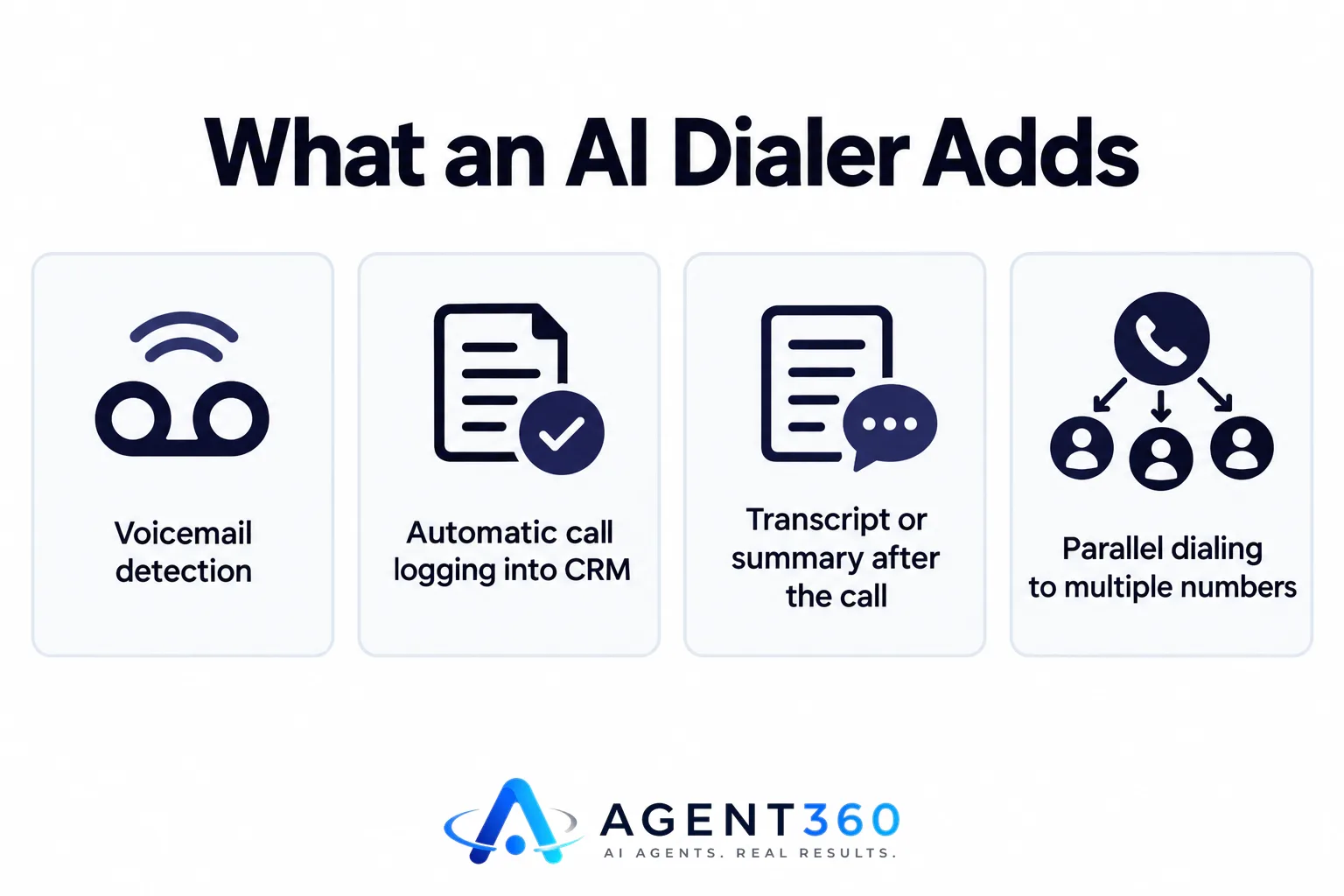
An AI dialer adds automation and intelligence on top of basic auto-dialing, handling tasks a rep would otherwise do by hand between calls. A basic autodialer just moves down a list and connects calls. An AI dialer typically adds voicemail detection so reps are not left talking to a recording, automatic call logging into a CRM, and often a transcript or summary generated after the call ends.
Does an AI dialer still need a human on the call?
Yes. The automation handles setup, routing, and note-taking. The conversation that turns a connected call into a booked meeting still depends on the person on the line, which is why the software works best paired with a rep or a team trained to run the call.
What's the difference between an AI dialer and a power dialer?
A power dialer moves through a list one call at a time as soon as a rep is free. An AI dialer often does that plus parallel dialing — calling multiple numbers at once and connecting the rep only when someone picks up — along with the transcription and logging features described above.
How Should You Evaluate an AI Dialer Before You Buy?
Test it against your actual call list and your actual CRM, not a demo script. Dialer vendors demo well. The questions that matter show up once you're dialing your own prospects with your own phone numbers and area codes.
- Check connect rates on your numbers. Ask the vendor how local presence and caller ID reputation are handled, since this affects how many calls actually get answered.
- Confirm CRM and sequence integration. Find out whether calls can be triggered from the same sequence as your email and LinkedIn steps, or whether the dialer sits as a separate tool you have to manage on its own.
- Ask about compliance features. Confirm how the tool handles do-not-call lists and call recording consent rules for the states or countries you're calling into.
- Price out seats. Many dialers charge per user, which gets expensive fast once a team grows; compare that against platforms priced with unlimited seats.
- Run a short trial with real prospects. A week of real dialing tells you more than any feature list about whether the transcription and logging actually save time.
What Features Actually Matter in an AI Dialer?
Voicemail detection, CRM logging, and call-to-sequence integration matter more day to day than flashy AI summaries. The features that get marketed hardest are not always the ones that change your week.
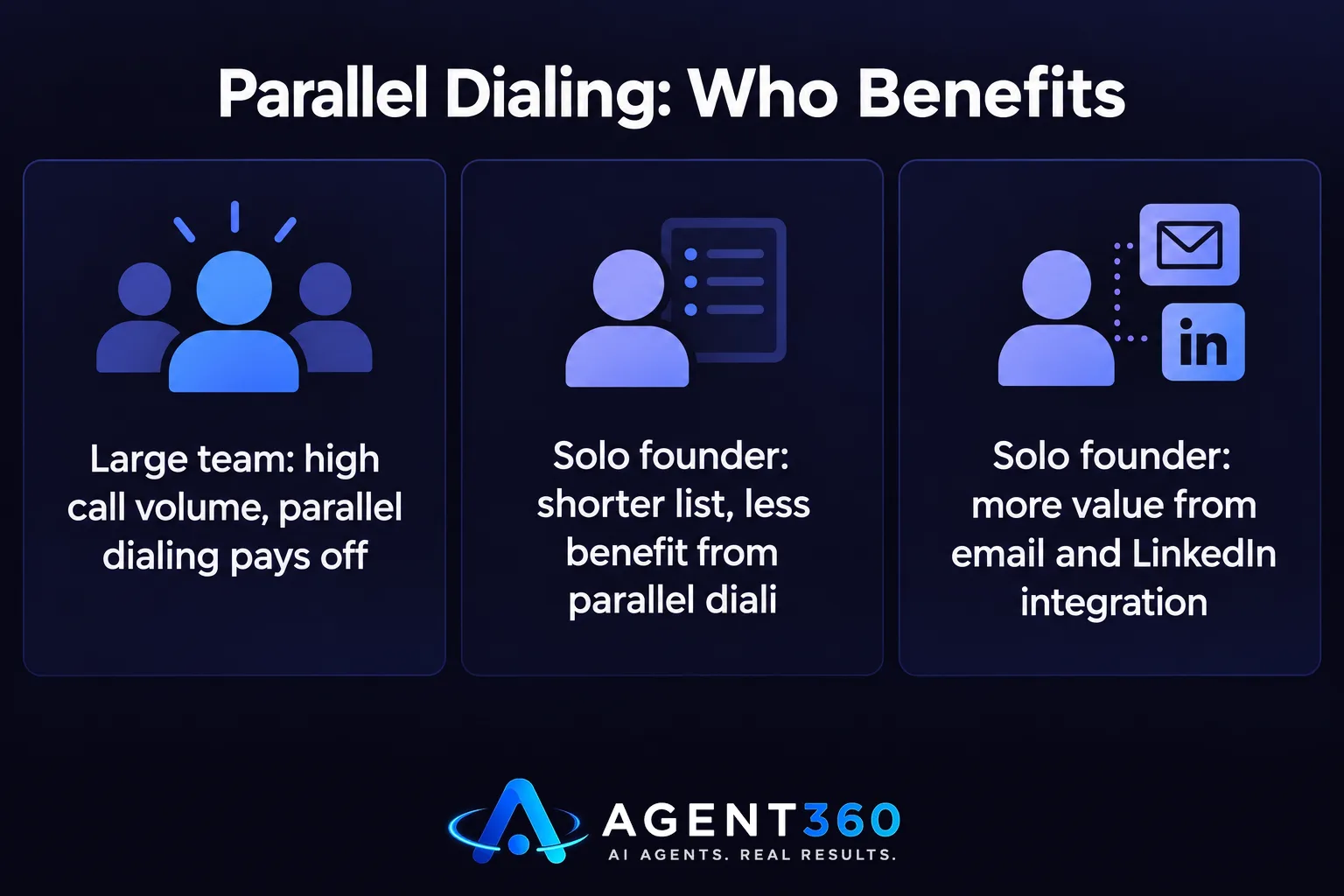
Does parallel dialing matter if you're a solo founder?
Less than for a larger team. Parallel dialing pays off when you have enough volume that waiting for one call to finish before starting the next one costs real hours. A founder working a shorter, more targeted list often gets more value from a dialer that's tightly connected to email and LinkedIn outreach than from one built purely for high-volume parallel calling.
Where Does an AI Dialer Fit With Email and LinkedIn Outreach?
Calling works best as one channel inside a sequence, not as a standalone activity disconnected from email and LinkedIn. A prospect who opens an email, views a LinkedIn profile, and then gets a call referencing that activity responds differently than one who gets a cold call out of nowhere. That coordination depends on the dialer sharing data with the rest of the sequence, which is the main reason to check CRM integration before buying.

Should the dialer and the email sequencer be the same tool?
It's worth checking. Running phone, email, and LinkedIn from one system means prospect activity updates in one place instead of three, and a rep isn't switching between tabs to see whether someone already replied. For teams comparing dedicated dialer tools, our breakdowns of what to look for in a sales dialer and Aircall alternatives for outbound teams cover what's worth checking before switching.
Take the Next Step With Calling Built Into Your Outbound Stack
Agent360 includes a parallel dialer as part of its multi-channel outreach, alongside email, LinkedIn, and CRM tools, so calls connect to the same sequences and the same pipeline view instead of living in a separate app. Every plan runs on unlimited seats with no per-user fees, and every email sent comes with one triple-verified lead included.
Teams that want to run outbound themselves can start on the Agent360 platform from $99/mo. Teams that would rather hand the whole motion — calling, email, and LinkedIn — to a dedicated GTM engineer and strategist can use the VIP done-for-you option at $2,000/mo plus $250 per booked meeting, and simply take the meetings that land on the calendar.
See how the dialer fits the rest of the system on the how it works page.
Frequently Asked Questions
What is an AI dialer used for?
An AI dialer is used to automate the manual parts of phone-based outreach — dialing, skipping voicemail, logging outcomes, and often transcribing calls — so a sales rep spends call time talking instead of managing a list by hand.
Is an AI dialer the same as a power dialer?
Not exactly. A power dialer automates moving through a call list one at a time. An AI dialer usually includes that plus extra automation like voicemail detection, transcription, and CRM logging, and sometimes parallel dialing across multiple numbers at once.
Does an AI dialer replace a sales rep?
No. It removes manual steps between calls but does not conduct the conversation. The rep still has to make the case for a meeting once someone picks up the phone.
How much does an AI dialer cost?
Pricing varies widely by vendor and is often charged per seat, which adds up as a team grows. It's worth comparing per-seat pricing against platforms that charge a flat rate regardless of team size, such as those detailed on the pricing page.
Can a solo founder use an AI dialer without a sales team?
Yes. A founder running their own outbound can use a dialer alongside email and LinkedIn sequencing to call a shorter, targeted list without needing to hire a dedicated caller first.
What should I check before switching dialer tools?
Check connect rates on your own numbers, confirm it logs activity into your CRM automatically, and confirm it handles do-not-call and consent rules for where you're calling, as covered in our FAQ on outreach channels.
More articles
- MSP Lead Generation Services: What to Look For
- Unlimited Seats Sales Software: What to Buy and Why
- Cold Email and LinkedIn Sequencer: What to Look For
- Staffing Agency Lead Generation: A Practical Playbook
- AI SDR for Staffing Agencies: What to Look for Before You Buy
- Otter.ai Alternative: What Sales Teams Need Beyond Notes
- Fireflies Alternative: What Sales Teams Should Check First
- JustCall Alternative: What to Check Before You Switch
