Cold Email and LinkedIn Sequencer: What to Look For
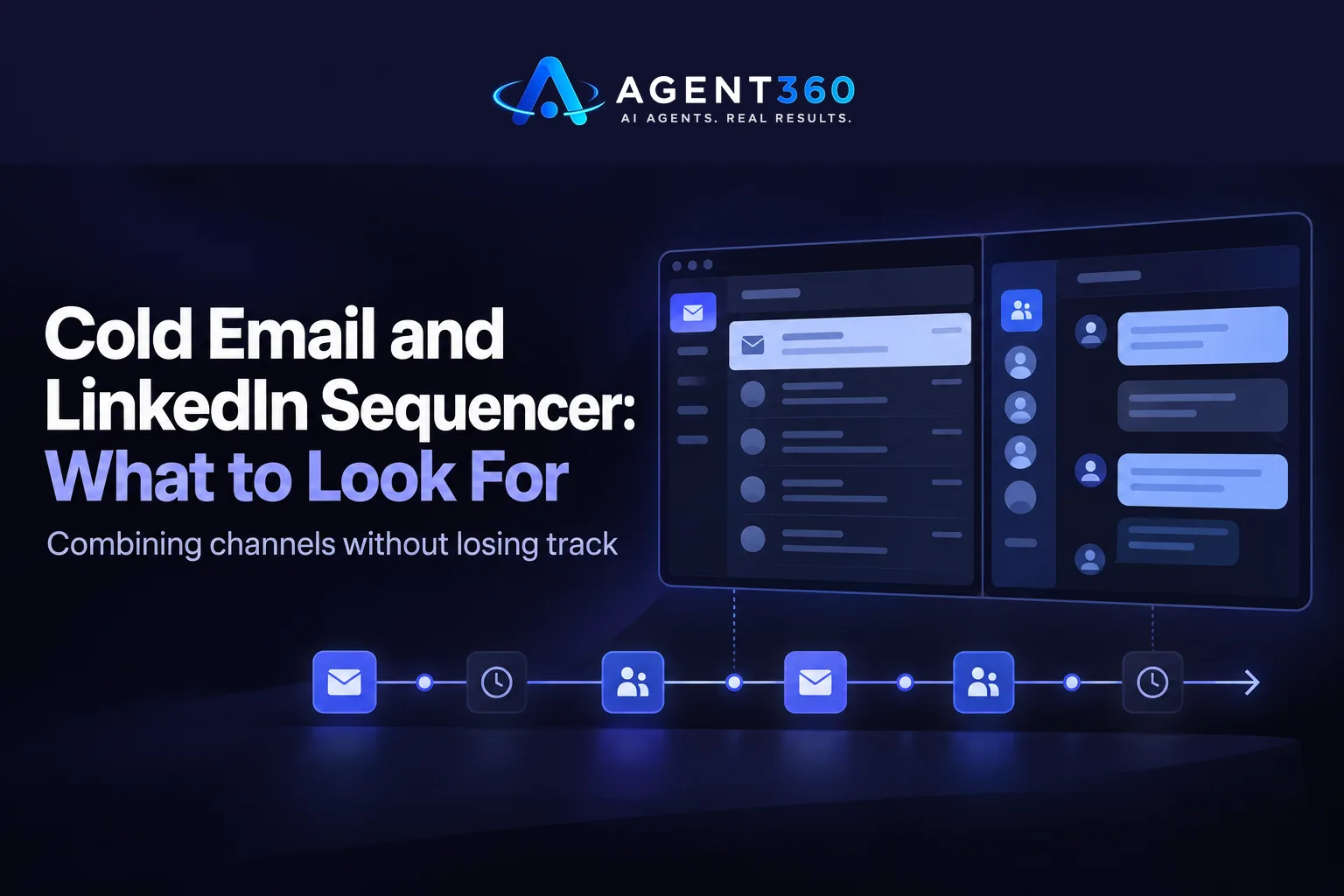
A cold email and LinkedIn sequencer is a tool that schedules a series of outreach steps across both channels from one place, so an email, a connection request, and a follow-up message all fire on a set timeline without you tracking them by hand. Instead of running email in one tool and LinkedIn in another tab, you build one sequence and the software moves prospects through it.
Most B2B sellers end up needing both channels because buyers do not reply the same way twice. Some answer an email on day one. Others ignore five emails and then accept a LinkedIn connection request. A sequencer that only does one channel misses the other half of that behavior.
This guide covers what the tool actually does, what to check before you commit to one, and how a combined sequence gets set up in practice.
Key Takeaways
- A cold email and LinkedIn sequencer runs scheduled touches across both channels from a single sequence, not two separate tools.
- Combining channels matters because prospects who ignore email sometimes respond on LinkedIn, and the reverse is also true.
- Check how a sequencer handles replies, since a reply on one channel should stop or pause the other channel automatically.
- Compare a few options against your actual workflow before buying; see how the major LinkedIn automation tools stack up.
- Unlimited-seat pricing matters more as your team grows, since per-seat tools get expensive fast once more reps touch the same pipeline.
Table of Contents
What Is a Cold Email and LinkedIn Sequencer?
It is software that automates a timed sequence of email sends and LinkedIn actions aimed at the same prospect list. You set the order and the spacing, for example an email on day one, a LinkedIn view or connection request on day three, a follow-up email on day six, and a LinkedIn message on day nine. The tool executes that plan across the list without you clicking send each time.
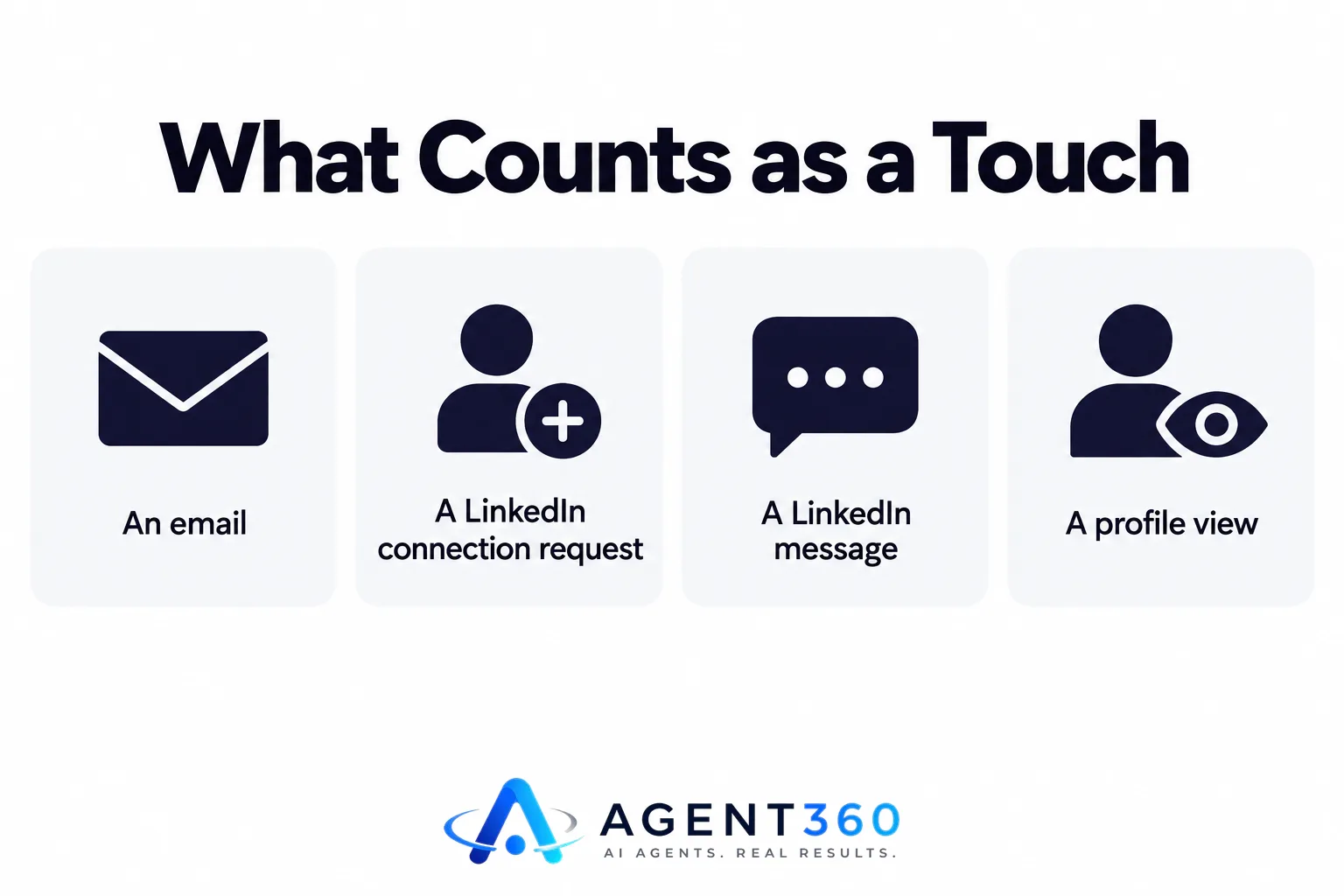
What counts as a touch in a sequence?
A touch is any action the prospect can see: an email, a LinkedIn connection request, a LinkedIn message, a profile view, or a phone call if the sequencer includes dialing. Each touch has a position in the sequence and a delay before the next one.
Does it replace a human sender?
No. The software handles timing and delivery. A person still writes the messages, decides the sequence logic, and handles the conversation once a prospect replies. Automation moves the mechanical work off your plate; it does not run the conversation for you.
Why Do Sales Teams Need Both Channels in One Tool?
Running email and LinkedIn separately means losing track of who has already been contacted on the other channel, which leads to duplicate outreach or dead silence. A combined sequencer keeps one record per prospect across both channels, so a LinkedIn reply shows up next to the email history instead of in a different app.
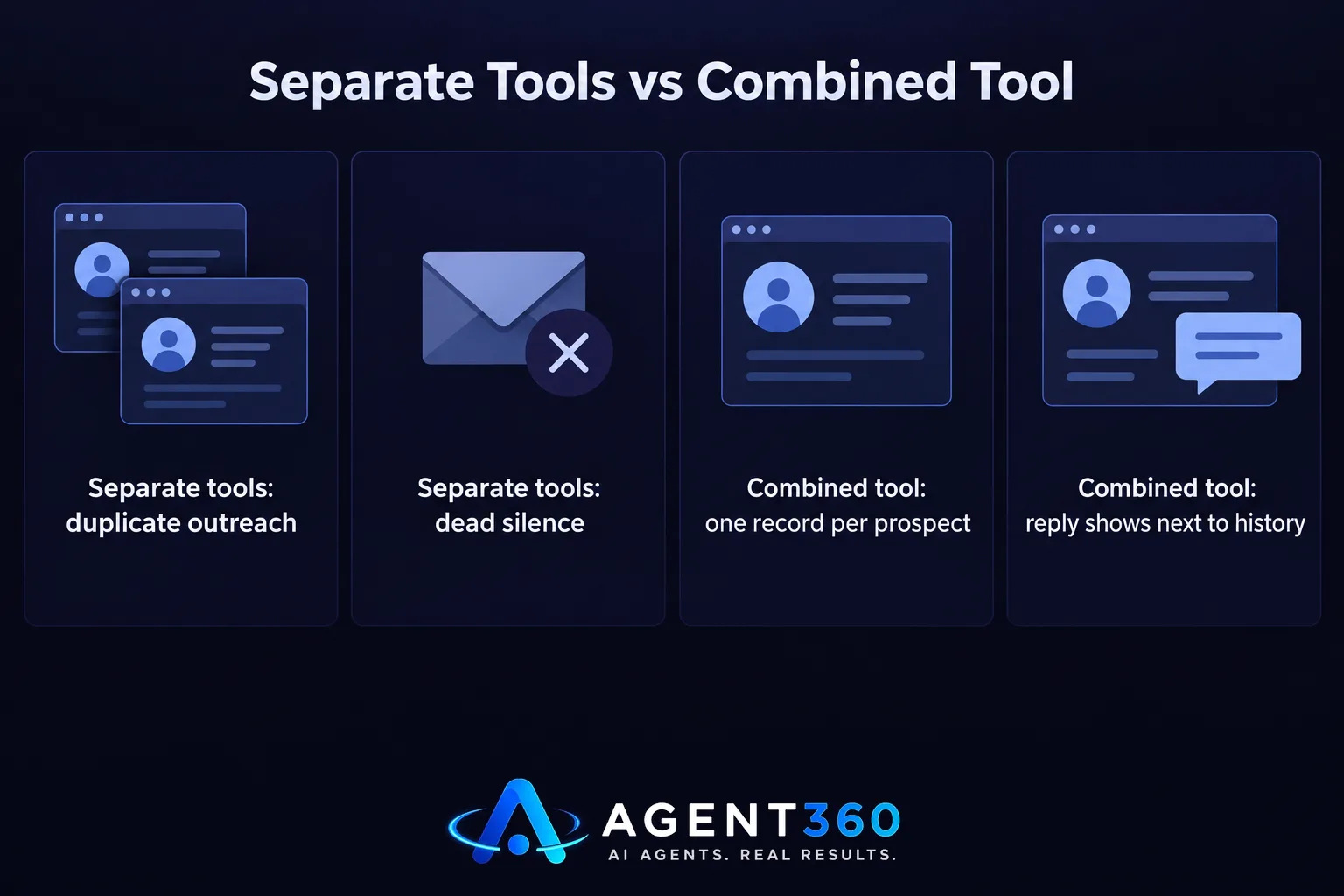
What happens when email and LinkedIn run separately?
Two separate tools usually means two separate lists, which drift out of sync. A prospect who replied on LinkedIn might still get the next scheduled email, because the email tool has no idea a reply happened. That looks sloppy to the prospect and wastes a touch that could have gone to someone else.
Does combining channels change how prospects respond?
There is no fixed number to promise here, since no platform publishes universal reply rates and behavior varies by industry and list quality. What a combined sequence does is give a prospect more than one way to respond on their own terms, so someone who screens cold email aggressively still sees the LinkedIn touch.
What Should You Look for in a Sequencer?
Check whether it includes verified leads or expects you to supply your own list, and how it handles a reply on one channel while a touch is still scheduled on the other. Those two things decide whether the tool saves time or creates more cleanup work.
Does it need its own data, or do you bring your own leads?
Some sequencers are bring-your-own-list tools: you upload contacts and the software just sends. Others include lead sourcing, so the tool finds people matching your target market and feeds them into the sequence directly. If you do not already have a clean, verified list, a tool that includes multi-channel outreach with sourcing built in removes a step.
How does it handle replies across channels?
Ask specifically: if a prospect replies to the email, does the LinkedIn step for that person pause automatically, or do you have to catch it manually? This is the detail that separates a tool that looks integrated in a demo from one that actually behaves that way once hundreds of prospects are moving through sequences at once.
How Do You Set Up a Combined Email and LinkedIn Sequence?
The steps are similar across most tools, even though the screens look different.

- Define the target list. Decide the job titles, industries, and company sizes you are going after before building any messaging.
- Write the first email and the first LinkedIn touch. Keep both short and keep them different in tone; a prospect who sees both channels should not feel like they are reading the same note twice.
- Set the spacing between touches. Leave enough days between steps that a reply has time to arrive before the next touch fires.
- Add reply handling rules. Make sure a reply on any channel stops the rest of the sequence for that person, not just the channel they replied on.
- Launch on a small batch first. Run the sequence against a slice of the list before pushing the full volume through, so you can fix messaging before it reaches everyone.
- Review and adjust weekly. Check which step is getting replies and which step prospects are ignoring, then tighten the weak step.
Ready to Run Email and LinkedIn Outreach From One Dashboard?
Agent360 combines a cold email and LinkedIn sequencer with built-in lead sourcing, so you are not buying a sequencer and a separate data source. Every plan includes unlimited seats with no per-user fees, and every email sent comes with one triple-verified lead included, so the list and the sending tool are not two separate costs.
If you are running outbound yourself, the Agent360 Platform starts at $99/month and includes the email and LinkedIn sequencer, a parallel dialer, and CRM tools in one place. If you would rather hand the whole motion to a dedicated GTM engineer and strategist and just take the meetings, the VIP Done-For-You option runs outbound end to end for $2,000/month plus $250 per booked meeting.
See the full breakdown of plans on the pricing page.
Frequently Asked Questions
What is the difference between a cold email tool and a cold email and LinkedIn sequencer?
A cold email tool only schedules and sends emails. A combined sequencer adds LinkedIn actions, like connection requests and messages, into the same timed sequence so both channels run against the same prospect list without separate manual tracking.
Can one person run both email and LinkedIn outreach without hiring help?
Yes, a combined sequencer is built for exactly this, since it removes the manual coordination between two channels that would otherwise require two separate workflows or two people.
Does a LinkedIn sequencer use my own LinkedIn account?
Most sequencers connect to your existing LinkedIn account rather than creating a new one, since actions need to come from a real profile the prospect can click through to. Check the specific tool's documentation for how it connects, since the setup differs by provider.
How many touches should a combined sequence include?
There is no universal number, since it depends on your list size, your industry, and how aggressively you want to pursue each prospect. A common structure is three to five touches split across email and LinkedIn over two to three weeks, adjusted after you see which steps get replies.
What happens if a prospect replies on LinkedIn but the sequence is still scheduled to email them?
A well-built sequencer should detect the reply and pause the rest of the sequence for that prospect automatically. If a tool cannot do this, you risk emailing someone who already responded elsewhere, which looks disorganized.
Is a cold email and LinkedIn sequencer enough on its own, or do I need a CRM too?
You need somewhere to track replies, booked meetings, and pipeline stage once a sequence produces a response, so most teams pair a sequencer with CRM tools rather than running outreach and pipeline tracking separately.
More articles
- Staffing Agency Lead Generation: A Practical Playbook
- AI SDR for Staffing Agencies: What to Look for Before You Buy
- Otter.ai Alternative: What Sales Teams Need Beyond Notes
- Fireflies Alternative: What Sales Teams Should Check First
- JustCall Alternative: What to Check Before You Switch
- Dialpad Alternative: What to Look for in a Sales Dialer
- The Best Aircall Alternative for Outbound Sales Teams
- Gong Alternative: What to Check Before You Switch Tools
