Dialpad Alternative: What to Look for in a Sales Dialer
A Dialpad alternative is any dialer that handles calling the way Dialpad does, but fits better with how your team actually books meetings — usually because it adds outbound sequencing, prospecting, or CRM tracking that a standalone dialer leaves out. Most teams searching for one aren't unhappy with call quality. They're unhappy with paying per seat for a tool that only dials, then buying two or three more tools to find leads, send emails, and track the pipeline.
The fix isn't always a different dialer. It's often a different category of tool.
Key Takeaways
- Check whether you need a dialer alone or a dialer connected to prospecting, email, and CRM in one place.
- Per-seat pricing adds up fast once a team grows past a few reps — compare unlimited-seat pricing against per-user plans before you decide.
- Call data that doesn't sync to a pipeline view is call data you'll re-enter by hand later.
- Export your call lists and notes before you cancel anything, so switching doesn't cost you pipeline history.
- Run a short side-by-side test with real prospects before committing to a new platform.
Table of Contents
Why are B2B teams looking for a Dialpad alternative?
Most teams outgrow a standalone dialer once calling becomes one channel among several. Dialpad and tools like it were built to make and manage calls well. But outbound today rarely runs on phone calls alone — it runs on LinkedIn touches, email sequences, and calls working together, aimed at the same list of accounts. A dialer that doesn't talk to the rest of that stack forces reps to juggle separate tools and separate records for the same prospect.
Is it about cost or about missing features?
Usually both. Per-seat dialer pricing gets expensive as a team adds reps, and the feature gap — no built-in prospecting, no email or LinkedIn sequencing, a CRM that's an afterthought — means the dialer cost is rarely the whole cost. Teams end up paying for a dialer, a data provider, an email tool, and a CRM, each billed separately.
What should a dialer alternative include besides calling?
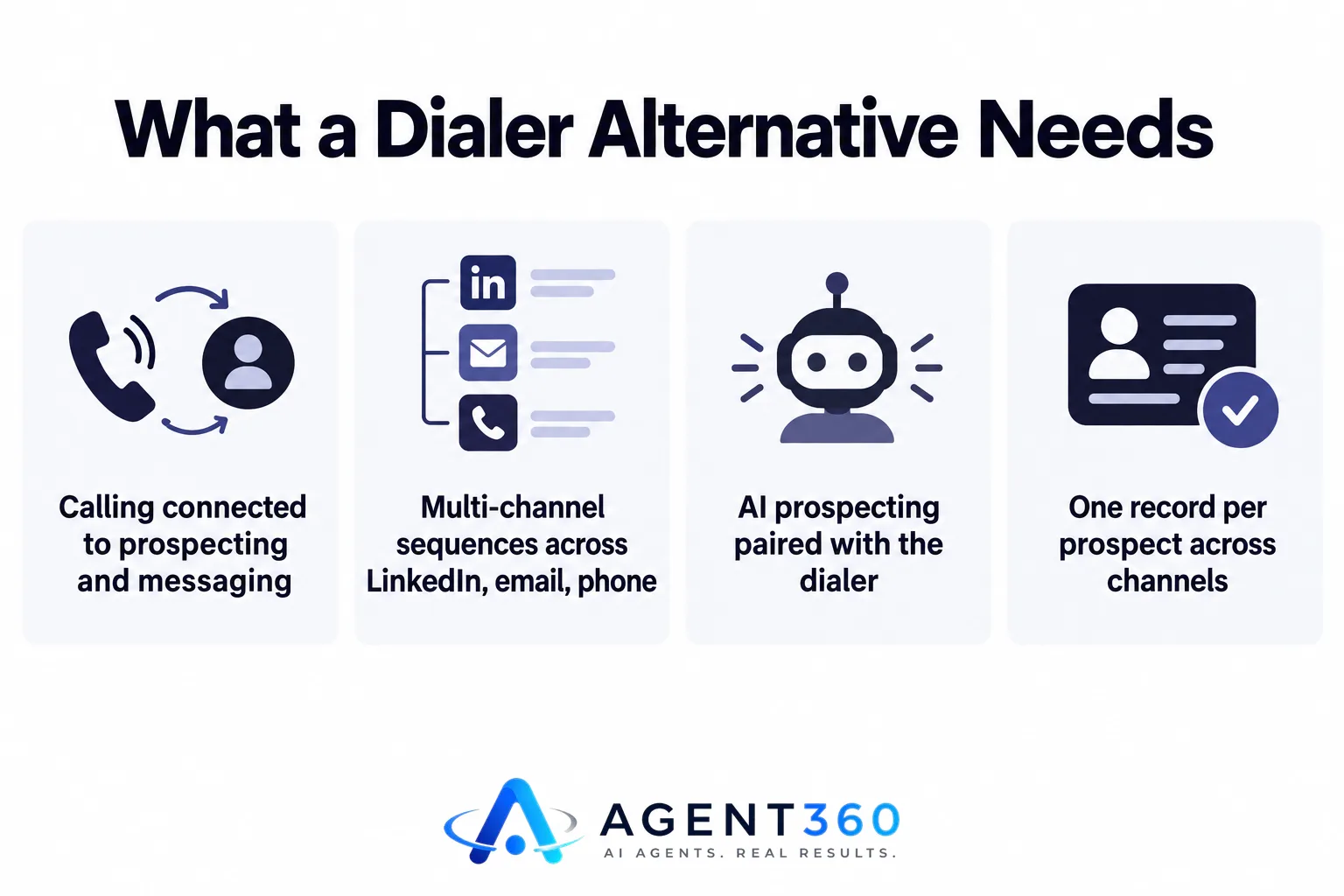
A real alternative should connect calling to prospecting, messaging, and pipeline tracking, not replace one tool with another single-purpose one. If a rep calls a prospect, that call should show up next to the emails and LinkedIn messages already sent to that same person, in one record.
Does it need to replace email and LinkedIn too?
Not necessarily, but it helps if it can. A platform that runs multi-channel outreach across LinkedIn, email, and phone from one sequence means a rep isn't manually coordinating three tools to follow up on the same lead. That's the difference between a dialer and an outbound platform.
What about the leads themselves?
A dialer with no sourcing attached means someone still has to build call lists before anyone picks up a phone. Platforms that pair AI prospecting with the dialer remove that separate step — the list and the buying signals are already there when a rep sits down to call.
How do pricing models differ between dialer tools and full outbound platforms?
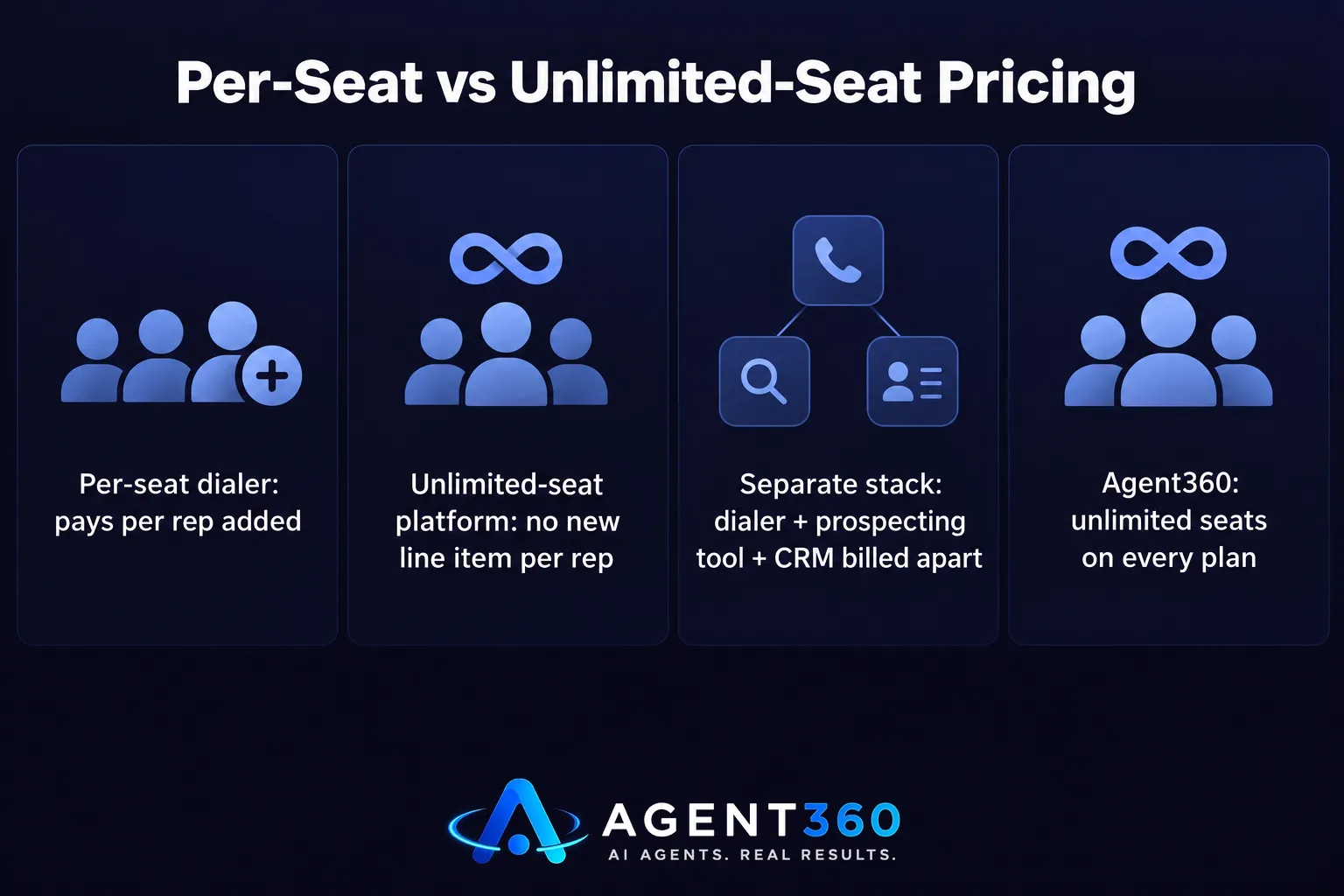
Per-seat dialer pricing scales with headcount; platform pricing built around unlimited seats doesn't. A five-person team on a per-user dialer pays for five licenses no matter how the work is split. A platform priced with unlimited seats on every plan lets a team add reps, managers, or recruiters without a new line item each time.
Is a cheaper monthly rate actually cheaper?
Check the total stack, not the sticker price. A dialer at a low per-seat rate stacked with a separate prospecting tool and a separate CRM can cost more overall than one platform that includes all three. Comparing Agent360 against Dialpad directly is a faster way to see where the real costs sit than comparing list prices alone.
How do I switch from Dialpad without losing pipeline data?
Export everything before you cancel, then run the new tool in parallel for a short stretch before fully switching over. A clean cutover protects call history, notes, and any sequences already in motion.

- Export call logs and notes. Pull every call record, recording, and note tied to active prospects before closing the account.
- Export contact and list data. Get current lead lists and any tags or stages out in a format you can re-import.
- Set up the new dialer alongside the old one. Run both for a week or two on a subset of calls to confirm call quality and connection rates hold up.
- Move active sequences over. Rebuild in-flight outreach so prospects mid-sequence don't get dropped or double-contacted.
- Cancel the old plan on your renewal date. Time the cutoff to avoid paying for two tools longer than needed.
Find a Dialer That Does More Than Dial
Agent360 runs a parallel dialer alongside LinkedIn and email outreach, AI prospecting, and CRM tools, on the same platform, with unlimited seats on every plan starting at $99/mo. One triple-verified lead is included for every email sent, so the dialer isn't working from a cold, unqualified list. For teams that want outbound run for them instead, the VIP done-for-you option puts a dedicated GTM engineer and strategist on the account for $2,000/mo plus $250 per booked meeting, and your team just takes the meetings.
See how the pieces fit together on the how it works page, or go straight to pricing to compare plans.
Frequently Asked Questions
Is Dialpad only a dialer, or does it do more?
Dialpad is primarily built around business calling and call management. Teams that need prospecting, email sequencing, or CRM tracking alongside the dialer typically add separate tools, which is the gap most alternatives aim to close.
Will switching dialers disrupt active calls or campaigns?
It can if the switch happens mid-sequence without a transition plan. Running the new and old tools in parallel for a short period, then moving active sequences over deliberately, avoids dropped follow-ups.
Does a multi-channel platform replace the need for a CRM?
It can if the platform includes built-in CRM tools for tracking pipeline stages and history. Check whether the alternative syncs with your existing CRM or is meant to replace it before you commit.
Are unlimited-seat platforms actually unlimited, or is there a catch?
Check the specific plan terms before assuming. Some platforms cap usage (emails sent, calls made, or leads sourced) even while seats themselves are unlimited, so read the FAQ for the plan you're considering.
What should I test before fully switching dialers?
Call connection quality, how call data syncs to existing records, and whether reps can move between calling and other channels without leaving the tool. A short parallel run with real prospects answers all three faster than a demo call.
More articles
- The Best Aircall Alternative for Outbound Sales Teams
- Gong Alternative: What to Check Before You Switch Tools
- Looking for a Clay Alternative? What to Check First
- Agent360 vs Clay: A Fair, Side-by-Side Comparison
- Agent360 vs HeyReach: A Fair, Side-by-Side Comparison
- Is Smartlead Better Than Instantly for Cold Email Outreach?
- What's the Best Done-for-You Outbound Agency for Agencies?
- Who Offers Pay-for-Meetings Outbound Without an SDR Team?
