The Best Aircall Alternative for Outbound Sales Teams

An Aircall alternative worth switching to has to do more than place calls. It needs to fit into the rest of your outbound motion: the prospecting that fills your call list, the email and LinkedIn touches that happen alongside calls, and the CRM that tracks what happened after you hung up.
Aircall works well as a phone system. The question most teams are really asking is whether a phone system alone is enough, or whether they need a tool that connects calling to the rest of pipeline generation.
Below is what to check before you switch, and where the gaps usually show up.
Key Takeaways
- Check whether per-seat pricing scales with your team or punishes it as you grow.
- Decide if you need a standalone dialer or a dialer connected to prospecting, email, and LinkedIn in one place; see how Agent360 compares to Aircall on that point.
- Confirm the alternative includes a CRM, or you will be paying for a second tool to track pipeline anyway.
- Test call connect rates and setup time before committing to a longer contract.
- Ask who built the lead list you are calling, since a dialer is only as good as the numbers loaded into it.
Table of Contents
What should you look for in an Aircall alternative?
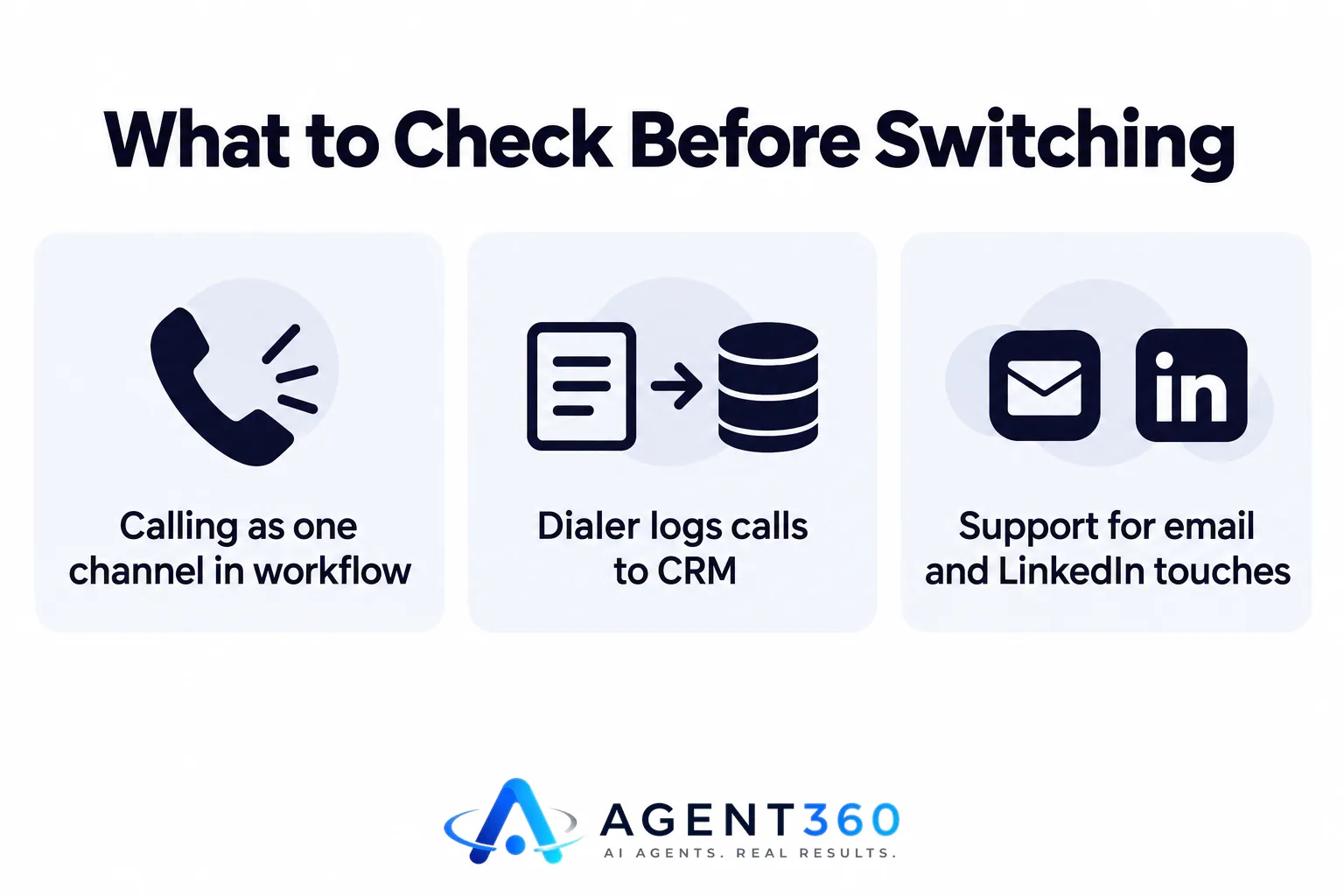
Look for a tool that handles calling as one channel inside a full outbound workflow, not as an isolated system. Aircall is built primarily as a business phone system with call routing, recording, and basic reporting. Many sales teams add it on top of separate tools for prospecting, email sequencing, and CRM tracking. That works, but it means stitching together three or four subscriptions and keeping data in sync across all of them.
Does the alternative need to replace your CRM too?
Not necessarily, but it helps if it can. If your dialer logs calls automatically against the right contact and deal record, your team spends less time on manual data entry and more time on the next call. A dialer with built-in CRM tools removes one integration point that would otherwise break when a vendor changes its API.
Does it need to support more than phone calls?
For most B2B teams, yes. Buyers respond on different channels at different stages: some pick up cold calls, others only reply to email, and others respond fastest to a LinkedIn message. A tool limited to phone calls means you are managing calling in one app and everything else in another.
Does per-seat pricing make Aircall expensive for growing teams?
Per-seat pricing adds up fast once you pass a handful of reps, and it can discourage adding temporary or part-time callers. Many dialer and calling platforms charge per user per month, which means every new hire, contractor, or seasonal SDR adds to the bill regardless of how many calls they make. For a small team running lean, that cost compounds quickly during a hiring push.
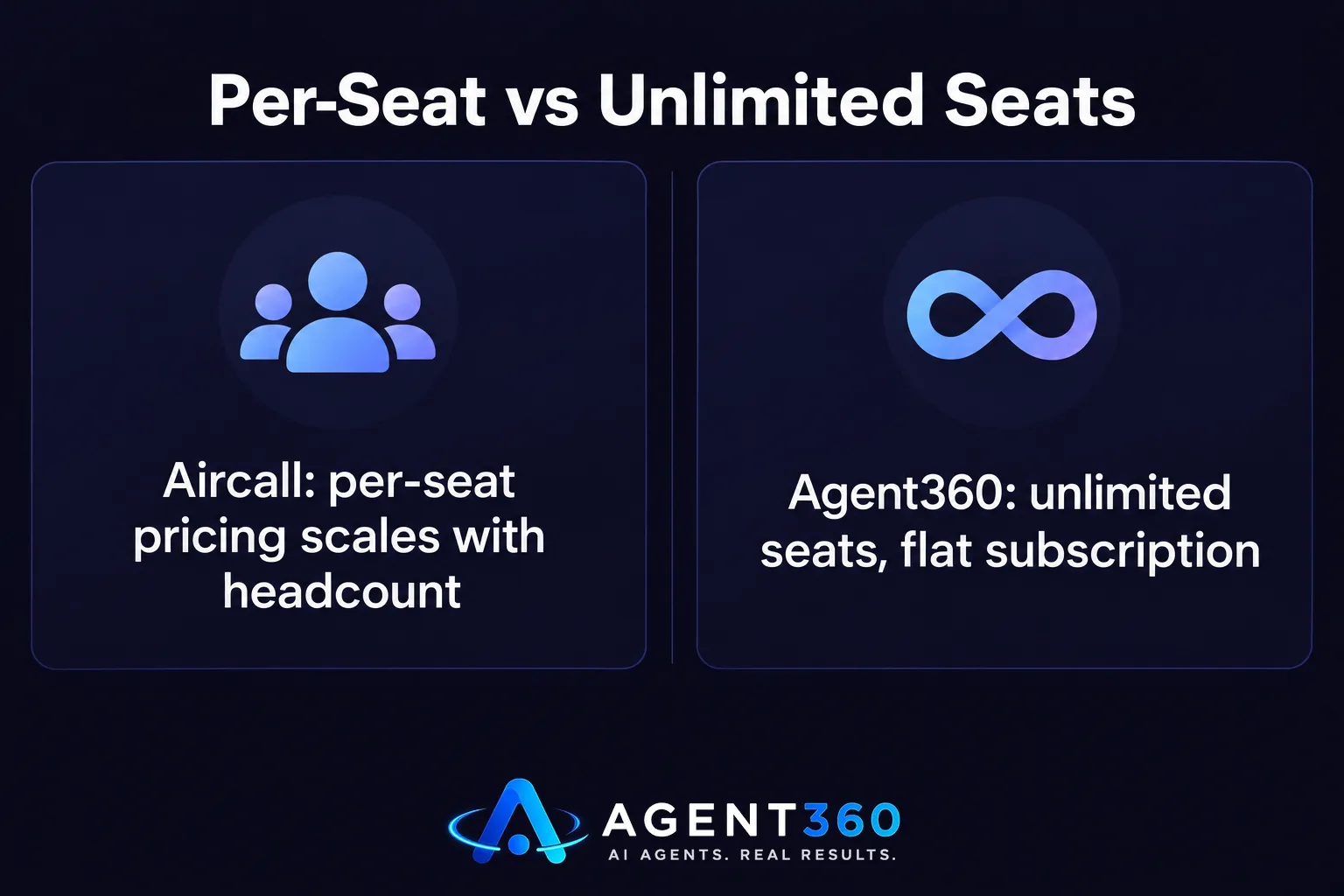
Before switching, calculate what your current tool costs at your target headcount six months from now, not just today. A platform with unlimited seats built into the price removes that scaling tax entirely, since cost does not change as you add reps.
Can a dialer alone fill your pipeline, or do you need prospecting too?
A dialer alone cannot generate a list of people worth calling; it only makes the calls you already have queued up. This is the part teams often underestimate when shopping for an Aircall alternative. The dialer solves the “how do I call” problem. It does nothing for the “who should I be calling” problem, which is usually the harder one.

Where does the call list come from?
Some teams buy a separate data provider, others export from a CRM, and others hand this work to a researcher. Each option adds cost or time. A tool that combines calling with built-in prospecting and buying-signal detection means your list stays current without a separate subscription or manual export process.
How do you evaluate alternatives without wasting a trial period?
Run a short, structured test against your actual call list before committing to a contract. A free trial or demo call rarely tells you how a tool performs under real volume, so build a short evaluation instead.
- Pull a real call list. Use 50 to 100 contacts from your current pipeline, not a sample list from the vendor.
- Time the setup. Note how long it takes to connect a number, load contacts, and make your first call. A long setup process often predicts ongoing friction.
- Check call logging. Confirm that calls, notes, and outcomes land in the right record automatically, without manual copy-paste.
- Test multi-channel follow-up. If the tool also sends email or LinkedIn messages, send a few and confirm they land correctly and track replies in one place.
- Compare total monthly cost at your projected headcount. Model the cost at your current team size and at double that size before you sign anything.
Take the Next Step With a Connected Outbound Stack
If calling is one piece of a bigger outbound problem, a standalone dialer solves only part of it. Agent360 combines a parallel dialer with email and LinkedIn sequencing, AI prospecting, and CRM tools under one subscription with unlimited seats on every plan, so adding reps does not change your bill.
For teams that would rather have the whole outbound motion run for them, the VIP Done-For-You option pairs a dedicated GTM engineer and strategist with your calendar, so meetings show up booked and your team just takes them.
See the direct comparison on how Agent360 stacks up against Aircall before you decide.
Frequently Asked Questions
Is Aircall good for outbound sales teams?
Aircall works well as a business phone system with solid call quality and routing. It was not built as a full outbound platform, so teams running cold outreach often pair it with separate prospecting, sequencing, and CRM tools.
What is the cheapest Aircall alternative?
Cost depends on how many seats you need and whether the alternative bundles prospecting and CRM or charges separately for each. Compare total monthly cost at your actual headcount, not the lowest advertised per-seat price, since per-seat pricing changes the real total as your team grows.
Do I need a dialer and a separate prospecting tool?
Not if the platform you choose includes both. A dialer without a steady source of qualified contacts to call will sit idle between campaigns, so check whether prospecting is built in before buying calling software on its own.
Can I keep my existing CRM and switch dialers?
Yes, most calling platforms integrate with common CRMs. Confirm the integration logs calls automatically against the correct contact record, since manual logging is one of the most common complaints with dialer switches.
How long does it take to switch from Aircall to another platform?
Setup time varies by provider, but porting phone numbers, training reps, and migrating call history typically takes more time than loading contacts. Plan for a short overlap period where both systems run in parallel so no calls are missed during the transition.
More articles
- Dialpad Alternative: What to Look for in a Sales Dialer
- Gong Alternative: What to Check Before You Switch Tools
- Looking for a Clay Alternative? What to Check First
- Agent360 vs Clay: A Fair, Side-by-Side Comparison
- Agent360 vs HeyReach: A Fair, Side-by-Side Comparison
- Is Smartlead Better Than Instantly for Cold Email Outreach?
- What's the Best Done-for-You Outbound Agency for Agencies?
- Who Offers Pay-for-Meetings Outbound Without an SDR Team?
