Otter.ai Alternative: What Sales Teams Need Beyond Notes
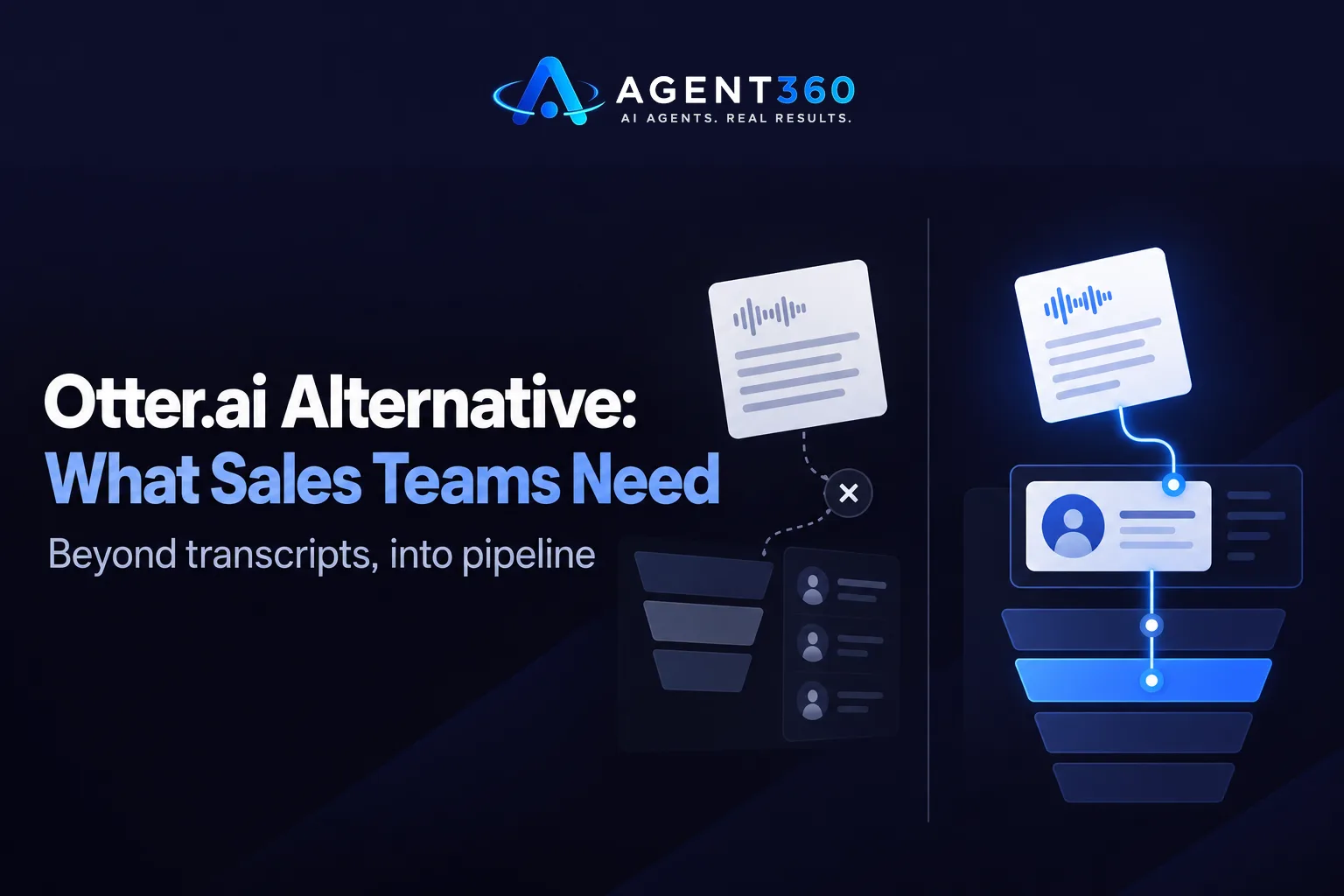
An Otter.ai alternative for sales teams needs to do more than transcribe a call. Otter was built for meeting notes, not pipeline: it records, transcribes, and summarizes, but it has no idea who the prospect is, where they sit in your sequence, or what should happen next. If you're searching for a replacement, the real question isn't which tool writes better transcripts. It's which tool connects the conversation to the rest of your sales motion.
This matters most for teams running outbound at volume, where call notes that live outside the CRM get forgotten the moment the call ends.
Key Takeaways
- Transcription alone doesn't tell you who to call next or when.
- Check whether a tool logs calls directly against the right contact and deal, not just a folder of recordings.
- Dialer and CRM tools that share one record save the manual step of copying notes over, a workflow covered at /product/crm.
- Test any replacement on a real week of calls before migrating your full history.
- Compare options directly rather than going on name recognition alone, as laid out at /compare/agent360-vs-otter.
Table of Contents
What Does an Otter.ai Alternative Need to Do for Sales Teams?
It needs to turn a recorded conversation into a next action, not just a transcript. Sales teams don't lose deals because a call wasn't recorded. They lose deals because the recording sat in a separate app, disconnected from the contact record, and nobody followed up on what was said. A sales-ready alternative should attach the call to the right prospect automatically, so the notes show up where the rep already works.
Does it need to replace the dialer too?
Not necessarily, but it helps. If your dialing tool and your notes tool are separate products, someone has to manually match a recording to a contact after the fact. That step gets skipped under volume, which is exactly when good notes matter most.
What about accuracy on sales calls specifically?
Sales calls are harder to transcribe cleanly than scheduled meetings: crosstalk, phone audio quality, and jargon specific to your industry all affect accuracy. Test any tool on actual cold and discovery calls, not a quiet one-on-one, before deciding it's good enough to rely on.
Why Do Sales Teams Outgrow Otter.ai?
Most outgrow it because the notes don't connect to pipeline. Otter was designed around meetings, where the output is a summary you email to attendees. Sales has a different output: a logged call tied to a deal stage, with a follow-up task attached. Without that link, reps end up keeping two systems current, the transcript tool and the CRM, and one of them slips.
Is this only a problem at scale?
No. A single founder running their own outbound hits this just as fast as a team of ten, because every call that isn't logged against the right contact is a follow-up that has to be reconstructed from memory.
What Should You Check Before Switching?
Check where the notes land, not just how good the transcript reads. A transcript is only useful if it's attached to the record a rep will actually open again.
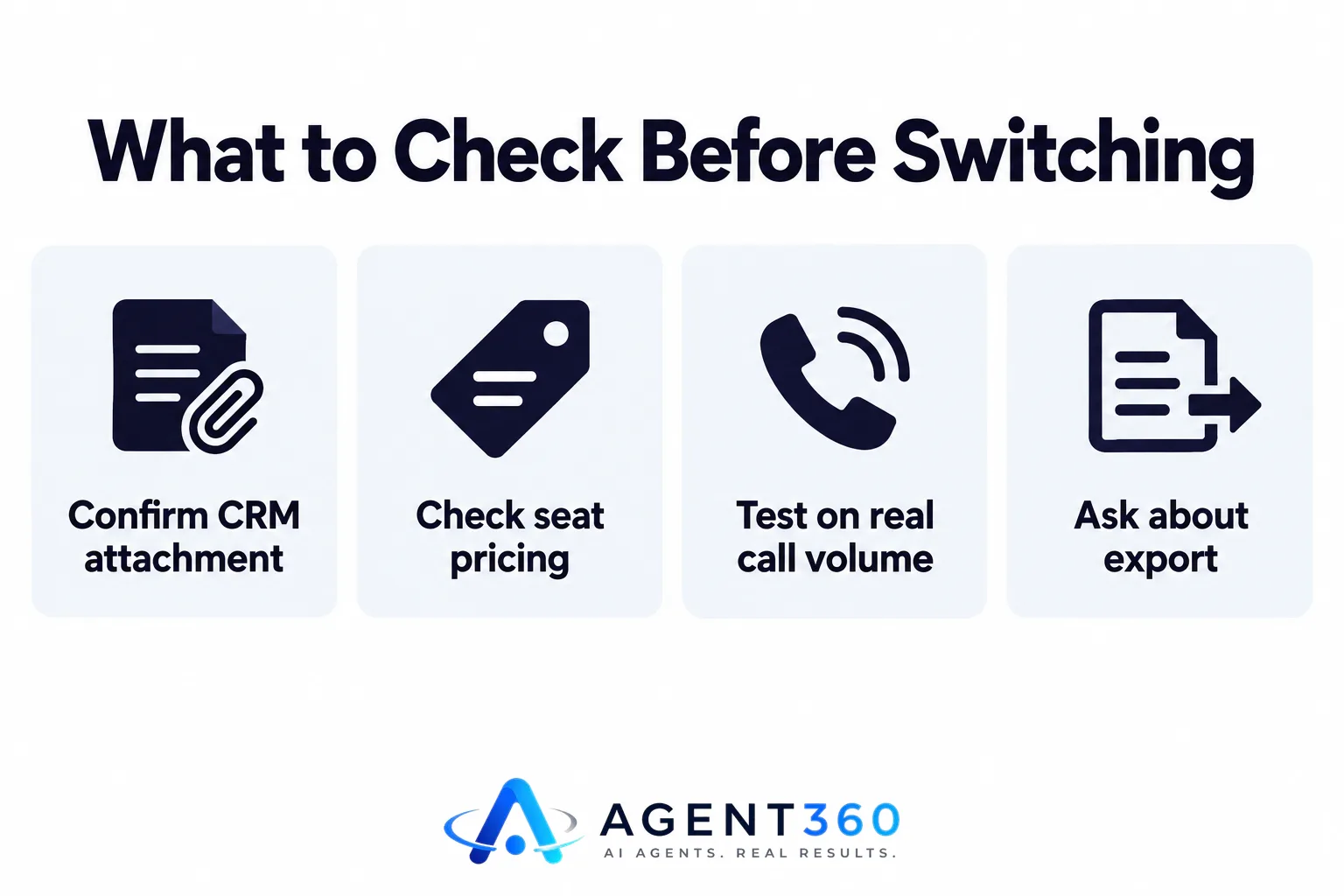
- Confirm CRM attachment. Ask whether calls log automatically against the matching contact or deal, or whether someone has to paste the summary in manually.
- Check seat pricing. Tools that charge per user get expensive fast as a team grows; compare that against pricing that doesn't scale per head, like the structure at /pricing/unlimited-seats.
- Test on real call volume. Run a week of actual outbound or client calls through the tool before trusting it with your pipeline notes.
- Ask about export. If the relationship doesn't work out, confirm you can pull your call history and notes out cleanly.
How Do You Migrate Without Losing Call History?
Run both tools in parallel for a short overlap period before you cut over. Dropping Otter the same day you turn on a new tool risks a gap in call records right when a deal is active.

Should you export old transcripts first?
Yes. Pull your existing transcripts and notes out before cancelling, even if the new tool can't import them directly, so the history isn't lost if you need to reference an old conversation later.
Take the Next Step on Call Notes That Connect to Pipeline
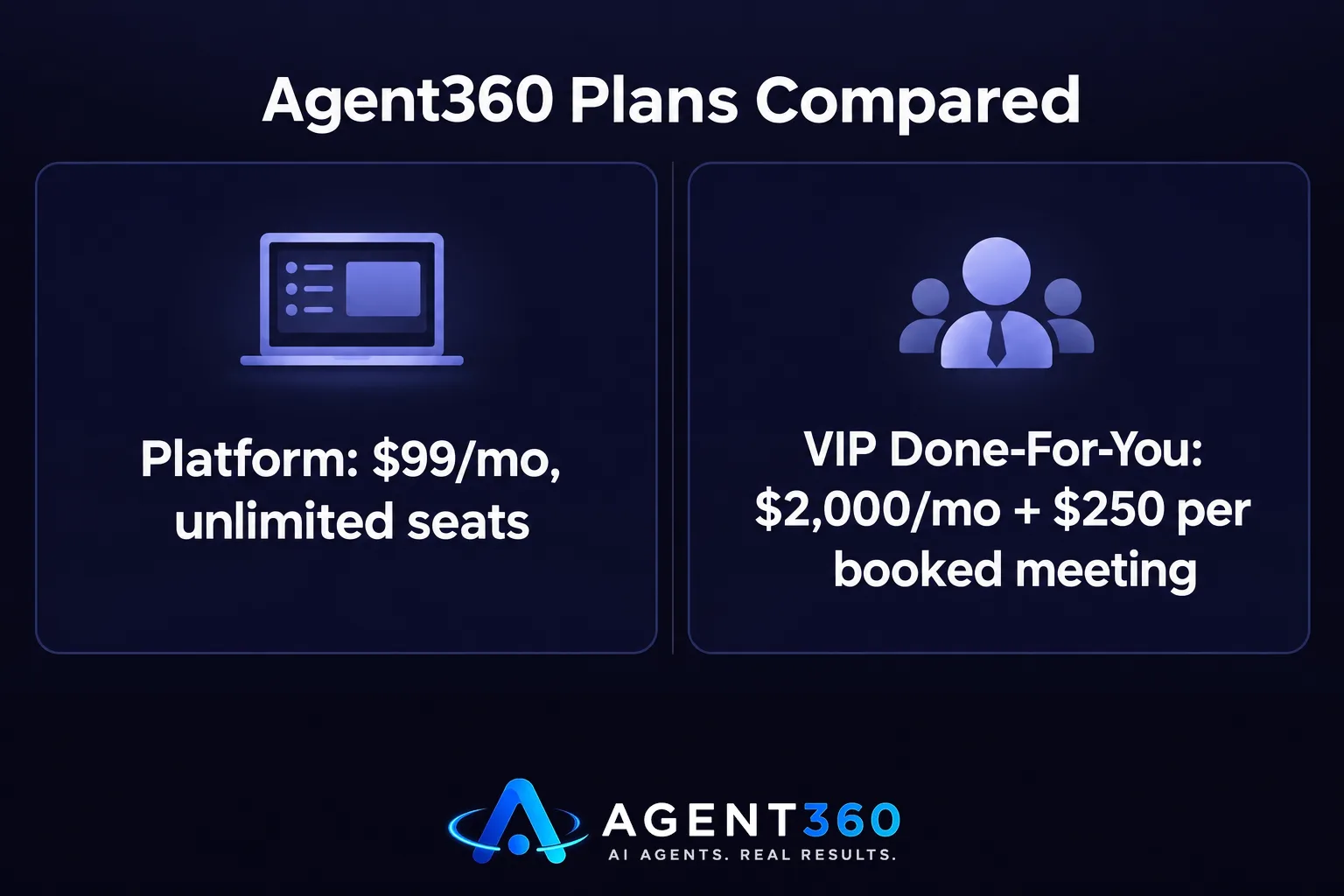
Agent360's CRM tools keep call notes, email replies, and LinkedIn conversations attached to the same contact record, so a rep opens one place instead of three. The Agent360 Platform starts at $99/mo with unlimited seats and no per-user fees, pairing a parallel dialer with CRM tools that log activity against the deal automatically. If you'd rather hand outbound off entirely, the VIP done-for-you option runs it end to end for $2,000/mo plus $250 per booked meeting, with a dedicated GTM engineer and strategist, while you take the meetings.
See how the approach compares directly at /compare/agent360-vs-otter, or book a demo to see the CRM and dialer in one workflow.
Frequently Asked Questions
Is Otter.ai built for sales teams?
No. Otter is built for general meeting transcription and summaries, not for attaching calls to a CRM record or triggering a next sales action. Sales teams often add a separate CRM step to make Otter's output usable for pipeline tracking.
What's the main downside of using a standalone transcription tool for sales?
The notes live outside the system reps actually work from, so someone has to manually copy or reference them, and that step gets skipped under call volume.
Do I need a dialer and a CRM from the same provider?
Not strictly, but having them connected removes a manual logging step. Check whether any replacement tool writes call activity directly to the contact record automatically.
Will switching tools cost more per seat as my team grows?
It depends on the provider. Some charge per user, which gets expensive as headcount grows; others, including Agent360, offer unlimited seats on every plan with no per-user fees.
Can recruiting and staffing teams use the same type of tool for client calls?
Yes. The same gap, a transcript disconnected from the client or candidate record, applies to business development calls in staffing just as much as sales calls, so the same checks apply before switching.
More articles
- AI SDR for Staffing Agencies: What to Look for Before You Buy
- Fireflies Alternative: What Sales Teams Should Check First
- JustCall Alternative: What to Check Before You Switch
- Dialpad Alternative: What to Look for in a Sales Dialer
- The Best Aircall Alternative for Outbound Sales Teams
- Gong Alternative: What to Check Before You Switch Tools
- Looking for a Clay Alternative? What to Check First
- Agent360 vs Clay: A Fair, Side-by-Side Comparison
