Fireflies Alternative: What Sales Teams Should Check First

A Fireflies alternative is any meeting recorder or call-notes tool that transcribes sales calls, logs action items, and pushes that information into your CRM without the limits or pricing that sent you looking in the first place. Sales teams usually start this search for one of three reasons: per-seat pricing that punishes growth, transcription that misses sales-specific detail like pricing objections or next steps, or a recorder that doesn't talk to the CRM their reps actually live in.
Before you pick a replacement, it helps to separate what a notetaking tool should do from what your broader sales stack should do. A lot of teams switch tools and still end up with the same gap: call notes in one place, pipeline in another, and a rep manually copying one into the other.
Key Takeaways
- Check whether a Fireflies alternative records the channels your team actually uses, including dialer calls, not just Zoom and Teams.
- Per-seat pricing on a notetaking tool compounds fast once a sales team grows past five or six reps.
- A transcript is only useful if it lands inside your CRM tools without a manual export step.
- Test any alternative on a real sales call, not a scripted demo, before committing a team to it.
- If the real goal is tracking calls and pipeline in one place, see whether a combined CRM and dialer setup removes the need for a separate recorder at all.
Table of Contents
What should a Fireflies alternative actually do for a sales team?
It should capture the call, summarize it in sales terms, and put that summary somewhere a rep or manager will actually see it. That sounds basic, but it's where most tools in this category fall short for sales use specifically, since many were built first for internal meetings and general note-taking, not for objection handling, next-step tracking, or deal stage updates.
What's different about sales calls versus internal meetings?
Sales calls have a buyer who won't repeat themselves and a rep who needs the transcript to update a deal, not just a note. A tool built around internal standups may transcribe fine but won't flag a budget objection or a competitor mention the way a sales-focused summary would. If your team mostly records discovery and demo calls, test any alternative against that specific use case, not a generic meeting.
Does it need to work on phone calls, not just video?
If your reps dial out rather than running every call through Zoom or Meet, check this before anything else. Several recorders in this category are built around calendar-linked video meetings and have little or no support for outbound phone calls, which is a real gap for any team doing cold or warm phone outreach.
Why do sales teams look for an alternative to Fireflies in the first place?
Usually it's pricing, accuracy on sales-specific language, or a CRM that doesn't sync cleanly. None of these are unique to Fireflies — they show up across the whole call-recording category — but they're the three complaints that push teams to start comparing options.
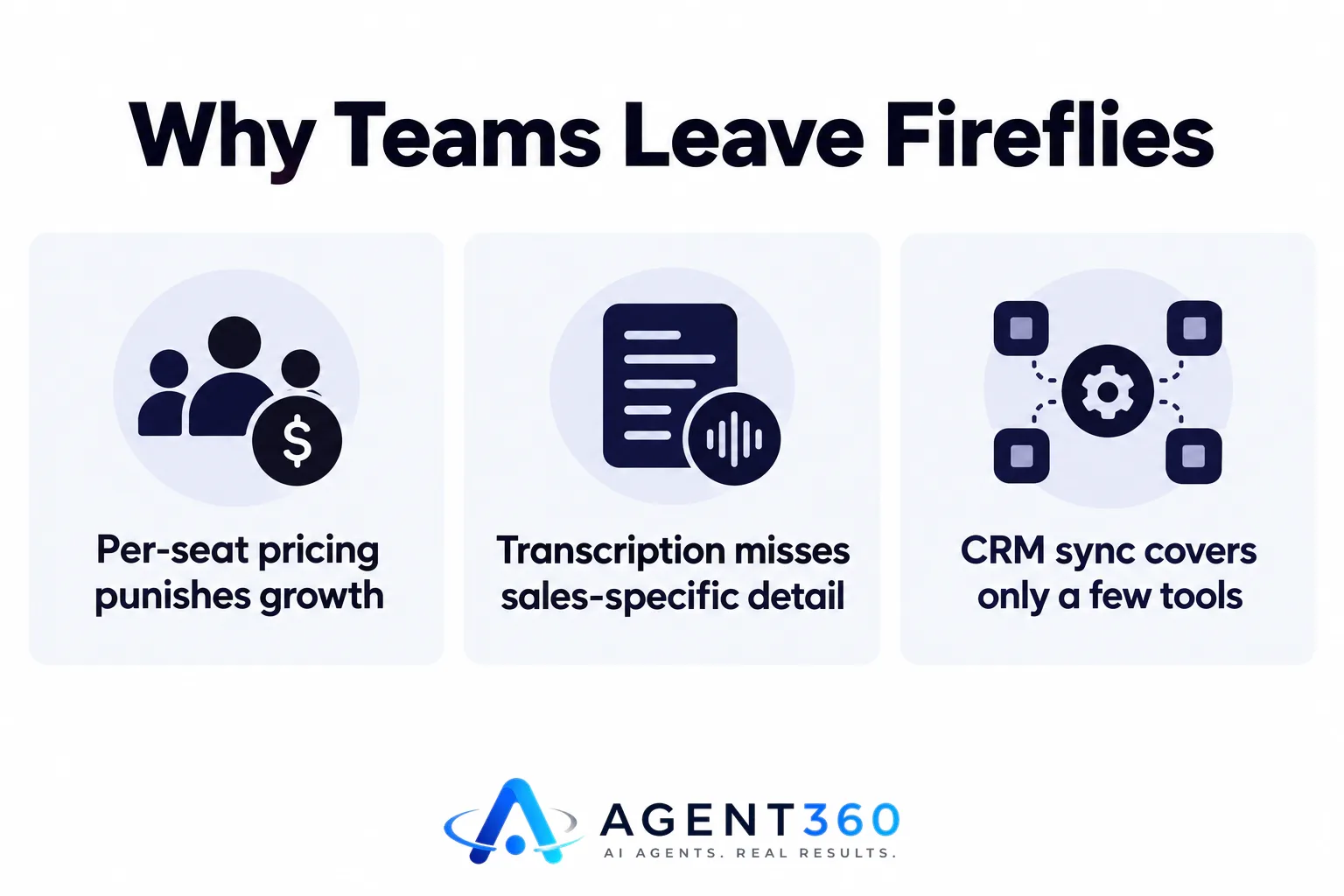
Pricing is the most common trigger. A per-seat recorder that made sense at five reps starts to hurt at fifteen, especially if some of those seats are managers or recruiters who only need occasional access. Accuracy complaints tend to center on industry jargon, accents, or crosstalk on multi-person calls, which any transcription tool can struggle with. And CRM sync issues usually come down to the integration only covering one or two CRMs well, leaving everyone else exporting manually.
What should you check before you switch?
Run a short, structured evaluation instead of picking on brand recognition alone. A few calls across a few tools will tell you more than a sales deck will.
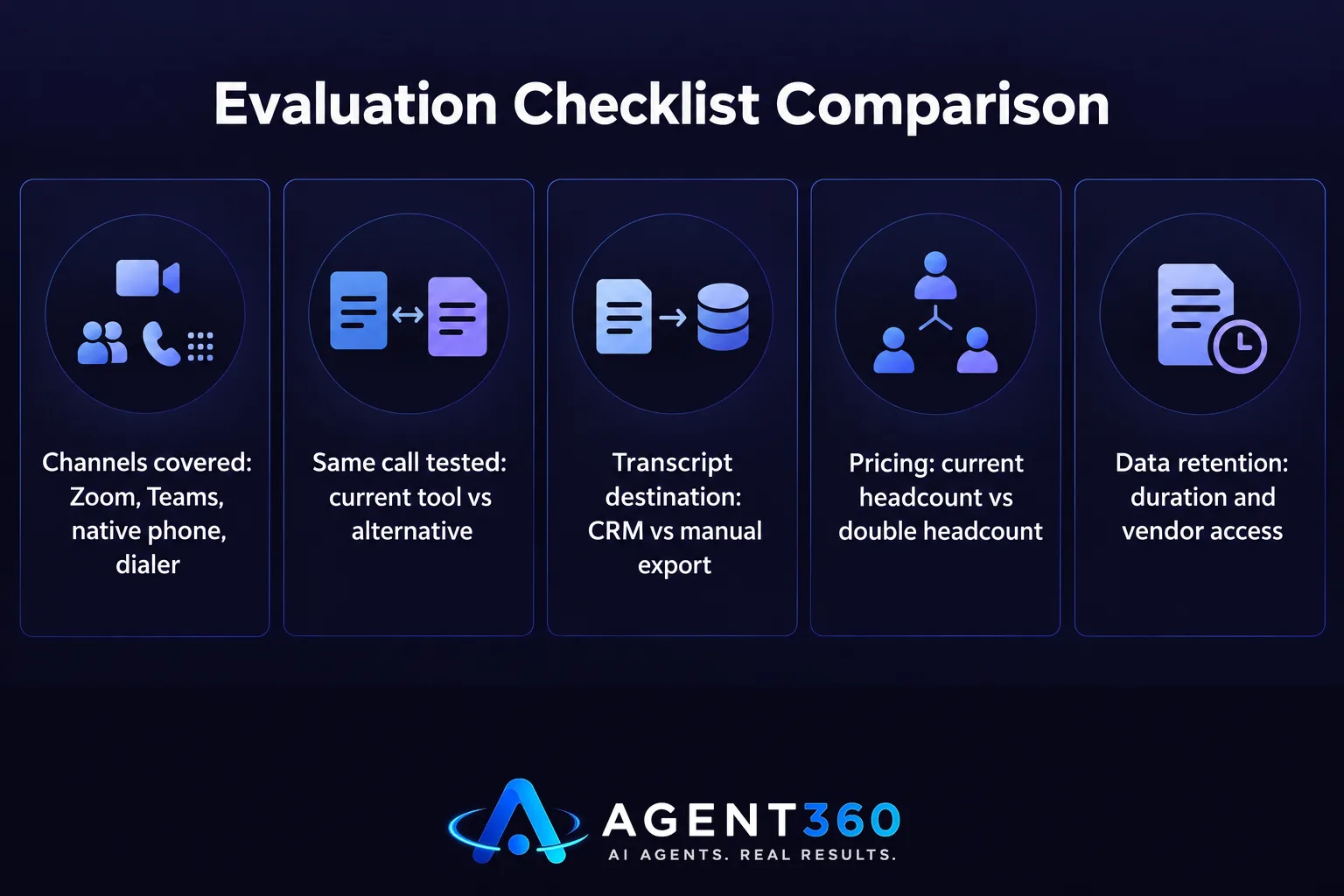
- List the channels you need covered. Note every place your team takes calls — Zoom, Teams, native phone, a dialer — and confirm the alternative records all of them, not just the easiest one.
- Record the same call on two tools. Pick a real discovery or demo call, run it through your current tool and the alternative side by side, and compare the summaries line by line.
- Check where the transcript lands. Confirm it pushes into your CRM automatically, and ask what happens if your CRM isn't on the integration list.
- Price it at your real headcount, not today's. Model the cost at twice your current team size before you sign anything, since per-seat tools rarely get cheaper as you scale.
- Ask about data retention and sharing. Sales calls often include pricing and competitor information, so confirm how long recordings are kept and who inside the vendor can access them.
How does pricing change the real cost of a notetaking tool?
Per-seat pricing turns a small monthly fee into a real budget line once a sales team grows, which is worth factoring in before you switch tools rather than after. A tool priced per user looks affordable at launch and gets expensive exactly when you're adding reps and need it most.
What should you ask instead of just comparing monthly price?
Ask what the price looks like at your next headcount milestone, not your current one. A tool that's $15 a seat sounds reasonable at five reps and very different at twenty, especially if managers, recruiters, or part-time staff also need access and each one adds another seat fee.
Take the Next Step on Your Sales Call Workflow
If the gap you're trying to close is bigger than note-taking — if you're also trying to keep pipeline, call outcomes, and outreach in one place without adding a seat fee for every new hire — it's worth looking at how a combined outbound platform handles it. Agent360's CRM tools track calls and pipeline alongside a parallel dialer, and every plan includes unlimited seats, so adding reps or recruiters doesn't mean adding per-user cost the way most standalone notetaking tools do. See the unlimited seats pricing to compare that against what you're paying per seat today, or check the FAQ on CRM compatibility if you're trying to avoid a second system your team has to update by hand.

If call recording and transcription are the whole problem, a narrower Fireflies alternative built for that single job may be the simpler fix. Either way, test before you commit a team to a year of pricing.
Frequently Asked Questions
Is there a free Fireflies alternative for small sales teams?
Several recorders offer limited free tiers, usually capped on minutes recorded per month or number of transcripts stored. For a small team taking a handful of calls a week, a free tier can work, but check the cap before relying on it so you don't lose a transcript mid-month.
Do Fireflies alternatives work with outbound dialers?
Coverage varies by tool. Many recorders are built around calendar-linked video meetings and have limited or no support for native phone or dialer calls, so confirm this directly with any vendor before assuming it covers your outbound calls.
Can a CRM replace a separate call-recording tool?
Not entirely — a CRM tracks deal stages and activity, but it doesn't transcribe the call itself unless it has recording built in. Some combined platforms log call outcomes and notes inside the CRM, which reduces the need for a fully separate recorder, but the two tools solve different parts of the problem.
What should a sales team prioritize when comparing alternatives?
Prioritize channel coverage and CRM sync over transcription polish. A tool with near-perfect transcripts is less useful than one that reliably records every call your reps actually take and gets that information into your CRM without manual work.
Does per-seat pricing matter if my team is small today?
It matters more the faster you plan to grow. Model the cost at your next hiring milestone, not your current headcount, since per-seat pricing is the detail most teams regret only after they've scaled past it.
More articles
- AI SDR for Staffing Agencies: What to Look for Before You Buy
- Otter.ai Alternative: What Sales Teams Need Beyond Notes
- JustCall Alternative: What to Check Before You Switch
- Dialpad Alternative: What to Look for in a Sales Dialer
- The Best Aircall Alternative for Outbound Sales Teams
- Gong Alternative: What to Check Before You Switch Tools
- Looking for a Clay Alternative? What to Check First
- Agent360 vs Clay: A Fair, Side-by-Side Comparison
