JustCall Alternative: What to Check Before You Switch

A JustCall alternative is a tool that replaces its calling, texting and basic CRM features without forcing your team back to manual dialing or juggling three separate apps. Most teams start looking once seat costs climb, call quality drops, or the dialer stays siloed from email and LinkedIn outreach. The right replacement depends on what you actually use JustCall for today, not just its price tag.
Some teams only need a phone line with call recording. Others need a dialer that sits inside a full outbound workflow, next to email sequences, LinkedIn touches and pipeline tracking. Knowing which one you are costs nothing to figure out, and it decides whether you need a dialer swap or a bigger change to how outbound runs.
This article walks through why teams leave JustCall, what a real replacement needs to cover, and how to test a new tool before you commit a contract to it.
Key Takeaways
- Check whether your real problem is call quality, seat pricing, or the lack of email and LinkedIn in one place.
- A dialer-only swap fixes calling but leaves multi-channel sequencing and CRM handoffs unsolved.
- Run any candidate tool through a real week of calls before migrating your full team.
- Unlimited-seat pricing removes the cost penalty of adding reps later; see how seat pricing works across the market.
- Export your call history and CRM notes before you cancel anything.
Table of Contents
Why do teams look for a JustCall alternative?
Most switches start with cost per seat or a gap in channels, not with the dialer breaking. Per-seat pricing is common across call tools, and it adds up fast once a team grows past a handful of reps. The other common trigger is channel gaps: a phone-only or phone-plus-text tool leaves email and LinkedIn outreach running in a different app, which means reps work from two inboxes and two activity logs.

Is it the dialer or the workflow that is the problem?
Separate the two before you shop. If calls connect fine and the complaint is cost or missing integrations, you likely need a cheaper or better-connected dialer. If reps are stitching together calls, emails and LinkedIn messages by hand, the real gap is a sequencer that runs all three channels against one list, which a standalone dialer replacement will not fix.
What should a replacement cover besides calling?
A full outbound stack covers prospecting, multi-channel outreach, and a CRM to track replies, not just the phone call itself. A dialer handles one channel. Outbound that actually fills a calendar usually needs a source of leads, a way to sequence email and LinkedIn alongside calls, and a place to see which prospect replied where.
Do you need prospecting data or just a phone line?
If your team already has a verified list and only needs to dial it, a lean dialer swap is enough. If reps spend time building lists, finding contact details, or chasing buying signals before they even dial, look for a tool that pairs prospecting with outreach, such as the approach described on how AI prospecting surfaces ideal buyers, so the list and the dialer live in one place.
How do you evaluate candidates before switching?
Test each finalist on a real, small slice of your pipeline before moving your whole team over. A demo call rarely surfaces the problems that show up after a week of real dialing, so build a short trial into your evaluation.
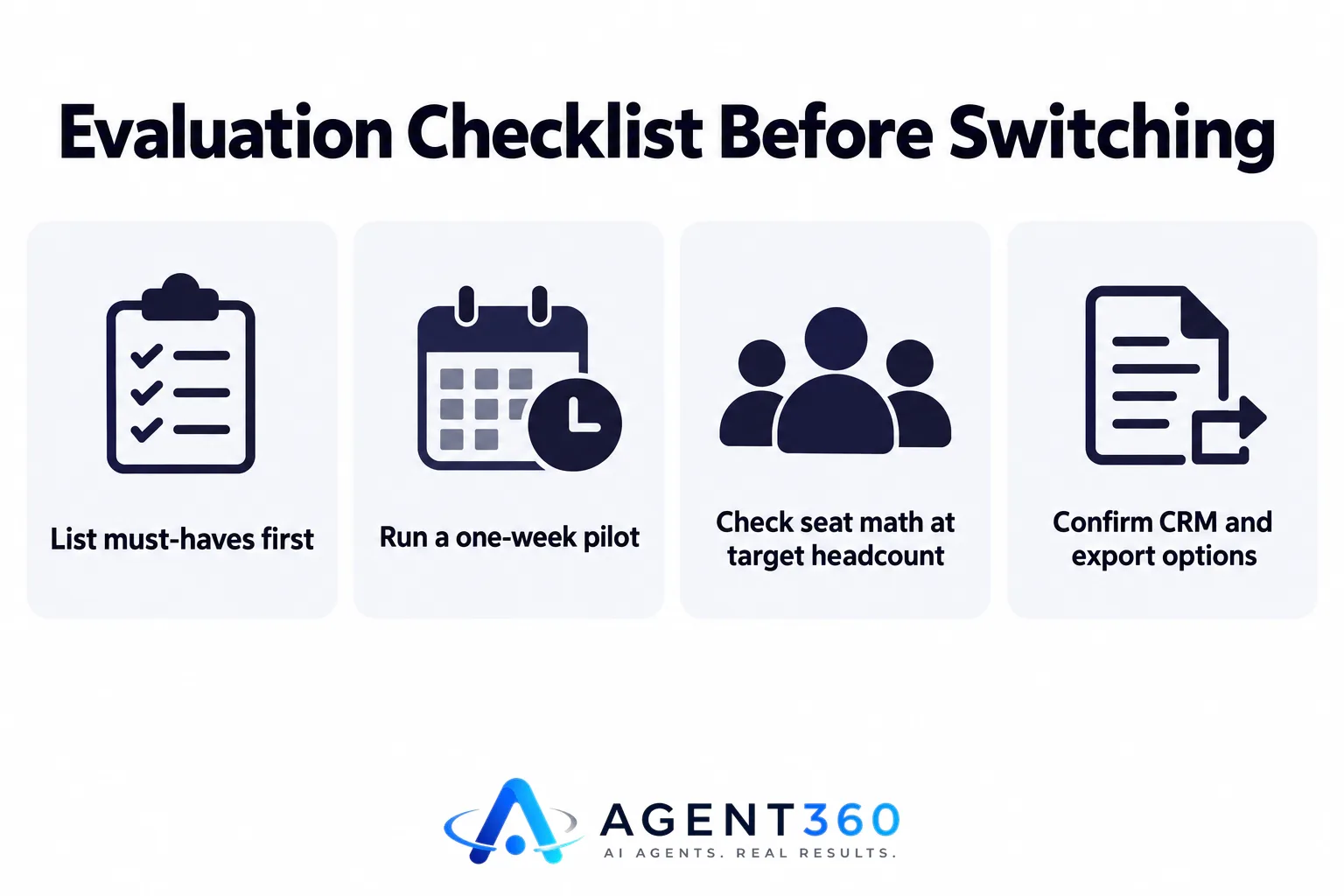
- List your must-haves first. Write down call quality, seat pricing, channels needed, and CRM fields you cannot lose, before you look at any vendor site.
- Run a one-week pilot with two reps. Have them dial, email and log notes exactly as they would day to day, not in a sandbox account.
- Check seat math at your target headcount. Price the tool at your team size in six months, not just today's count, since per-seat costs change the decision as you grow.
- Confirm CRM and export options. Make sure call logs, notes and contact records can move with you if you switch again later.
- Compare side by side before signing. A direct feature and pricing comparison can save a second migration a year from now.
What does switching actually cost?
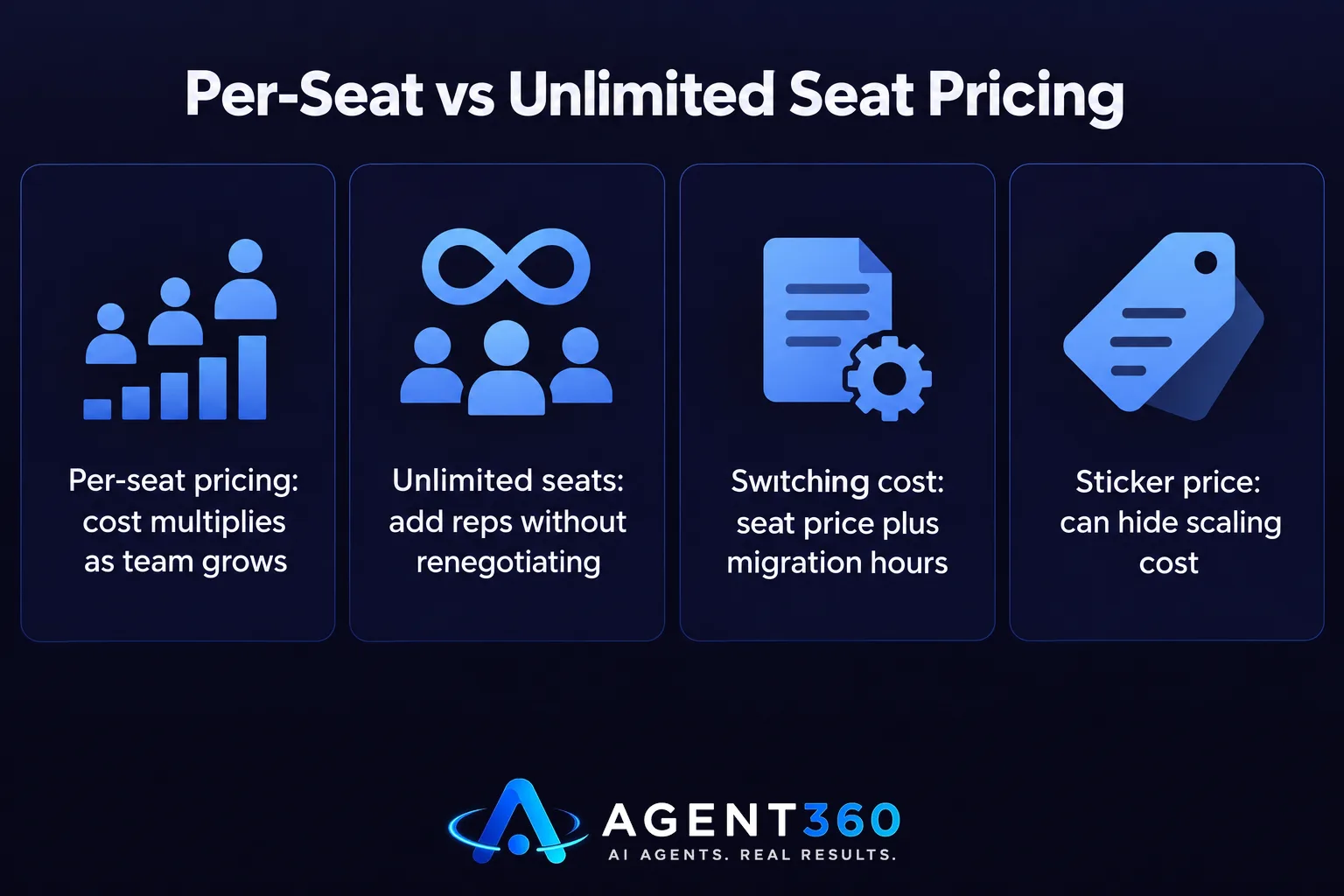
The real cost is seat pricing over time plus the hours spent migrating contacts and retraining reps, not just the monthly invoice. A cheaper sticker price can still cost more at scale if it charges per seat and your team is growing.
How do you avoid paying more as the team grows?
Look for pricing that does not multiply by headcount. Tools with unlimited seats let you add reps without renegotiating or recalculating the bill every quarter, which matters more the faster you plan to hire.
Ready to Replace Your Dialer With a Full Outbound Stack?
If the real gap is channels, not just the phone line, a dialer swap alone will not close it. Agent360 pairs a parallel dialer with email and LinkedIn sequencing and CRM tracking, with no per-seat fees and unlimited seats on every plan.
Teams that want to run outbound in-house can start on the Agent360 Platform from $99/mo, with one triple-verified lead included for every email sent. Teams that would rather hand outbound off entirely can use the VIP Done-For-You option, where a dedicated GTM engineer and strategist run outreach end to end for $2,000/mo plus $250 per booked meeting.
See how the full workflow fits together on the how it works page, or go straight to book a demo to test it against your current stack.
Frequently Asked Questions
Is a JustCall alternative always a dialer-only swap?
No. Some teams only need a different phone tool, but many are really missing email and LinkedIn outreach alongside calling. Check which problem you actually have before comparing dialers one-to-one.
Will switching dialers lose my call history?
It depends on the tool and your export process. Always export call logs, recordings and notes before cancelling a subscription, and confirm the new tool can import them.
Does per-seat pricing matter if my team is small now?
It matters more as you grow. A tool that charges per seat can become significantly more expensive once you add a handful of reps, so price it at your expected headcount, not just today's.
Can one tool replace both the dialer and the CRM?
Some outbound platforms combine a dialer, sequencer and CRM in one place, which removes the need to sync activity between separate tools. Check whether CRM fields and call notes sync automatically before assuming this works out of the box.
How long should a trial of a new dialer run?
A single demo call rarely shows real problems. Run at least a week of actual dialing and logging with two or three reps before deciding to migrate the whole team.
More articles
- AI SDR for Staffing Agencies: What to Look for Before You Buy
- Otter.ai Alternative: What Sales Teams Need Beyond Notes
- Fireflies Alternative: What Sales Teams Should Check First
- Dialpad Alternative: What to Look for in a Sales Dialer
- The Best Aircall Alternative for Outbound Sales Teams
- Gong Alternative: What to Check Before You Switch Tools
- Looking for a Clay Alternative? What to Check First
- Agent360 vs Clay: A Fair, Side-by-Side Comparison
