Social Media Approval Workflow: A Simple 5-Step Setup
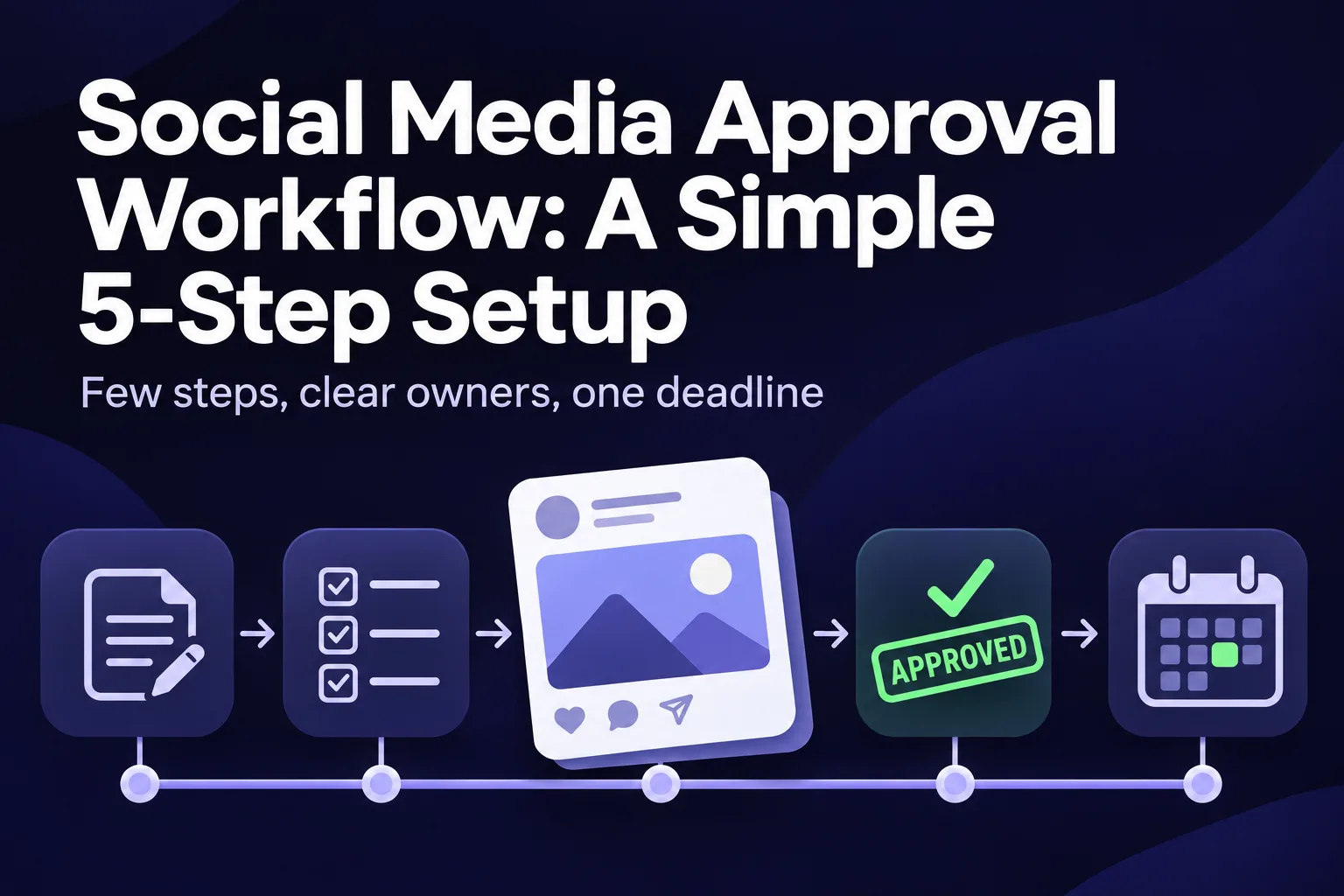
A social media approval workflow is the fixed path a post follows from draft to published, with a named person who says yes at each stop. It catches off-brand posts, wrong claims and missed publish dates. It works the same whether a human or an AI wrote the draft.
This guide is for B2B founders and staffing and recruiting owners who post on LinkedIn and other channels between everything else on their plate. Aim for a process light enough that you will actually use it. Few steps, clear owners, one deadline.
Key Takeaways
- Name one drafter, one approver and one backup, and write them down before the first post.
- Keep it to a single approval round with a deadline, because every extra reviewer slows publishing and adds little.
- Give approvers a short checklist so they judge facts and fit, not wording preferences.
- Keep all drafts and sign-offs in one place, not scattered across email and chat threads.
- If AI drafts your posts, keep the human yes at the end; see what a social media AI content creator actually does.
Table of Contents
What is a social media approval workflow?
It is the set of steps a post passes through, in a fixed order, before it goes live. At minimum, someone drafts, someone checks, someone approves, and the post is scheduled or published. The point is simple: no post reaches your audience on one person's unchecked judgment.
Who should approve your posts?
One person with authority over the brand and the facts. In a small B2B company that is usually the founder or the head of sales. In a staffing firm it is often the owner, or whoever holds the client relationships. Name a backup, so one busy week does not freeze the queue.
Why does it matter for B2B and staffing firms?
Your buyers are few, and your reputation travels by referral. A careless post about a client, a candidate or a job can cost you far more than a missed post ever will. Staffing firms also post roles, locations and pay details. Check those against what is actually true before they go public.
How do you set up a social media approval workflow?
Define the roles, the checklist and the deadline first, then pick the tool. The tool matters less than the rules. A shared document with clear statuses beats a fancy platform nobody follows.
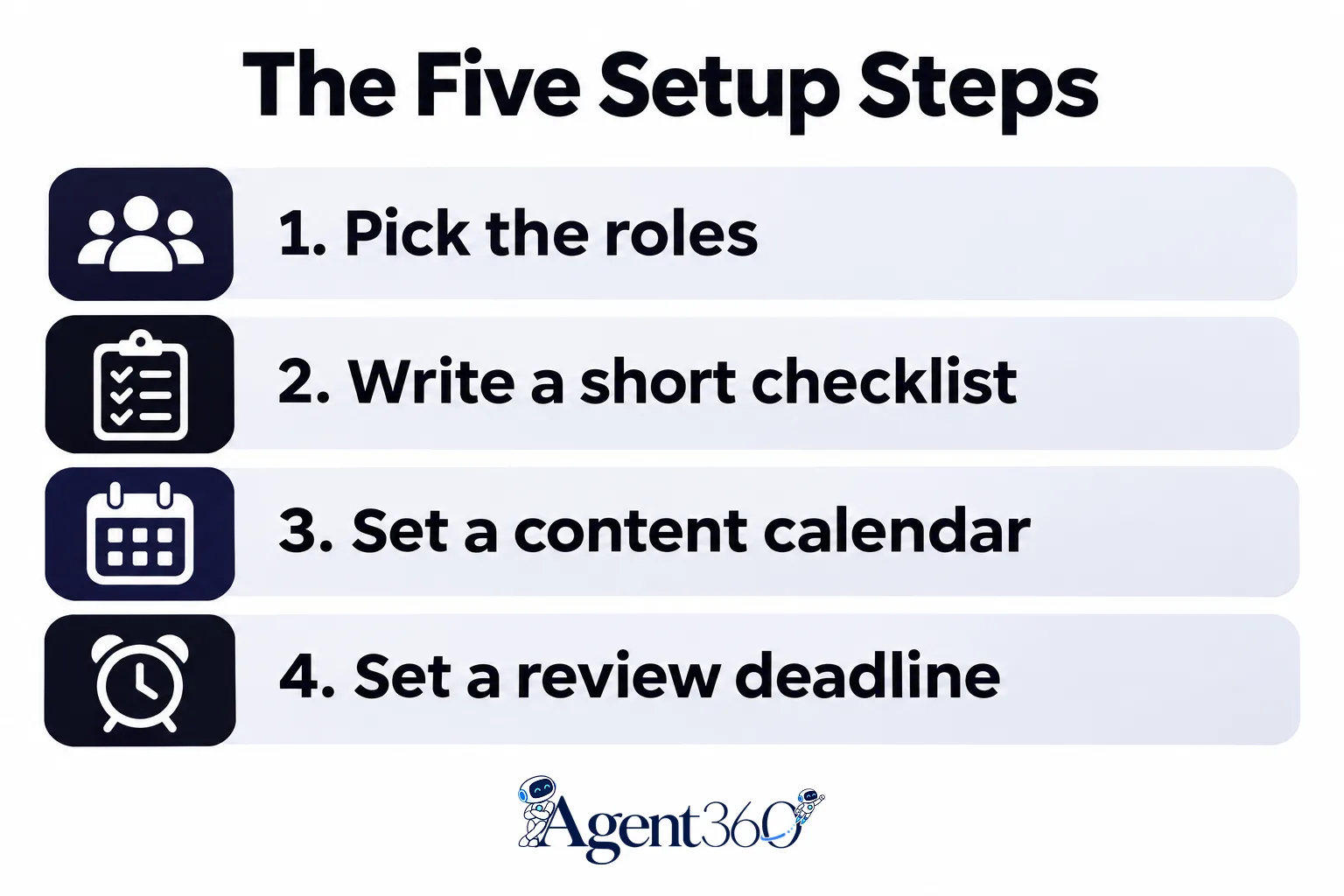
- Pick the roles. Name a drafter, an approver and a backup approver. In a very small team one person can hold two roles, but the approver should not be the only one who read the draft.
- Write a short checklist. Cover facts and numbers, client and candidate names, tone, links, and whether the post supports one clear goal such as a booked meeting.
- Set a content calendar. Decide how many posts go out each week and on which channels. Drafts are due ahead of the publish date, not the morning of it.
- Set a review deadline. Give the approver a fixed window. Decide in advance what happens when it passes: the post waits, or the backup decides. Never let silence count as approval.
- Record the decision. Mark each post approved, changed or rejected in one shared place, and note the reason for any rejection. Over time that record becomes your brand rulebook.
Should every post need approval?
For most small teams, yes at the start. Once your checklist is stable, you can fast-track low-risk formats, such as reposting your own published article. Keep full review for anything that makes a claim, names a person or mentions a client.
How many approvers is too many?
More than two, usually. Each extra reviewer adds delay and conflicting edits, and each one assumes somebody else caught the problem. One accountable approver and one backup is a safer design than a committee.
What goes wrong with approval workflows?
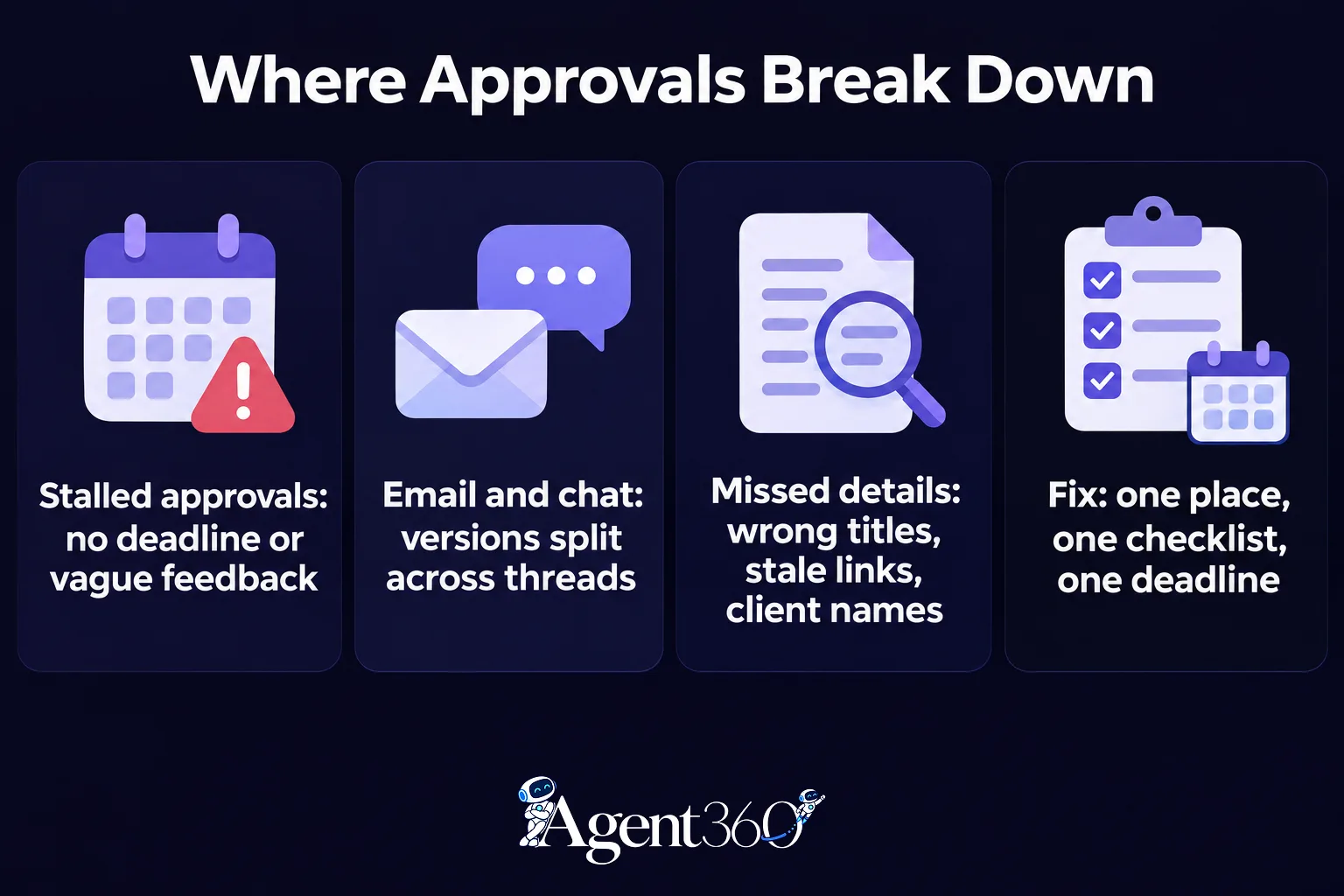
Most failures come from unclear ownership, not from a lack of software. The same few problems turn up in almost any approval process.
Why do approvals stall?
Usually the approver has no deadline. Or the feedback arrives as a vague comment like “make it punchier”. Fix both. Give a due time, and ask approvers to mark each post approved or changed, with one specific edit if changed.
What happens when approval lives in email and chat?
Versions split. Someone approves draft two while the schedule holds draft three, and nobody can say which one was signed off. Keep the draft, the comments and the decision in one place, so the post that goes live is the post that was approved.
What do approvers often miss?
Small facts. A wrong job title, a stale link, a client name that should not be public, a claim about results you cannot back up. That is why the checklist matters: it turns “does this look okay?” into a fixed set of questions.
How does AI fit into a social media approval workflow?
AI can handle the drafting, but a person should still own the approval. Drafting is the slow part of social media for a busy founder. Approving is the part that protects your name. Split them and it works well: the machine produces options, and you decide what ships.

Does AI-made content need a different process?
The process stays the same, but add a few points to the checklist. Does the post sound like you? Are the facts and numbers in it real and sourced? Does it claim anything you cannot prove? If you also schedule posts through a separate tool, our guide on how to pick a social media scheduler covers what to check there.
What about posting as a founder on LinkedIn?
Posts under your own name carry your reputation directly, so approval is not optional. If someone else drafts for you, the same rules apply. For a view of what that costs, see how much a LinkedIn ghostwriter costs.
Take the Next Step With Your Approval Process
Write down your roles, your checklist and your deadline this week. Run every post through them for a month. Then trim whatever slows you down without catching errors. A short process you follow beats a long one you skip.
If you want the drafting off your plate, that is what our BrandAgent does. It is a set of AI agents that make and publish on-brand posts, pictures and videos for LinkedIn, Instagram, YouTube and X. You approve every post, so the final yes stays with you. It sits inside our done-for-you all-in-one growth plan, which starts from $297/mo and also covers the website, SEO, ads, funnels, CRM and automation, built and run by our team.
Want to see how that approval step would work for your business? Book a demo and we will walk you through it.
Frequently Asked Questions
What is a social media approval workflow?
It is a fixed sequence of steps a post follows before publishing: draft, review, approve, schedule. Each step has a named owner. The purpose is to catch factual errors, off-brand wording and risky claims before the audience sees them.
How many people should be in an approval workflow?
For small teams, one drafter, one approver and one backup is enough. More reviewers slow publishing and blur who is accountable. If you need more input, collect it before the draft reaches the approver, not during approval.
What should an approval checklist include?
Check the facts and numbers, client and candidate names, links, tone, and whether the post has one clear goal. Staffing firms should also check job details such as role, location and pay against what is true. Keep the list short enough to use every time.
Can AI-written posts skip approval?
No. AI drafts fast, but it can produce wording that is wrong or does not sound like you. Treat AI drafts like any other draft and have a person approve them. With our BrandAgent, you approve every post before it goes out.
What should happen if the approver does not respond?
Decide before it happens. The safest rule is that silence never counts as a yes. Either the post waits, or a named backup approver reviews it. Set a clear deadline so the delay shows up instead of passing unnoticed.
Where should approvals be recorded?
In one shared place that holds the draft, the comments and the final decision. When approvals are split between email, chat and documents, nobody can tell which version was signed off. One record also shows you which edits keep coming back.
More articles
- What to Expect When Outsourcing Your SDR Function
- Social Media Scheduler for Small Business: How to Pick
- White Label Geofencing: What to Check Before You Resell
- MSP Telemarketing: How to Book Meetings by Phone
- First Round Interview Questions and How to Answer Them
- How to Optimize Your Google Business Profile for Local SEO
- Map Pack SEO: What Moves You Into the Top Three
- Clay vs LeadSwift: Which Fits Your Outbound Job?
