What a Social Media AI Content Creator Actually Does
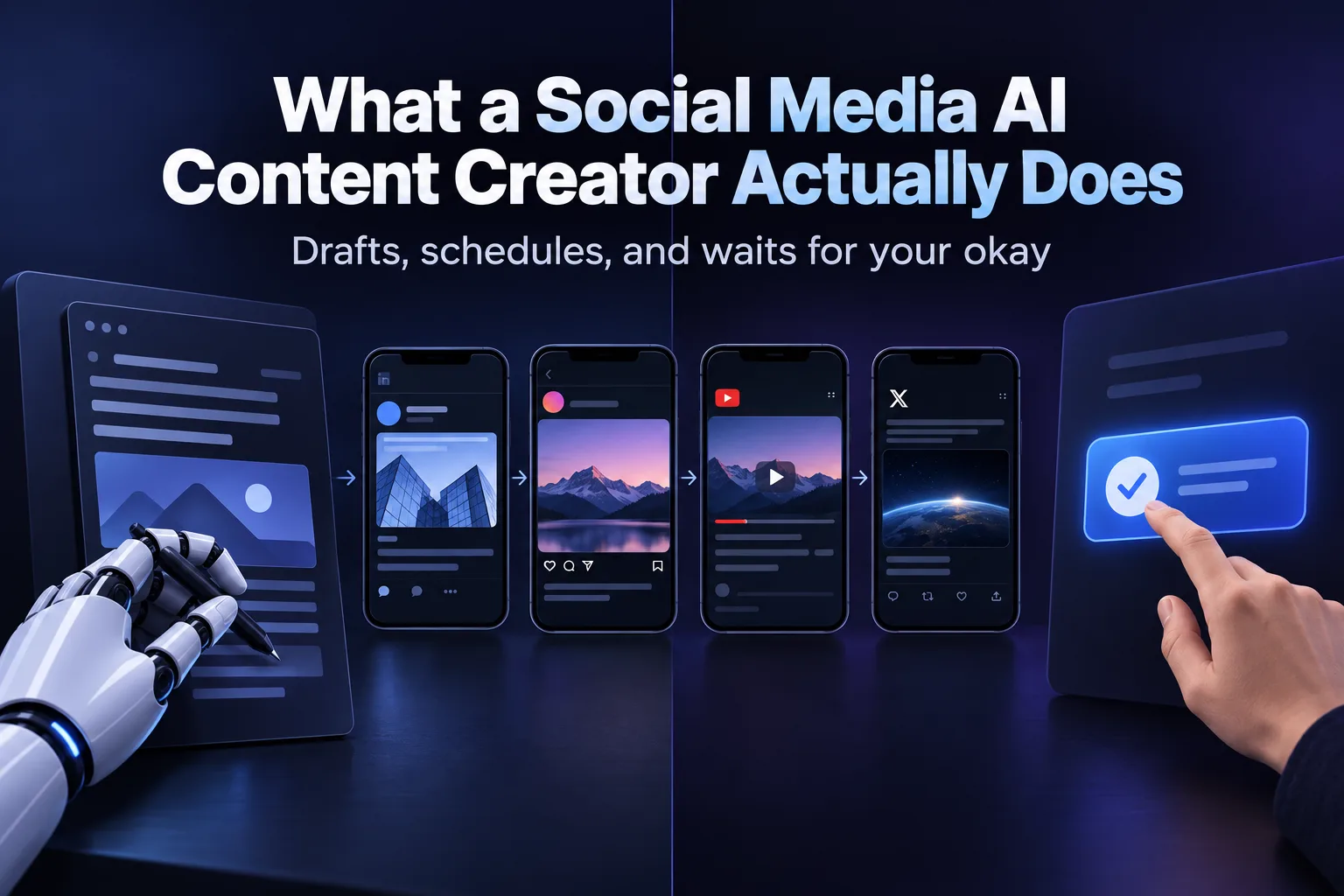
A social media ai content creator drafts posts, images and video for your channels and queues them for approval, so you stop staring at a blank screen every week. The good ones handle the first draft and the scheduling. They should not handle the final click that puts something under your brand name.
Most small business owners and founders looking into this aren't trying to replace a marketing team. They're trying to stop skipping social media for three weeks because nobody had time to write anything. The right tool closes that gap without opening a new one: off-brand posts going out unchecked.
Here's what these tools are actually good at right now, what a common rule of thumb looks like for splitting the work between AI and a human, and what to check before you pick one.
Key Takeaways
- A social media ai content creator should draft and schedule, not publish unsupervised, if you care about brand voice.
- AI is strong at first drafts, variations and repurposing; it is weak at judgment calls about tone, timing and what to leave out.
- Check that any tool you choose covers the specific platforms you post to, not just one.
- Pair content generation with a content calendar so posting stays consistent instead of bursty; see how to build an AI content calendar.
- Approval workflows matter more than generation speed once you are posting daily across several channels.
Table of Contents
Which AI Content Creator Is Best for Social Media?
The best one for you is the one that matches how many platforms you post to and whether you want to approve every post before it goes live. There's no single best tool across every business. A solo founder posting to one LinkedIn profile needs something different than a staffing firm posting across LinkedIn, Instagram and YouTube for multiple recruiters.
What should you check before choosing one?
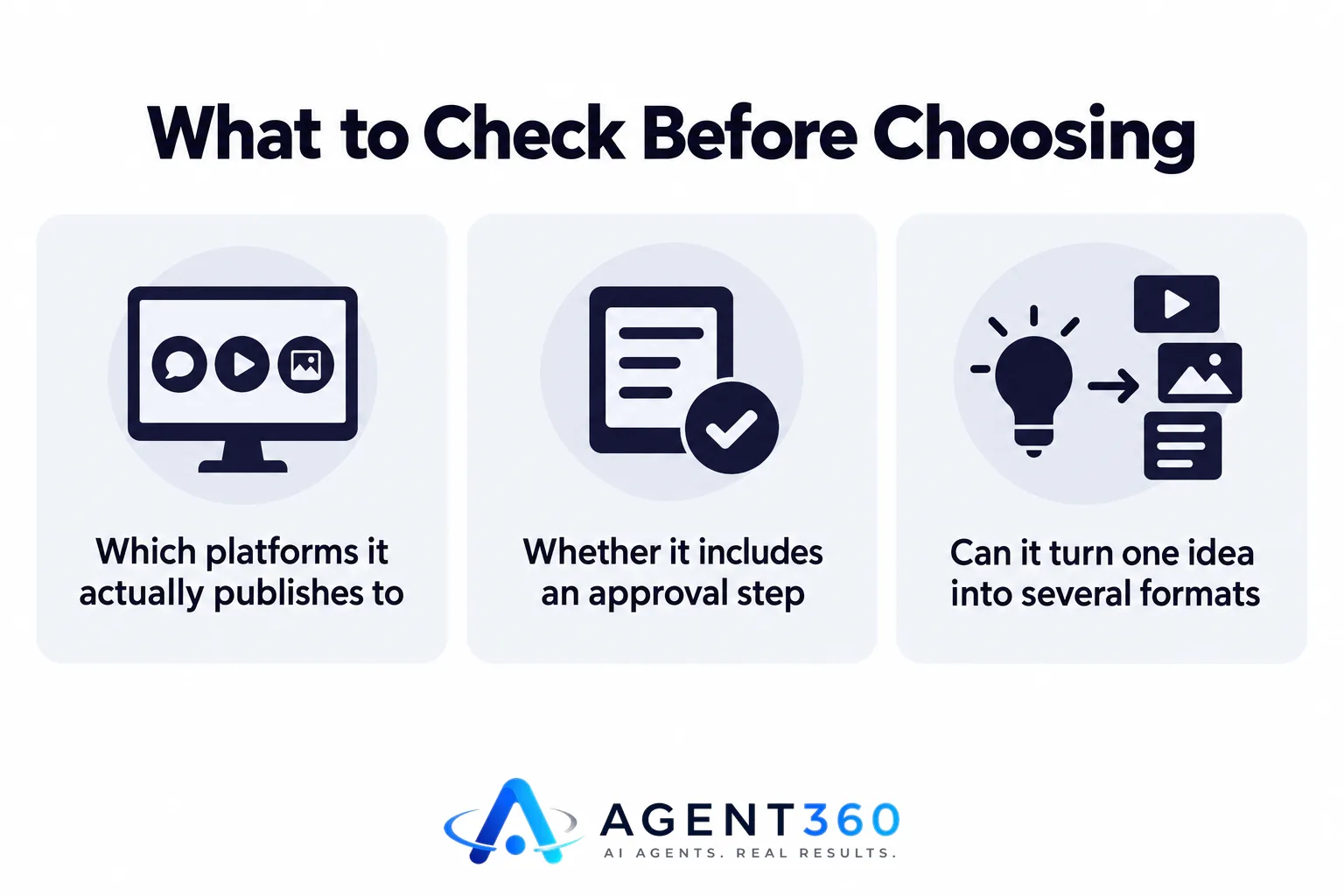
Check three things: which platforms it actually publishes to (not just drafts for), whether it includes an approval step before anything goes live, and whether it can turn one piece of content into several formats instead of making you write everything from scratch. A tool that only generates captions is solving a smaller problem than one that turns a single idea into a week of posts.
Does it work across LinkedIn, Instagram, YouTube and X?
Some tools are built for one platform and bolt the rest on later. That shows up as worse formatting or fewer options on the secondary channels. If you post seriously on more than one platform, confirm each one is a first-class citizen in the tool, not an afterthought.
What Is the 30% Rule in AI?
There's no single official 30% rule; it's a rough guideline some marketers use for how much of the content process AI should own versus a human. The idea, as it's commonly used, is that AI can reasonably handle the bulk of drafting, variation and formatting, while a person still owns strategy, final wording and the decision to publish. Treat it as a starting split to test, not a standard set by any platform or regulator.
In practice, it plays out like this: AI generates the draft and the image or video variations, a person edits anything touching brand voice or something sensitive, and nothing publishes without that review. The split shifts over time as you learn what the tool gets right without edits.
Is AI Finally Good at Creating Social Media Content?
AI is good at producing drafts, variations and repurposed formats quickly; it is not good at judging what should not be posted. That second part is still a human job, and skipping it is the most common failure mode with these tools.
What tasks does AI handle well?
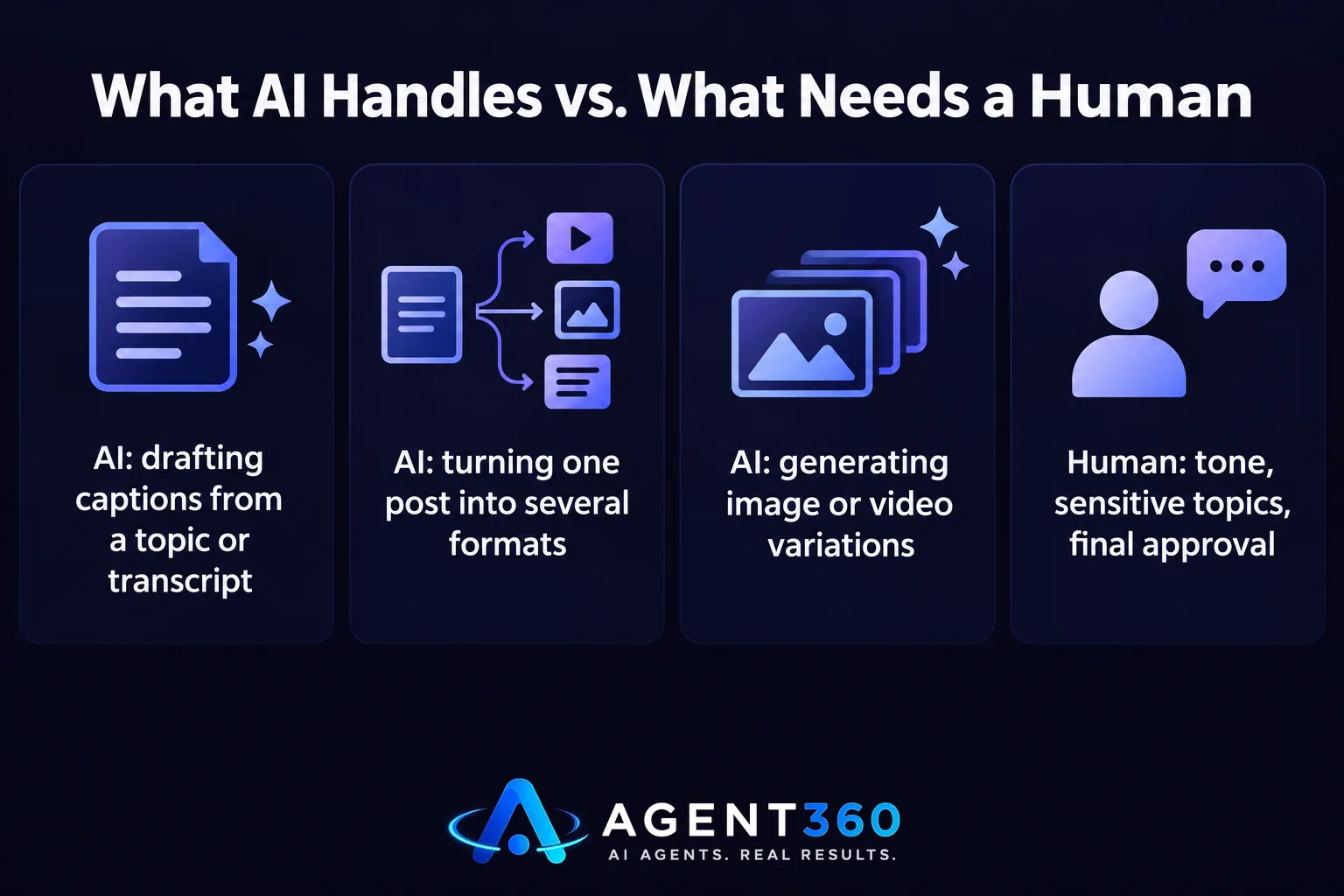
Drafting captions from a topic or a transcript. Turning one long post into several shorter ones for different platforms. Generating image or video variations from the same brief, and keeping a posting schedule full so you don't go quiet for weeks. See how this plays out in turning one asset into more outbound fuel.
What still needs a human?
Anything touching current events, competitors, pricing, or a sensitive internal situation. Tone for a specific audience segment. And the final approval step, since an AI model has no way to know what your company decided not to say this week.
What Should a Buying Checklist Look Like?
Walk through a short list before you commit to any tool, paid or free. This keeps you from discovering a platform gap or an approval gap after you've already built a month of content around it.
- List every platform you actually post to. Confirm the tool publishes to all of them natively, not through a workaround.
- Ask how approval works. You want to see and approve a post before it goes live, not after.
- Test repurposing on one real piece of content. See how many usable formats it produces from a single brief or transcript.
- Check who owns the brand voice setup. Someone needs to define tone, topics to avoid, and posting frequency before the AI starts drafting.
- Review a week of output before scaling it. Catch formatting or tone issues while the volume is still small.
Get Your Social Channels Posting Without Taking Over Your Week
Agent360's BrandAgent builds on-brand posts, pictures and videos for LinkedIn, Instagram, YouTube and X, and you approve every post before it goes out. It sits inside the same plan as the website, SEO and ads work, so content creation isn't a separate vendor to manage on top of everything else.

If you're weighing whether to build this in-house, hire it out, or run it as part of a single growth plan, the pricing breakdown is a reasonable next stop.
See how BrandAgent fits into the full plan on the pricing page.
Frequently Asked Questions
Can I make $1,000 a day using AI?
Not from content generation alone, and any tool claiming that outcome from posting is overstating what AI content creation can do. AI can speed up drafting and scheduling, which cuts the time cost of staying visible on social media, but revenue still depends on what you sell and how you follow up with leads.
How to use AI to make $10,000 a month?
AI content tools aren't a revenue strategy on their own; they're a way to keep your channels active so your actual offer has somewhere to be seen. Pairing consistent content with a working follow-up system, like a CRM and automated outreach, is what turns visibility into booked calls, not the content tool by itself.
Which platforms does a social media AI content creator cover?
Most cover LinkedIn, Instagram, YouTube and X, though coverage quality varies by tool. Confirm native publishing on each platform you use rather than assuming one tool handles all of them equally well.
Do I need to approve every post before it publishes?
If brand voice and accuracy matter to you, yes. An approval step before anything goes live is the main safeguard against an off-brand or outdated post reaching your audience.
What happens if the AI drafts something off-brand?
That's exactly what the approval step is for: catching it before it publishes, not after. Reviewing early output also helps you refine the brand voice settings so future drafts need fewer edits.
More articles
- Missed Call Text Back: How It Turns Lost Calls Into Jobs
- Sourcing Tools for Recruiters: What to Use and Why
- Who Can Automate My Content and SEO in One System?
- Best Done-For-You Marketing Agency for Mechanics?
- How to Appear in AI Search Results Across Platforms
- Whitelabel GEO: What to Check Before You Resell It
- Applicant Tracking System for Small Business: A Buyer's Guide
- MSP Appointment Setting: What It Actually Costs
