Clay vs LeadSwift: Which Fits Your Outbound Job?
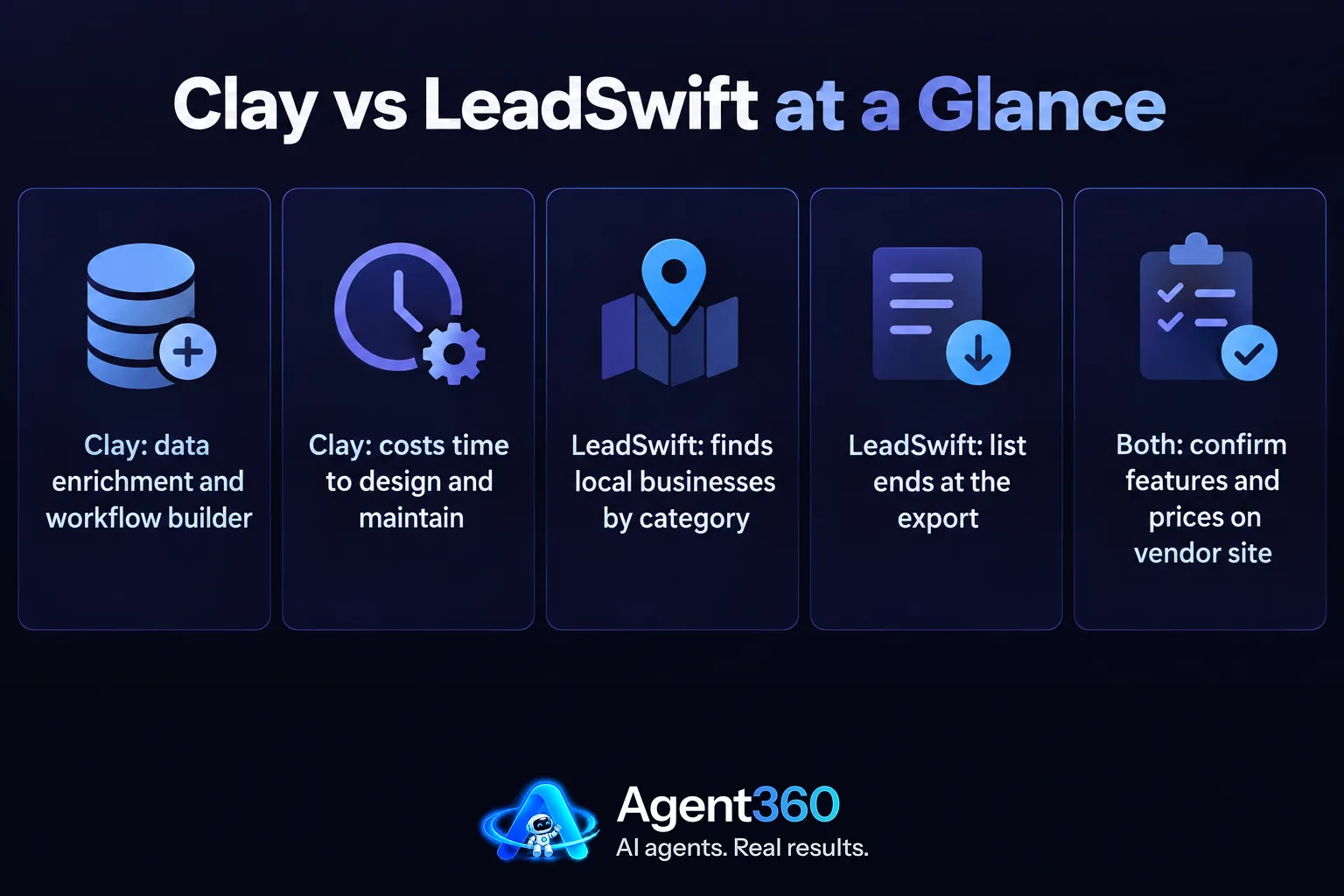
Clay vs LeadSwift isn't a real head-to-head, because the two tools are built for different jobs. Clay is generally described as a data enrichment and workflow builder. LeadSwift is generally positioned as a prospecting tool for finding local businesses. Which one fits depends on who you sell to and what you need done by Friday.
We can't verify either vendor's current features or prices, and they change. So this guide gives you a way to decide rather than a feature scoreboard. Check each vendor's own pricing and product pages before you buy.
Founders and staffing firm owners tend to ask the same thing: do I use Clay in my lead generation, or something simpler? It comes down to how much time you want to spend building the machine versus sending messages.
Key Takeaways
- Decide first whether you need a list, enriched data, or booked meetings, because neither tool is a full outbound system on its own.
- Pick a local-business prospecting tool if your buyers are local businesses. Pick a workflow and enrichment tool if you have a defined ICP and the patience to build tables.
- Count setup time as a cost, because a clever data workflow that never reaches a sequence books nothing.
- Confirm every feature and price on the vendor's own site before you commit.
- Compare the whole path from lead to reply, starting with how prospecting is handled and what happens after.
Table of Contents
What job are you actually hiring a lead tool to do?
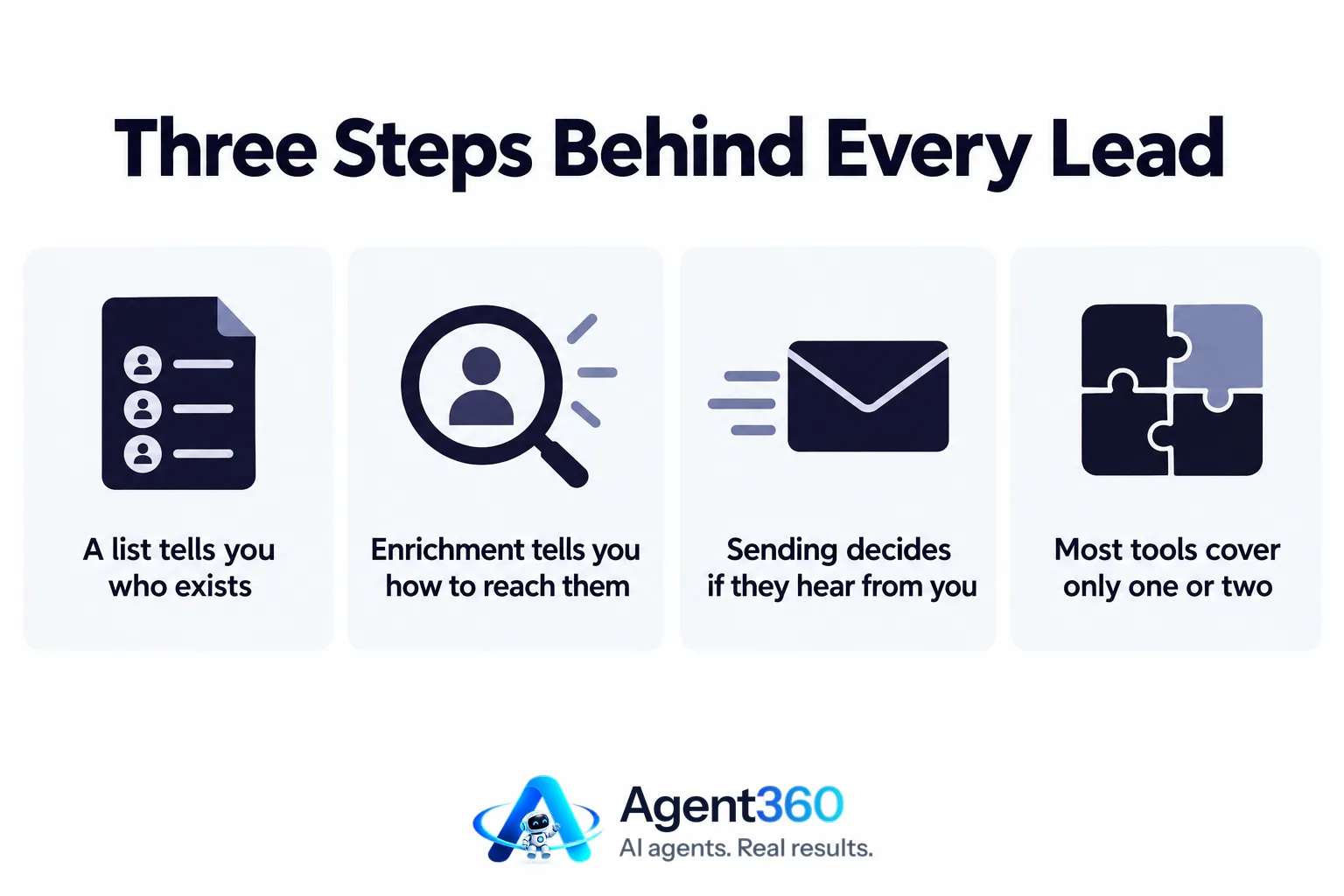
You are hiring it to put the right contact in front of a sequence, and the tool you pick should shorten that path. Lists, enrichment and sending are three separate steps. Most tools cover one or two of them.
Do you need a list, enriched data, or a way to reach people?
A list tells you who exists. Enrichment tells you how to reach them and what to say. Sending decides whether they ever hear from you. Buy a tool for step one and assume steps two and three come free, and you'll find the gap in week two, not week one.
Does your buyer type matter?
Yes. A staffing firm selling to hiring managers needs named people at companies that are hiring. A founder selling to local service businesses may only need business listings with a phone number. Those are different data problems, and a tool that's strong at one can be thin at the other.
Where does Clay tend to fit, and where does it cost you time?
Clay tends to fit people who want to design their own data workflow, and the cost is the time spent designing it. As generally described, it pulls data from multiple sources and lets you chain steps together to enrich and qualify a list.
Is Clay worth it for a founder doing outbound alone?
It can be, if you enjoy building and already know your ICP precisely. The risk is that building tables feels like progress while nothing goes out. With no one to run the workflow each week, a flexible tool turns into a hobby. Be honest about your hours.
Does Clay send the emails for you?
Clay is generally used to prepare data, and people usually connect a separate sequencer to send. That means two tools, two bills and a handoff you have to keep clean. Check the vendor's current docs for what's built in.
Where does LeadSwift tend to fit?
LeadSwift tends to fit teams prospecting local businesses, so it matters most when your buyers are local. As we understand its positioning, it's aimed at agencies and sellers who find businesses by category and location. Confirm the current feature set on its site.

Is it a fit for staffing and recruiting firms?
Only if your target clients are local businesses with a location-based footprint. If you sell to hiring managers at mid-size companies across a region or industry, you need contact-level data on the people who own the headcount decision. Our piece on sourcing tools for recruiters covers the candidate side of that split.
What happens after you export the list?
You still have to verify emails, write sequences, send them and track replies. A prospecting tool ends at the list. That's not a flaw. It just means the real work starts after the export.
How do you choose between them in an afternoon?
Run the same small test on both, then count how long it takes to get a reply-ready contact. Follow these steps.
- Write your ICP in two sentences. Name the role, the company type and the trigger that makes them buy.
- Pull a sample of 50 contacts. Use each tool's trial or demo, and note which one gives you named decision-makers.
- Check email quality. Verify the addresses before sending anything, since bounces hurt your domain.
- Time the full path. Measure from signup to a loaded sequence, including any second tool you need.
- Price the stack. Add data, sending, dialing and CRM, then compare the total against one platform that covers them.
Sending volume matters too. Our guide to cold email volume explains how to pace what you send once your list is ready.
Take the Next Step With Your Lead Stack
If the test shows you're stitching together three tools to reach one contact, look at a platform that does the whole path. Agent360 Platform starts at $99/mo and runs cold outbound in-house: leads included, an email and LinkedIn sequencer, a parallel dialer and a CRM, with unlimited seats and no per-user fees. One triple-verified lead is included for every email sent.
Don't want to build it yourself? Our VIP Done-For-You Outbound runs it end to end for $2,000/mo plus $250 per booked meeting. A dedicated GTM engineer and strategist handle the work, and you take the meetings. See how Agent360 compares with Clay for a closer look at the trade-offs.
Want to see it against your own ICP? Book a demo and we'll walk through it with you.
Frequently Asked Questions
Is Clay better than LeadSwift?
Neither wins across the board, because they're aimed at different jobs. Clay is generally used for enrichment workflows, and LeadSwift for finding local businesses. Choose by your buyer type and how much setup time you have.
Do you need Clay for lead generation?
No. Clay suits people who want to build custom data workflows. If you want leads, sequences and a CRM in one place, a single outbound platform can do the job with less assembly.
Can a staffing firm use either tool?
Yes, if the data matches your buyer. Staffing firms usually need named hiring managers at companies with open roles, so test whether each tool returns that kind of contact before you pay.
Do these tools send cold emails?
Check each vendor's current documentation, because features change. Many data tools prepare lists and rely on a separate sequencer to send. Factor that second tool into your cost.
What should I do before sending to an exported list?
Verify the email addresses and start at low volume on a warmed domain. Bounces and spam complaints damage your sending reputation, and that's harder to repair than a slow start.
More articles
- Local SEO Checklist: What to Fix First, in Order
- Agent360 vs Belkins: a fair, side-by-side comparison
- Best done-for-you marketing package for local service businesses?
- How to Get Your Business Mentioned in Google AI Answers
- Who Should You Use for Done-For-You Auto Shop Marketing?
- What's a White Label GEO Agency and Who Offers It?
- The Best Marketing Strategy for an Auto Repair Shop
- What Contract Terms Are Typical for Outsourced SDR Agencies?
