How to Optimize Your Google Business Profile for Local SEO
Optimizing your Google Business Profile for local SEO starts with three moves: claim and verify it, pick the right primary category, and make your name, address, phone number and hours match your website exactly. After that, add your services, real photos and a steady stream of reviews, and answer those reviews yourself.
Google says local results are based mainly on relevance, distance and prominence (see Google's Business Profile help pages). Distance is out of your hands. Relevance and prominence are not, and a complete, accurate profile is where both begin.
Below: the fields that matter, the order to fix them in, and straight answers on SEO scores, beginners and whether SEO is still worth your time.
Key Takeaways
- Choose the primary category that matches your main revenue-driving service, because it is one of the clearest relevance signals you control.
- Keep your business name, address, phone and hours identical on your profile and your website.
- Use your real business name only; adding keywords or a fake address risks a suspension under Google's guidelines.
- Ignore any single SEO score and track calls, direction requests and booked jobs instead.
- Work through our local SEO checklist after the profile, so the site behind it backs up what the profile claims.
Table of Contents
How do I improve my Google Business Profile?
Make every field complete, accurate and consistent with your website, starting with category, contact details and hours. Google can only match you to a search if your profile clearly says what you do, where you do it and when you are open.
Which profile fields matter most?
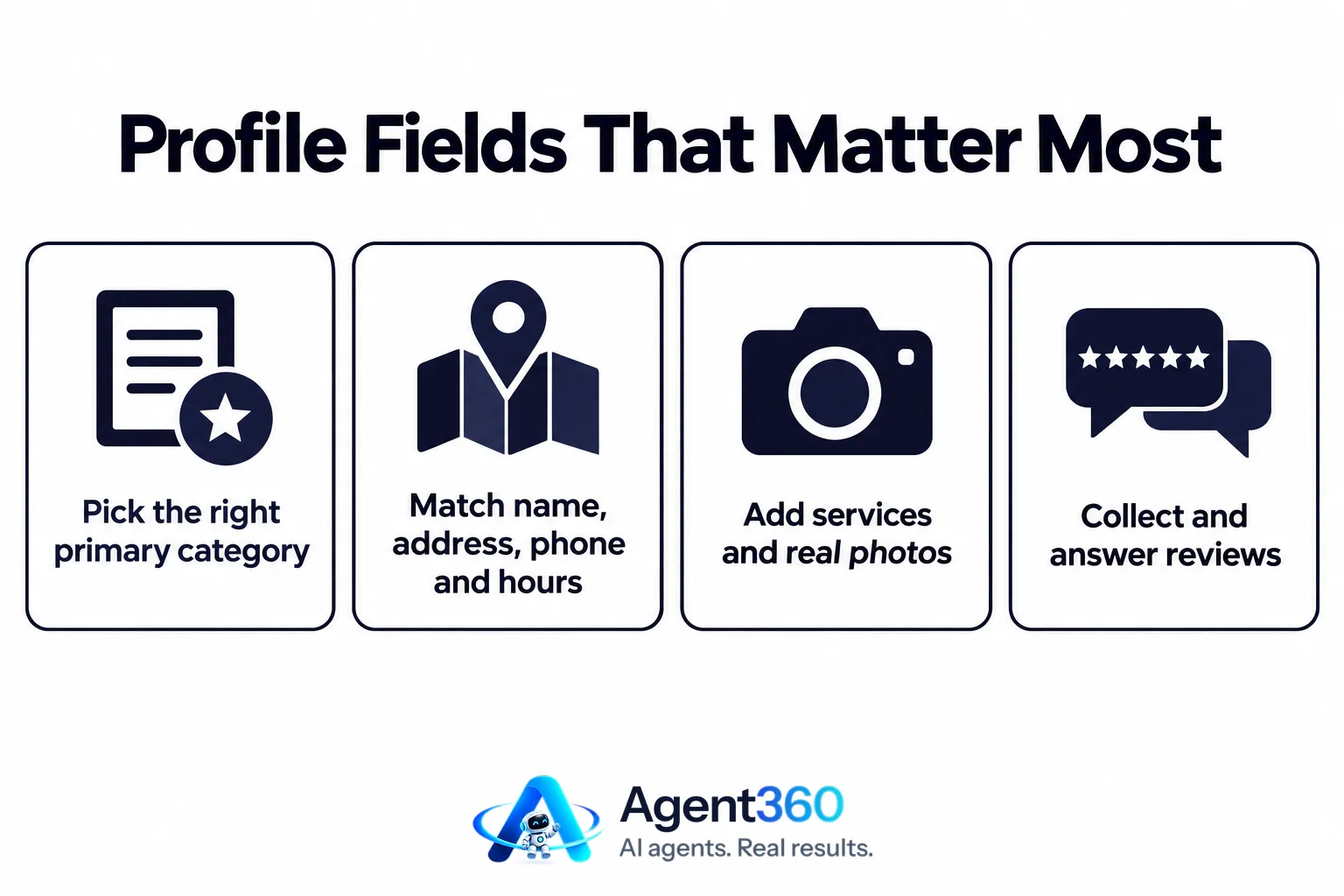
Start with the primary category, since it tells Google what kind of business you are. Add secondary categories only where they are true. Then fill in hours, phone number, website link, service area or address, services and a short, plain description. Upload real photos of your work, your team and your location. Stock images add nothing.
What mistakes hurt a profile?
Three show up again and again: stuffing keywords into the business name, listing an address where you don't actually operate, and letting hours go stale. Google's guidelines say the name should reflect your real-world name, and breaking that rule can get a profile suspended. That costs you far more than ranking a few places lower. Mismatched phone numbers between the profile and the website muddy the picture too.
Is an SEO score of 92 good?
A score of 92 only tells you that you passed most of one tool's checklist; it does not tell you where you rank or whether the phone rings. Google does not rank you using a third-party score.

What should I track instead?
Track outcomes. Check how many calls, direction requests and website clicks come from your profile, using the performance data inside your Google Business Profile. Search your main service plus your town and note where you appear. Count booked jobs or booked meetings.
If those climb, the work is paying off, whatever any score says. If they stay flat while the score looks great, the checklist is measuring the wrong things. Our guide to how to rank in the Google local pack explains what the map results actually reward.
Can a beginner do SEO?
Yes. A beginner can handle the profile basics in a few focused sessions, because they are mostly accuracy and completeness, not technical skill. The harder part is sticking with it: answering reviews, updating hours and adding fresh photos.
What should a beginner do first?
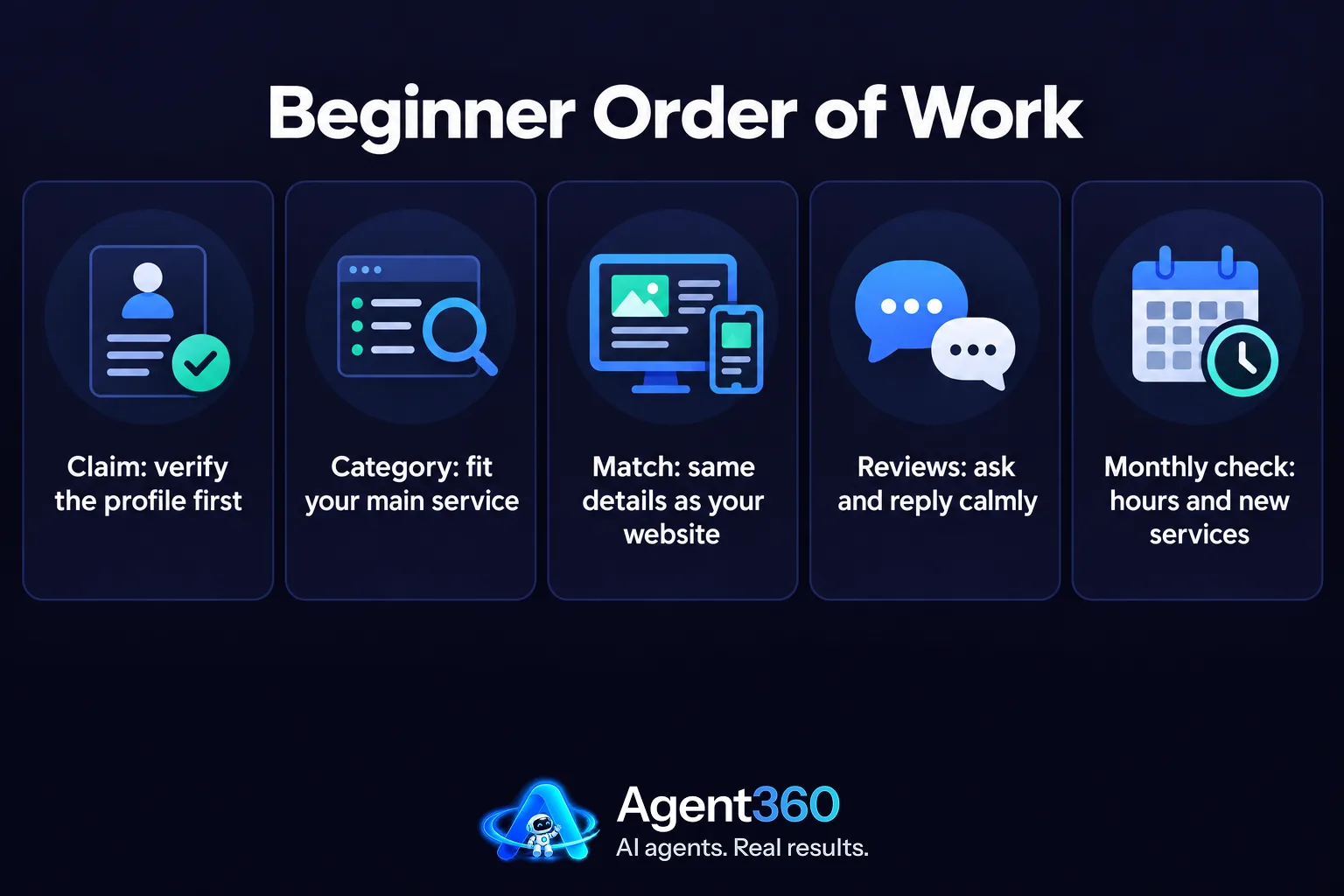
Work in this order:
- Claim and verify the profile. Until you do, you can't control what customers see.
- Set the primary category. Pick the one that fits the service you most want calls for.
- Match your details to your website. Name, address, phone and hours should read the same everywhere.
- List your services. Use plain words customers would search, not internal jargon.
- Add real photos. Show the work, the team and the premises.
- Ask for reviews and reply to them. Respond to good and bad ones in a calm, specific way.
- Check the profile monthly. Confirm holiday hours, new services and any edits suggested by others.
Calls that come in while you're on a job still need an answer. Our post on missed call text back covers one way to catch them.
Is SEO dead or evolving in 2026?
SEO is evolving, not dead: people still search for local providers, and they now also get answers from AI tools alongside the usual results. The fundamentals shift less than the headlines suggest.
Does the profile still matter with AI answers?
Yes. Any system that recommends a business needs clear, consistent facts about it. An accurate profile, a site that says the same things and real reviews give search and AI answers something solid to draw on. We can't promise a particular placement, and nobody honest can. What you can do is close the gaps and contradictions that make you easy to skip.
Take the Next Step With Your Google Business Profile
Fix the profile first. It costs nothing but time, and every other local marketing effort leans on it. Once it's accurate and complete, the next question is how to keep it, your website and your follow-up pulling in the same direction.
That is where we come in. Agent360's all-in-one growth plan, from $297 a month, covers website, SEO and AI search, ads, funnels, CRM and automation. Our team builds and runs it on one monthly plan, with AI doing the heavy lifting and people checking the work. You get one partner instead of five vendors.
If you want help turning local searches into calls and booked jobs, book a demo with our team.
Frequently Asked Questions
Do reviews help local SEO?
Google's own help pages say that high-quality, positive reviews can improve your business visibility. Ask happy customers after each job, and reply to every review. Never pay for reviews or write your own. That breaks Google's policies.
Should I put keywords in my business name?
No. Google's guidelines say your name should match how your business appears in the real world, such as on your signage and stationery. Keyword-stuffed names can lead to suspension. Put your services in the categories, services list and description instead.
Can I hide my address if I travel to customers?
Yes. Google lets service-area businesses hide their address and show the areas they serve instead. If customers visit your premises, show the address. Whichever you choose, keep it matching your website.
How long until profile changes help my ranking?
It varies, and Google doesn't publish a timeline. Some edits show up quickly, while ranking shifts build more slowly as reviews and other signals add up. Our guide on how long SEO takes to show results sets realistic expectations.
Do I need a website if I have a Google Business Profile?
You should have one. The profile links to your site, and the site backs up your services, location and trust signals. Without a matching website, customers and search engines have less to check you against.
More articles
- Social Media Scheduler for Small Business: How to Pick
- White Label Geofencing: What to Check Before You Resell
- MSP Telemarketing: How to Book Meetings by Phone
- First Round Interview Questions and How to Answer Them
- Map Pack SEO: What Moves You Into the Top Three
- Clay vs LeadSwift: Which Fits Your Outbound Job?
- Local SEO Checklist: What to Fix First, in Order
- Agent360 vs Belkins: a fair, side-by-side comparison
