Outbound Software Without Per Seat Pricing: What to Buy
Outbound software without per seat pricing means you pay a flat or usage-based fee instead of a charge for every rep who logs in. That matters the moment your team grows: add a third SDR or a new account exec under per-seat pricing and your bill jumps whether or not that person books a single meeting.
Most outbound tools - email senders, LinkedIn automation, dialers, CRMs - default to per-seat pricing because it's simple for the vendor to bill. It's rarely simple for you to budget. This article covers what to look for if you want pipeline tools that scale with results, not with your org chart.
Key Takeaways
- Per-seat pricing charges you for every login, not for every meeting booked - the two rarely move together.
- Flat or unlimited-seat pricing lets you add reps, assistants, or a founder's own login without recalculating the budget.
- Check whether a tool's core limits - sending volume, LinkedIn actions, calling minutes - are shared across the team or capped per seat.
- Compare total cost at the headcount you expect in twelve months, not just today's team size, using a page like a side-by-side comparison.
- Ask what happens when someone leaves or a role changes - some platforms still bill for empty seats.
Table of Contents
Why does per seat pricing get expensive as you grow?
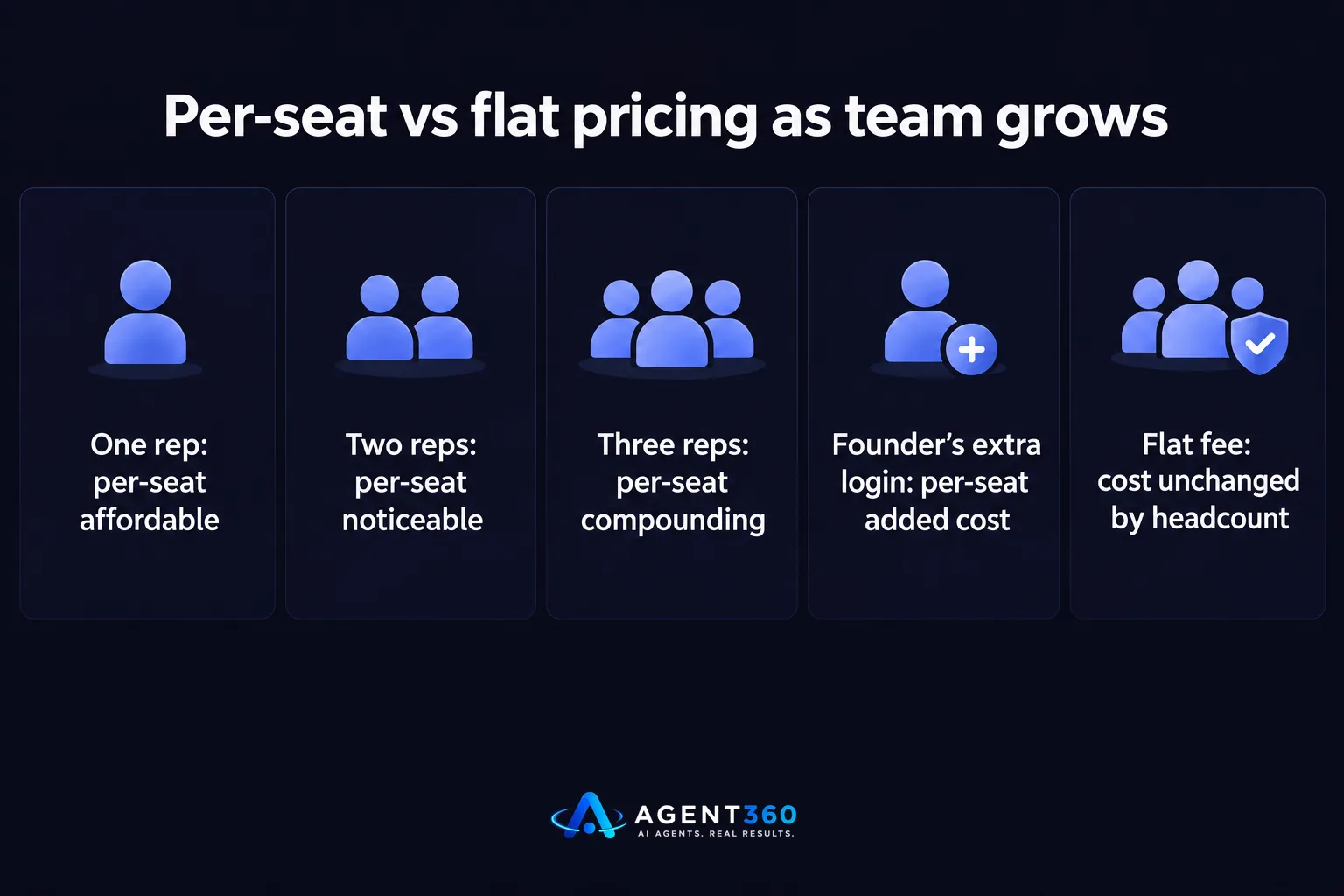
Per seat pricing gets expensive because the price scales with headcount, not with pipeline. A tool priced at a fixed rate per user looks affordable with one or two reps. Add a third hire, a part-time SDR, or give a founder their own login to check replies, and the bill grows in a straight line regardless of how many meetings get booked.
What's the real cost of adding one more rep?
Under per-seat pricing, adding one more rep means adding one more full license fee on top of whatever you already pay - even if that rep only works outbound part-time or shares a pipeline with someone else. The cost compounds faster for staffing and recruiting firms, where multiple recruiters each need their own login to message candidates and clients without stepping on each other's threads.
Does per seat pricing punish small teams more than large ones?
Yes, in relative terms. A five-person sales team absorbs a per-seat increase more easily than a two-person founder-led team, where one extra license can be a meaningful percentage of the whole sales budget. Small teams and solo founders running their own outbound feel per-seat pricing the hardest, because every new hire is a visible, discrete cost increase rather than a rounding error.
How do you evaluate outbound software without per seat pricing?
You evaluate it by checking what's actually capped - users, volume, or channels - and pricing that against your growth plan, not your current headcount. {“Unlimited seats”} doesn't automatically mean unlimited outbound; some platforms cap the number of emails, LinkedIn connections, or calling minutes shared across the whole team instead of billing per login.
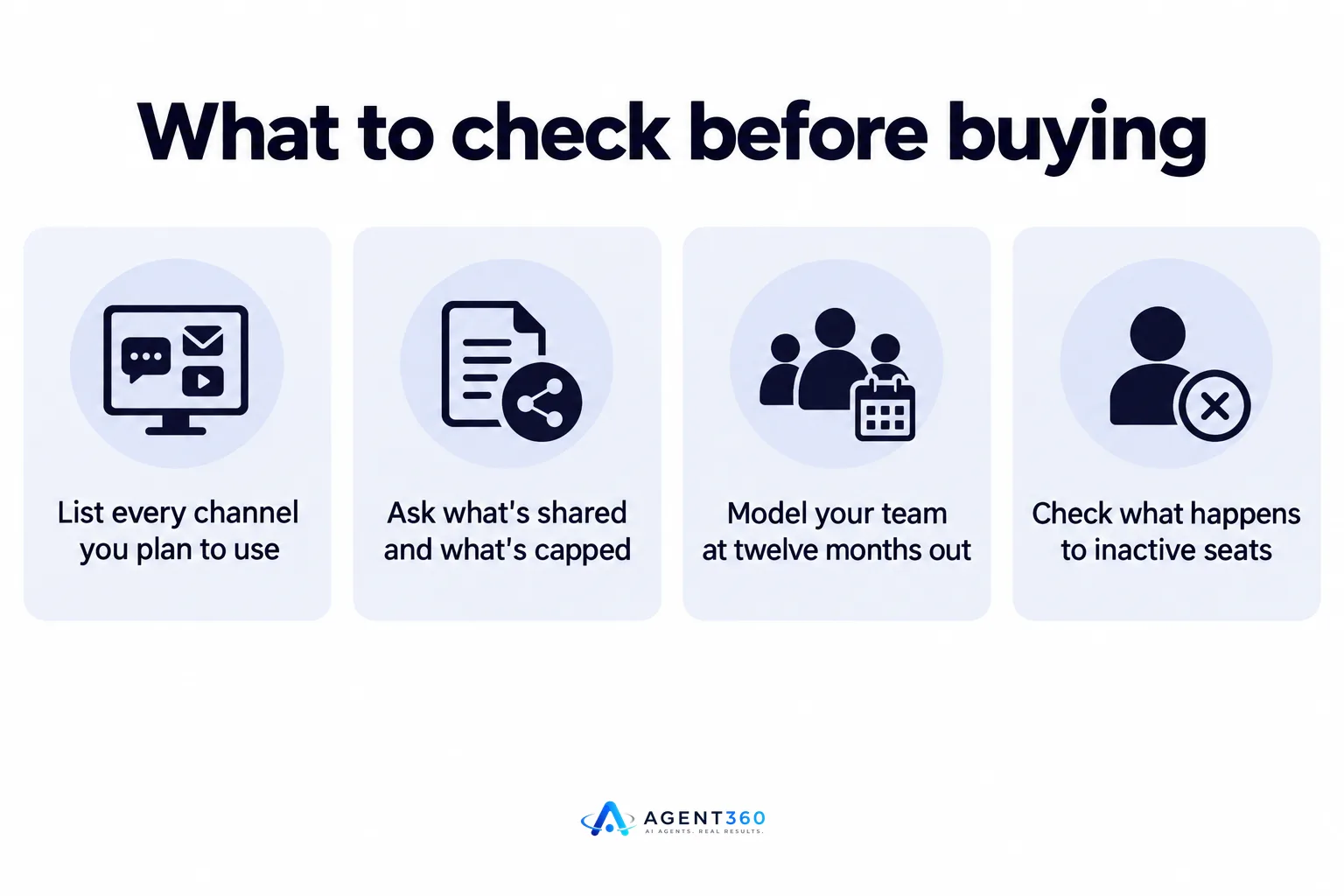
- List every channel you plan to use. Email, LinkedIn, and phone each have separate limits in most tools, so confirm whether the pricing model covers one channel or all three.
- Ask what's shared and what's capped. A flat-fee tool might still limit total messages per month - get that number before you commit, not after you hit it.
- Model your team at twelve months out. If you expect to add two more reps or recruiters, price the tool at that headcount, not today's.
- Check what happens to inactive seats. Confirm whether removing a user actually reduces cost or whether the plan bills for a fixed block regardless.
- Compare against named alternatives. Pages built for this exact decision, like Agent360 vs Apollo or Agent360 vs ZoomInfo, lay out how each handles seats and volume.
What should you check before switching to unlimited-seat tools?
Check that unlimited seats doesn't mean unlimited promises - confirm the actual sending and calling limits, support model, and what's included for meeting booking and CRM. A platform can advertise no per-seat fee and still restrict you in ways that matter more day to day.
Does unlimited seats mean unlimited outreach volume?
Not necessarily. Sending volume is usually governed by inbox and domain limits rather than by seat count, so a flat-fee tool can still require you to manage the pacing described in guides like cold email sending limits. Ask the vendor directly how volume is calculated before assuming {“unlimited seats”} means {“unlimited sends.”}
What else changes besides the price?
Some flat-fee or outcome-based tools bundle services that per-seat platforms sell separately - prospecting, multi-channel outreach, meeting booking, and CRM as one package instead of four add-ons each with its own license fee. That bundling is worth factoring into any cost comparison, since a lower per-seat price elsewhere can hide separate charges for the tools you'd otherwise need to stitch together.
Ready to Stop Counting Seats?
We built Agent360 so adding a rep, a recruiter, or a founder's own login doesn't change your bill. AI Prospecting finds buyers and signals, multi-channel outreach runs across LinkedIn, email, and phone, meetings land on your calendar, and CRM tools keep the pipeline visible - all without a per-user fee stacking on top.

That matters most for founders running their own outbound and staffing firms where every recruiter needs a seat to message candidates and clients. You shouldn't have to choose between growing the team and keeping the software bill flat.
See how the pricing works at unlimited seats pricing.
Frequently Asked Questions
Is outbound software without per seat pricing always cheaper?
Not always - it depends on your team size and usage. A single-user team might pay less under per-seat pricing, but the gap closes or reverses as soon as a second or third person needs access.
Do flat-fee outbound tools still have limits?
Yes. Flat-fee tools typically cap sending volume, LinkedIn actions, or calling minutes instead of charging per user, so ask what the actual ceiling is before signing up.
Can I add a part-time or temporary rep without extra cost?
With unlimited-seat pricing, adding a part-time rep or a recruiter covering maternity leave doesn't trigger a new license fee, which per-seat tools would charge regardless of hours worked.
How do I compare total cost across pricing models?
Model each tool at the headcount you expect in a year, not today's team size, and check what's included - prospecting, outreach, meeting booking, CRM - versus what's billed separately.
What happens if I remove a seat under a flat-fee plan?
That depends on the vendor. Confirm in writing whether removing a user actually lowers your bill or whether the plan is a fixed block regardless of active logins.
More articles
- How Long Does Outbound Take to Work? A Realistic Timeline
- Sales Software With No Per User Pricing: What to Buy
- Can Software Replace an SDR? What It Can and Can't Do
- Outsourced SDR vs In-House SDR: How to Decide
- First Sales Hire vs Outbound Software: Which First?
- What Does an SDR Cost? The Real, Fully Loaded Number
- AI SDR vs Hiring an SDR: Which Fills Pipeline Faster?
- Hire an SDR or Use Software? How to Decide
