Sales Software With No Per User Pricing: What to Buy
Sales software with no per user pricing means you pay one price for the platform, not a fee that climbs every time you add a teammate. For a founder running outbound solo, or a staffing firm owner adding recruiters as deals close, that difference decides whether the tool scales with the business or quietly taxes every hire.
Most outbound platforms were built around per-seat billing because it is simple for the vendor to price and easy to upsell. It is also the reason a tool that looked affordable at two users gets expensive fast at six. Before you sign anything, it helps to know exactly what per-seat pricing costs you over time and what to check instead.
Key Takeaways
- No per user pricing means the platform fee stays flat as your team grows, instead of multiplying per login.
- Per-seat pricing punishes exactly the growth outbound software is supposed to produce: more reps, more recruiters, more closers.
- Check whether AI prospecting, outreach, meeting booking and CRM are bundled or sold as separate add-ons before comparing the headline price, as explained in unlimited-seat pricing.
- Test any tool with your actual team size before committing, not the one-user demo account.
- Staffing and recruiting firms should model pricing against a realistic headcount for the next 12 months, not today's team.
Table of Contents
What does “no per user pricing” actually mean?
It means the vendor charges for the platform or the usage, not for each person who logs in. Instead of a monthly fee per seat, you pay a flat rate or a usage-based rate that covers your whole team, however many people that ends up being.
How is this different from per-seat SaaS pricing?
Per-seat pricing multiplies a base fee by the number of users with a license. Add a fifth rep and the bill goes up by one seat's worth, regardless of how much that rep actually uses the tool. Flat or unlimited-seat pricing separates cost from headcount, so the bill reflects usage or outcomes instead of logins.
Why do vendors charge per seat in the first place?
Per-seat pricing is predictable for the vendor and easy to explain in a sales call. It also means revenue grows automatically whenever a customer's team grows, whether or not the tool delivered more value to justify it. That incentive is worth knowing before you negotiate.
Why does per-seat pricing hurt small sales teams and staffing firms?
It charges you for growth instead of rewarding it. A founder scaling outbound or a staffing firm adding recruiters ends up paying more for the same features, just because more people need access.

What happens when you add a new hire or recruiter?
With per-seat tools, onboarding a new hire means a new license fee on top of salary, training time and ramp. For a staffing firm adding a recruiter to help fill roles faster, that extra software cost lands at the exact moment cash flow is tightest, right after a new hire and before their first placements close.
How does per-seat pricing punish growth?
The tools meant to help you book more meetings and close more deals end up costing more precisely when they're working. A founder who doubles outbound capacity by adding a second closer doubles the software bill too, even if the two reps share the same pipeline and the same calendar.
What should you look for when comparing tools without per-seat fees?
Compare what is bundled, not just the sticker price. A low base fee that excludes AI prospecting, multi-channel outreach, or CRM access as paid add-ons can end up costing more than a single flat price that includes everything.
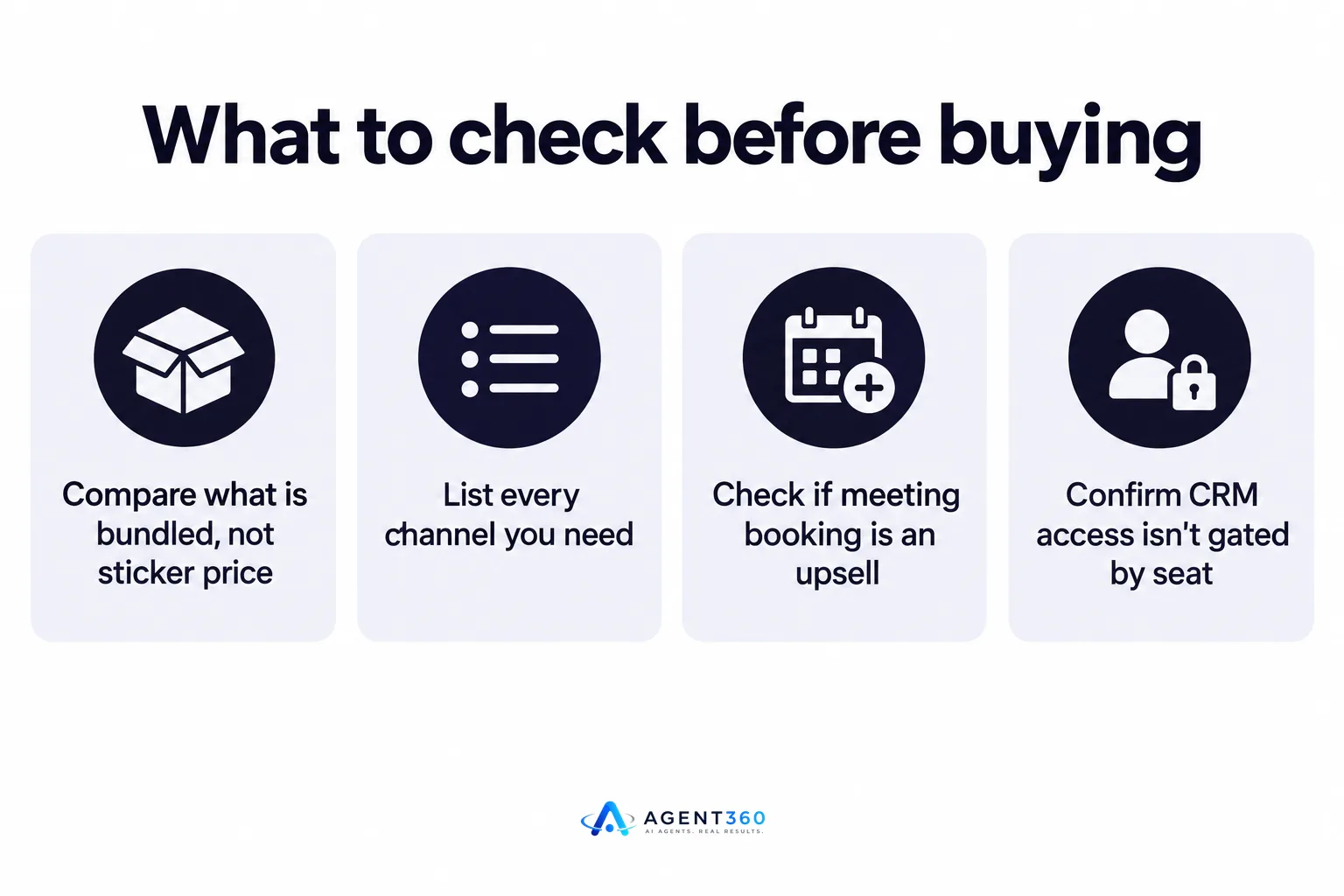
- List every channel you need. Confirm whether LinkedIn, email, and phone outreach are included or billed separately, since multi-channel outreach run from one place is usually cheaper than stitching together point tools.
- Check if meeting booking counts as a feature or an upsell. Some platforms charge extra once a prospect replies and a meeting needs to land on your calendar.
- Ask what happens at your real headcount. Request pricing for the team size you expect in a year, not the size you are today.
- Confirm CRM access isn't gated by seat. A rep who needs to check pipeline status shouldn't need a separate paid login just to see it.
- Read the fine print on “unlimited.” Some vendors cap unlimited plans with usage limits that function like seat limits in disguise.
Which sales tools charge per seat and which don't?
Most established outbound and sales-engagement platforms still bill per seat; a smaller number of newer tools price flat or by usage instead. Vendors rarely publish exact seat prices, so the practical move is to ask directly and compare the quote against your projected headcount.
How do I compare without getting locked into a demo price?
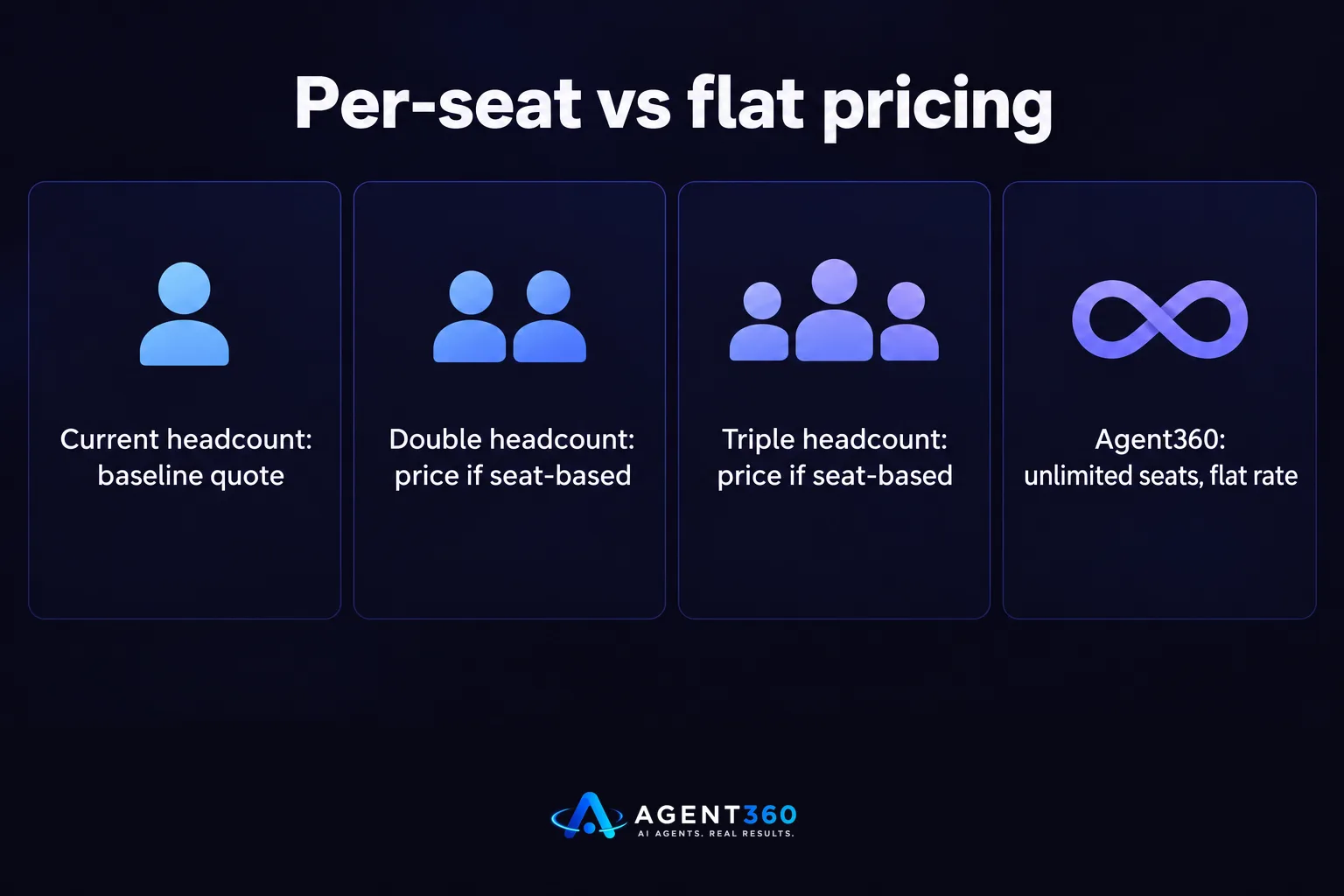
Ask for pricing at three headcounts: your current team, double that, and triple that. A vendor that hedges on the larger numbers is signaling that growth will cost you. Side-by-side pages like Agent360 vs Apollo and Agent360 vs ZoomInfo are a faster way to see how pricing structures differ before you get on a sales call.
Find Sales Software That Doesn't Charge You to Grow
Agent360 combines AI prospecting, multi-channel outreach across LinkedIn, email and phone, meeting booking, and CRM tools in one platform, priced so adding teammates doesn't mean adding seat fees. That matters whether you're a founder running your own outbound or a staffing firm owner whose recruiter headcount changes month to month.
Most sales software bills by the login. Agent360 doesn't have to work that way, which is worth checking before you commit to a tool that gets more expensive every time your team gets better at closing.
See how the pricing works at unlimited-seat pricing.
Frequently Asked Questions
What does no per user pricing mean in sales software?
It means the cost of the platform doesn't increase for every additional person who uses it. You pay a flat or usage-based rate instead of a fee multiplied by seats.
Is per-seat pricing always more expensive?
Not always at small team sizes, but it scales against you as you hire. A tool that looks cheap with two users can become one of your largest software line items once a team grows to six or eight.
Do staffing and recruiting firms need to worry about per-seat pricing?
Yes, because recruiter headcount tends to change with client demand. A pricing model tied to seats makes it harder to flex staffing up or down without a software cost penalty.
How do I find out if a vendor charges per seat before I sign up?
Ask directly for pricing at your current headcount and at double that headcount. If the vendor can't give a straight answer, that's a sign the plan scales with your team size.
Does Agent360 charge per seat?
Agent360's pricing is built around unlimited seats rather than per-user fees, detailed on the unlimited-seat pricing page.
What should I check besides the price itself?
Confirm which channels, features, and CRM access are included in the base price versus sold as add-ons. A low headline price with expensive add-ons can cost more than a higher flat price that bundles everything.
More articles
- Outbound Software Without Per Seat Pricing: What to Buy
- Can Software Replace an SDR? What It Can and Can't Do
- Outsourced SDR vs In-House SDR: How to Decide
- First Sales Hire vs Outbound Software: Which First?
- What Does an SDR Cost? The Real, Fully Loaded Number
- AI SDR vs Hiring an SDR: Which Fills Pipeline Faster?
- Hire an SDR or Use Software? How to Decide
- Should I Hire an SDR? A Founder's Decision Guide
