MSP Appointment Setting: What It Actually Costs
MSP appointment setting is the work of getting a qualified prospect onto a calendar for a real sales conversation — an IT director, office manager, or whoever actually controls the tech budget. It covers the outreach, the follow-up, and the scheduling that happen before your account executive ever picks up the phone. For most MSPs, it's the single biggest bottleneck between a target list and signed contracts.
Appointment setting isn't the same as lead generation. A lead is a name and a contact detail. An appointment is a confirmed meeting with someone who agreed to show up and talk about their IT problems. Confuse the two and you end up with a full CRM and an empty calendar.
This post walks through what the work involves, what it costs in-house versus outsourced, and how to build a process that keeps producing meetings instead of a one-time spike.
Key Takeaways
- Appointment setting means a confirmed, kept meeting — not just a name added to a list.
- Cost runs from a few hundred dollars a month for self-run software to several thousand for a fully managed program, so weigh the real trade-offs before you hire an SDR or run software yourself.
- Email and LinkedIn together beat either channel alone for reaching IT decision-makers.
- A repeatable process needs a defined ICP, a sequence, and a follow-up cadence before it needs more volume.
- Expect a ramp before meetings land consistently — treat the first few weeks as calibration, not failure.
Table of Contents
What does MSP appointment setting actually involve?
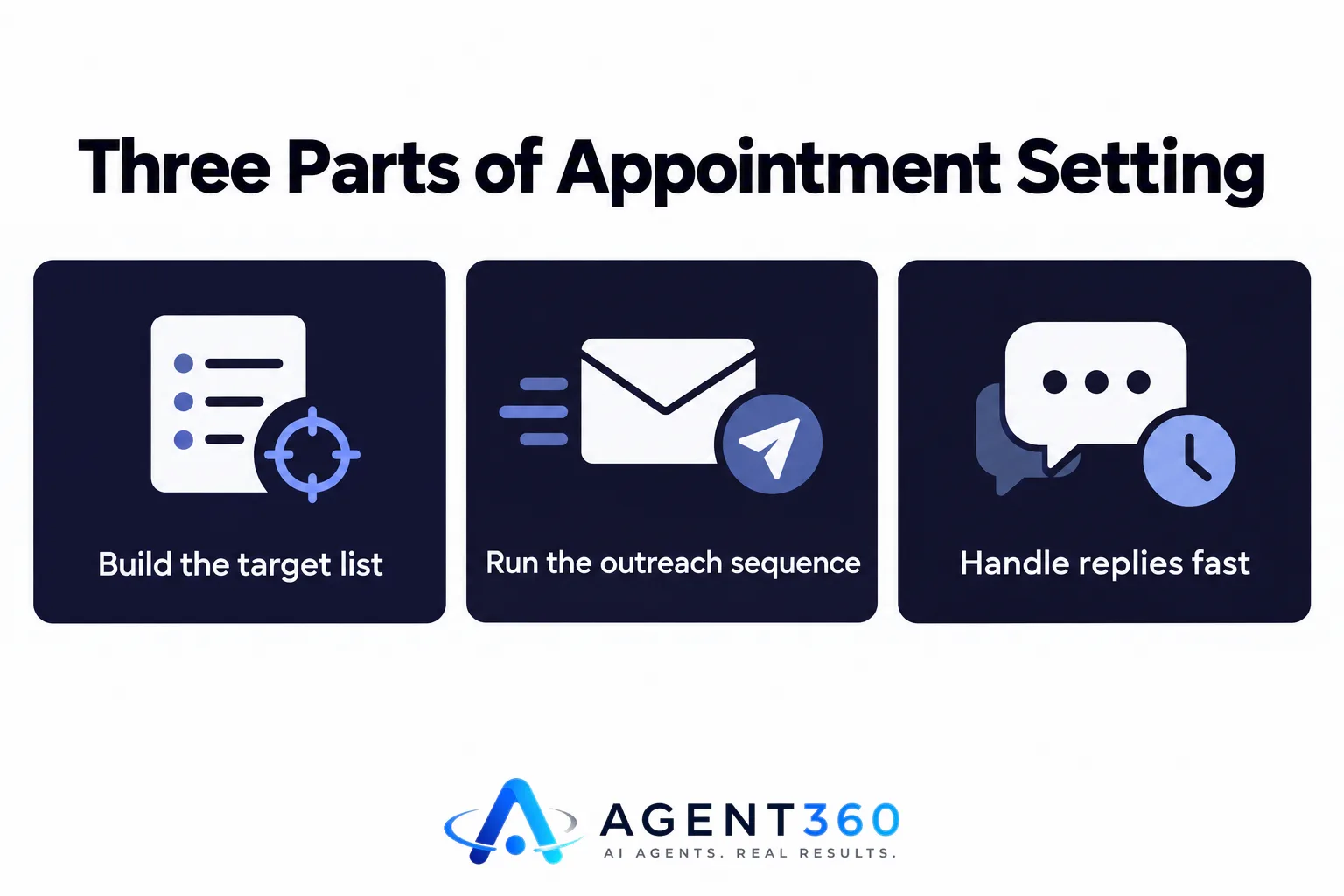
It's a sequence of outreach touches — email, LinkedIn, sometimes calls — aimed at a defined list of IT decision-makers, ending in a confirmed meeting on a rep's calendar. Break the work into three parts: build the target list, run the outreach sequence, and handle replies fast enough to turn interest into a booked slot.
Who typically books the meetings?
Inside the company, it's usually an SDR, a marketing coordinator, or the founder — before there's budget for a dedicated hire. In outsourced arrangements, a GTM engineer or appointment-setting specialist runs the sequences and hands booked meetings off to the MSP's sales rep, who takes it from there.
What channels does it use?
Cold email and LinkedIn carry most of the volume because they scale without a phone bank. Calls still matter, though — for following up with prospects who opened an email or viewed a profile but never replied. Run email and LinkedIn in parallel instead of one channel at a time, and the same list tends to produce more replies.
Should an MSP hire an SDR, use software, or outsource appointment setting?
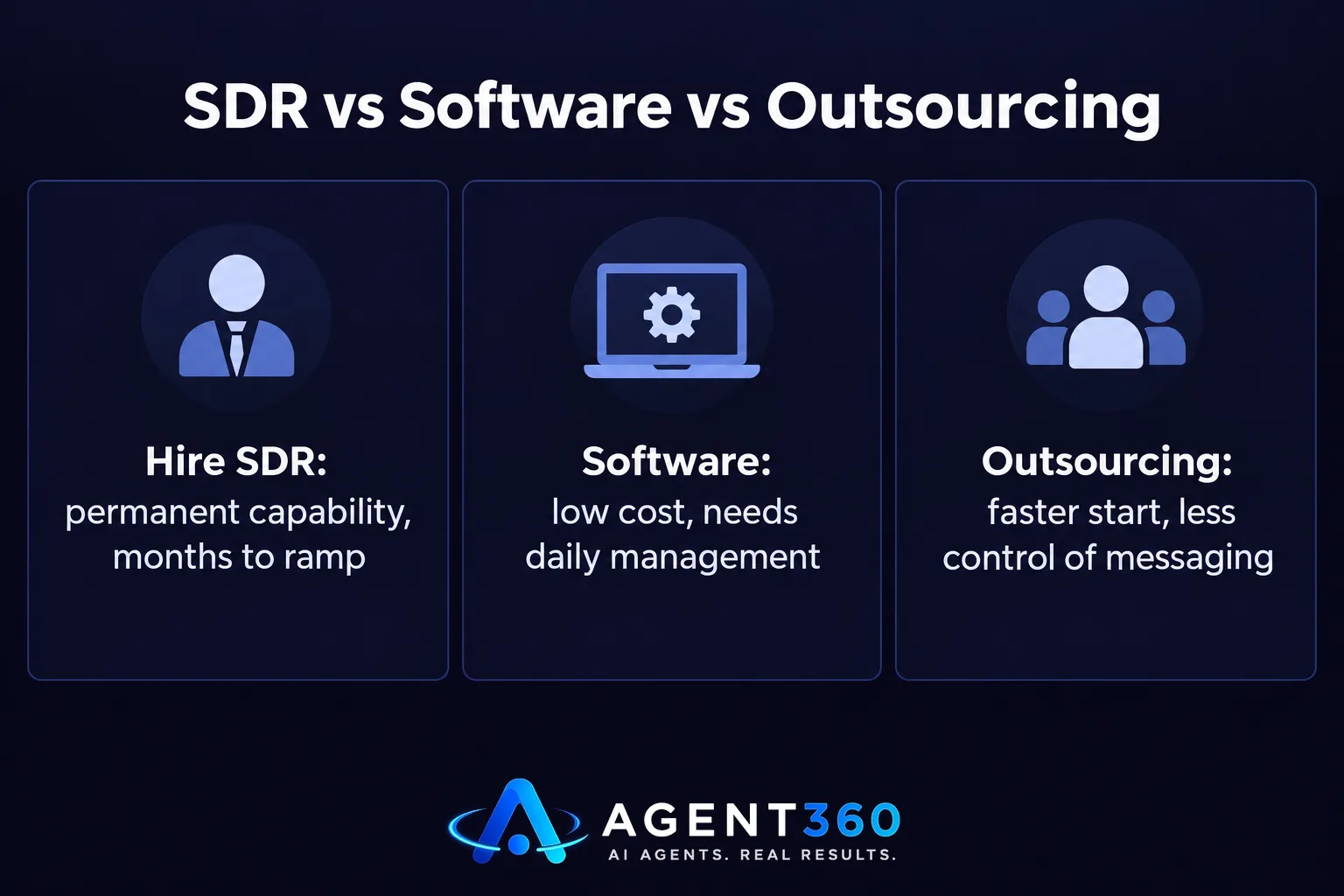
It depends on how much time you have before you need meetings, and how much management attention you can spare for the process. Hiring builds a permanent in-house capability, but it takes months to produce consistent output. Software keeps costs low, but someone has to run it every day. Outsourcing moves faster, but it hands control of the messaging to an outside team.
What does hiring an in-house SDR cost?
Beyond salary, an in-house SDR needs a list-building tool, a sequencer, and training time before output stabilizes — typically a few months of lower meeting volume while they learn the ICP and the messaging. That ramp cost is real, even when it never shows up on an invoice.
When does outsourcing make more sense?
Outsourcing fits MSPs that need meetings now and don't want to manage the hiring, training, and list-building themselves. Before signing with any provider, check how they define a meeting, who owns the prospect data, and what happens if volume falls short — the full list is in what to check before you sign an SDR outsourcing contract.
How do you build a repeatable MSP appointment setting process?
Start with a narrow, well-defined target list before you worry about volume. A process built on the wrong accounts won't improve no matter how many emails it sends.

- Define the ideal account. Pin down industry, employee count, and trigger events — new office, recent breach, expiring contract — that signal IT need.
- Build the contact list. Identify the actual decision-maker — often an office manager or operations lead at smaller companies, not always an IT title.
- Write a short, specific sequence. Reference a real pain point — downtime, compliance, a slow help desk — instead of a generic pitch.
- Run email and LinkedIn together. Touches on both channels in the same week raise the odds of a reply over either channel alone.
- Respond to replies within the hour. Interest fades fast — reply the same day and you'll convert far more of it than if you wait until tomorrow.
- Track show-up rate, not just bookings. A calendar full of no-shows isn't a working process. Confirm meetings a day ahead to protect the number that actually matters.
How long before appointment setting produces booked meetings?
Expect a ramp of several weeks before meetings land at a steady pace — longer if the list or the messaging needs rework. Email domains need warming, LinkedIn accounts need to build up activity history, and the first round of replies usually points to changes the sequence needs before volume picks up.
What slows it down?
New sending domains, a fuzzy value proposition, and a target list that's too broad — all of it slows things down. For a week-by-week breakdown of what to expect, whether you run the program in-house or hand it off, see this outbound timeline guide.
Get MSP Appointment Setting Running Without Adding Headcount
A reliable appointment-setting process takes a defined list, a working sequence, and someone checking replies every single day — work that competes directly with running client accounts. Agent360 gives MSPs two ways to handle it: run outbound in-house on the Agent360 Platform, with leads included and an email and LinkedIn sequencer built for parallel outreach, or hand the whole thing off with VIP Done-For-You Outbound, where a dedicated GTM engineer and strategist run the program while your team just takes the meetings.
Either path fits MSPs that need a steady run of new client conversations without adding a business-development hire — check the plans and what's included on the pricing page.
Frequently Asked Questions
What counts as a booked appointment in MSP appointment setting?
A booked appointment is a confirmed meeting time with a prospect who's explicitly agreed to talk about their IT needs — not just a reply showing general interest. Providers and in-house teams should use the same definition, or the reporting stops meaning anything.
How many touches does it take to book an MSP meeting?
Most sequences run multiple touches across email and LinkedIn over two to three weeks before a prospect replies. A single touch rarely produces meetings at any meaningful rate.
Can one person handle MSP appointment setting alongside other duties?
It's possible at a low volume, but quality drops fast once replies sit unanswered for more than a few hours. Dedicated focus — in-house or outsourced — produces steadier booking rates.
Do MSPs need a dialer for appointment setting?
A dialer helps you follow up with prospects who've already engaged by email or LinkedIn but haven't booked — it's rarely the first touch. Cold calling alone to a fresh list rarely performs as well as a multi-channel sequence.
Is MSP appointment setting different from lead generation?
Yes. Lead generation produces contact details and interest signals. Appointment setting takes those leads through outreach and follow-up to an actual scheduled meeting. An MSP can sit on a pile of leads and still have an empty calendar if nobody's doing the appointment-setting work.
More articles
- How Long Does SEO Take to Show Results?
- Do Outsourced SDR Firms Require Long-Term Contracts?
- Done For You SEO: What's Actually Included?
- How to Get in Google AI Overviews: A Practical Checklist
- Outsourced SDR vs Hiring an SDR in Australia: True Costs
- AI Phone Screening: What It Actually Does for Hiring Teams
- Done-For-You Marketing: What It Actually Means
- Keyword Gap Analysis: Find What Competitors Rank For
