LinkedIn Weekly Invitation Limit: What It Really Is
The LinkedIn weekly invitation limit is no longer a single published number. LinkedIn used to tell free accounts they could send around 100 connection requests a week, but that fixed figure is gone from its current help pages. What replaced it is a dynamic cap tied to your account's behavior, so two people on the same plan can have very different weekly ceilings.
That change matters if you're running outbound yourself or filling a pipeline for a staffing desk. A number you can't see is harder to plan around, and it's easy to get flagged by assuming last year's rule still applies.
Key Takeaways
- LinkedIn no longer publishes one fixed weekly invitation number; the cap now shifts based on account age, activity, and acceptance rate.
- A low acceptance rate on your sent invites is the fastest way to shrink your weekly allowance, not the total you send.
- Spreading invites across the week in small batches is safer than sending them all at once.
- Personalizing requests to people who already show buying signals improves acceptance rate, which protects your sending limit — see how buying-signal detection helps target the right people first.
- If LinkedIn restricts invitations, the fix is to slow down and rebuild acceptance rate, not to switch accounts.
Table of Contents
What is the LinkedIn weekly invitation limit?
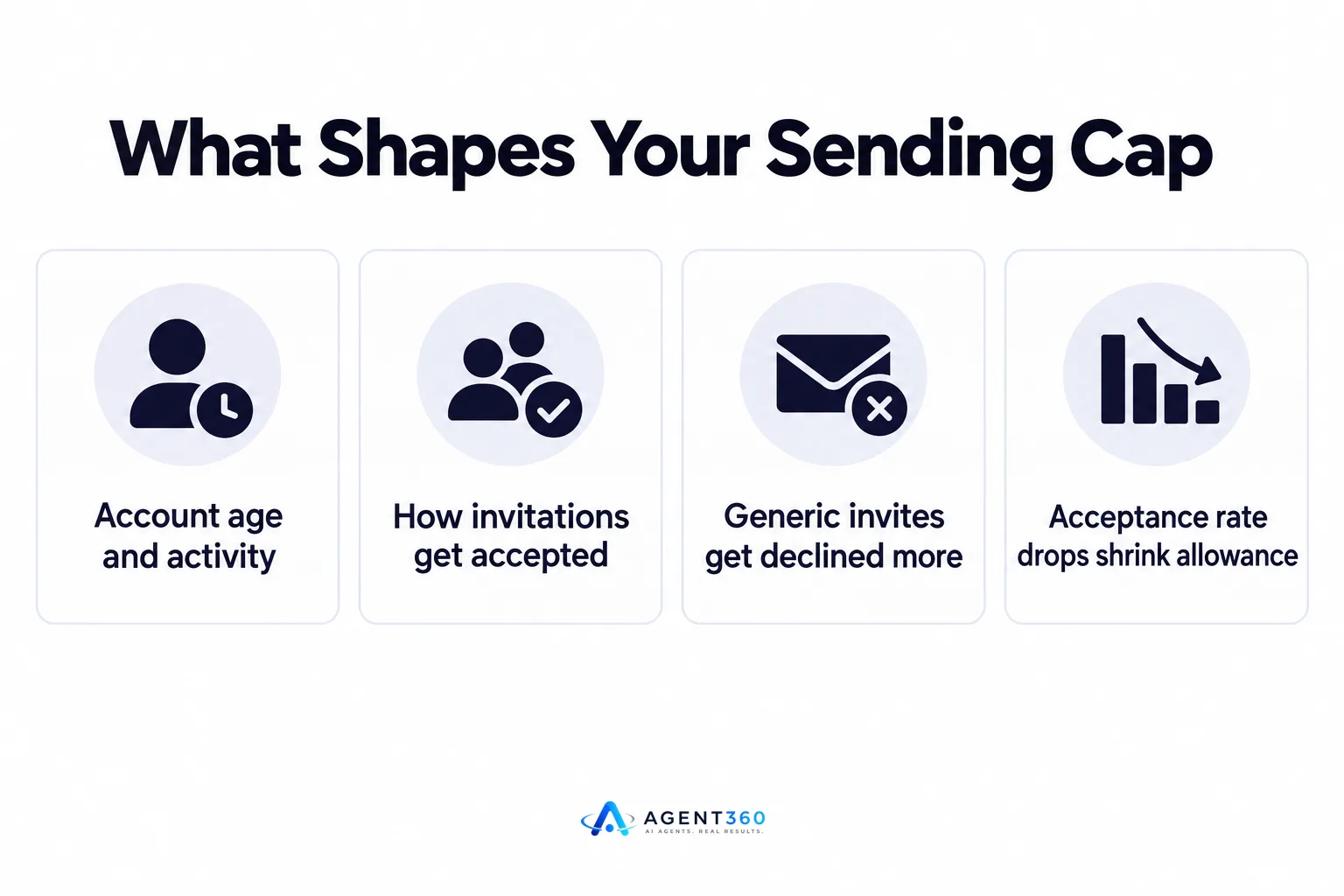
It's a moving ceiling LinkedIn sets per account based on behavior, not a published number everyone shares. Older guidance mentioned roughly 100 invitations a week for free accounts, but LinkedIn's current help center doesn't list that figure anymore. Instead, the platform appears to adjust how many invitations an account can send based on signals like how long the account has existed, how it's used day to day, and how many of its invitations get accepted.
Does LinkedIn publish an exact number today?
No. LinkedIn does not currently state a fixed weekly invitation limit in its public help documentation. Anyone quoting an exact figure as current policy is repeating older guidance that LinkedIn has since removed, which is why pacing by behavior matters more than chasing a specific count.
Does the limit differ between free and paid accounts?
Paid tiers like Sales Navigator generally allow more outreach activity than a free account, but LinkedIn doesn't publish a side-by-side number for invitations specifically. Treat any plan upgrade as raising your ceiling somewhat, not removing it.
What determines how many invites you can safely send?
Your acceptance rate matters more than your total volume. An account that sends fewer invitations but gets most of them accepted tends to keep more sending room than one that blasts out requests to strangers who ignore or decline them.
What is acceptance rate and why does it matter?
Acceptance rate is the share of your sent invitations that the recipient actually accepts. When that rate drops, LinkedIn appears to read it as a signal the account is sending unwanted requests, and tightens what it allows next. This is the mechanism behind most “limit” complaints — it's rarely a flat number, it's a response to how recipients react.
What happens if you send too many invites without personalizing them?
Generic, high-volume invites to people with no prior connection tend to get declined or ignored at a higher rate. That drags down acceptance rate, which narrows your weekly sending room and can trigger temporary restrictions on new invitations.
How do you pace outreach without hitting the limit?
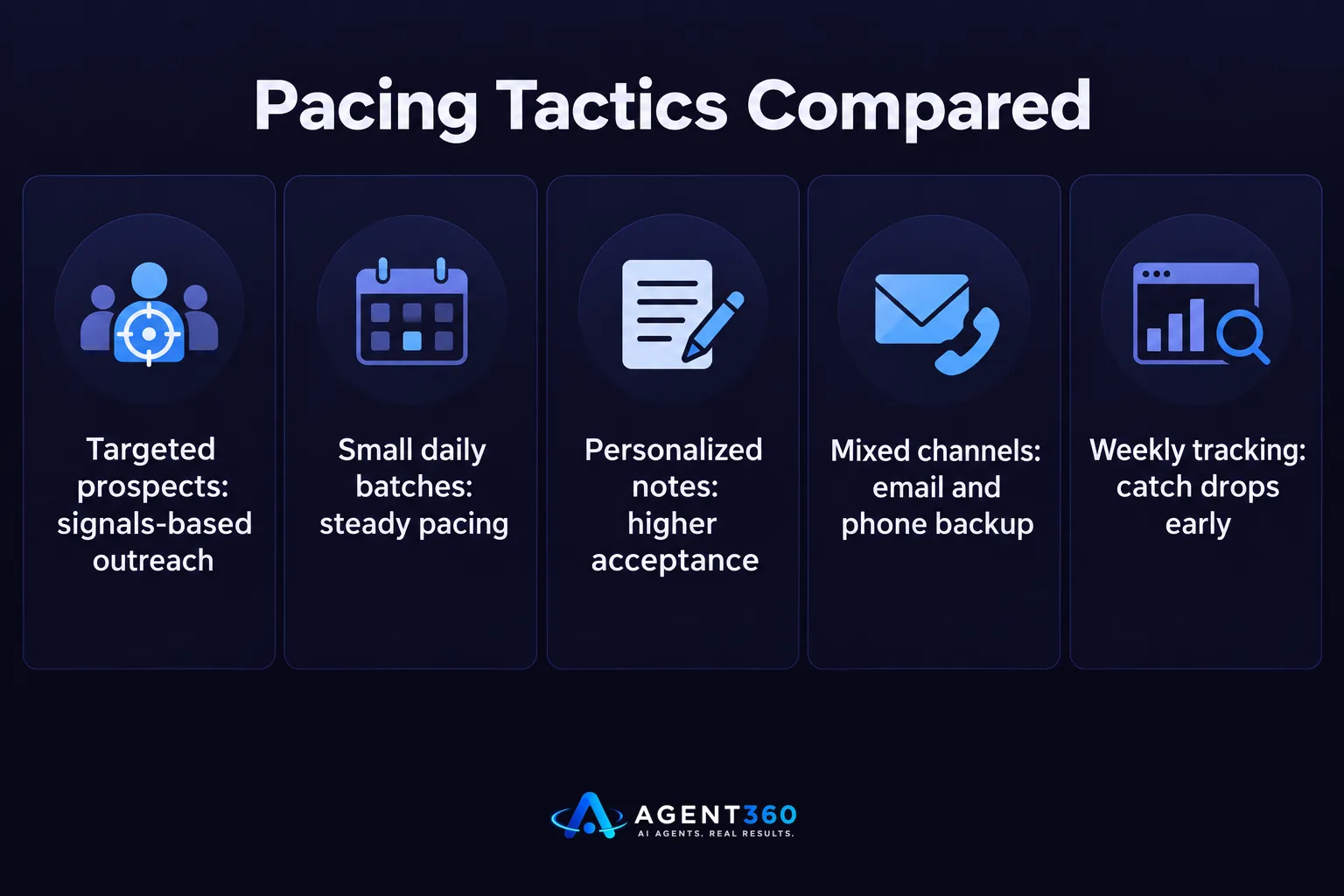
- Target people showing real signals. Prioritize prospects who've recently changed roles, posted about a relevant problem, or engaged with content in your space, rather than a broad list.
- Send in small daily batches. Spreading invitations across the week keeps activity looking consistent instead of spiking and triggering review.
- Personalize the note. A one-line reference to something specific about the person raises the odds of acceptance far more than a blank request.
- Track acceptance rate weekly. If it's falling, pause and tighten targeting before sending more, rather than pushing through.
- Mix channels instead of relying on invites alone. Email and phone can carry outreach volume so LinkedIn isn't the only channel absorbing risk.
Teams comparing LinkedIn automation tools for this kind of pacing can see how different platforms handle sending schedules in this comparison of LinkedIn automation tools.
What should you do if LinkedIn restricts your invitations?
Slow down and rebuild your acceptance rate before sending more invites. A restriction usually lifts once your account shows a stretch of lower-volume, better-targeted activity rather than a return to the same pace that triggered it.

Should you switch to a new LinkedIn account instead?
No. Creating a new account to dodge a restriction risks violating LinkedIn's terms and starts you over with no history, which usually means an even smaller starting allowance. The related question of using someone else's or a rented account carries its own risks, covered in this piece on renting LinkedIn accounts for outreach.
How long does it take to recover?
LinkedIn doesn't publish a recovery timeline, so the practical move is to reduce invitation volume, focus only on well-matched prospects, and check acceptance rate week over week until sending room opens back up.
Keep LinkedIn Outreach Moving Without Guessing the Limit
Pacing invitations by hand while also tracking acceptance rate, email follow-up, and calls takes real attention every week. Agent360 runs multi-channel outreach across LinkedIn, email, and phone, so LinkedIn invitations are one part of a coordinated sequence instead of the only lever pulling for meetings.
The AI prospecting layer also narrows your list to people already showing buying signals before an invite ever goes out, which is one of the better ways to protect acceptance rate on LinkedIn itself. Meetings booked through that sequence land straight on your calendar, with CRM tools tracking where each prospect sits in the pipeline.
See how the full sequence works on the how it works page.
Frequently Asked Questions
Is there still a 100-per-week LinkedIn invitation limit?
That figure came from older LinkedIn guidance and no longer appears in LinkedIn's current help documentation. The platform now appears to set a dynamic limit based on account behavior rather than a flat weekly number.
Why did my LinkedIn invitation limit suddenly drop?
A sudden drop usually follows a stretch of invitations with a low acceptance rate or a spike in sending volume. LinkedIn appears to respond to both signals by narrowing how many invitations an account can send next.
Does Sales Navigator remove the weekly invitation limit?
No. Paid LinkedIn plans generally allow more activity than a free account, but LinkedIn hasn't published an unlimited invitation allowance for any tier.
Can a tool guarantee a specific number of LinkedIn invites per week?
No reputable tool can guarantee a fixed number, since the cap is set by LinkedIn and shifts with account behavior. Tools can help by pacing sends and prioritizing well-matched prospects, which supports a better acceptance rate over time.
Should I stop sending invitations if I get a warning?
Yes. Pausing or significantly slowing invitations after a warning gives the account a chance to show steadier behavior, which is generally what restores normal sending activity.
More articles
- How Many Inboxes Do You Need for Cold Email?
- How Many Emails Per Inbox Per Day Is Safe to Send?
- How Many LinkedIn Messages Can You Send Per Day?
- LinkedIn Connection Request Limit: What It Is and How to Stay Safe
- The Best Cold Email Tool Depends on Your Outbound Stack
- Smartlead vs Lemlist: Which Cold Email Tool Fits You?
- Apollo vs ZoomInfo: Which Fits Your B2B Sales Team?
- Apollo vs Smartlead: Which One Actually Books Meetings?
