How Many LinkedIn Messages Can You Send Per Day?
There is no fixed number of LinkedIn messages you can send per day, because LinkedIn does not publish one. What matters more than a daily count is the pattern: how new your account is, how many of those messages go to people who have never replied to you, and how fast you send them in a row.
Treating this like a simple math problem — “send X messages, get Y replies” — is how accounts end up restricted. LinkedIn's own help pages describe limits on connection requests and automation use, but they stop short of stating a message quota, which means the safe number for your account depends on its history, not a published rule.
This article covers how to think about volume, what actually trips restrictions, and how to keep messages going out without gambling your account.
Key Takeaways
- LinkedIn does not publish a daily message limit, so pace by account age and activity history, not a fixed number.
- New or recently restricted accounts should send far fewer messages per day than established, active ones.
- Messages to first-degree connections carry less risk than cold outreach to strangers.
- Spacing sends throughout the day matters more than the total count, as explained in scaling LinkedIn outreach safely.
- Multi-channel outreach reduces how hard you lean on LinkedIn messaging alone — see multi-channel outreach.
Table of Contents
How many LinkedIn messages can you send per day?
LinkedIn has not published a specific daily message limit, so the safe number depends on your account's age, activity, and how automated your sending looks. A LinkedIn account that is years old, fully filled out, and used daily for normal activity (posting, commenting, accepting connections) can usually sustain a higher volume than a brand-new account or one that was recently warned.
Why doesn't LinkedIn state a number?
LinkedIn evaluates behavior patterns rather than a single threshold. A platform that published an exact number would hand automation tools a target to hit right up to the line, which defeats the purpose of the limit. Instead, LinkedIn's systems look at send speed, reply rates, and how closely your activity resembles a real person browsing and typing, not a script firing messages on a timer.
Does account age change the safe volume?
Yes. New accounts, or accounts that recently had a restriction lifted, should send a small fraction of what an older, well-used account can handle. Ramping up slowly over several weeks gives LinkedIn's systems a consistent pattern to recognize, rather than a sudden spike that looks automated.
Does the limit change for new contacts versus existing connections?
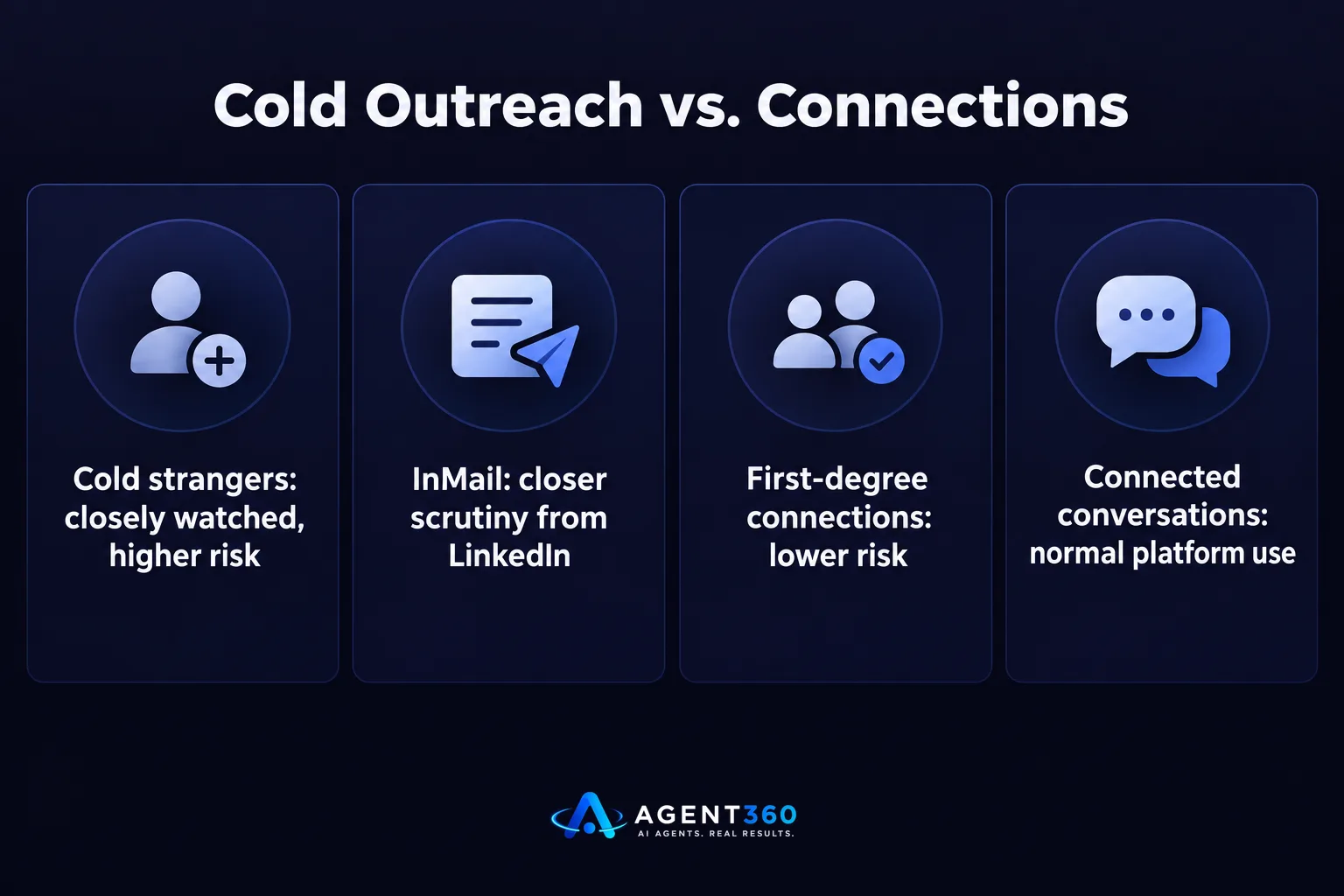
Yes — messaging a first-degree connection carries far less risk than messaging a stranger, because LinkedIn treats InMail and cold outreach differently from conversations between connected members. Once someone accepts your connection request, ordinary messages to them are closer to normal platform use. Messages to people you are not connected to, especially through InMail or connection-request notes, are the volume that LinkedIn watches more closely.
Should you message everyone the same way?
No. A list built from buying signals — people showing a reason to be in-market right now — deserves a more personal, slower-paced message than a broad cold list. Mixing a small number of highly relevant messages with a long list of generic ones is one of the more common ways accounts look automated to LinkedIn's systems, even when the sender is a real person typing each one.
What happens if you send too many messages too fast?
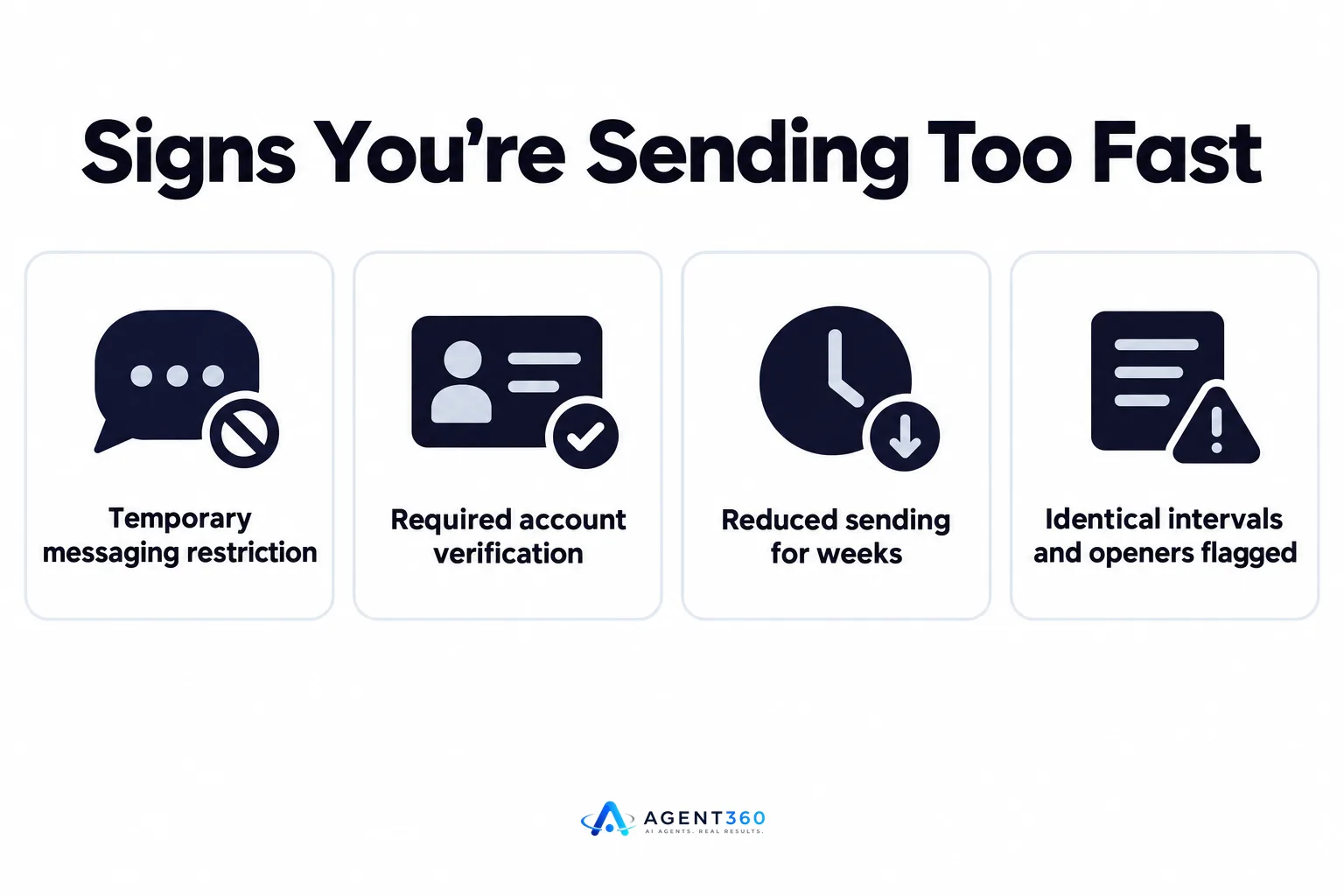
LinkedIn can temporarily restrict messaging, require verification, or in repeat cases limit the account further, and recovering from a restriction usually means sending even less for a while. The practical cost is not just the warning. It is the days or weeks of reduced sending while the account rebuilds trust, which stalls whatever pipeline that account was driving.
- Slow down immediately. If you see a warning or a sudden drop in message delivery, stop sending at your previous pace and cut volume sharply.
- Check for automation gaps. Messages sent at identical intervals, with identical openers, are the pattern that triggers most reviews — vary timing and wording.
- Rebuild gradually. Increase volume over one to two weeks rather than jumping back to the prior level in a single day.
- Spread load across channels. Move some of that outreach to email or phone so one channel isn't carrying the full weight, as covered in choosing LinkedIn automation tools.
How do you keep pipeline moving without pushing LinkedIn limits?
Spread outreach across LinkedIn, email, and phone instead of relying on message volume alone, so no single channel has to carry the full load. A founder or small sales team chasing a weekly meeting target does not need to hit LinkedIn's upper boundary every day. They need enough total touches across channels to reach the right number of conversations.

What should replace extra LinkedIn volume?
Email and calls. A prospect who hasn't responded to two LinkedIn messages may respond to a short email or a call instead, and that shift takes pressure off the one channel LinkedIn is actively monitoring. Combining channels, rather than pushing one harder, is generally the more durable way to keep meetings booked.
Keep Your Outreach Moving Without Risking the Account
Pacing LinkedIn messages by hand, tracking which contacts are first-degree versus cold, and shifting overflow to email or phone is a lot to manage manually while also running a business or filling roles for clients. Agent360 handles that balance as part of its multi-channel outreach — engaging prospects across LinkedIn, email, and phone so no single channel gets overloaded, while AI prospecting keeps the list focused on people showing real buying signals instead of a broad, generic batch.
Meetings get booked directly on your calendar, and CRM tools keep the pipeline visible, so the daily question of “how many LinkedIn messages is too many” stops being something you have to track by hand.
See how the channels work together on how it works.
Frequently Asked Questions
What is LinkedIn's official daily message limit?
LinkedIn does not publish an official daily message limit in its help center. It evaluates sending behavior — speed, reply rates, and how automated the pattern looks — rather than enforcing a single published number.
Is it safer to message connections than strangers?
Yes. Messages to first-degree connections are treated more like normal platform conversation, while messages to people you are not connected to, including InMail, receive closer scrutiny from LinkedIn's systems.
How fast should a new LinkedIn account ramp up messaging?
Slowly, over several weeks, starting well below what an established account could handle. A sudden jump in volume on a new or recently restricted account is one of the clearer signals that triggers review.
Does using automation software change the safe volume?
It can, because automated tools often send at a constant pace that's easy to detect. Pacing that mimics natural variation, and combining LinkedIn with email and phone outreach, reduces reliance on any one channel's limits.
What should I do if LinkedIn restricts my messaging?
Stop sending at the previous volume immediately, vary your timing and message wording going forward, and rebuild gradually over one to two weeks rather than returning to full volume at once.
More articles
- LinkedIn Connection Request Limit: What It Is and How to Stay Safe
- The Best Cold Email Tool Depends on Your Outbound Stack
- Smartlead vs Lemlist: Which Cold Email Tool Fits You?
- Apollo vs ZoomInfo: Which Fits Your B2B Sales Team?
- Apollo vs Smartlead: Which One Actually Books Meetings?
- Instantly vs Smartlead: Which Cold Email Tool Wins?
- Cold Email Software Comparison: What Actually Matters
- LinkedIn Outreach Limits: What They Are and How to Stay Under Them
