How Many Emails Per Inbox Per Day Is Safe to Send?

There is no single safe number of emails per inbox per day that applies to every sender. The real ceiling depends on your domain's age, how long the inbox has been warmed up, and how recipients respond to what you send — not on a fixed quota a tool hands you.
Email providers do publish technical caps. Google's own Workspace help pages list a maximum of 2,000 emails per day per account, combining internal and external mail. But that number has almost nothing to do with cold outreach. Long before you hit a platform's technical ceiling, spam filters will have throttled or blocked a new or poorly warmed inbox at a fraction of that volume.
So the question worth answering isn't “what's the cap,” it's “what's safe for this inbox, right now, given its history.” That answer changes week to week as you warm up a domain and build sending reputation.
Key Takeaways
- Platform caps like Google Workspace's 2,000-per-day limit are not your real constraint — deliverability reputation is.
- New domains and inboxes need weeks of warm-up before they can carry meaningful cold volume.
- Spreading volume across more inboxes and domains protects deliverability better than pushing one inbox harder, as explained in more detail on our cold email volume guide.
- Reply rate, bounce rate, and spam complaints matter more than raw send count when setting your daily number.
- Scaling outbound without adding headcount usually means scaling inboxes and domains in parallel with your messaging.
Table of Contents
How many cold emails can one inbox actually send per day?
A brand-new inbox should send far fewer emails per day than an established one, often starting in the dozens rather than the hundreds. The exact number isn't published by any mailbox provider because it depends on factors specific to your domain and sending history, not a fixed rule anyone enforces uniformly.
What happens if you send too much too soon?
Sending high volume from a fresh inbox triggers spam filters before it triggers any official limit. Messages start landing in spam folders, bounce rates climb, and the sending reputation of the domain degrades — which then hurts deliverability for every inbox on that domain, not just the one that sent too fast.
Does the daily number stay fixed once you set it?
No. The safe number rises as the inbox builds a track record of low bounces and low spam complaints, and it falls immediately if engagement drops or complaints rise. Treat it as a moving target you check weekly, not a setting you configure once.
What actually determines your inbox's safe sending limit?
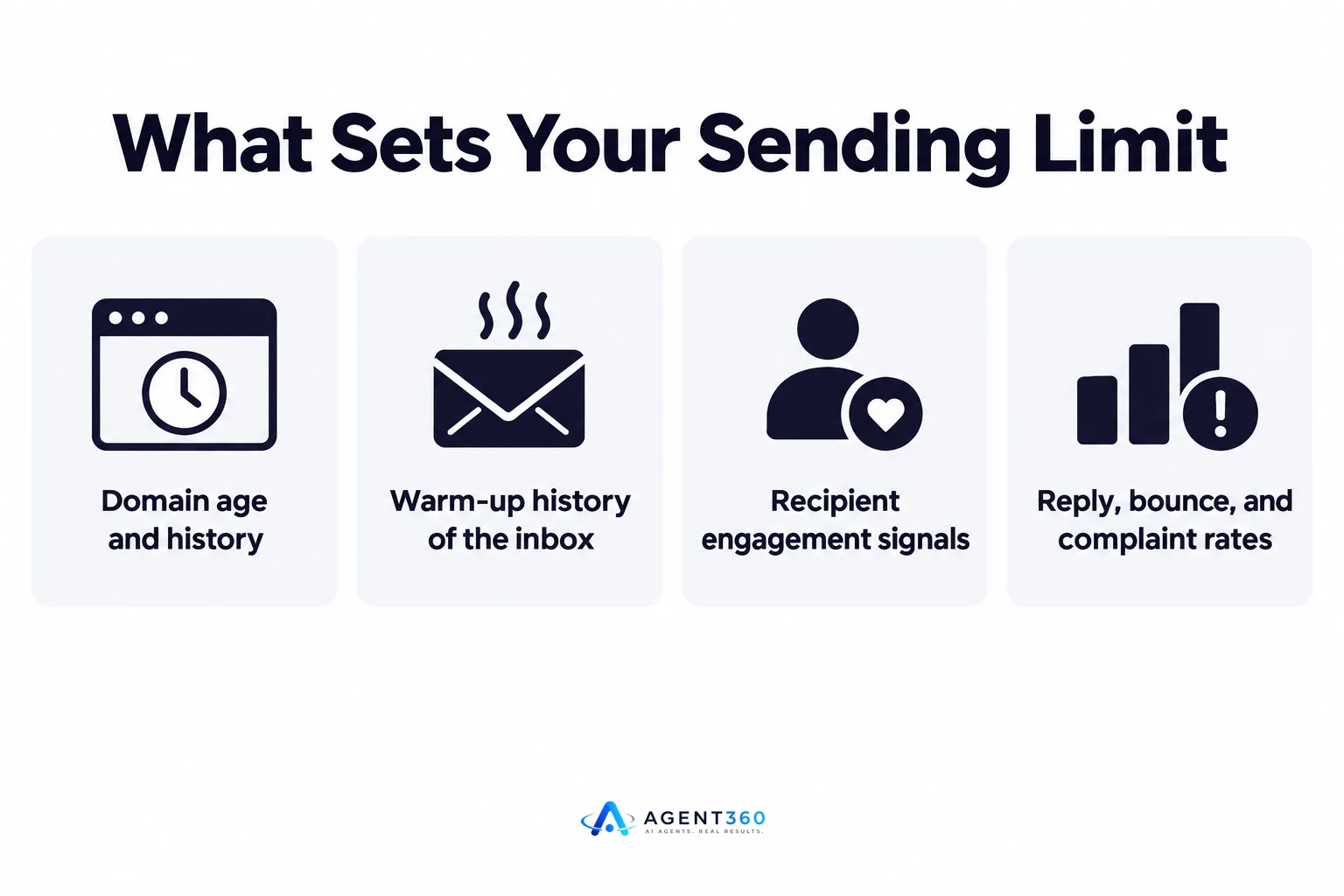
Domain age, warm-up history, and recipient engagement set the real ceiling, not the mailbox provider's technical maximum. Four factors do most of the work.
Why does domain age matter so much?
A domain with years of legitimate mail history has already proven to inbox providers that it isn't a throwaway spam source. A domain registered last week has no such track record, so providers watch it closely and throttle anything that looks aggressive.
Why does engagement data outweigh volume?
Opens, replies, and low complaint rates tell inbox providers your mail is wanted. A smaller volume of emails that get opened and replied to builds reputation faster than a large volume that gets ignored or marked as spam.
How do you scale volume without hurting deliverability?
Warm up gradually, watch your metrics daily, and add inboxes instead of overloading one. The sequence matters more than the exact numbers at each step.
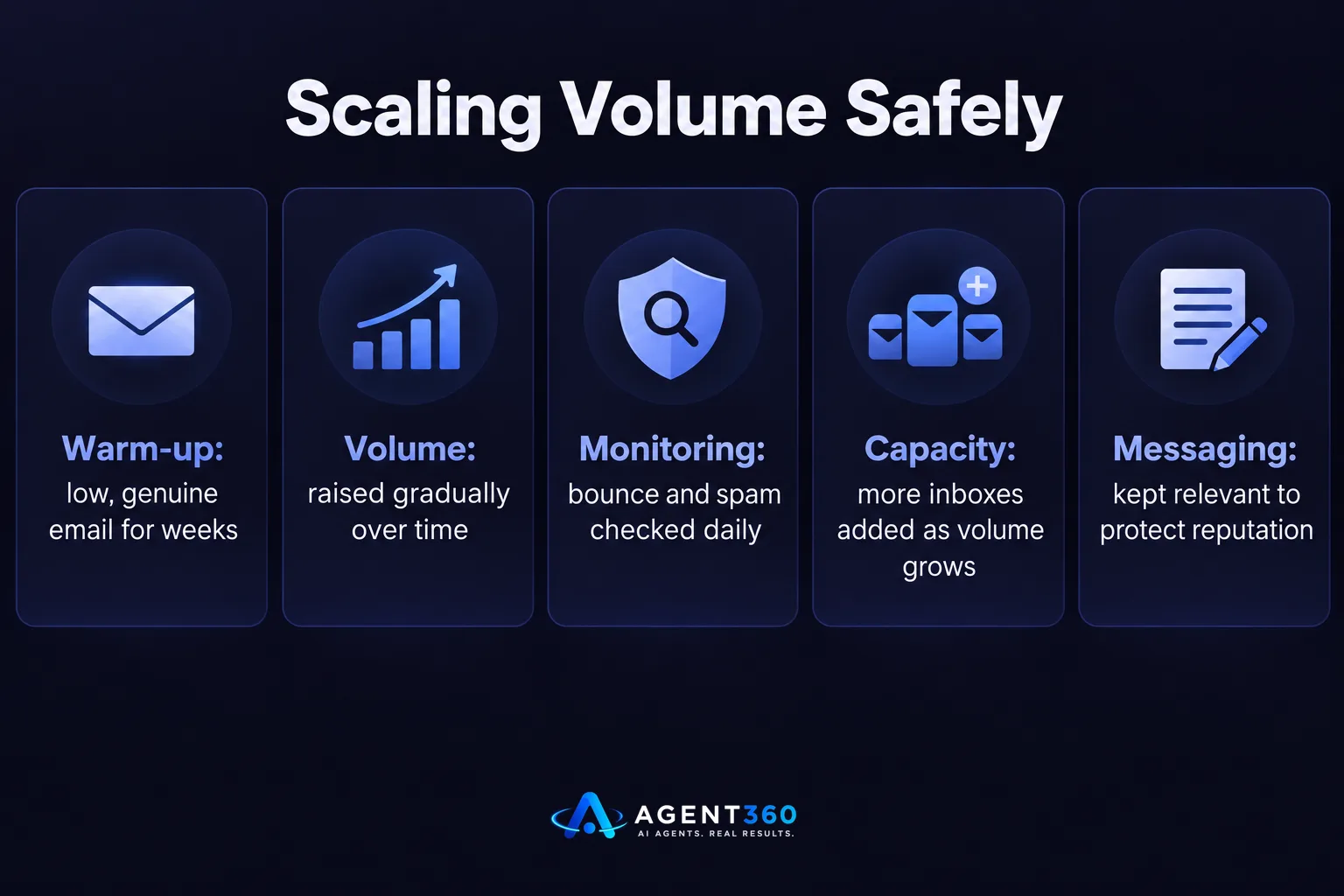
- Start a warm-up period. Send low volumes of genuine, varied email from a new inbox for two to four weeks before using it for outreach.
- Increase volume gradually. Raise the daily count slowly over several weeks rather than jumping straight to your target volume.
- Track bounce and spam complaint rates daily. Rising bounces or complaints are the clearest sign to pull back immediately.
- Add inboxes and domains as volume grows. Spreading the same total send volume across more inboxes keeps each one's load lighter and its reputation cleaner.
- Keep messaging relevant. Low reply rates and high unsubscribe rates hurt reputation just as much as raw send volume does.
How many inboxes and domains do you need for your outbound goals?
Work backward from your weekly meeting target, then size inboxes and domains to hit it without overloading any single one. Choosing the tool that manages this for you matters as much as the math itself.
What goes wrong when founders run this manually?
Without a system tracking engagement per inbox, it's easy to keep sending from an inbox that's already losing reputation, which drags down results across the whole campaign. A side-by-side look at how different cold email platforms handle sending volume and inbox management is worth reading before you pick a stack.
Does multi-channel outreach change the math?
Yes. Spreading prospecting across email, LinkedIn, and phone means no single channel has to carry your entire pipeline, which takes pressure off any one inbox's daily volume. Our multi-channel outreach approach is built around that balance rather than pushing one channel to its limit.
Take the Next Step With Your Outbound Volume
Getting the daily number right on one inbox is only half the job. The other half is managing warm-up, monitoring engagement, and adding capacity as your outreach grows — without hiring someone just to watch deliverability metrics.

Agent360 handles prospecting, multi-channel outreach across LinkedIn, email, and phone, meeting booking, and CRM tracking in one system, so your sending volume scales with your pipeline goals instead of guesswork. Seats don't carry a per-user cost, which matters once you're running outreach across multiple inboxes and team members.
See how pricing works as your volume grows on our unlimited seats pricing page.
Frequently Asked Questions
What is a safe number of cold emails per inbox per day for a new domain?
A new domain should start with a low volume during a multi-week warm-up period before ramping up, since there's no fixed number published by any provider — the right figure depends on how the domain's reputation develops week to week.
Does Google Workspace limit how many emails I can send per day?
Yes, Google Workspace's help documentation lists a cap of 2,000 emails per day per account, but that technical ceiling is far above what's safe for cold outreach from an unestablished inbox.
How long does it take to warm up an email inbox?
Most warm-up periods run two to four weeks of gradually increasing, genuine email activity before the inbox is ready to carry outreach volume, though the right length depends on the domain's prior history.
Should I use one inbox or several for cold outreach?
Several inboxes spread across one or more domains generally protect deliverability better than pushing all volume through a single inbox, because each one carries a lighter, more sustainable load.
What metrics should I watch to know if my sending volume is too high?
Bounce rate and spam complaint rate are the clearest warning signs — a rise in either means it's time to reduce volume and let the inbox's reputation recover before increasing again.
Can software manage inbox volume and warm-up for me?
Outbound platforms that handle prospecting and multi-channel outreach together can manage sending volume across inboxes as part of the campaign, which removes the need to track it manually inbox by inbox.
More articles
- How Many Inboxes Do You Need for Cold Email?
- LinkedIn Weekly Invitation Limit: What It Really Is
- How Many LinkedIn Messages Can You Send Per Day?
- LinkedIn Connection Request Limit: What It Is and How to Stay Safe
- The Best Cold Email Tool Depends on Your Outbound Stack
- Smartlead vs Lemlist: Which Cold Email Tool Fits You?
- Apollo vs ZoomInfo: Which Fits Your B2B Sales Team?
- Apollo vs Smartlead: Which One Actually Books Meetings?
