How Many Inboxes Do You Need for Cold Email?

How many inboxes you need for cold email depends on how many prospects you're emailing each week, not a fixed formula. A founder sending 200 emails a week needs far fewer inboxes than a team sending 2,000. The right number is the smallest count that keeps every inbox under a safe daily volume while still hitting your weekly target.
Most B2B senders get this wrong in one of two directions. They cram too much volume into one or two inboxes and watch replies disappear into spam folders, or they buy a dozen inboxes they never warm up properly and waste the budget. The goal is matching inbox count to volume, not maximizing either one.
Key Takeaways
- Inbox count should follow your weekly send volume, not the other way around.
- Spread sending across multiple domains, not just multiple inboxes on one domain.
- New inboxes need a warm-up period before they carry full outbound volume.
- Check your current per-inbox volume using guidance on safe cold email volume before adding more inboxes.
- Tools that handle multi-channel outreach reduce how much email-only volume you need per inbox.
Table of Contents
What Decides How Many Inboxes You Need?
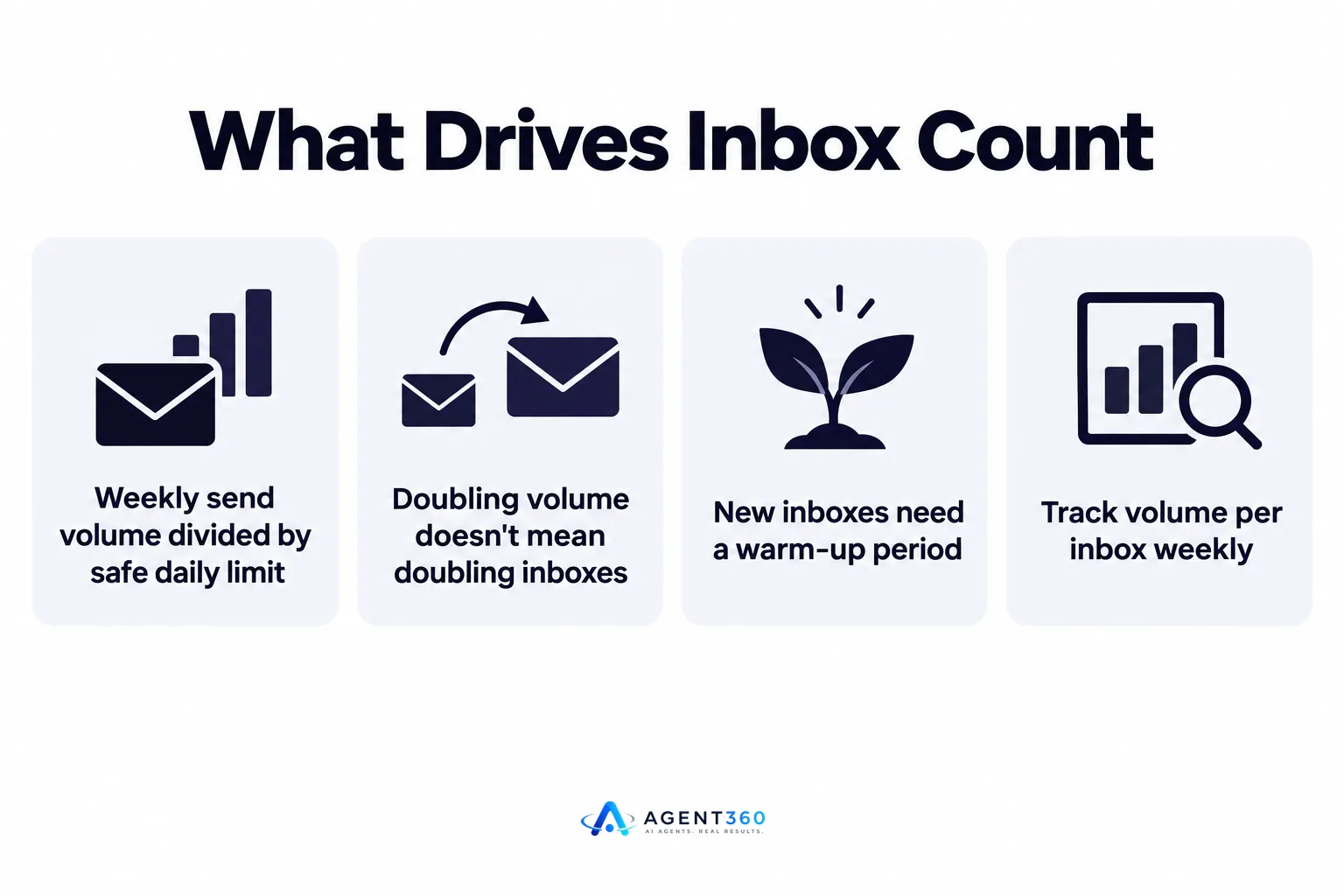
Your total weekly send volume divided by a safe per-inbox daily limit gives you the starting number. If you need to send 1,000 emails a week and keep each inbox well under its safe daily cap, you divide the total across enough inboxes to stay under that cap every day, not just on average.
How does daily send volume change the number?
Higher volume needs more inboxes, but the relationship isn't linear. Doubling your send volume doesn't always mean doubling inbox count, because inboxes that have been active longer can often carry more volume safely than brand-new ones. Track volume per inbox weekly and add capacity before you hit the ceiling, not after replies start dropping.
How does inbox warm-up affect the count?
A new inbox can't carry full volume on day one. It needs a warm-up period where sending starts low and increases gradually, which means you need more inboxes than your steady-state math suggests if some of them are still ramping up. Plan for this lag when you're scaling a campaign quickly.
How Many Domains Should Each Inbox Sit On?
Spread inboxes across multiple domains rather than stacking them all on one. Putting ten inboxes on a single domain concentrates risk: if that domain's reputation takes a hit, every inbox on it suffers at once.
What happens if you put too many inboxes on one domain?
Email providers track sending patterns at the domain level as well as the inbox level. A domain with unusually high outbound volume across many inboxes can draw more scrutiny than a few domains each carrying a moderate load. Splitting volume across separate domains, each with its own smaller set of inboxes, keeps any single reputation issue from taking down your whole program.
Should You Buy More Inboxes or Add Other Channels?
Adding channels beyond email often reduces how many inboxes you need. If a prospect responds to a LinkedIn message or a call, you don't need to keep emailing them, which lowers total email volume and the inbox count required to carry it.
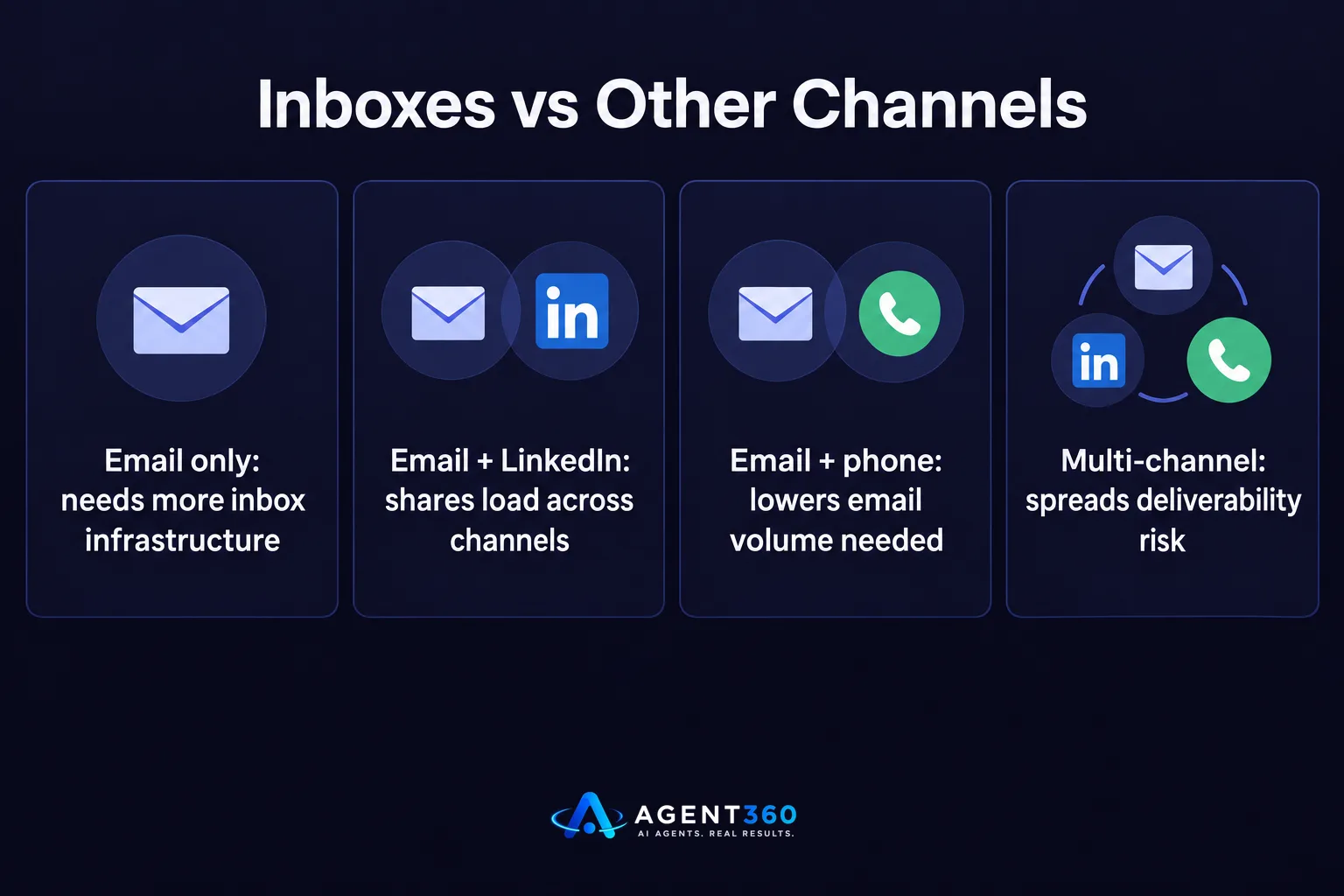
This is the core tradeoff founders running their own outbound face: buy more inbox infrastructure, or shift some outreach to other channels that carry less deliverability risk. Multi-channel outreach that mixes email, LinkedIn, and phone spreads the load so no single channel has to carry the full weight of pipeline generation. Comparing tools on this basis, not just inbox pricing, is covered in a broader cold email software comparison.
How Do You Know When to Add More Inboxes?
- Check current per-inbox volume. Pull the last two weeks of sending data per inbox and compare it against your safe daily target.
- Look for reply rate drops. A falling reply rate alongside rising volume per inbox is an early sign you've outgrown your current inbox count.
- Add inboxes before you need them. Because new inboxes need warm-up time, add capacity a few weeks ahead of a planned volume increase, not the week you need it.
- Stagger new domains. Bring new domains and inboxes online in small batches rather than all at once, so a reputation problem on one batch doesn't affect the rest.
Scale Outbound Without Doing Inbox Math Every Week
Agent360 handles prospecting, multi-channel outreach across LinkedIn, email and phone, meeting booking, and CRM tracking in one system, so founders and sales teams don't have to manage inbox and domain math by hand to keep pipeline full. Spreading outreach across channels instead of relying on email alone reduces the inbox and domain count a growing outbound program would otherwise need.

For teams running their own outbound without an SDR, that means more capacity for the same risk, and fewer moving parts to monitor. See how the full system fits together on the outreach page.
Frequently Asked Questions
Is there an official maximum number of emails one inbox can send per day?
Email providers don't publish a fixed daily cap for cold outreach, and the safe number shifts based on inbox age, sending history, and reputation. The safer approach is tracking reply rates and bounce rates per inbox and pulling back volume the moment either worsens, rather than relying on a specific number.
Do I need a separate domain for every inbox?
No, but spreading inboxes across several domains rather than one reduces the risk that a single domain's reputation problem takes down your entire sending capacity at once. A common approach uses a handful of inboxes per domain rather than dozens.
How long should a new inbox warm up before full volume?
Warm-up periods typically run several weeks, with sending volume increasing gradually rather than starting at full capacity. Rushing this step is one of the most common causes of deliverability problems in new cold email programs.
Can I use my existing business email inbox for cold outreach?
You can, but mixing high-volume cold outreach with day-to-day business email on the same inbox raises the risk that a deliverability issue affects your regular correspondence too. Many teams separate cold outreach inboxes from the inboxes they use for client and internal communication.
Does adding more channels reduce how many inboxes I need?
Yes. When LinkedIn or phone outreach generates replies and meetings without an email, total email volume drops, which lowers the inbox count needed to carry your outbound program. This is one reason multi-channel outreach is often lighter on infrastructure than email-only campaigns at the same meeting-booking target.
More articles
- Cold Email Sending Limits: What They Actually Are
- How Many Emails Per Inbox Per Day Is Safe to Send?
- LinkedIn Weekly Invitation Limit: What It Really Is
- How Many LinkedIn Messages Can You Send Per Day?
- LinkedIn Connection Request Limit: What It Is and How to Stay Safe
- The Best Cold Email Tool Depends on Your Outbound Stack
- Smartlead vs Lemlist: Which Cold Email Tool Fits You?
- Apollo vs ZoomInfo: Which Fits Your B2B Sales Team?
