The Best Cold Email Tool Depends on Your Outbound Stack
The best cold email tool is the one that matches your sending volume, your deliverability setup, and how many channels you actually need — not whichever tool ranks first on a listicle.
Founders running their own outbound and staffing firms filling roles both want the same thing: predictable meetings on the calendar, not another subscription to babysit. The tool that gets you there depends on how many prospects you message a week, how many inboxes you're willing to rotate, and whether email alone is enough.
This guide walks through what actually separates cold email tools from each other, so you can pick one that fits your stack instead of switching again in three months.
Key Takeaways
- Match the tool to your weekly send volume first — features matter less than deliverability.
- Plan for multiple inboxes and domains before you pick a tool, not after you hit a spam filter.
- Check a direct tool comparison before signing an annual contract.
- Test any shortlisted tool with a small list before committing to full volume.
- Compare total cost against time saved, not just the sticker price.
Table of Contents
What Makes a Cold Email Tool the Best Fit for Your Outbound?
The best cold email tool fits your sending volume and deliverability needs, not a generic feature list. A tool built for sending a couple hundred emails a week from one inbox behaves very differently than one built to rotate dozens of inboxes across multiple domains. Before comparing dashboards, figure out how many prospects you need to reach each week and how much of that reaching has to happen by email alone.
Does Price Tell You Anything About Fit?
Price tells you what you'll pay, not whether the tool fits. A cheap tool that gets your domain flagged costs more in lost replies than a pricier one with better inbox rotation. Checking a side-by-side like Agent360 vs Instantly shows how pricing and setup differ before you commit to either.
How Many Inboxes and Domains Does Cold Email Actually Need?
Most cold email setups need several sending domains and inboxes, not one. Spreading volume across inboxes keeps any single address from tripping spam filters, and the right number depends on how many emails you send per week. The mechanics of that split are covered in how many inboxes and domains cold email needs.
What Happens If You Send Too Much From One Inbox?
Sending too much from one inbox raises your spam complaint rate and can get the domain flagged by mailbox providers. Once that happens, even legitimate follow-ups land in spam, and recovery takes weeks, not days. The fix is spreading volume across inboxes and warming each one up before full-speed sending.
Should the Tool Handle Only Email, or More Channels Too?
If your buyers don't reply to email alone, the best tool covers LinkedIn and phone too. Email-only tools work when your list responds well to email, but many B2B buyers need a second or third touch on a different channel before they book. A tool that runs multi-channel outreach across email, LinkedIn, and phone cuts the need to stitch three separate platforms together.
Does Adding Channels Mean Adding Complexity?
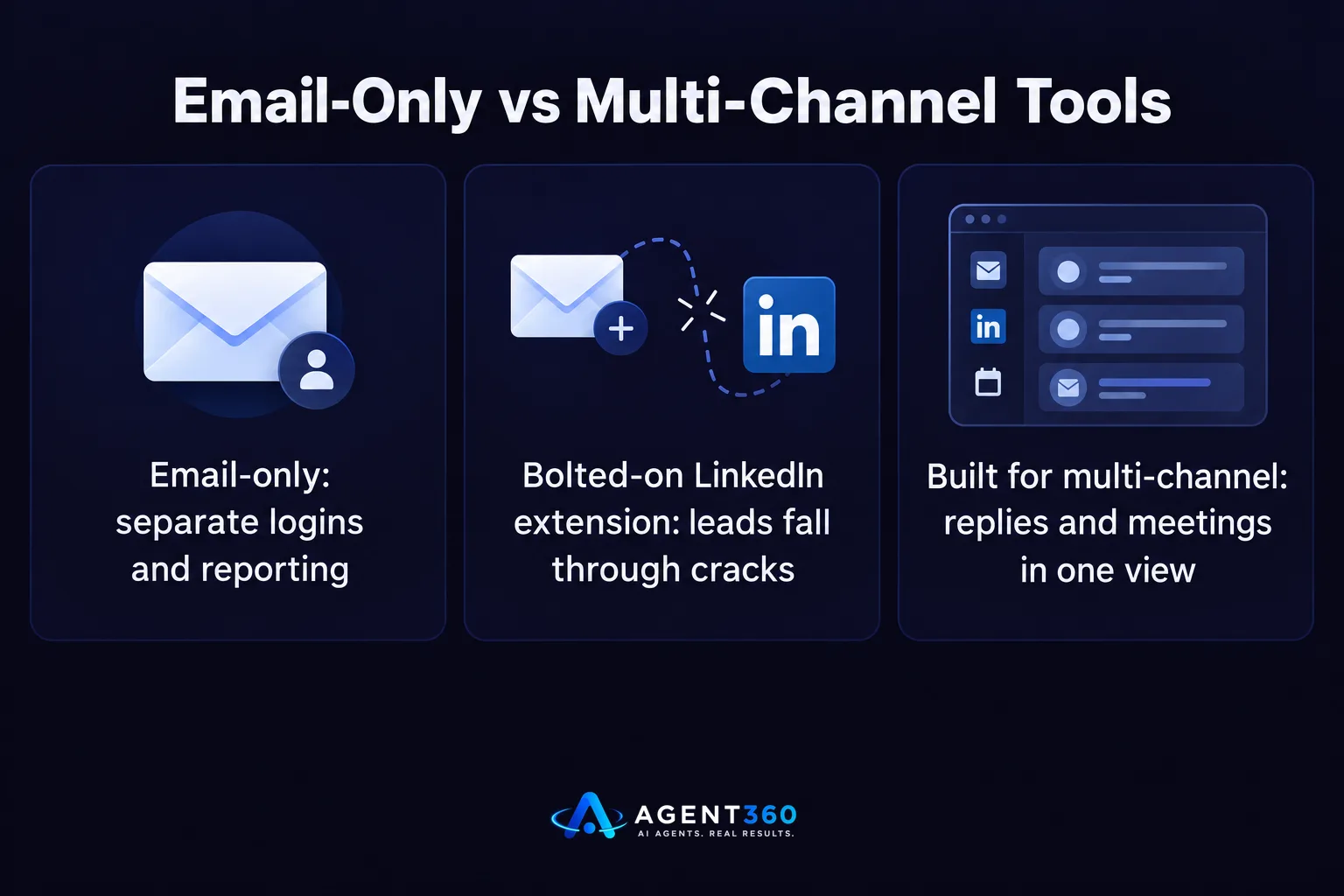
Not if the tool was built for it from the start. Bolting a LinkedIn extension onto an email-only tool usually means separate logins, separate reporting, and leads that fall through the cracks between tools. A tool designed for multiple channels keeps replies and booked meetings in one view instead of three.
How Do You Test a Cold Email Tool Before You Commit?
Run a small list through the tool before signing an annual contract. A short trial on a few hundred prospects shows you deliverability, reply handling, and how much manual cleanup the tool leaves you with.
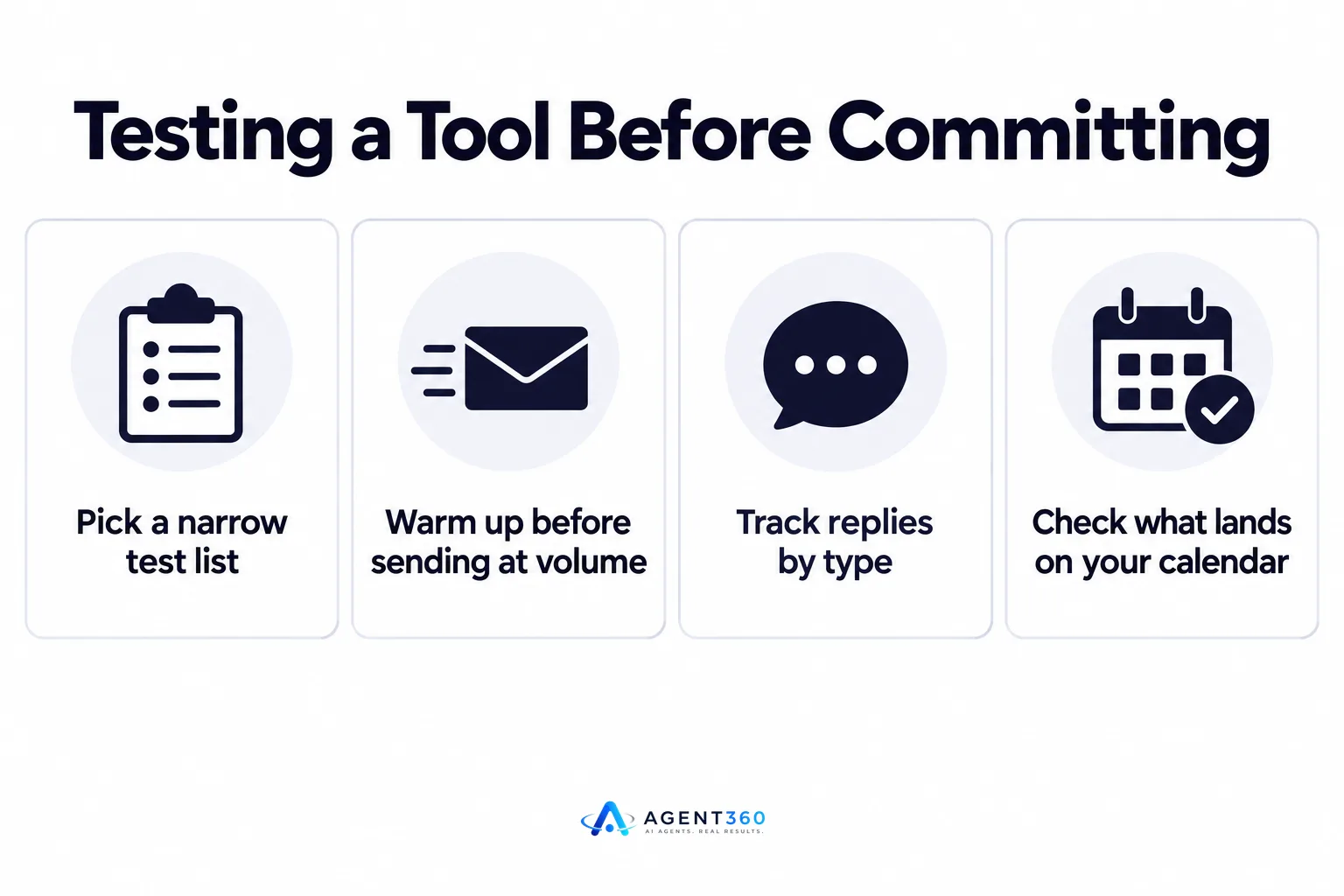
- Pick a narrow test list. Use a few hundred prospects that match your real target buyer, not a random list.
- Warm up before sending at volume. Give new inboxes time to build sending reputation before you push full volume through them.
- Track replies by type. Separate interested, not-now, and unsubscribe replies so you can see real interest, not just open rates.
- Check what lands on your calendar. Opens and replies don't matter if none of them turn into booked meetings.
- Compare against your current cost per meeting. Weigh the tool's price against hours saved and meetings booked before renewing.
Ready to Replace Three Tools With One Outbound System?
Agent360 combines AI prospecting, multi-channel outreach across LinkedIn, email, and phone, meeting booking, and CRM tools in one system, built for founders running their own outbound and staffing firms filling roles who need meetings booked without hiring SDRs.

Instead of stitching together a cold email tool, a LinkedIn tool, and a spreadsheet, the same list moves through one pipeline from first touch to booked call.
See current plans on the pricing page.
Frequently Asked Questions
What is the best cold email tool for a small team?
The best cold email tool for a small team is one that matches low sending volume with a simple inbox setup, usually one or two domains rotated carefully, not a dozen. Tools built for high-volume agencies often add complexity a small team doesn't need yet.
How many emails can I send per day without hurting deliverability?
There's no single published number that applies to every inbox provider, and limits change over time. The safer approach is starting slow, warming up new inboxes gradually, and watching bounce and spam complaint rates rather than chasing a fixed daily number.
Can one tool handle both cold email and LinkedIn outreach?
Some tools are built to run email, LinkedIn, and phone outreach from one dashboard, which keeps replies and pipeline tracking in one place. Others handle only email and require a separate tool for LinkedIn, which means managing two logins and two sets of reports.
Is a cheaper cold email tool worth it if it has fewer features?
It depends on what the missing features cost you. A cheaper tool that lacks inbox rotation or warm-up can hurt deliverability enough that fewer emails reach the inbox at all, which costs more in missed replies than the price difference saves.
How much does Agent360 cost compared to a standalone cold email tool?
Pricing details, including what's included across prospecting, outreach, and CRM tools, are listed on the Agent360 pricing FAQ.
More articles
- Smartlead vs Lemlist: Which Cold Email Tool Fits You?
- Apollo vs ZoomInfo: Which Fits Your B2B Sales Team?
- Apollo vs Smartlead: Which One Actually Books Meetings?
- Instantly vs Smartlead: Which Cold Email Tool Wins?
- Cold Email Software Comparison: What Actually Matters
- LinkedIn Outreach Limits: What They Are and How to Stay Under Them
- Agent 360: Who It's For, What It Costs and How It Works
- What Is Agent360? Outbound, Meetings and CRM Explained
