LinkedIn Connection Request Limit: What It Is and How to Stay Safe
The LinkedIn connection request limit is the point where LinkedIn starts slowing down, flagging, or temporarily restricting an account for sending too many invitations too quickly. LinkedIn has not published an exact daily number, and the platform has said account behavior, history, and network size all factor into how much volume a profile can handle before triggering a warning. The safer way to think about it is as a moving threshold tied to trust, not a fixed rule you can set once and ignore.
For B2B sales teams and founders running their own outbound, this matters because a restricted account stops booking meetings, not just stops sending requests. A flagged profile can take days to recover trust, and a repeat offender can lose invite privileges altogether.
Here is what actually counts toward the limit, why it differs between accounts, and how to keep sending LinkedIn outreach without setting it off.
Key Takeaways
- Treat the limit as account-specific and behavior-based, not a fixed number LinkedIn publishes anywhere.
- New or lightly used accounts should send fewer requests than older, active ones, then build up gradually.
- Pending, unanswered requests count against an account even after you stop sending new ones.
- Spreading volume across days and watching acceptance rate matters more than hitting a specific number, and you can scale LinkedIn outreach safely by letting response data set the pace.
- Multiple tools or logins touching the same account at once is a common trigger for restrictions.
Table of Contents
What counts toward the connection request limit?
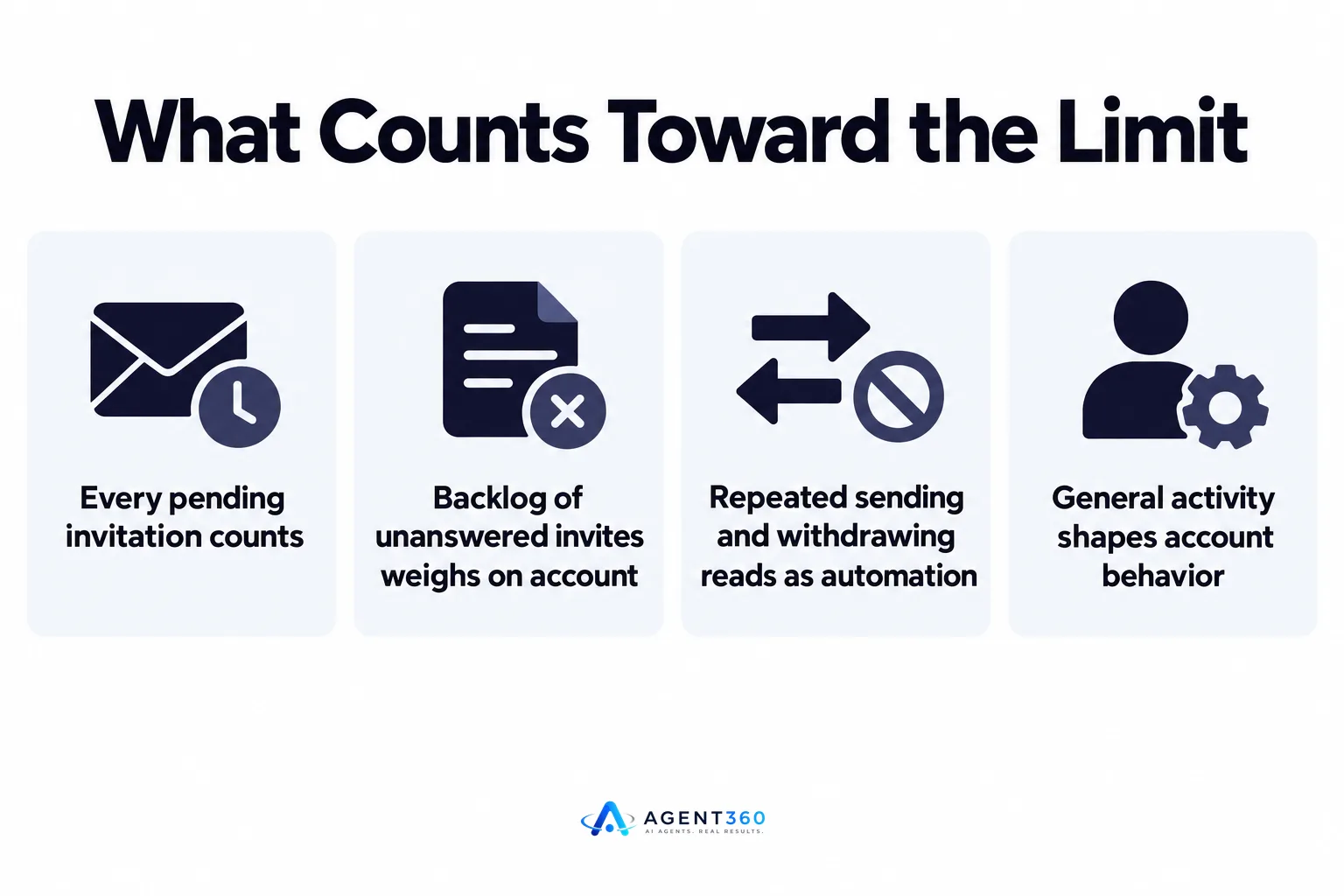
Every pending invitation counts, not just the ones sent today. LinkedIn tracks the total number of outstanding requests sitting unanswered in recipients' inboxes, alongside how many new requests go out in a given period. A backlog of unanswered invites sitting in other people's inboxes appears to weigh on the account even if no new requests go out that day.
Do withdrawn requests still count?
Withdrawing an unanswered request removes it from the recipient's inbox, but a pattern of sending and withdrawing repeatedly reads as automated behavior rather than normal use, so it is not a clean workaround.
Does commenting or messaging affect the limit?
General activity on the platform, including comments, posts, and messages, contributes to how LinkedIn reads an account's overall behavior. An account that only ever sends connection requests and nothing else looks different to LinkedIn than one with varied, normal activity.
Why does the limit change from account to account?
LinkedIn weighs trust signals specific to each profile rather than applying one global ceiling. Account age, how complete the profile is, existing network size, and whether the account has been reported before all factor into how much volume it can handle before triggering a warning.
Does a new LinkedIn account have a lower limit?
Generally yes. A profile with few connections, a thin bio, and no posting history reads as higher risk than an established one with regular, normal activity, so sending fewer requests in the first few weeks and scaling up over time is the safer path.
What happens if an account goes over the limit?
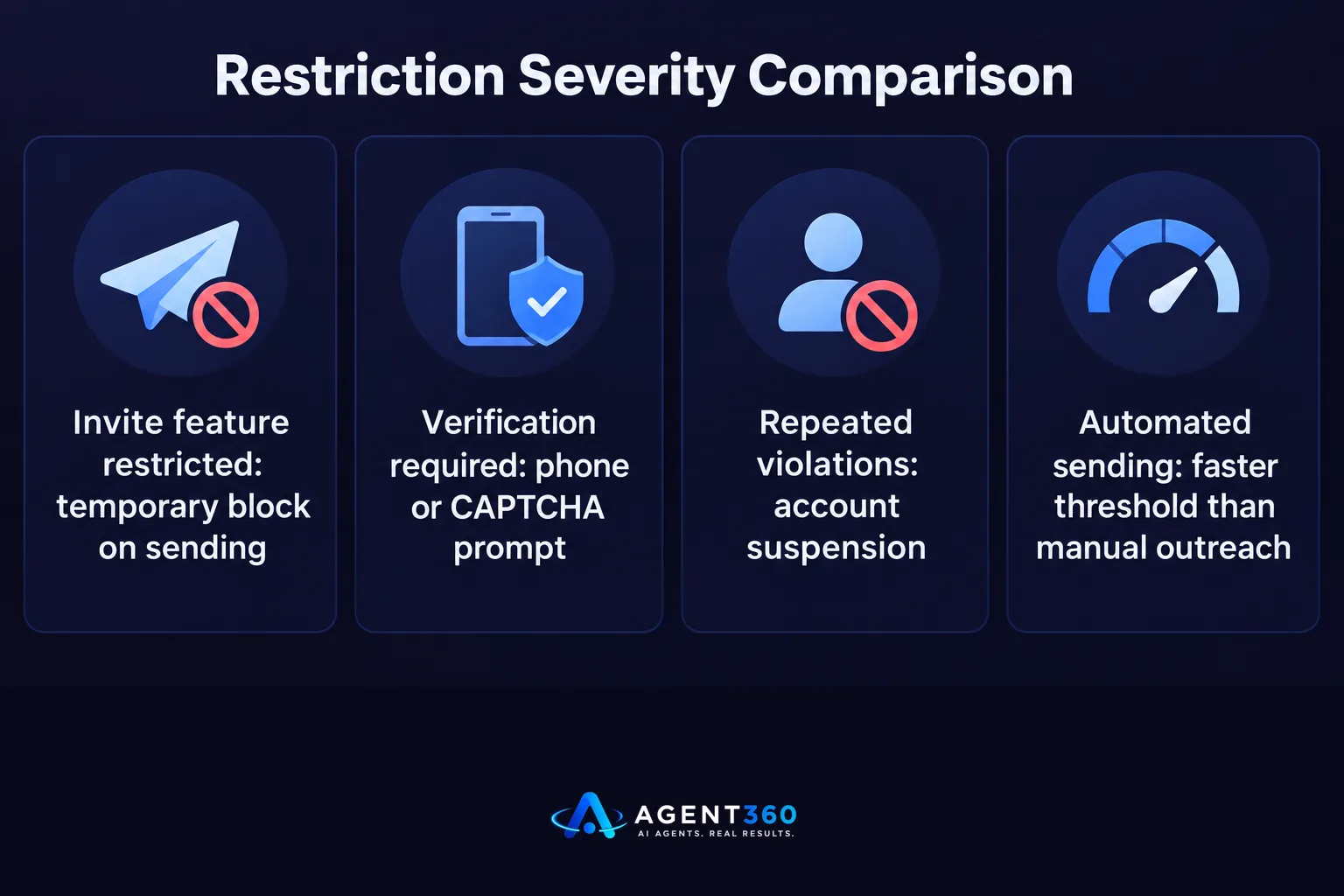
LinkedIn can restrict the invite feature, require phone or CAPTCHA verification, or in repeated cases suspend the account. The first sign is usually a temporary block on sending new invitations, which can last anywhere from a day to longer depending on how the account has behaved overall. Teams relying on LinkedIn automation need to watch for this closely, since automated sending can hit a threshold faster than manual outreach.
How long does a restriction usually last?
LinkedIn has not published a standard recovery window, and it varies by account. Reducing activity sharply, returning to manual, varied use of the platform, and waiting it out tends to restore normal function faster than continuing to push volume through the restriction.
How do you scale outreach without hitting the limit?
Spread volume across days and channels, and let acceptance data set the pace instead of a fixed daily quota. A high ratio of ignored or unanswered requests is a stronger warning sign than the raw number sent, since it tells LinkedIn the account is reaching people who do not know or want to hear from it.

- Start low on new accounts. Send a small number of personalized requests daily for the first few weeks and watch acceptance rate before increasing volume.
- Personalize every request. A note referencing the person's role, company, or recent activity gets accepted more often than a blank invite, which lowers the unanswered backlog.
- Clear the backlog regularly. Review pending requests weekly and withdraw ones sitting unanswered for a long time rather than letting them pile up indefinitely.
- Mix channels instead of relying on LinkedIn alone. Moving warm replies to email or a call reduces pressure on the LinkedIn account and keeps a pipeline moving even when invite volume is capped.
- Watch for restriction warnings early. A sudden drop in daily send allowance or a verification prompt is a signal to pull back immediately, not push through.
Take the Next Step With Outreach That Does not Rely on One Channel
A LinkedIn account that gets restricted stops a pipeline cold if LinkedIn is the only channel in play. Agent360 runs multi-channel outreach across LinkedIn, email, and phone, so a slowdown on one channel does not stall the whole motion, and meetings keep landing on the calendar while the account recovers.
Agent360 also handles the AI prospecting and buying-signal detection that decides who gets reached out to in the first place, which keeps request volume focused on people likely to respond rather than a broad list that drives up the unanswered backlog.
See how multi-channel outreach fits a small sales team or a founder running their own pipeline on the outreach page.
Frequently Asked Questions
Does LinkedIn publish an official connection request limit?
No. LinkedIn has not published a fixed daily number, and the platform has said limits depend on account history and behavior rather than a flat rule applied to every profile.
How many LinkedIn messages per day is safe?
There is no official figure to point to, so the safer approach is to send well below what feels aggressive, personalize messages, and scale volume based on acceptance rate rather than a target number.
Can automation tools cause a LinkedIn connection limit ban?
Automated tools that send requests faster or more consistently than a human would increase the chance of triggering a restriction, especially on new accounts. Reviewing how a tool paces sending matters as much as the tool itself.
Does a LinkedIn Premium or Sales Navigator account get a higher limit?
LinkedIn has not confirmed a specific higher threshold for paid accounts. Premium features expand search and visibility, but account behavior and history still appear to drive how much invite volume an account can handle.
How do I recover from a LinkedIn restriction?
Reduce activity sharply, return to manual and varied use of the platform, and avoid pushing volume through while the restriction is active. There is no published fast-track, so patience and lower activity are the most reliable path back to normal sending.
Should I run outreach through one LinkedIn account or several?
Running outreach through multiple accounts for the same company can create its own risks and inconsistencies, which is worth weighing against the convenience of extra volume. The safer route for most small teams is one well-maintained account paired with other channels like email and phone.
More articles
- The Best Cold Email Tool Depends on Your Outbound Stack
- Smartlead vs Lemlist: Which Cold Email Tool Fits You?
- Apollo vs ZoomInfo: Which Fits Your B2B Sales Team?
- Apollo vs Smartlead: Which One Actually Books Meetings?
- Instantly vs Smartlead: Which Cold Email Tool Wins?
- Cold Email Software Comparison: What Actually Matters
- LinkedIn Outreach Limits: What They Are and How to Stay Under Them
- Agent 360: Who It's For, What It Costs and How It Works
