Cold Email Software Comparison: What Actually Matters
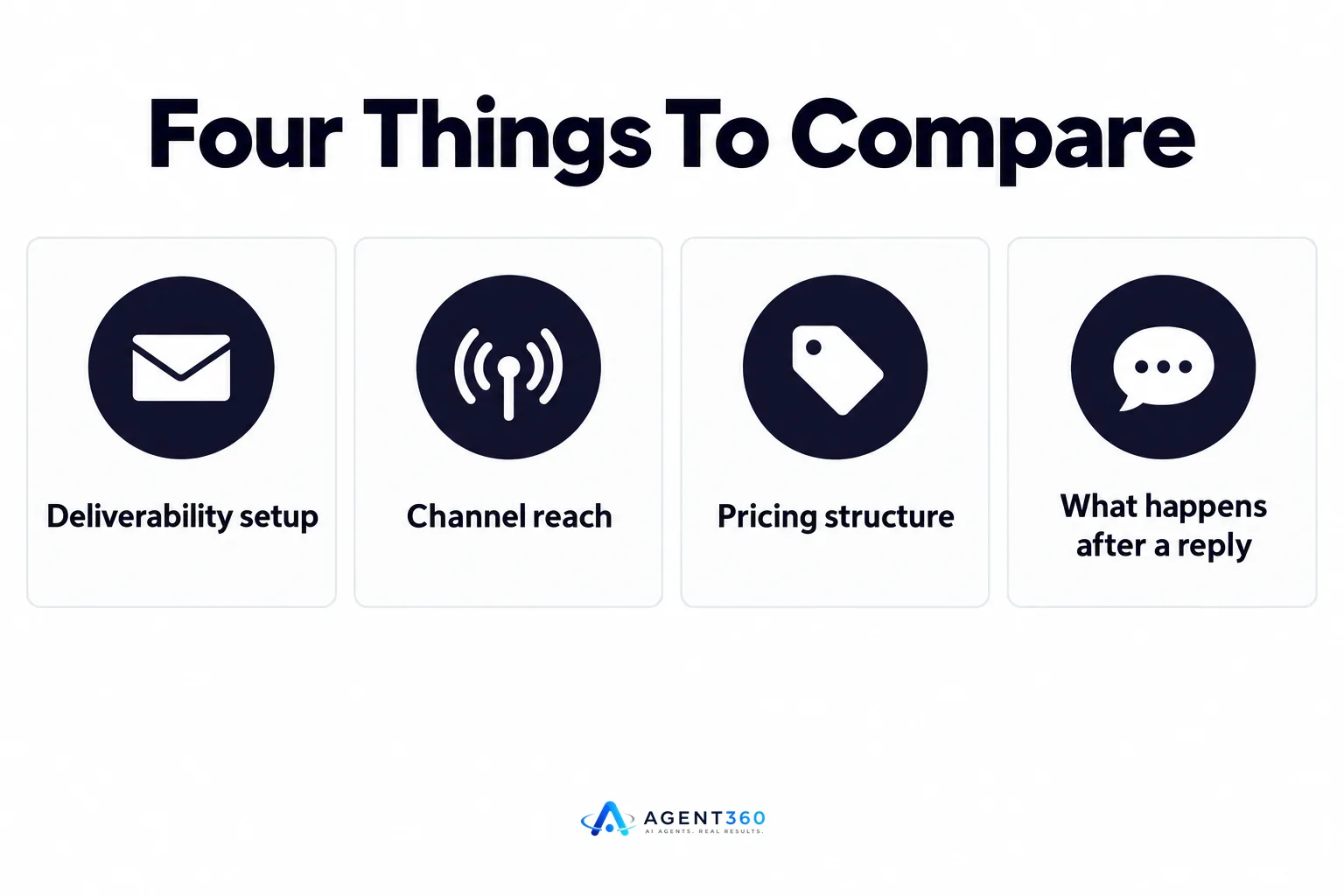
A cold email software comparison should weigh four things: deliverability, channel reach, pricing structure, and what happens after a prospect replies. Most comparison posts rank tools by feature count. That misses the point. The tool that sends the most email isn't the one that fills your pipeline — the one that lands in inboxes and turns replies into booked meetings does.
Founders running their own outbound and staffing firm owners filling roles while selling to hiring managers both face the same trap: picking software based on a demo, then discovering six weeks in that deliverability tanked or the price doubled once seats were added.
This guide lays out what to check before you commit, and where cold email alone stops being enough.
Key Takeaways
- Deliverability setup (inbox warm-up, domain count, sending caps) matters more than send volume claims.
- Email-only tools miss prospects who never open email but answer LinkedIn or the phone, so check whether the tool covers more than one channel at /compare.
- Pricing by seat can cost more than pricing by outcome once you add a second or third rep.
- Test any shortlisted tool against a real list before signing an annual contract.
- Reply handling, not just sending, decides whether a cold email tool turns into booked meetings.
Table of Contents
What Should You Compare When Evaluating Cold Email Software?
Compare deliverability setup first, then channel coverage, then pricing structure. Feature lists look similar across most cold email tools — sequences, A/B subject lines, open tracking. The differences that affect results sit underneath: how many inboxes and domains the tool expects you to run, how it paces sending, and whether it supports more than email when a prospect doesn't reply there.
Does sending volume matter more than deliverability?
No. A tool that pushes high daily volume through a single domain tends to land in spam faster than one that spreads lower volume across several warmed domains. Before comparing volume claims, check how many inboxes and domains a sending plan actually requires — the mechanics are laid out at /resources/cold-email-volume.
What do inbox and domain warm-up features actually do?
Warm-up features send and reply to low volumes of email automatically before your real campaigns start, so mailbox providers see a normal sending pattern instead of a sudden burst. Tools vary in how long warm-up runs and whether it's included or a paid add-on. Ask that question directly before you buy, since providers rarely publish their own thresholds.
How Do Multi-Channel and Single-Channel Tools Differ?
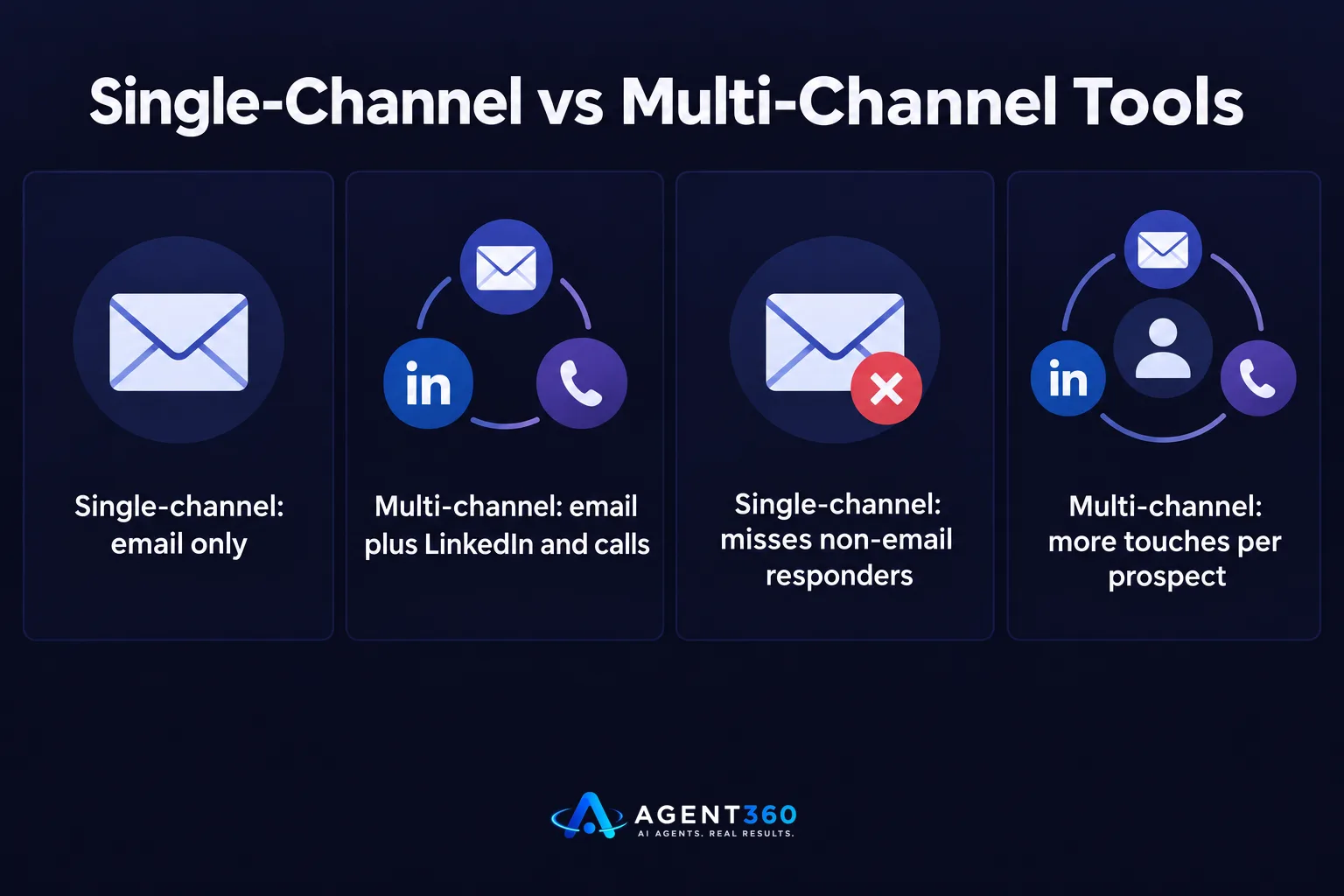
Single-channel tools only reach prospects who read email; multi-channel tools add LinkedIn and phone so a cold lead has more than one way to respond. A buyer who ignores three emails might still accept a LinkedIn connection request or pick up a call. If your comparison only covers email tools, you're comparing a narrower slice of what's available.
Is email alone enough for B2B outbound?
For some lists, yes — especially where email addresses are well verified and the buyer persona checks email daily. For most B2B sales teams and staffing firm owners reaching hiring managers, combining email with LinkedIn and calls raises the number of prospects who see at least one touch, because inboxes get crowded and not every contact lists a working email.
Should You Compare Pricing by Seat or by Outcome?
Compare both, because seat-based pricing can look cheap at one rep and expensive at three, while outcome-based pricing scales with what you actually get. A monthly fee per sending seat multiplies fast once a founder adds a second rep or a staffing firm brings on another recruiter doing outbound. Pricing tied to volume sent, meetings booked, or unlimited seats changes that math.
What hidden costs show up after the free trial?
Common ones: paid domain and inbox add-ons, charges for verified email credits, extra fees for phone or LinkedIn channels bundled separately, and CRM or reporting features locked behind a higher tier. Read the pricing page line by line, not just the headline number, and check whether seats are capped — plans built around /pricing/unlimited-seats remove that particular surprise.
How Do You Run Your Own Cold Email Software Comparison?
A side-by-side spreadsheet of features tells you less than a short test against your own list. Follow these steps before signing an annual contract.

- List your must-haves. Decide upfront whether you need multi-channel outreach, CRM tracking, or just email sending — this narrows the field fast.
- Request a small test send. Run 100-200 contacts through each shortlisted tool and compare open and reply rates on the same list.
- Check reply handling. Ask how the tool flags a positive reply and whether booking a meeting requires manual work or happens automatically.
- Confirm channel limits. Ask directly about daily and weekly caps for email, LinkedIn, and calls, since these change over time and aren't always published.
- Read the cancellation terms. Month-to-month flexibility matters more once you've seen real deliverability numbers, not demo numbers.
Take the Next Step With a Full Outbound Stack
A cold email tool comparison often ends with a founder or staffing firm owner realizing email alone won't fill a calendar. Agent360 combines AI prospecting, multi-channel outreach across LinkedIn, email and phone, meeting booking straight onto your calendar, and CRM tools to track the pipeline — built so a small team doesn't need to run four separate tools to get there.
If you're running outbound yourself and want one system instead of a stack of point tools, see how it fits your setup at /book-demo.
Frequently Asked Questions
What's the biggest mistake people make comparing cold email software?
Comparing feature lists instead of testing deliverability on a real list. Two tools with identical sequence builders can produce very different open rates depending on how they manage sending domains and inbox warm-up.
Is cheaper cold email software always worse?
Not necessarily. Price often reflects included deliverability infrastructure, support, and channel coverage rather than raw sending capability. Check what's bundled before assuming a lower price means lower quality.
Do I need a separate CRM alongside cold email software?
It depends on whether the tool you pick includes pipeline tracking. Some cold email tools only send and report opens; others, including /product/crm, let you track a deal from first reply to booked meeting in the same place.
How many inboxes do I need for cold email?
The right number depends on your sending volume and how many domains you're spreading it across — more inboxes generally means lower volume per inbox and safer sending. The mechanics are explained in detail rather than a single fixed number, since providers set their own thresholds.
Should staffing firms use the same cold email tools as B2B sales teams?
The underlying need is similar — reach a buyer, start a conversation, book a meeting — but staffing firms selling to hiring managers often benefit more from multi-channel reach, since hiring managers are busy and don't always respond to email first.
How long should a cold email software trial run before deciding?
Long enough to see real reply and deliverability data, typically a full sending cycle of two to three weeks, not just the first few days when warm-up is still in progress.
More articles
- Instantly vs Smartlead: Which Cold Email Tool Wins?
- LinkedIn Outreach Limits: What They Are and How to Stay Under Them
- Agent 360: Who It's For, What It Costs and How It Works
- What Is Agent360? Outbound, Meetings and CRM Explained
- Renting LinkedIn Accounts for Outreach: Worth the Risk?
- Looking for an Aimfox Alternative? Check This First
- A Dripify Alternative That Adds Email, Calls and CRM
- The Best HeyReach Alternative for Full B2B Outbound
