Applicant Tracking System for Small Business: A Buyer's Guide
An applicant tracking system for a small business is software that collects job applications, screens resumes against a job description, and tracks each candidate through your hiring stages in one place. It replaces the shared inbox, the spreadsheet of names, and the sticky notes most small teams rely on when hiring happens a few times a year instead of every week. The right one saves the hiring manager time without becoming one more login nobody opens after week two.
Most small business owners start this search after something's already gone wrong: a resume buried in someone's personal inbox, two people interviewing the same candidate without knowing it, a good applicant who went cold because nobody followed up. Staffing and recruiting firms hit the same wall, just at a bigger scale, juggling candidates across several open roles for several clients at once.
A 500-person HR department and a five-person company need very different things from an ATS. Small teams want fewer seats, simpler workflows, and pricing that doesn't assume you've got a recruiting ops person on staff. Here's what to look for, what it tends to cost, and how to choose one without paying for capacity you'll never touch.
Key Takeaways
- Pick an ATS based on how many roles you fill per year, not on the longest feature list.
- Resume parsing, a careers page, and a simple pipeline view cover most small-business hiring needs.
- Check the per-seat or per-job pricing model before you commit, and read what an ATS actually costs in 2025 before comparing quotes.
- Keep hiring records for as long as your local labor authority requires, whether or not your ATS does it automatically.
- An ATS organizes the candidates you already have; it doesn't generate new client meetings or new applicants on its own.
Table of Contents
What does an applicant tracking system actually do for a small business?
It puts every application, resume, and hiring-stage update in one place so nothing gets lost in someone's personal inbox. Instead of emailing resumes around or tracking status on a spreadsheet, the whole team sees the same pipeline: new applicants, screened, interviewing, offer, hired, or rejected. Most systems also post the job to a careers page and a handful of job boards from one listing.
Does it replace a recruiter or hiring manager?
No. An ATS organizes the work; it doesn't decide who to interview or make the offer call. For a small business, the hiring manager still reviews candidates and runs interviews. For a staffing agency, recruiters still do the outreach, the screening calls, and the placement. The software just takes the manual tracking off their plate.
What features matter most for a small team?
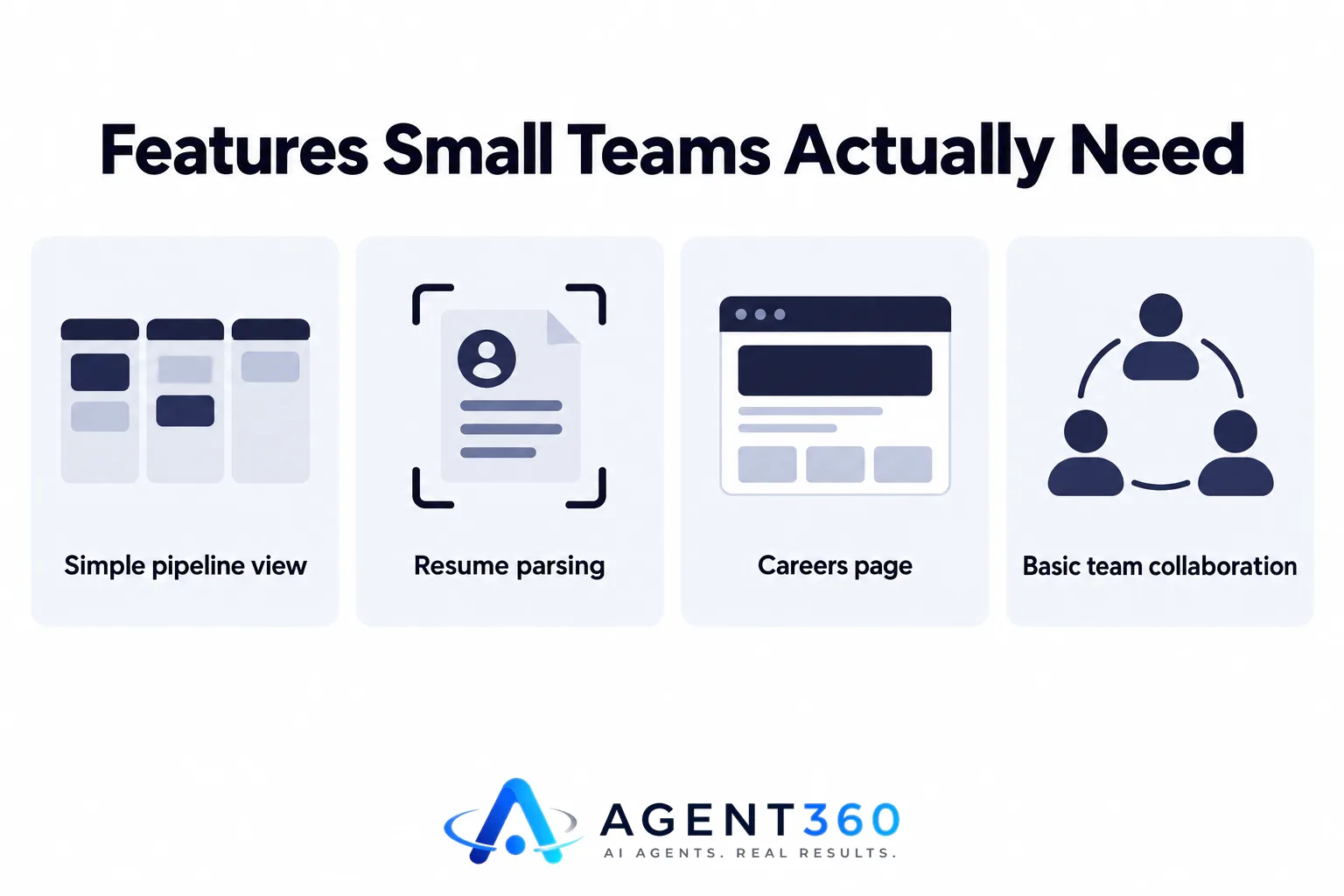
A simple pipeline view, resume parsing, a careers page, and basic team collaboration cover most small-business hiring. Anything past that, custom approval chains, multi-brand career sites, deep HRIS integrations, is built for bigger organizations and just adds cost and setup time a small team doesn't need.
Do you need resume parsing and AI screening?
Resume parsing pulls a candidate's name, contact details, and work history into structured fields automatically, and it saves real time once you're getting more than a handful of applications per role. AI screening that ranks or filters candidates earns its keep at higher volume, but if you're filling a few roles a year, it's nice-to-have, not need-to-have. Prioritize it if you post a role and expect dozens of applications within days.
How much should a small business expect to pay for an ATS?
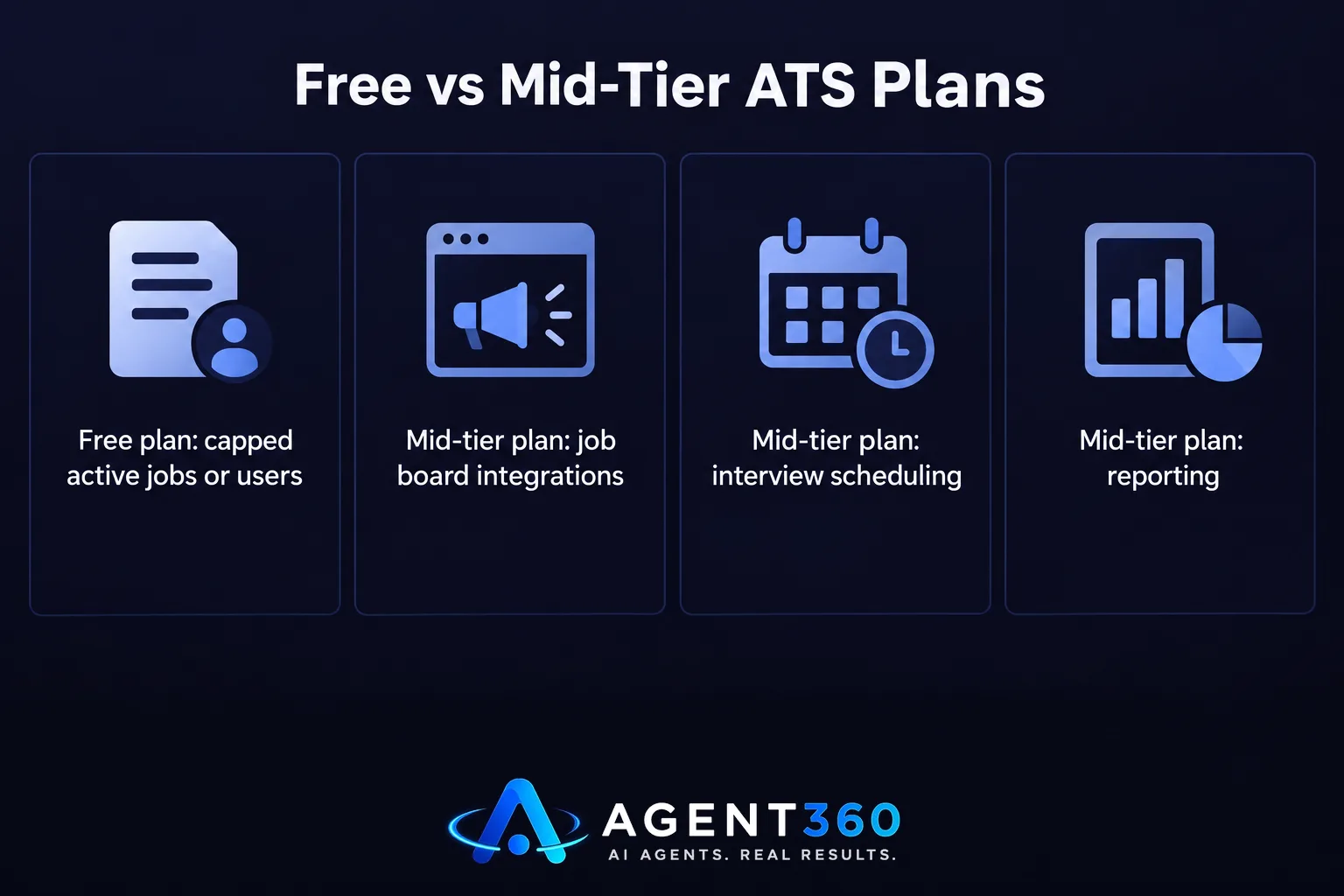
Pricing usually scales by number of open jobs, number of users, or both, and it ranges widely between entry-level tools and enterprise systems. Free and low-cost plans typically cap how many active job postings or users you get. Mid-tier plans add job board integrations, interview scheduling, and reporting. For the full breakdown of what pushes the price up or down, see ATS Tracking Cost: What You'll Actually Pay in 2025.
Are free applicant tracking systems worth using?
If you hire rarely and only need one open role tracked at a time, a free plan can get you through just fine. The limits tend to show up fast once you're running more than one search, need a second user logged in, or want data kept past a short window. Check the posting and seat limits before you build your whole hiring process around a free tier.
How do you choose the right ATS without overbuying?
Match the tool to your hiring volume and team size before you start comparing feature lists. The steps below keep the decision grounded in what you'll actually use.

- Count your annual hires. A business filling two or three roles a year needs far less than one hiring every month.
- List who needs access. Hiring managers, an office manager, maybe an outside recruiter; this sets your seat count.
- Check the job board and careers page setup. Confirm postings sync to the boards you actually use, not a long list you'll never touch.
- Confirm recordkeeping. Many labor authorities require employers to retain hiring records for at least one year; check that the system stores applications that long.
- Run a real job through a trial. Post one live role before committing, and judge the tool on how it handles that pipeline, not the demo.
Ready to Fill the Roles Your ATS Is Tracking?
An applicant tracking system for small business keeps the candidates who already applied in order. It doesn't go find those applicants in the first place, and if you run a staffing or recruiting agency, it won't bring in the client meetings that fill your pipeline of open roles to begin with.
Agent360 handles that other half. The Agent360 Platform gives you an email and LinkedIn sequencer, a parallel dialer, and a CRM with unlimited seats and no per-user fees, starting at $99/mo, plus one triple-verified lead included for every email sent. If you'd rather hand the whole motion off, VIP Done-For-You Outbound puts a dedicated GTM engineer and strategist on your outreach for $2,000/mo plus $250 per booked meeting, so your team just takes the calls.
See how staffing and recruiting firms use it to keep new client meetings on the calendar at Agent360 for agencies.
Frequently Asked Questions
What is the difference between an ATS and a CRM?
An ATS tracks candidates through a hiring pipeline for open roles. A CRM tracks contacts and relationships, whether that's clients, prospects, or past candidates you might place again. Staffing agencies often use both: an ATS for active placements and a CRM for client and alumni relationships.
Can a small business just use a spreadsheet instead of an ATS?
A spreadsheet works fine for one role at a time with a single hiring manager, but it falls apart once more than one person needs to see candidate status or you're running two searches at once. Duplicate outreach, lost resumes, and missed follow-ups are the usual signs it's time to move off spreadsheets.
Does an ATS help with hiring compliance?
Most systems store applications, interview notes, and rejection reasons in one place, which makes it easier to produce records if a hiring decision is ever questioned. Retention requirements vary by jurisdiction, so confirm your system keeps records as long as your local labor authority requires rather than assuming the default setting covers you.
How long does it take to set up an ATS for a small business?
A small-business setup, one careers page, one or two job templates, a short approval chain, can usually be running within a day or two. Enterprise-style setups with custom workflows and integrations take a lot longer, which is one more reason small teams should steer clear of oversized platforms.
Do staffing agencies need a different kind of ATS than a hiring business?
Generally, yes. A staffing agency manages candidates across many open roles for multiple clients at once and often needs separate pipelines per client, while a small business hiring for itself only needs one pipeline per internal role. Agencies should weigh multi-client pipeline support heavily when comparing tools.
More articles
- MSP Appointment Setting: What It Actually Costs
- How Long Does SEO Take to Show Results?
- Do Outsourced SDR Firms Require Long-Term Contracts?
- Done For You SEO: What's Actually Included?
- How to Get in Google AI Overviews: A Practical Checklist
- Outsourced SDR vs Hiring an SDR in Australia: True Costs
- AI Phone Screening: What It Actually Does for Hiring Teams
- Done-For-You Marketing: What It Actually Means
