Set Posts Per Week From Your Gap List, Not a Calendar
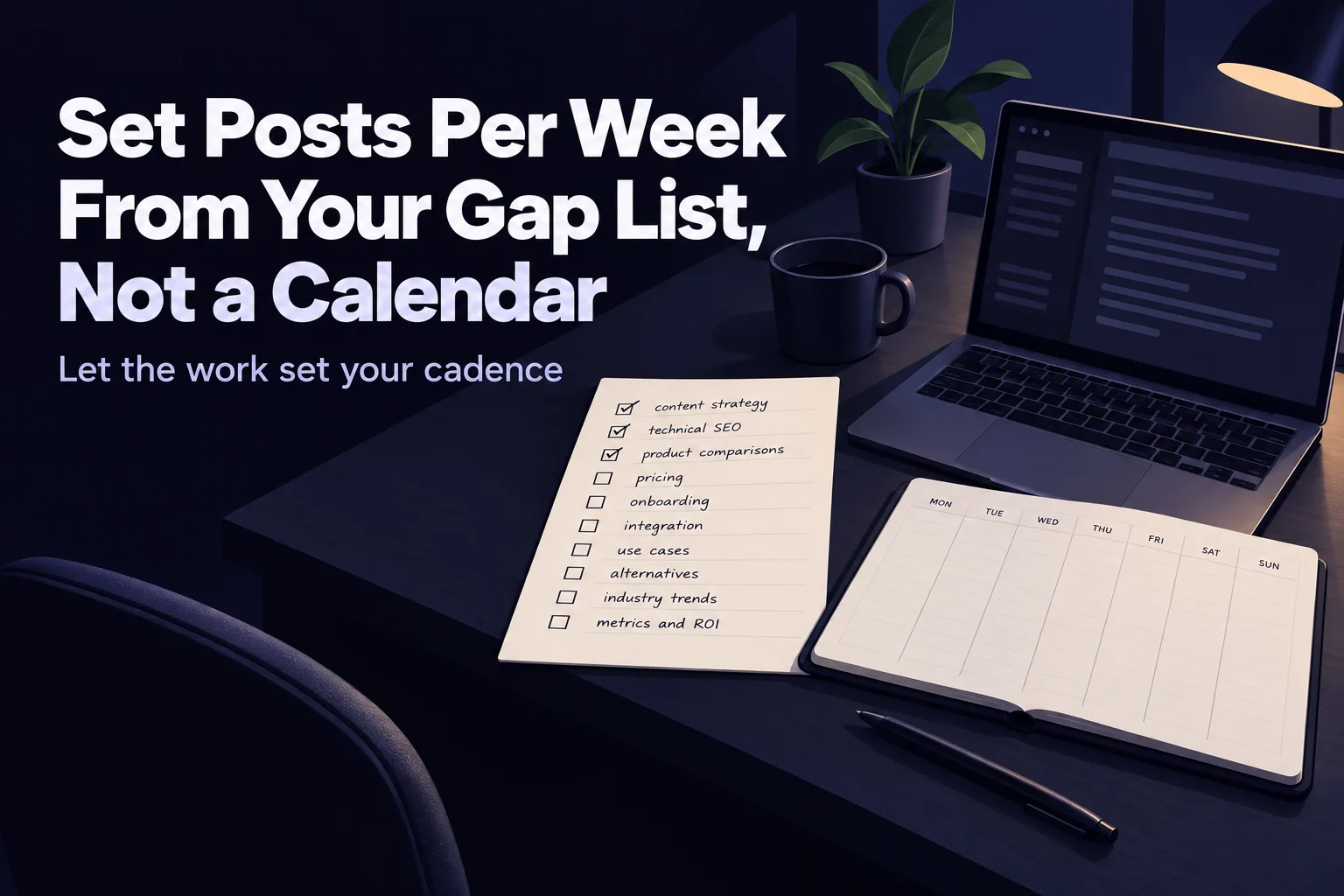
Publish as many posts a week as you have searches you can answer better than the pages already ranking, spread over the weeks you are willing to wait, then cut that down to what your reviewer can actually check. Everything else, including “consistency” and “what competitors do,” is a guess dressed up as a rule.
We have already covered the broad answer on cadence. This post is the working method: three inputs, one subtraction, and a way to find out in six weeks whether you got it wrong.
Count your gaps before you pick a number
Build a plain list of searches your buyers make where one of three things is true:
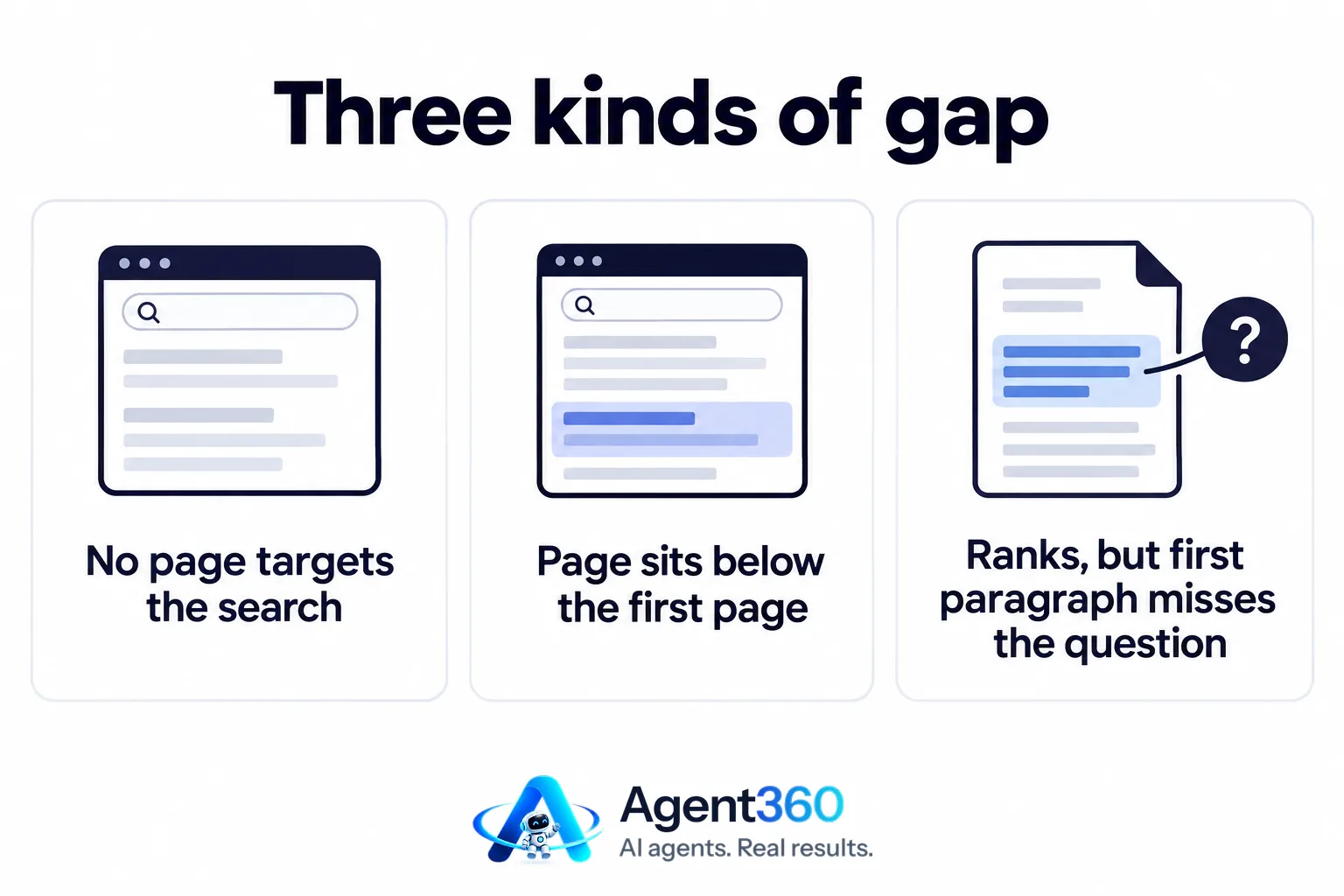
- You have no page that targets the search.
- You have a page, but it sits below the first page of Google.
- You rank, but the page does not answer the question in its first paragraph.
That list is your ceiling. Say it holds 24 searches. A plan of 5 posts a week for a year isn't ambitious. It means writing 200 pages for searches you already cover or never needed.
Divide the list by the number of weeks you want coverage in. Twenty-four gaps over twelve weeks is two posts a week. No gap list yet? A competitor keyword gap analysis is the fastest way to build one from what already ranks for your rivals.
One search, one page: your gap list is smaller than your idea list
Idea lists balloon because three phrasings of one question look like three topics. “How often should I post,” “how many articles a week for SEO,” and “blog frequency for rankings” all want the same page. Publish all three and you split Google’s attention between your own URLs, and often none of them ranks well. That failure has a name, and keyword cannibalization explains how to spot it.
Here is a quick test before anything goes into the plan. Write the first sentence of the answer for each candidate. If two candidates produce the same sentence, they are one page. Merge them in the plan, not after you publish.
This test routinely shrinks a gap list by a third or more. A smaller list means a lower weekly number, and that is the right outcome.
Your reviewer sets the real cap
Drafting speed is no longer the bottleneck. Whether a person writes, an AI writes, or both, someone who knows your business has to check every claim, price, promise and name before it goes live. That person has only so many hours.

Do this once: time how long it takes you to properly review one draft, including fixing what is wrong and cutting what is padding. Multiply by posts per week. If the total is more than the time you will really protect, the cadence is fiction. Unreviewed drafts are how wrong prices and invented claims reach your site.
Set the weekly number to what you can review honestly, even if the gap list says higher. A backlog of approved-ready drafts is cheap. A live article that misstates what you sell is not.
Reserve part of the week for pages you already have
New posts are not always the best use of a slot. Once you have a body of published pages, some will slip: a competitor updates, the information ages, a better answer appears. Rewriting a page that used to rank and now sits on page two often beats starting from nothing, because the page already has a URL, links and some history with Google.
A reasonable starting split, once you have a few dozen posts, is to give roughly a quarter to a third of your weekly slots to refreshes. That is a rule of thumb, not a measured law, so adjust it using your own Search Console data. The detail on what is worth rewriting is in content refresh SEO.
The structural point is simple. If every slot goes to new posts, your cadence number quietly hides decay.
Daily publishing is fine if the gap list supports it
Some readers will push back on this part. We know of no evidence that Google rewards publishing frequency for its own sake, and the guidance Google publishes does not say it does. Cadence helps only because you cover more of the searches that matter, sooner. Someone with 200 real gaps and a reviewer with time can publish daily and be right. Someone with 15 gaps who publishes daily is padding.
The opposite mistake is just as common. A small business commits to one post a week because a blog guide said so, while the gap list is 60 searches deep and competitors are slowly taking every one of them. The number should follow the work, not the habit.
Check at six weeks, and change the number if the evidence says so
Pages do not rank overnight, so judging a post after three days is noise. After about six weeks, open Search Console, filter to each new page, and look at impressions and average position for its target search. If the report is new to you, Google Search Console for beginners shows where to click.

- Impressions rising, position improving: keep the pace and add adjacent gaps.
- Impressions flat, position stuck past page two: slow the new posts and spend those slots improving the pages already live. The problem is the pages, not the volume.
- Pages ranking for searches you did not target: add those to the gap list. This is free research.
This is a feedback loop, not a one-time decision. Rework the number every month with the gap list, the review hours and the refresh load in front of you.
Where SearchAgent fits
If writing capacity is your constraint, the Writer Agent in SearchAgent writes every morning from a plan you approve. By default each article lands as a draft for you to approve, so your review time still sets the pace. The plans cover 100, 200 or 300 articles, and you can compare them on the pricing page. Read how the article agent works before you decide. One limit to know: articles publish to a blog we host on your domain, not into WordPress or Webflow.
Questions readers still ask
How many blog posts per week do I need for SEO?
There is no universal number. Count the searches where you have no page or a weak one, divide by the weeks you want to take, then cap the result at what you can review properly. A business with 24 real gaps needs far fewer posts a week than one with 200.
Is one post a week enough?
It is enough if your gap list is short or your review time is tight. It is too slow if dozens of searches sit unanswered and competitors are covering them. Judge it against your own list, not a blog-guide default.
Should I publish more posts or refresh old ones?
Do both, in proportion to what Search Console shows. Once you have a few dozen posts, setting aside roughly a quarter to a third of slots for refreshing slipping pages is a sensible starting point. Then adjust by results.
How do I know if I am publishing too much?
Watch for several posts answering the same search, drafts going live unreviewed, and new pages still stuck past page two after six weeks. If you see any of those, bring the number down and fix the pages you already have.
More articles
- GEO Tools: Buy the Fix, Not Another Dashboard
- SEO Reporting for Small Business: One Page, Five Numbers
- AI Overview Search Visibility: Check It, Then Fix It
- How to Appear in AI Overviews (and Why You Can't Opt In)
- How to Get Your Firm Featured in Google's AI Overviews
- Keyword Cannibalization at Enterprise Scale: The Real Fix
- How to Get Into Google's AI Overview, Really
- Hur du rankar i ChatGPT (och vad det egentligen betyder)
