AI Overview Search Visibility: Check It, Then Fix It
AI overview search visibility comes down to one thing: when a buyer asks a question, does the summary Google writes above the links name your business or cite your pages? You check it by asking the same fixed list of questions on a schedule and logging what comes back. You raise it by publishing pages that answer those questions in their first two sentences. And you can't switch the overview off for your buyers, so measuring and fixing it is the only option that works.
The rest of this post covers each step, plus two questions that come up constantly: whether you can hide the overview, and what the “30% rule” is.
How to check AI search visibility? Use a fixed question list, not a one-off search
Type your brand into Google once, see nothing, and you've learned almost nothing. AI answers vary between runs, between locations and between days. A single check is an anecdote. A list asked weekly is a measurement.
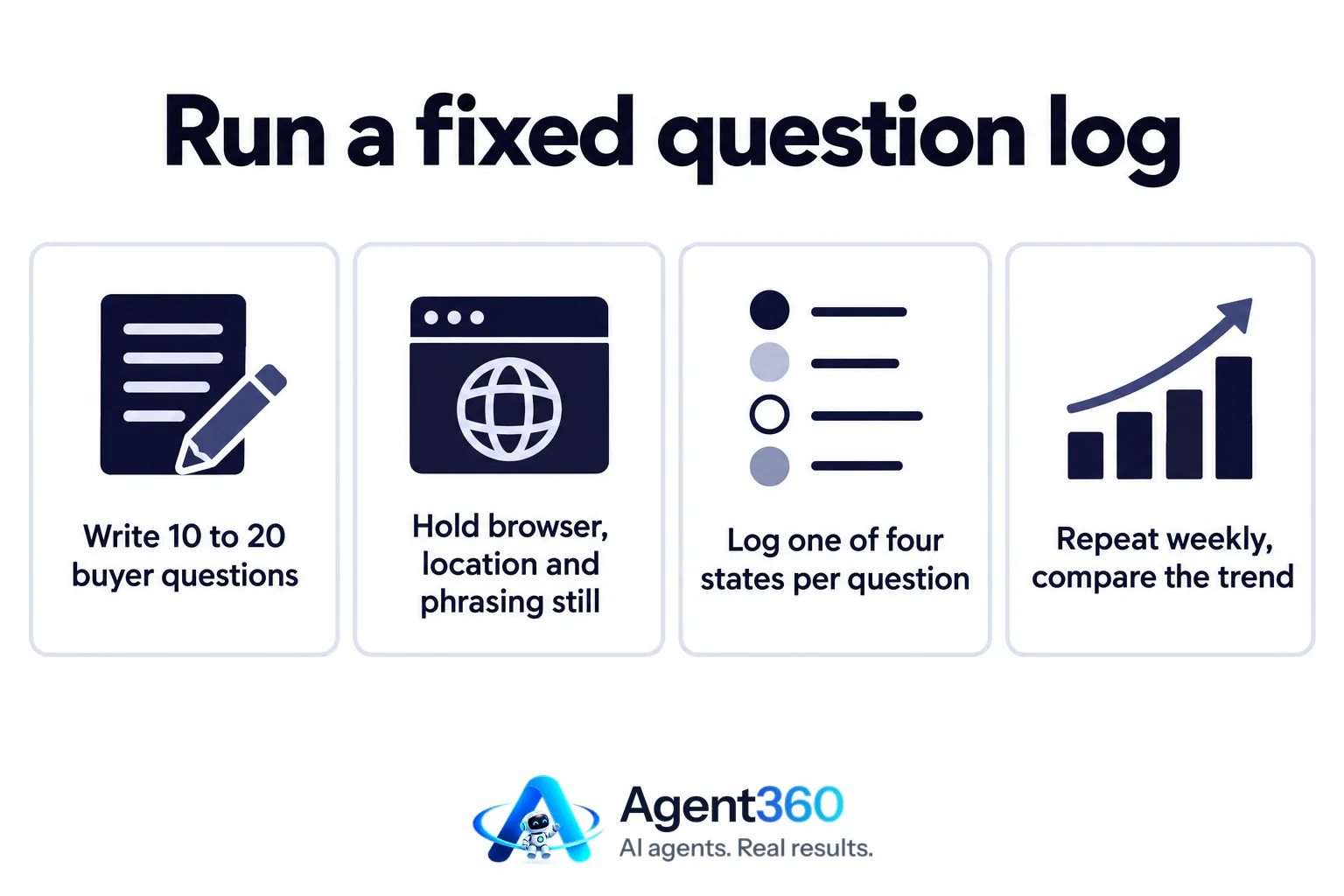
Here is a method you can run by hand this week:
- Write 10 to 20 questions in your buyers' words. Pull them from sales call notes, support tickets and the “People also ask” box. Include comparison and “best X for Y” questions, because that's where shortlists form.
- Hold the conditions still. Same browser state (logged out or a clean profile), same location, same phrasing every time. Change one thing and you can't tell whether the answer moved or your setup did.
- Log one of four states per question: named in the overview text, cited as a source link only, absent while an overview appears, or no overview shown at all. That last one matters. Plenty of queries never trigger an overview, and counting them as misses will mislead you.
- Write down who is named and cited instead. That list of competitors and publishers is your to-do list.
- Repeat weekly and compare the trend, not the single run.
Don't track an overview “position.” There is no rank to report, only whether you're in the answer and how. Google Search Console also doesn't, at the time of writing, give you a clean AI Overviews line you can filter on, so your own question log is the primary source. Our guide to seeing if you're in AI Overviews and who beat you goes deeper on the manual routine, and AI visibility tracking: what to measure and how often covers cadence.
How to hide AI Overview in Google Search? You can for yourself, but not for your buyers
If you're asking as a searcher, Google hasn't offered a standard settings toggle that permanently turns the overview off. The practical workaround is the “Web” filter under the results tabs, which in many cases shows a plain list of links without the summary. It resets per search unless you set it up as a custom default in your browser.

If you're asking as a business owner, the question is backwards. Your buyers see the overview whether you like it or not, and hiding it for yourself tells you nothing about the rest of your market. Some site owners restrict how Google shows their snippets with the nosnippet or max-snippet controls, and Google has said those controls also govern its AI features. The cost is real: you stop being quotable in the exact place buyers are reading. Do it only if you have a specific legal or commercial reason to keep content out of summaries.
We think opting out is a bad default for a company that sells something. The overview is a shortlist, and you're either on it or you're not.
What is the 30% rule in AI? There is no such rule for visibility, so set your own
You'll see “the 30% rule” in several places, and the meaning shifts with the speaker. The most common version is a working guideline that AI should do roughly a third of a task and a human the rest. None of the versions is a Google ranking threshold, a citation quota or a published benchmark for AI visibility. If a vendor tells you that being named in 30% of answers is the line between winning and losing, ask for the source. We don't have one and won't invent one.
A target built from your own log is more useful. Try this:
- Take your 10 to 20 questions and count how many produce an overview at all. That's your denominator.
- Count how many of those name you, and how many only cite you.
- Set a modest goal for the next quarter, such as moving three more questions from absent to cited. Small, specific moves are easier to pin on the pages that caused them.
If you want to apply the “human does the rest” idea, it fits content well: let software draft and track, and keep a person in charge of the facts, the claims and what gets published.
How to increase AI search visibility? Fix the gap type you actually have
Your log will show three different problems, and each needs its own fix. Lumping them together is why most AI visibility advice feels vague.
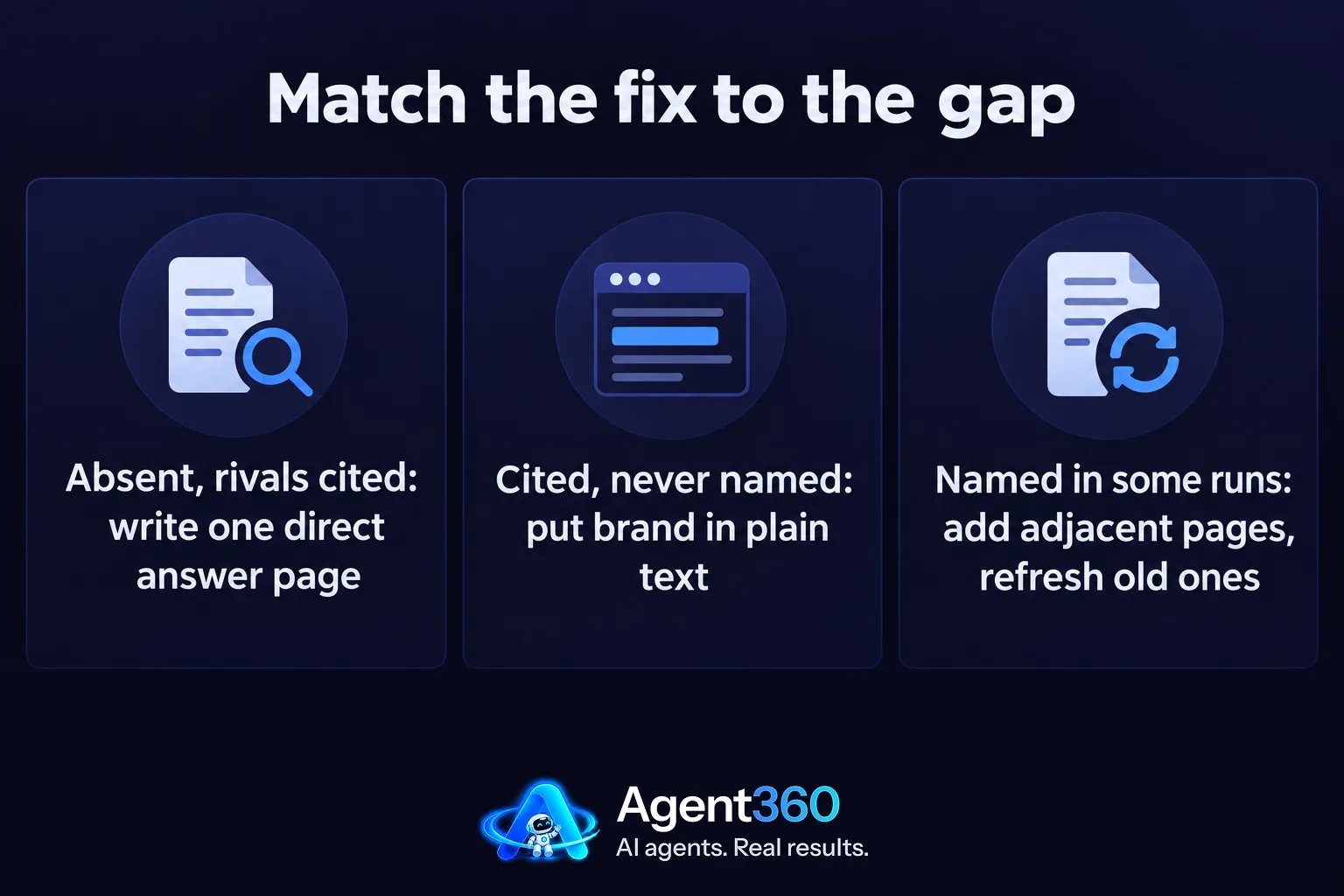
Absent, and rivals are cited
You probably don't have a page that answers the question directly. Write one page per question. Put the answer in the first two sentences, then back it up with specifics: numbers you can defend, named steps, conditions under which the advice is wrong. A page that buries the answer under a long preamble is harder to quote.
Cited, but never named
Google is using your page as evidence, but the summary doesn't credit your brand. Check that your business name, what you do and who you serve appear in plain text on the page, not only in images or a logo. Keep the brand-to-category statement consistent across your site so the association is unambiguous.
Named in some runs, gone in others
That's a weak signal. Strengthen it with more pages that come at the same topic from adjacent questions, and refresh the old ones so the facts are current. Watch that you don't publish two pages aimed at the same question, because that splits attention. When your pages compete explains how to spot it.
Two checks before any of this. First, make sure Googlebot can crawl the page and that nothing in your snippet controls blocks it. Second, don't assume a top-three ranking puts you in the overview. The two lists overlap but aren't the same, so test it on your own questions rather than trusting a rule of thumb. For the broader playbook, see how to appear in Google AI Overviews.
Where SearchAgent fits
Running the question log by hand works for 20 questions, then gets tedious fast. SearchAgent's AI Visibility Agent asks your buyers' questions to Google AI Overviews, ChatGPT and Claude on a schedule, records who got named and which sites got cited, and feeds the misses into a content plan that its Writer Agent drafts from. Articles land as drafts for your approval by default. It doesn't track Perplexity or Gemini, and it can't guarantee a mention, because nobody can. Plans start at $297 a month with no contract, and you can see the tiers on the pricing page.
Questions people still ask
How often should I check AI Overview visibility?
Weekly is enough for most businesses, because answers shift gradually and a single run is noisy. Check daily only if you're in the middle of a launch or a big content push and want to see movement quickly.
Does ranking on page one guarantee I appear in the AI Overview?
No. A page can rank well and never be cited, and a lower-ranking page can be quoted if it answers the question more directly. Treat ranking and overview inclusion as two separate measurements and track both.
Can I see AI Overview visibility in Google Search Console?
Not as a separate, filterable report at the time of writing. Search Console shows your overall search performance, but it won't tell you whether the overview named you. Ask the questions yourself, log what comes back, and do it again next week.
More articles
- Set Posts Per Week From Your Gap List, Not a Calendar
- GEO Tools: Buy the Fix, Not Another Dashboard
- SEO Reporting for Small Business: One Page, Five Numbers
- How to Appear in AI Overviews (and Why You Can't Opt In)
- How to Get Your Firm Featured in Google's AI Overviews
- Keyword Cannibalization at Enterprise Scale: The Real Fix
- How to Get Into Google's AI Overview, Really
- Hur du rankar i ChatGPT (och vad det egentligen betyder)
