Google Search Console for Beginners: Where to Start

Google Search Console is the free dashboard Google hands every site owner. It shows the exact searches that found your pages, whether Google can actually read and index them, and which pages it's decided are broken. Verify the domain, wait a few days for data to show up, then check the Performance report weekly and the Pages report monthly. That's the whole tool. Everything else is detail.
The confusion isn't the interface. It's that most guides explain every menu item with equal weight, as if a beginner needs to understand URL Parameters settings before they've looked at a single query. They don't. Here's the order that actually works.
Google Search Console is still the most reliable free data you have
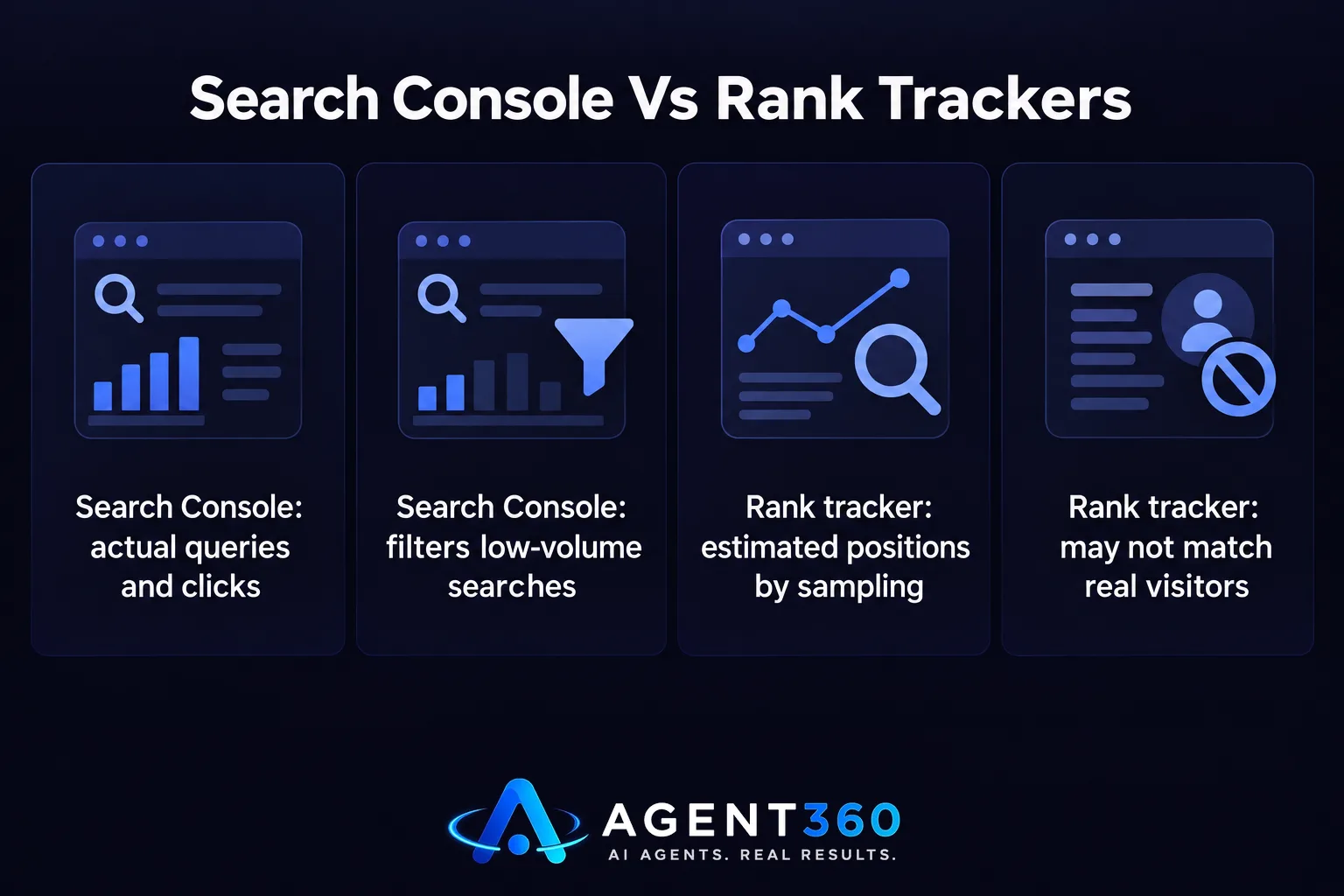
Yes, it's still a thing — and it matters more now than it did five years ago, not less. Third-party rank trackers estimate your positions by sampling searches from locations and devices that may not match your real visitors. Search Console reports what actually happened: the query a real person typed, the page Google showed them, whether they clicked. No estimation layer. The tradeoff is that Google only shows queries above a minimum number of impressions, so your real long-tail traffic runs larger than what you see. That's by design — Search Console filters out ultra-low-volume and personally identifiable searches on purpose, not by accident.
Can a beginner do real SEO with it alone?
Yes, for the first few months. Three reports do almost all the useful work:
- Performance — the searches that found you, your position for each, and whether people clicked. Filter by page to see which queries a specific URL ranks for, which often aren't the queries you wrote it for.
- Pages (formerly Coverage) — which URLs are indexed, which are excluded, and why. “Crawled, not indexed” is the status worth worrying about; it means Google looked and decided not to bother.
- Sitemaps — submit one XML sitemap so Google has a map of what you want indexed, instead of relying on it finding pages through links alone.
What a beginner can't do with Search Console alone is see why a competitor outranks them — it only reports your own site. For that you need to look at what's actually sitting in the results above you, a separate exercise from anything inside this dashboard.
Set it up in this order
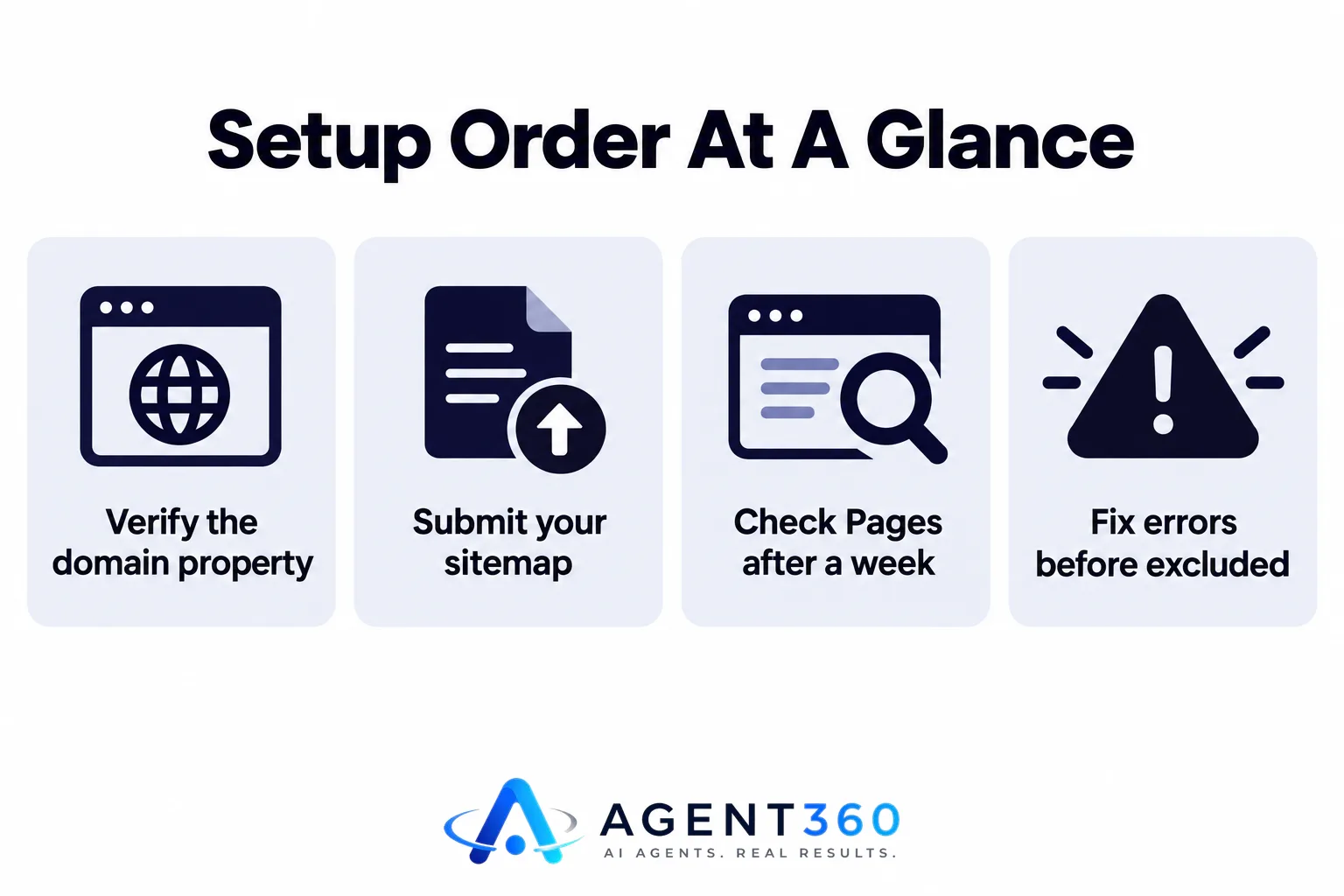
- Verify the domain property, not just the URL-prefix property — domain verification via DNS catches http, https, www, and subdomains in one go.
- Submit your sitemap under Sitemaps.
- Wait. Data populates over days, not minutes, and the Performance report only holds 16 months of history, so there's no catching up on the past.
- Check Pages after a week. Fix anything marked “Error” before you touch anything marked “Excluded” — excluded is often intentional (noindex tags, duplicates), error usually isn't.
- Open Performance, sort by impressions, and look for queries where you rank position 8–20 with decent impressions. That's your shortlist of pages worth improving first, not the ones ranking 40th that need a rewrite.
One pattern beginners miss: two of your own pages showing up for the same query, splitting clicks and diluting both. Search Console won't flag this — you have to spot it yourself in the Pages-filtered Performance view. Worth reading up on how competing pages cancel each other out before you start writing anything new, since the fix is usually merging two pages, not adding a third.
What are the top 10 Google Search tricks?
There isn't a list worth memorizing, and most “tricks” articles are padding. The ones that genuinely help a Search Console beginner are operators you run in regular Google search, alongside the dashboard, not instead of it. site:yourdomain.com shows what Google has actually indexed right now, which you can cross-check against your sitemap count. site:yourdomain.com keyword tells you whether a specific topic is indexed at all, before you assume a ranking problem. Quoted phrases isolate exact-match results so you can see who else is chasing the same wording. Three operators. Use them as a sanity check against what Search Console reports, not a toolkit to learn on its own.
It's free, and that's part of the problem
Search Console costs nothing and always will — Google has no reason to charge for data that helps sites feed it better content. The catch: “free” also means no alerts, no competitor view, no historical export past 16 months, and an interface that wasn't built for a daily habit. Which is exactly why checking it “effectively” feels harder than it should. The data is good. The workflow around it is something you have to build yourself, usually in a spreadsheet, usually abandoned within a month.

That gap — real nightly data with nobody turning it into a plan — is what something like automated rank tracking is built to close: reading the same Search Console numbers every night, tracking up to 200 terms depending on plan, and turning the queries you're losing into article ideas instead of a report nobody opens. SearchAgent plans start at $297 a month with no contract; see pricing for what's included at each tier.
Frequently asked questions
Why does the Search Console interface feel unpleasant to use?
It's built for diagnosis, not habit. No dashboard summary, no week-over-week delta on the home screen, exports are capped — so anyone checking it regularly ends up building a tracking sheet on top of it rather than living inside the tool itself.
Does Search Console show keyword rankings the way a rank tracker does?
Not quite. It shows the average position your pages held across all the searches that triggered them, which shifts based on location, device and personalization. A dedicated rank tracker checks a fixed set of terms the same way every time — more stable for watching a specific keyword's trend.
How far back does Search Console data go?
Sixteen months, and no further — Google doesn't offer an export for anything older. Want year-over-year comparisons past that window? You needed to be exporting the data yourself, on a schedule, before it aged out.
More articles
- Keyword Cannibalization Fix: Merge, Redirect, or Split
- Content Refresh SEO: What Actually Moves Rankings
- How Many Blog Posts a Week Does SEO Actually Need?
- SEO Agency Alternative: What Actually Replaces the Retainer
- SEO for Local Businesses: Win the Map, the List, and the Answer
- Automated SEO for Small Business: What to Automate First
- An AI Blog Writer Won't Rank You. Here's What Will
- SEO Content Automation: What to Automate, What Not To
