Content Refresh SEO: What Actually Moves Rankings

A new article starts from nothing. An old page does not: Google has already crawled it, it has earned a few backlinks, it might already sit on page two for something close to what you want. That head start is why refreshing an existing page almost always beats writing a new one. Most teams still refresh the wrong pages, change the wrong things, then decide refreshing does not work. It does work. It is just done badly far more often than it is done well.
Refresh the pages stuck between positions 8 and 20, not your best or worst performers
Your top page does not need you. It is already winning. Your page at position 60 has a deeper problem than thin content, maybe the wrong target term, maybe your site has no authority there yet, and no rewrite fixes either. The pages worth your afternoon sit between position 8 and 20: close enough to page one that a clearer structure, a better answer, or one missing subtopic can tip them over.
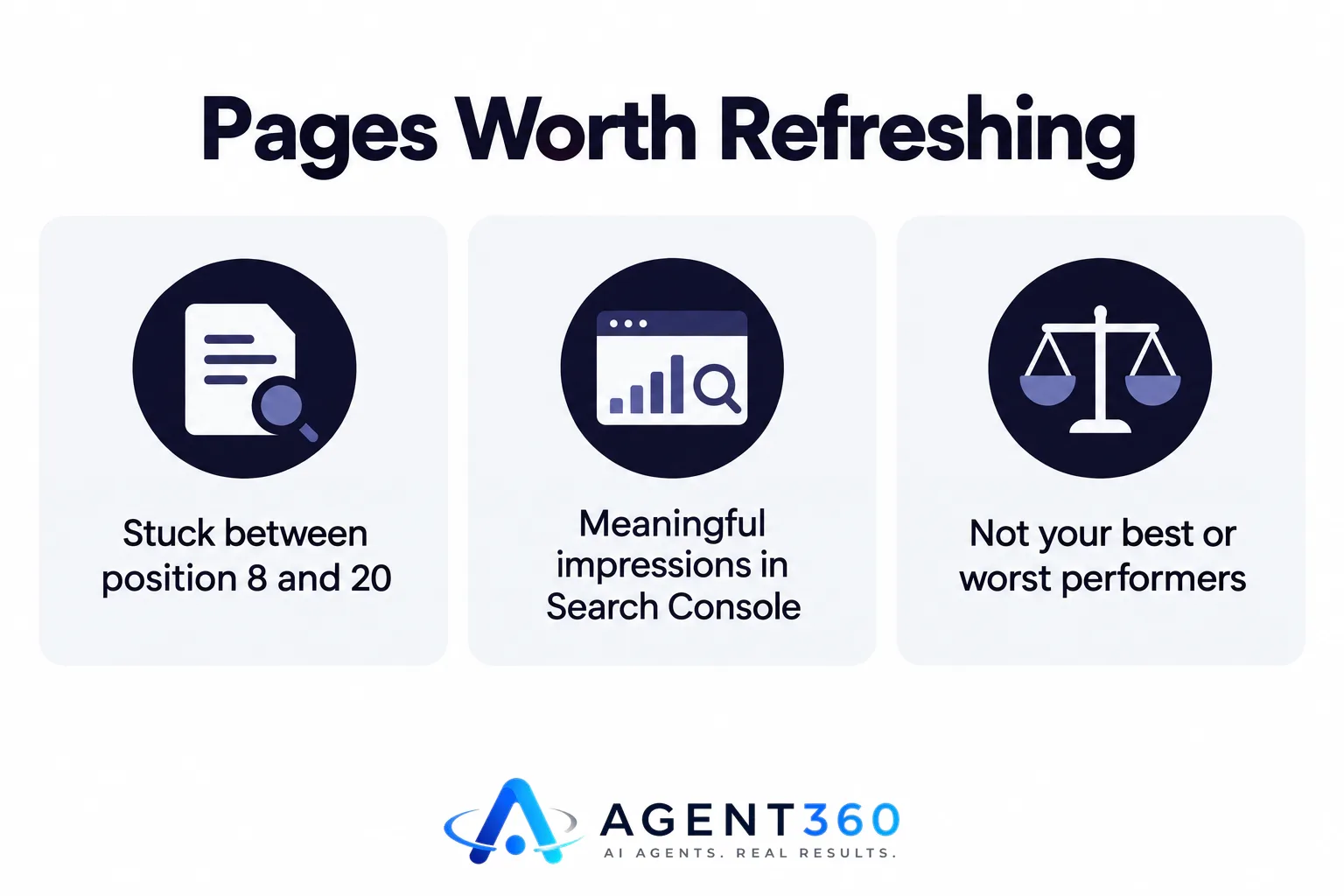
Pull that list from Google Search Console, sorted by average position, filtered to pages with meaningful impressions. A page with 4,000 impressions a month at position 14 is worth your time. A page with 20 impressions at position 45 is not, yet, no matter how old it is.
A new publish date without new information is not a refresh
Swapping the year in the title and hitting republish stopped fooling Google some time ago, and it never fooled readers either. If the page said “as of 2023” and now says “as of 2025” but every fact, price and example is identical, you have not refreshed anything. You have told Google the page is stale and that you knew it. A real refresh changes what the page actually says: new numbers where the old ones went out of date, a section answering a question that did not exist when you first wrote it, a claim pulled because a competitor or a regulation made it wrong.
Check for cannibalization before you touch the content
Sometimes a decent page is stuck at position 14 for reasons that have nothing to do with its quality. Two other pages on your own site are chasing the same search, Google cannot decide which one to rank, and all three get ranked poorly as a result. Rewriting the content does nothing here, because the content was never the problem. Pull the queries each page ranks for and look for overlap before you commit to a rewrite; here is how to spot the pattern and fix it by merging, redirecting, or re-targeting one of the pages instead.
Set a refresh cadence based on how fast your topic moves, not a fixed quarter
A page about tax filing deadlines needs a look every year, without fail. A page about “how to choose a project management tool” needs a look whenever a major competitor ships a feature that changes the comparison, which could be every two months or every two years. A page about tying a specific knot needs almost nothing, ever. Decide the cadence per topic, not per site. The common mistake runs the other way: a calendar reminder to “refresh the blog” every quarter, so fast-moving pages go stale in between and slow-moving pages get touched for no reason, burning time that should have gone to pages that actually needed it.
There is a simpler signal than a calendar: watch position over time. A page that held steady for six months and then slid for three straight weeks has lost to something, a competitor published something better, intent shifted, or Google re-evaluated the topic. That slide is the trigger. The date on your calendar is not.
What to change, line by line
When you open a page to refresh it, work through a short checklist rather than a general reread. A general reread tends to produce small wording tweaks that move nothing:

- Replace every number, price, statistic or date that could be stale, and check whether the source you cited still says what you claimed it said.
- Add a section answering a question your competitors now rank for that you do not cover, found by checking who currently holds the top ten for your target term.
- Remove or rewrite any claim a competitor has since disproven or outdated, rather than leaving it and hoping no one notices.
- Check internal links from newer pages back to this one; pages you published since rarely link back to older ones unless you do it deliberately.
- Reconfirm the page still matches one clear search intent. If three new paragraphs crept in that answer a different question than the title promises, split them into their own page instead of burying them here.
None of this is expensive. It is just unglamorous next to publishing something new, which is probably why it gets skipped.
Where this fits with everything else you're doing
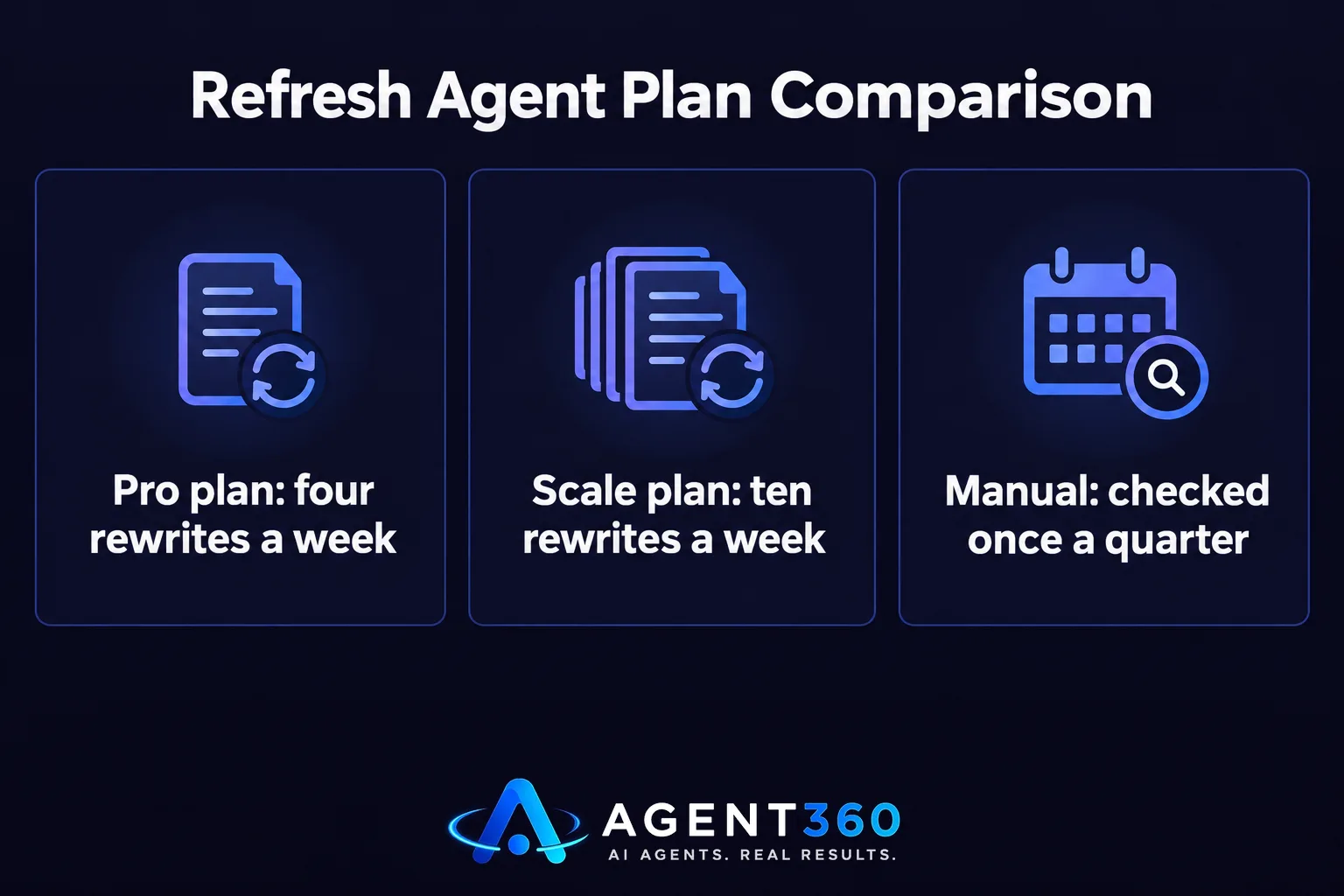
Refreshing only matters if you know which pages are slipping and why, and that's the part most teams skip, because it means checking rankings and competitors every week instead of once a quarter. SearchAgent's Refresh Agent watches for pages losing position and rewrites them on a schedule, four times a week on the Pro plan or ten on Scale, instead of waiting for someone to remember. Plans start at $297 a month on the pricing page, month to month, no contract.
Questions
How often should you refresh content for SEO?
There is no single number; it depends on how fast the topic changes. Time-sensitive pages, pricing, regulations, tools, need a look every few months. Evergreen how-to pages might go a year or more untouched. Use position decline as the trigger rather than a fixed schedule: a page sliding for three consecutive weeks after months of stability tells you more than any date on a calendar.
Does refreshing hurt rankings temporarily?
A substantial rewrite can cause a short dip while Google recrawls and re-evaluates the page, usually settling within a couple of weeks. Small factual updates, new stats, a removed claim, rarely cause any dip at all. And the risk is lower than leaving a page to keep sliding on its own.
How do you know an article needs a refresh instead of a full rewrite?
If the structure and intent still match what searchers want and only the facts are stale, refresh the details. If intent has shifted, people now want a comparison where they used to want a definition, for instance, a refresh will not fix it. The page needs rebuilding from a new outline.
More articles
- How Many Blog Posts a Week Does SEO Actually Need?
- SEO Agency Alternative: What Actually Replaces the Retainer
- SEO for Local Businesses: Win the Map, the List, and the Answer
- Automated SEO for Small Business: What to Automate First
- An AI Blog Writer Won't Rank You. Here's What Will
- SEO Content Automation: What to Automate, What Not To
- What Is llms.txt and Do You Actually Need One?
- How to Appear in Google AI Overviews
