How to Appear in AI Overviews (and Why You Can't Opt In)
You can't apply to appear in AI Overviews (in AI Overviews erscheinen, as German-language searchers put it), and no sitemap or tag will get you in either. Google writes the summary at the moment of the search and cites pages it can already index and quote. Your job is to be the clearest, most quotable answer to one specific question, on a page Google can read. The rest of this post follows from that.
What exactly is AI Overview?
It's the block of generated text Google sometimes places above the ordinary blue links. It sums up an answer in a few sentences and shows source links beside or beneath it. Three things about it matter to you as a site owner:
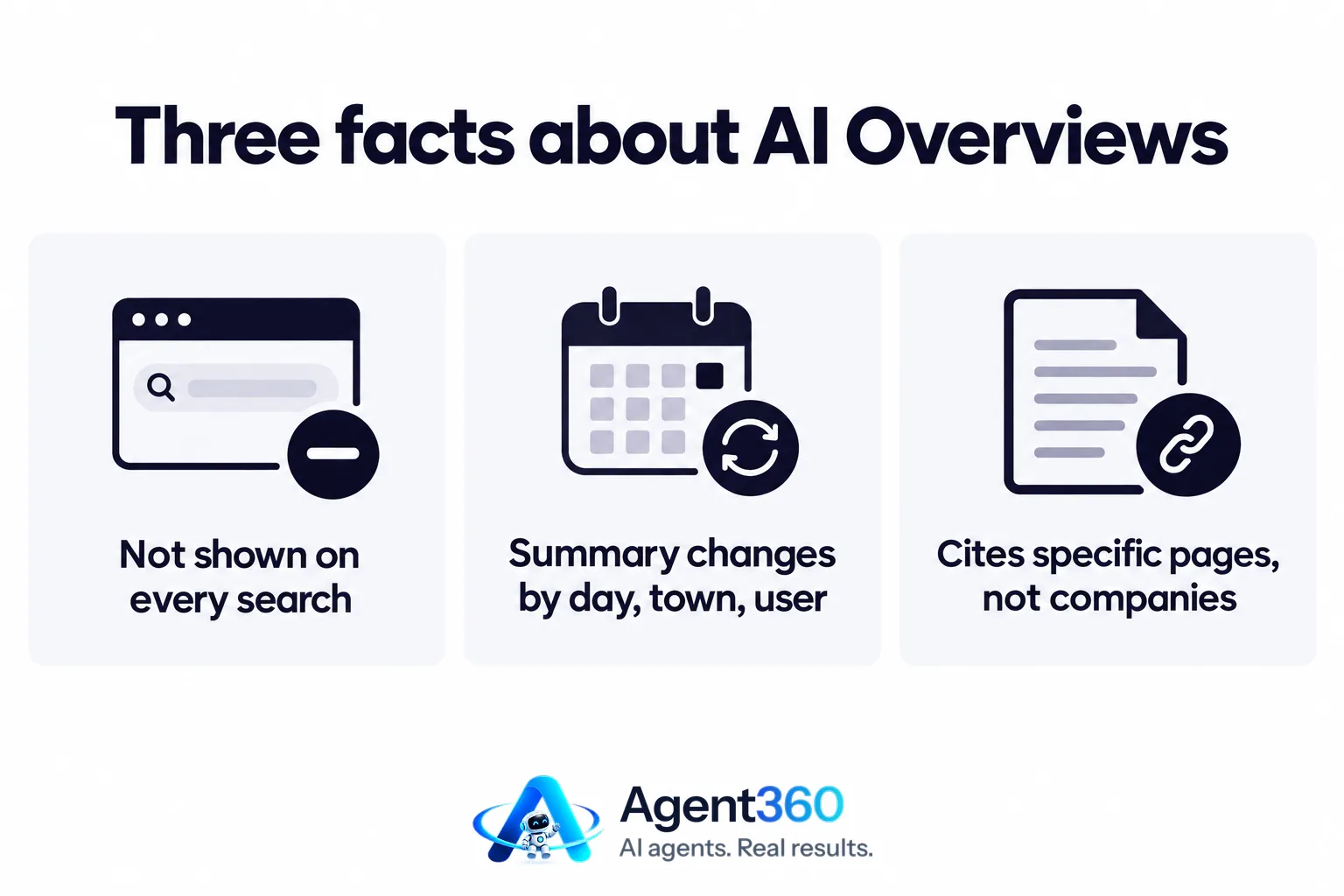
- It is not on every search. Google decides query by query whether to show one. Informational, question-shaped searches are the likeliest candidates. Short navigational searches (a brand name, a login page) are the least likely.
- It is not stable. The same question can produce a different summary, with different sources, on a different day, in a different town, or for a different user.
- It cites pages, not companies. Being named means a specific URL on your site earned a place in that answer. A strong homepage won't do it alone.
If you want the broader map of how this differs from classic SEO, our guide to SEO vs AEO vs GEO covers it. Here we stay practical: how do you get in?
How do I go to AI Overview?
You don't go to it. It comes to you, or it doesn't. There is no page, menu or URL that opens AI Overviews on demand; you see one only when Google decides to show one for the query you typed. Google also has a separate conversational experience called AI Mode, which is a different surface from the overview above the results.
So the only way to learn whether you appear is to run the searches your buyers run and read what comes back. Do it properly:
- Write down 10 real questions. Use the phrasing a customer would type, not your product category. “How much does a loft conversion cost” beats “loft conversion services”.
- Search each one in a clean browser session (a private window, signed out), from the country and language you sell in.
- Record three things: whether an overview appeared, whether your domain was cited, and which domains were cited instead.
- Repeat weekly for four weeks. One check is an anecdote. Four checks show whether you are cited consistently, occasionally, or never.
By hand, that's tedious at ten questions and miserable at fifty, which is why tracking tools exist. We walk through the manual method in more detail in How to See If You're in AI Overviews (and Who Beat You).
Can I disable AI Overviews?
For your own searching, not with an official off switch, as far as Google's public settings go. The usual workaround is the “Web” filter in the search results tabs, which shows links only. Some people bookmark a search URL that opens with that filter applied. Google can change this at any time, so treat it as a workaround, not a setting.
For your site as a publisher, the question changes: can I stop Google using my content in these summaries? Google documents snippet controls, such as nosnippet and max-snippet, that limit how much of your page it may show or quote. The trade-off cuts both ways. Those controls also shape the snippet in ordinary results, and a page that can't be quoted can't be cited. If your goal is to appear, leave them alone. If your content is the product itself (paid reports, paywalled journalism), restricting it may be the right call.
How to appear in AI Overviews: the five things that decide it
Google's own guidance says there is no special markup or extra requirement beyond being indexed and eligible to show a snippet. That's the floor, not the plan. Above the floor, this is where the effort pays:
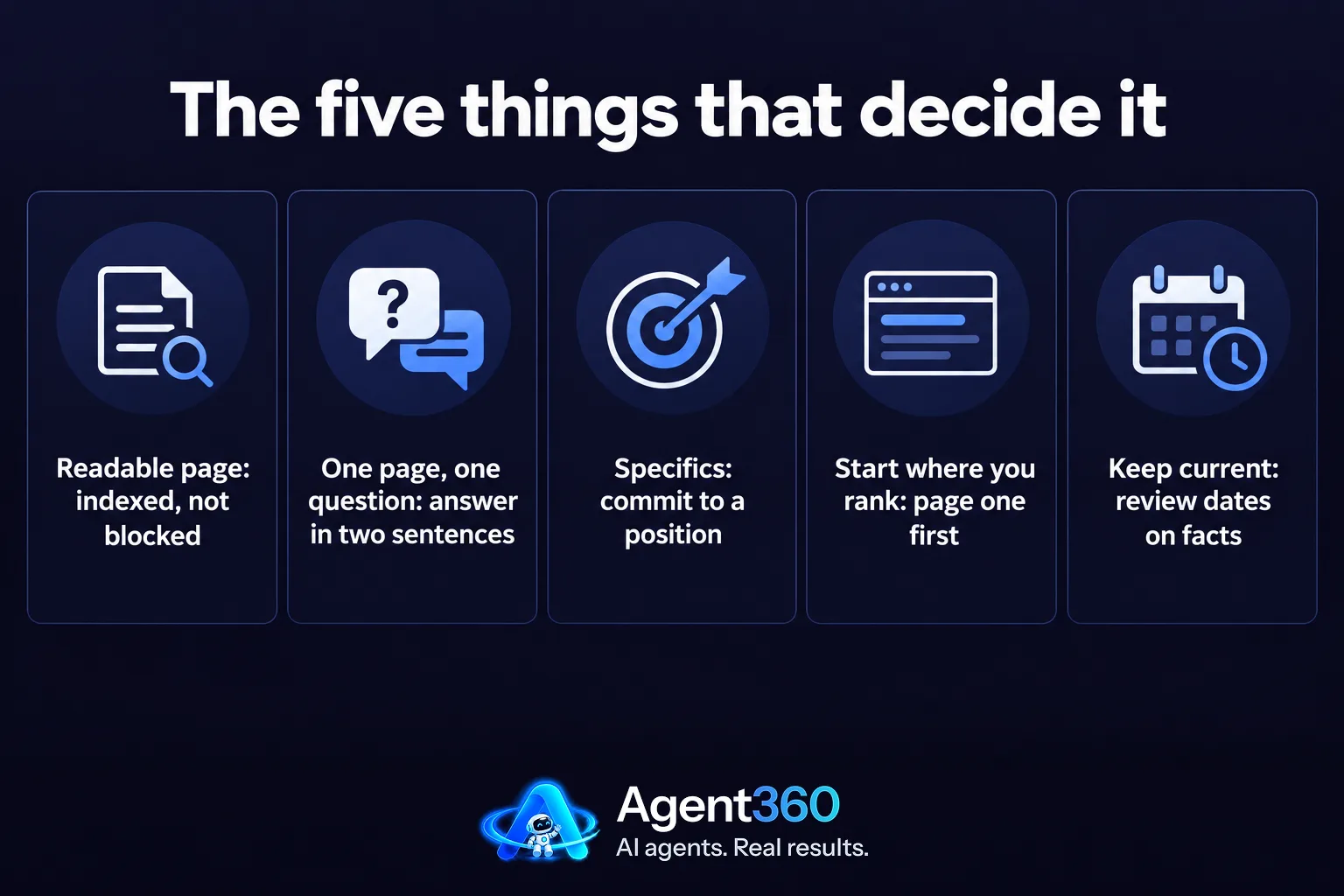
1. Make sure Google can read the page
Check that the page is indexed, not blocked in robots.txt, and not carrying a noindex or restrictive snippet tag. Basic, yes. It's also the most common silent failure, especially on sites with a staging-era robots file nobody revisited.
2. One page, one question
A page that tries to answer eight questions gives the summary nothing clean to lift. Pick the question and put it in the heading. Answer it in the first two sentences, in plain words, with the specific number, condition or name the buyer needs. Then use the rest of the page for exceptions and detail.
3. Be the page with the specifics
A generated summary has no use for “it depends on many factors”. It can use “most X cost between A and B, and the price rises when Y”. Only state figures you can stand behind, and say where they come from. Vague pages lose to the page that committed to a position.
4. Start where you already rank
Google says AI features draw on its normal search systems, so a page already on page one for a question is a likelier source than one that ranks nowhere. We can't give you a hit rate, and nobody outside Google can. Still, it tells you where to begin: queries in Search Console where you sit on page one or the top of page two, and where an overview appears. Strengthen those pages first instead of writing new ones.
5. Keep what you publish current
A summary that quotes a stale figure is a liability for Google, so pages with dated claims are the ones that rot out of the answer. Put a review date on anything with prices, regulations or product details, and rewrite it when the facts move.
Do not chase every overview
Here's the part people skip. If the overview fully answers a question, a cited source may get fewer clicks than the same page would have got as the first blue link. For a simple fact lookup, being cited can mean being credited and not visited.

So choose questions by what the buyer does next. “What is a retainer agreement” may end in the summary. “How much does a retainer cost for a company my size” is different: the reader still needs a quote, a calculator or a conversation. Aim your pages at the second kind, and put the next step where the reader will look for it.
Where SearchAgent fits
If you would rather not run that weekly check by hand, SearchAgent's Google AI Overviews tracking asks your buyers' questions on a schedule. It records whether the overview names you and which sites it cites instead, and the AI Visibility Agent turns each miss into a page idea. Its writing agents then draft the pages for your approval, on a blog we host on your domain. It does not publish into WordPress or Webflow, it does not track Perplexity or Gemini, and nobody can guarantee a mention. Plans start at $297 a month, month to month; see pricing.
Questions people still ask
Can I submit my site to appear in AI Overviews?
No. There is no submission form or application. Google selects sources automatically from pages it has indexed and can show as snippets. You control three things: that the page is crawlable, that it answers one question clearly, and that its facts are specific and current.
How long until my page shows up in an AI Overview?
Nobody can give an honest number. The page first has to be crawled and indexed. Then it has to be chosen for a query where an overview appears at all, and that choice can change between checks. Measure over several weeks of repeated checks, not a single search.
Does appearing in AI Overviews help if I do not rank first?
It can. The overview cites several sources, so a page that isn't the top organic result can still be named in it. But Google says its normal ranking systems feed these features, so a page that ranks nowhere is an unlikely source. Fix the pages that already rank before you write anything new.
More articles
- Set Posts Per Week From Your Gap List, Not a Calendar
- GEO Tools: Buy the Fix, Not Another Dashboard
- SEO Reporting for Small Business: One Page, Five Numbers
- AI Overview Search Visibility: Check It, Then Fix It
- How to Get Your Firm Featured in Google's AI Overviews
- Keyword Cannibalization at Enterprise Scale: The Real Fix
- How to Get Into Google's AI Overview, Really
- Hur du rankar i ChatGPT (och vad det egentligen betyder)
