How to Schedule Posts for a Retail Sales Event
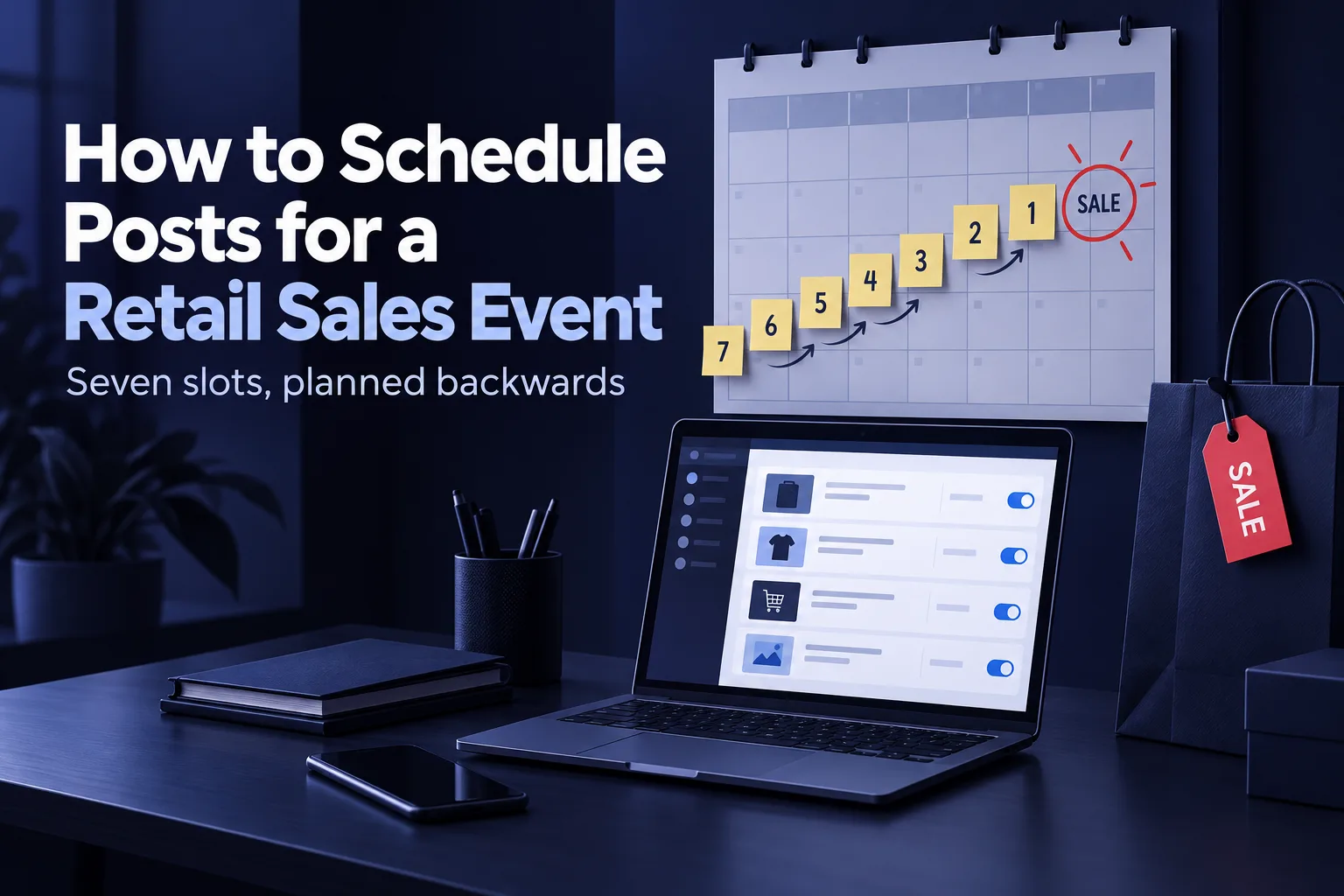
To schedule posts for a retail sales event using a tool, fix the sale date first, then fill seven slots backwards from it: teaser, announcement, early access, launch day, mid-sale update, last chance and recap. Load the first four into any scheduler that publishes to your platforms, with an approval step and a pause button. Leave the mid-sale and last-chance posts loose until you know what is actually selling. The tool matters less than that structure.
Schedule backwards from the sale date, not forwards from today
Most retail calendars fail because someone opens the scheduler, sees an empty week and starts filling it. A sales event is a deadline, so the calendar has to hang off the deadline. Write down three dates before you touch a tool: the day the sale goes live, the day it ends, and the day you want customers to have already heard about it.
Everything else is arithmetic. A sale that starts on the 20th gets a teaser around the 6th, an announcement around the 13th, and so on. The exact gaps are yours to tune, but a fixed pattern beats inspiration. Once you have run the pattern once, you copy it for the next event instead of rebuilding it.
Fill seven slots, not a pile of posts
Here is a pattern that works for a two-to-seven-day event. Adjust the day counts to the length of your sale.
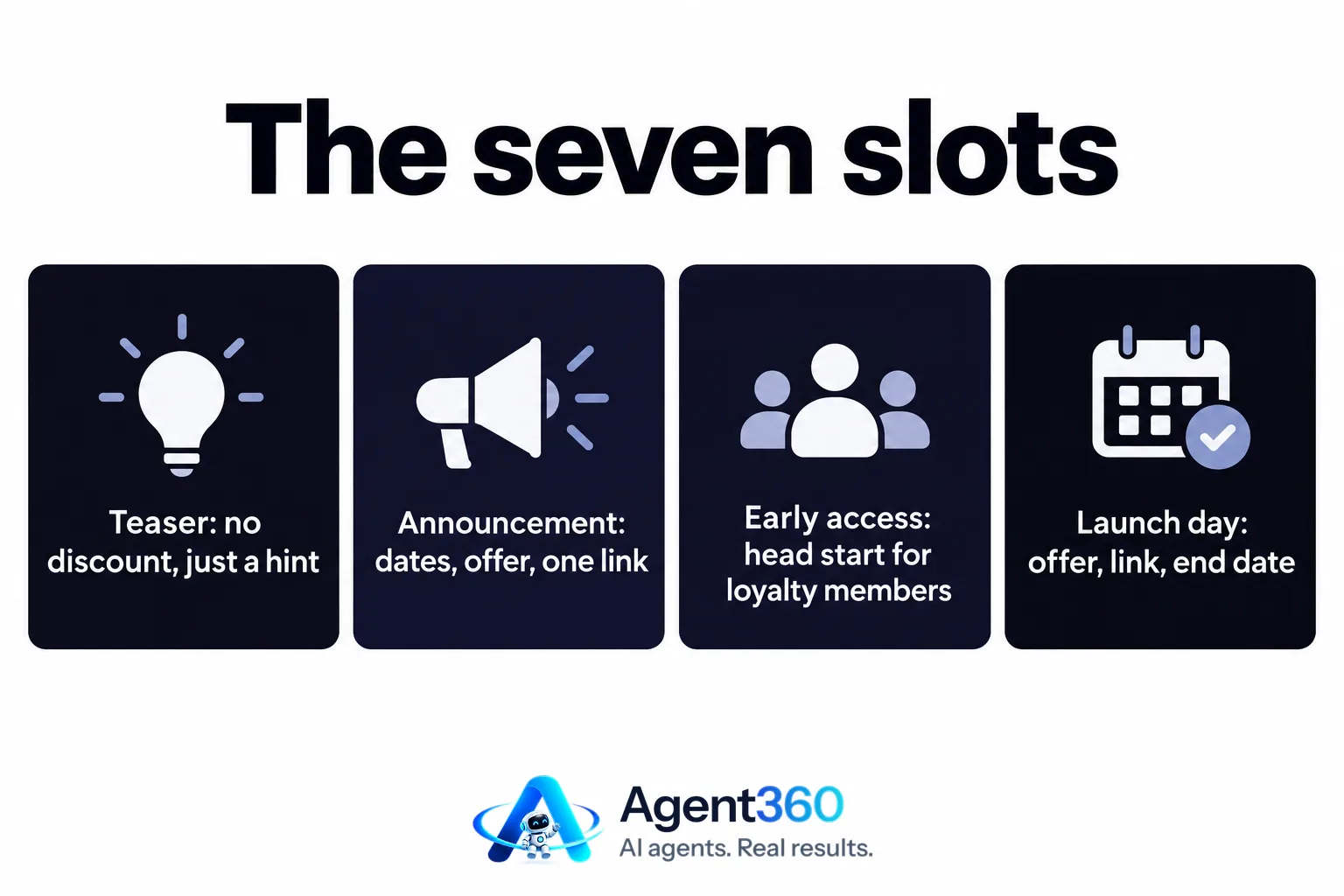
- Teaser, about two weeks out. No discount, no dates if you can avoid it. Show the category or the product that is going on sale and ask people to watch for it.
- Announcement, about one week out. Dates, the offer, where it applies (online, in store, or both), and one clear link.
- Early access, one to two days out. Give your email list or loyalty members a head start and say so publicly. It makes the public launch feel scarce.
- Launch day, morning. The offer, the link, the end date. Nothing else.
- Mid-sale update. A best-seller or a stock note. This is the one you should not write in advance.
- Last chance, final 24 hours. Say the hour it ends, not just the day.
- Recap, the day after. Thank people, show what sold out, and point to what is next. Most retailers skip this and lose a free post.
Notice what is missing: five near-identical “SALE NOW ON” posts. Repeating the same offer in the same words teaches your audience to scroll past it. Each slot has a different job, so each post should say something different.
Do not schedule the day-of posts you cannot know
Here is where we disagree with the “schedule it all and walk away” advice. A scheduled post will happily promote an item that sold out on day one. Slots one to four and slot seven can be written and queued weeks ahead. Slots five and six depend on stock, and they should be drafted with placeholders and finished once you have real numbers.

Two rules protect you. First, anyone who can see a stock problem must also be able to pause the queue, so check who has that access before the event starts. Second, keep the offer itself out of any image you cannot edit quickly. If the percentage changes, a text post is a ten-second fix, while a designed graphic is not. If approvals tend to stall your launches, this approval workflow shows how to keep sign-off from eating the lead time.
What is the best scheduling software for retail?
There is no single best one, and anyone naming a winner without knowing your platforms is guessing. For a retail sales event, judge a tool on these points:
- It publishes natively to the platforms where your customers are. If Instagram is your main channel, check that it posts pictures and Reels itself rather than sending you a reminder to post.
- You can edit or pause a scheduled post in seconds. This matters more in retail than almost anywhere else.
- Each platform gets its own version. A caption written for X will not suit Instagram.
- There is an approval step. If more than one person touches your pricing, you need it.
- Time zones are explicit. If you sell online beyond your local area, check which zone the “9am” refers to.
- You can see results per post. Otherwise you cannot tell whether the early-access post or the launch post did the work.
For a longer version of this list, see the scheduling tool checklist small businesses skip.
What are some good tools for scheduling social media posts?
Instead of a ranking, think in three categories, because the right one depends on where your time goes.
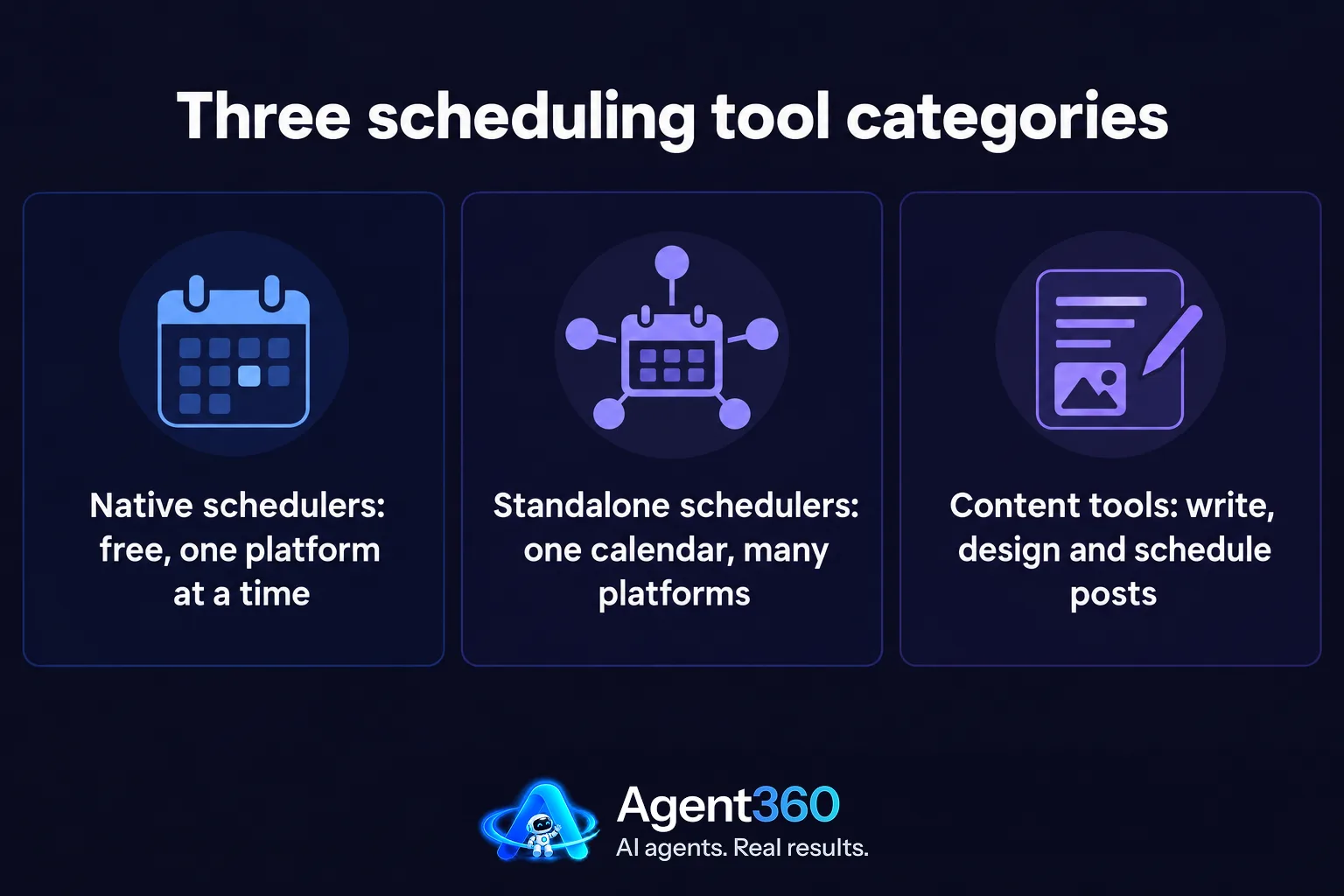
- Native schedulers. Platforms such as Instagram and LinkedIn offer their own scheduling. They cost nothing extra, but you work one platform at a time, so a seven-slot event across three channels means repeating the setup three times.
- Standalone schedulers. One calendar, many platforms. They publish what you give them. If you already have the copy and images, this is the lightest option.
- Tools that also create the content. These write the copy, make the pictures or videos and then schedule them. They fit when the writing, not the publishing, is what keeps your events late.
Ask yourself honestly which one is your bottleneck. If your posts are written and your designs are done but nothing goes out on time, you need a scheduler. If the calendar is empty because nobody has time to write seven posts for three platforms, a scheduler just gives you a tidier empty calendar. Our guide to batching content without losing a day covers the second problem.
Can AI help me create a schedule?
Yes, with a limit. AI is good at turning your dates and offer into a draft sequence, writing a first version of each slot, and adapting one idea for several platforms. It does not know your stock levels, your supplier delay or that your biggest competitor is running a sale the same weekend. You supply those facts, and it does the typing.
The failure mode is asking a chat tool for a “content calendar” with no inputs. You get seven generic posts that could belong to any shop. Give it the event dates, the three products that matter, the offer, and the tone you want, then review every draft. Rules for keeping AI output honest are in this piece on AI content calendars.
When writing is the bottleneck, change the tool category
BrandAgent is built for the case where the scheduler is not the problem. Its agents write each post per platform, draw a picture in your brand’s colours with your logo, and publish to LinkedIn, Instagram, YouTube and X at the minute you set. You approve every post before anything goes out, and the calendar shows what is queued. You can compare it directly with plain schedulers on the scheduling tools comparison page.
Know the limits before you decide. It does not make carousels, polls or Stories today, so if Stories carry your sale, you will build those yourself. TikTok gets captions and vertical cuts, but you post to TikTok manually. Plans start at $97 a month, month to month, with no free trial. You begin with a 15-minute call.
Common questions about scheduling retail sale posts
What are popular scheduling tools?
Popular options fall into three groups: the schedulers built into each social platform, standalone multi-platform schedulers that publish what you write, and AI tools that create the content and then schedule it. Pick the group by your bottleneck, then compare tools inside it on native publishing, editing speed, approvals and per-post reporting.
How far ahead should I schedule sale posts?
Queue the teaser, announcement and early-access posts one to two weeks ahead, and the launch-day post once the offer is final. Write the mid-sale and last-chance posts only when you know your stock, since a pre-scheduled post can promote something that has already sold out.
Can AI help me create a schedule?
It can draft a sequence and write each slot once you give it your dates, products and offer. It cannot see your inventory or competitors, so a person has to review every post before it publishes.
What should I do if a scheduled post promotes sold-out stock?
Pause or edit the post straight away, and make sure at least two people on your team can do this. Before the event, decide who watches stock, and who has permission to pull a post from the queue.
More articles
- Managing Social Media for Multiple Clients Without Chaos
- How Startups Should Pick an Instagram Scheduling Tool
- LinkedIn Personal Profile vs Company Page: Post From the Person
- Content Pillars for Instagram: Pick Four and Ratio Them
- The Social Media Scheduler Test Most Businesses Skip
- Generating Instagram Posts With AI: What Actually Works
- AI Social Media Posts: What Actually Works
- AI Social Media Content Generator for Instagram, Explained
