The Social Media Scheduler Test Most Businesses Skip
A dozen tools can queue a post and fire it off on time — that part got solved years ago. What's still broken, and what every comparison chart glosses over, is what happens when that queue meets an actual business: more than one approver, more than one brand, and a post that dies at 7am on launch day.
Here's the test to run before you sign anything, and what each failure actually costs you.
Make a post fail on purpose and watch what the tool tells you
Disconnect an account mid-week. Revoke a token. Watch what the scheduler does with the posts queued behind it. A tool built for one person will drop the post quietly or bury the error three menus deep. A tool built for a business flags the failure where you already look — next to your calendar, not in some separate notifications tab — and tells you why it failed, not just that it did. Ask this in the demo. Don't wait for the invoice.
Count the approvers, not the users
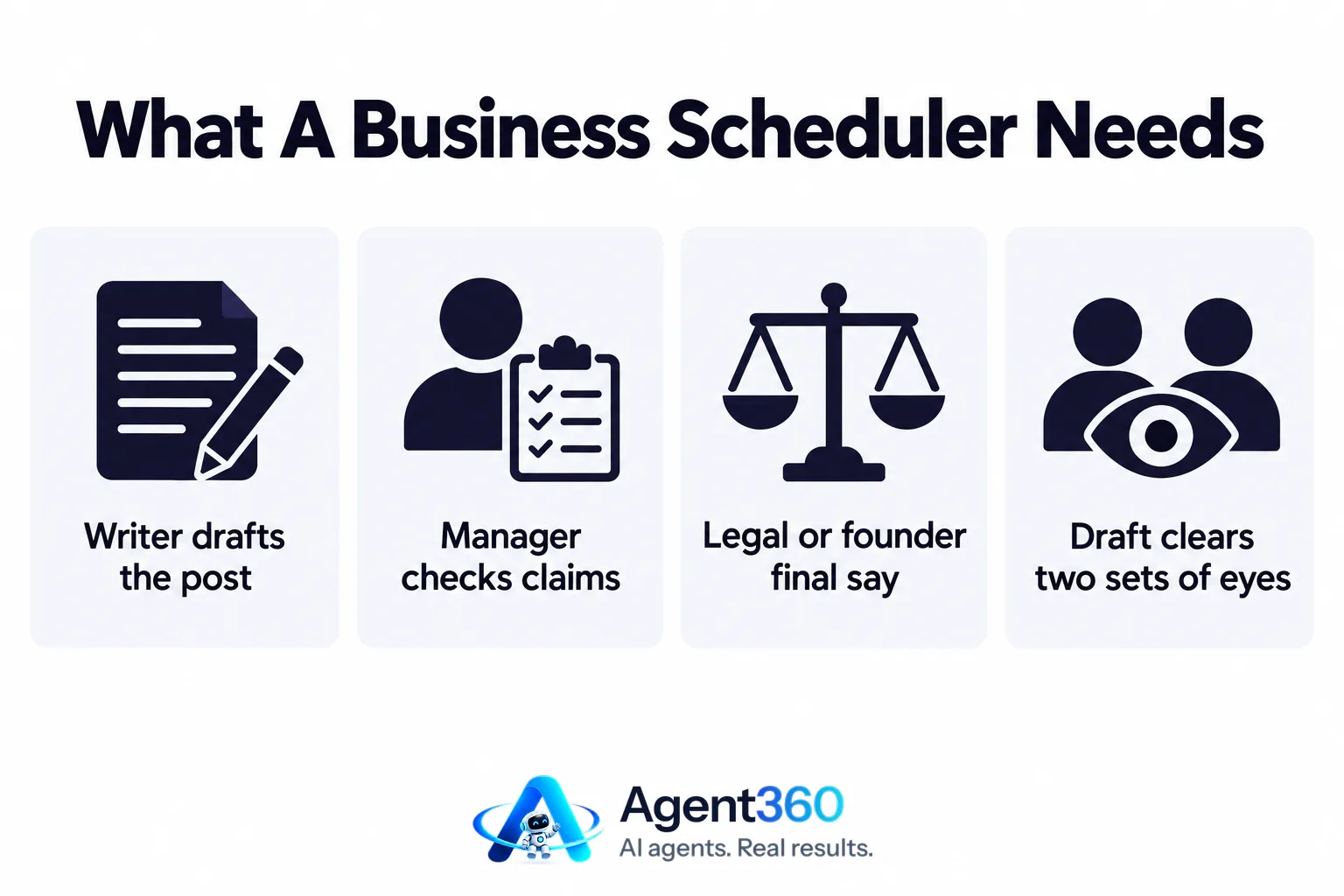
Seat count is the wrong metric for a business; approval steps are the right one. A five-person team posting on a company's behalf usually has a writer, a manager who checks claims, and sometimes legal or the founder wanting final say on anything with a number attached. Most schedulers built for solo creators have exactly one lane: draft, then scheduled. If your business needs a draft to clear two sets of eyes before it goes anywhere, find out whether the tool actually supports that — or whether “approval” just means ticking a box.
One workspace stops working at brand number two
Plenty of businesses run more than one brand — a product line with its own handle, or, if you're an agency, a whole roster of clients. The question isn't “can I add another account.” It's “can I add another Brand Kit without it bleeding into the first one's voice, colours and templates.” A scheduler that treats every account as just another slot in one shared library will mix up fonts and tone the moment a second brand shows up. Test multi-brand before you need it, not after. Retrofitting workspace separation a year into posting is a bigger job than switching tools now — which is exactly the setup described for agencies running multiple client workspaces.
Ask for a 90-day analytics window, not a weekly screenshot
A scheduler that only shows last week's likes is a vanity dashboard, nothing more. A business needs to see whether a format or topic is working over 30 and 90 days, across every platform it posts to, in one place — that's the only way to decide what to repeat and what to drop. Check how a tool handles post analytics before you sign. If the numbers live in a different tab from where you write the next post, you'll check them less than you should, and the feedback loop that's supposed to improve your content never closes.
The queue is the easy part; the empty calendar is the real problem
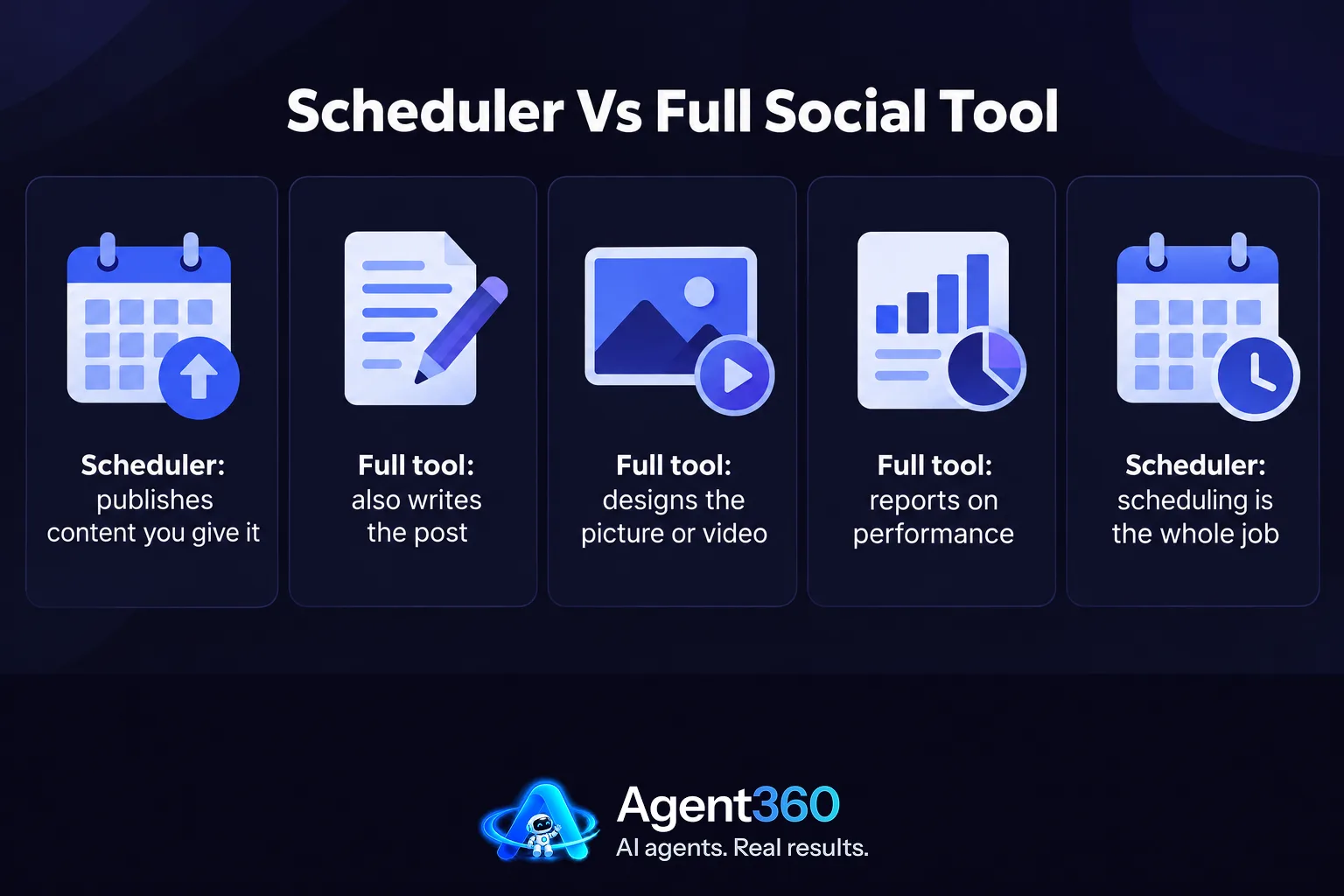
Here's what most comparisons won't tell you: a scheduler can't fix a blank calendar. It publishes what you give it, and if nobody on the team has time to write, design and format a post for four platforms every week, the scheduler just sits there empty on a Tuesday. That's the gap between a scheduling tool and one that writes the posts too, covered in more detail in the comparison of scheduling tools versus a full content pipeline. BrandAgent, for what it's worth, was built to close exactly that gap: its Writer Agent drafts the post, its Designer Agent draws the picture, and its Scheduler Agent publishes to LinkedIn, Instagram, YouTube and X at the time you set, with a one-click retry when a post fails — all inside one calendar you can see next to your meetings. Plans start at $97 a month with no contract, detailed on the pricing page.

Decide what “for businesses” has to mean before you shop
“For businesses” does a lot of lifting in every tool's marketing copy. Before you compare feature lists, write down the three things your business specifically needs that a solo creator wouldn't: who approves a post before it goes out, how many brands or accounts you're really running, and how far back your analytics need to look. Shop against that list. Not the homepage.
What's the difference between a scheduler and a full social media tool?
A scheduler publishes content you give it, on the schedule you set. A full social media tool also writes the post, designs the picture or video, and reports on how it performed — scheduling is just the last step, not the whole job.
Can one scheduler handle multiple brands or clients?
Some can, but check whether each brand gets its own separate voice, colours and templates, or whether they all draw from one shared library. The second kind works fine for a single business but breaks down fast for agencies or multi-brand companies.
Do schedulers guarantee posts actually go out?
No tool can guarantee a platform never has an outage or a token never expires. What separates a business-grade scheduler from a basic one is what happens next: a clear error message and a one-click retry, versus a post that silently vanishes from the queue.
More articles
- Managing Social Media for Multiple Clients Without Chaos
- How Startups Should Pick an Instagram Scheduling Tool
- LinkedIn Personal Profile vs Company Page: Post From the Person
- How to Schedule Posts for a Retail Sales Event
- Content Pillars for Instagram: Pick Four and Ratio Them
- Generating Instagram Posts With AI: What Actually Works
- AI Social Media Posts: What Actually Works
- AI Social Media Content Generator for Instagram, Explained
