The Social Media Scheduling Tool Checklist Small Businesses Skip
A scheduling tool that only queues posts is solving the easiest 10% of your problem. The posting button was never the hard part. Deciding what to post, writing it for each platform, and noticing when something breaks — that's where small businesses actually lose the week. Before you pay for a calendar, check whether it does any of that. Most comparisons you'll find online stop at “which plan has the most posts per month” and never get near whether those posts were any good.
Check whether it reformats for each platform before you publish, not after you fail
A post written for LinkedIn and dropped as-is onto X gets cut off mid-sentence past 280 characters. A square picture pushed to Instagram crops awkwardly instead of filling the 4:5 feed slot. A scheduler that just republishes the same text and image everywhere is asking you to catch these mismatches yourself, post by post, platform by platform. So ask the specific question: does the tool show a preview per platform before it goes live, or do you find out when a follower screenshots the cut-off line? Some tools will happily let you bulk-upload a CSV of captions and fire them at every connected account identically. Fast to set up — but it means every platform gets the wrong length, the wrong aspect ratio, or both, and you only find out after the fact.
Ask what happens when a post fails, not just whether it posts
Every scheduler works fine in the demo. The real test comes six weeks in, when a token expires or an account disconnects. Does the tool tell you which post failed and why, or does it fail silently while you assume everything went out fine? A one-click retry with a clear reason beats a support ticket you only open because you noticed a gap in your feed three days later. It's a small detail. But it's exactly the kind of thing worth checking now, before you've built three months of posts into a system that can't tell you when one of them didn't land.
Count how many of next month's posts you'll actually have to write
This is the part most comparisons skip. A scheduling tool holds whatever you give it — and for most small businesses, what gets fed in is a handful of posts whenever someone remembers, not a steady calendar. The tool isn't the bottleneck; the blank cursor is. Twenty empty slots on a calendar view don't fill themselves, and the owner or the one marketing hire ends up writing captions at 9pm on a Sunday just to keep the queue from running dry. If you're shopping for a scheduler because your posting has gone quiet, the honest question is whether you need a better queue or an actual supply of drafts — each one written for the platform it's going to, and checked before it reaches you. That's closer to what's laid out in our comparison of scheduling tools vs a full writing pipeline.
Decide the ratio before you decide the tool
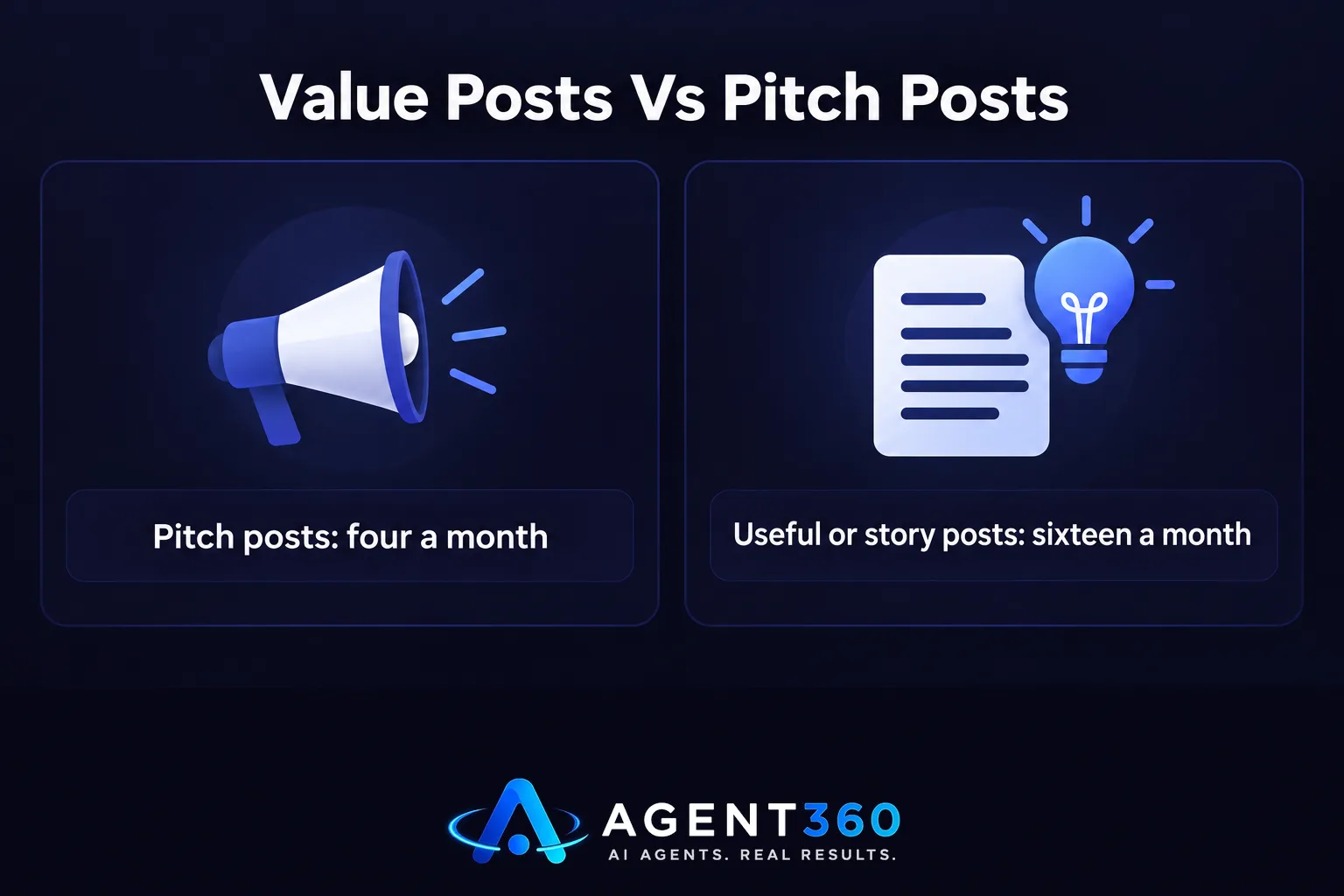
A calendar full of “buy from us” posts gets buried by the algorithm within a couple of weeks, whatever tool is sending them. Small businesses that keep posting tend to run a mix — stories, opinions, useful detail — with the pitch as the minority, not the default. Four pitch posts a month against sixteen useful ones is a reasonable starting split. The exact numbers matter less than having a rule at all; without one, the calendar drifts back toward whatever's easiest to write, which is usually the pitch. Our guide to value vs pitch walks through the mix that keeps a feed worth following. Pick that ratio first. It decides what you actually need the tool to produce, not just schedule.
Work out who approves a post before it goes live
In a one-person shop, approval is whoever's holding the phone. In a team of three or more, it rarely stays that simple. Someone writes, someone else needs to sign off on anything that mentions pricing or names a client, and a scheduler with no approval step just publishes whatever lands in the queue, typos included. Check whether the tool lets a draft sit for review before it posts, and whether that review step works on a phone during a commute, not only at a desk. If the answer is “you'd have to build that workaround yourself,” that's a cost worth pricing in before you sign up.

Where BrandAgent fits
BrandAgent isn't a queue you load yourself — it's a team of AI agents that writes each post for its platform, draws the picture, cuts the video, and then publishes on the calendar you set, with every draft waiting for your approval first. For a small business, that's the difference between a tool that holds your content and one that keeps producing it. Plans start at $97 a month with no contract; see what's included on the pricing page.
Questions worth asking before you sign up
Do I need a scheduler or a content pipeline? If you already have more posts than hours to publish them, a scheduler alone is enough. If the gap is what to say next, you need something upstream of the calendar that keeps writing drafts for you.
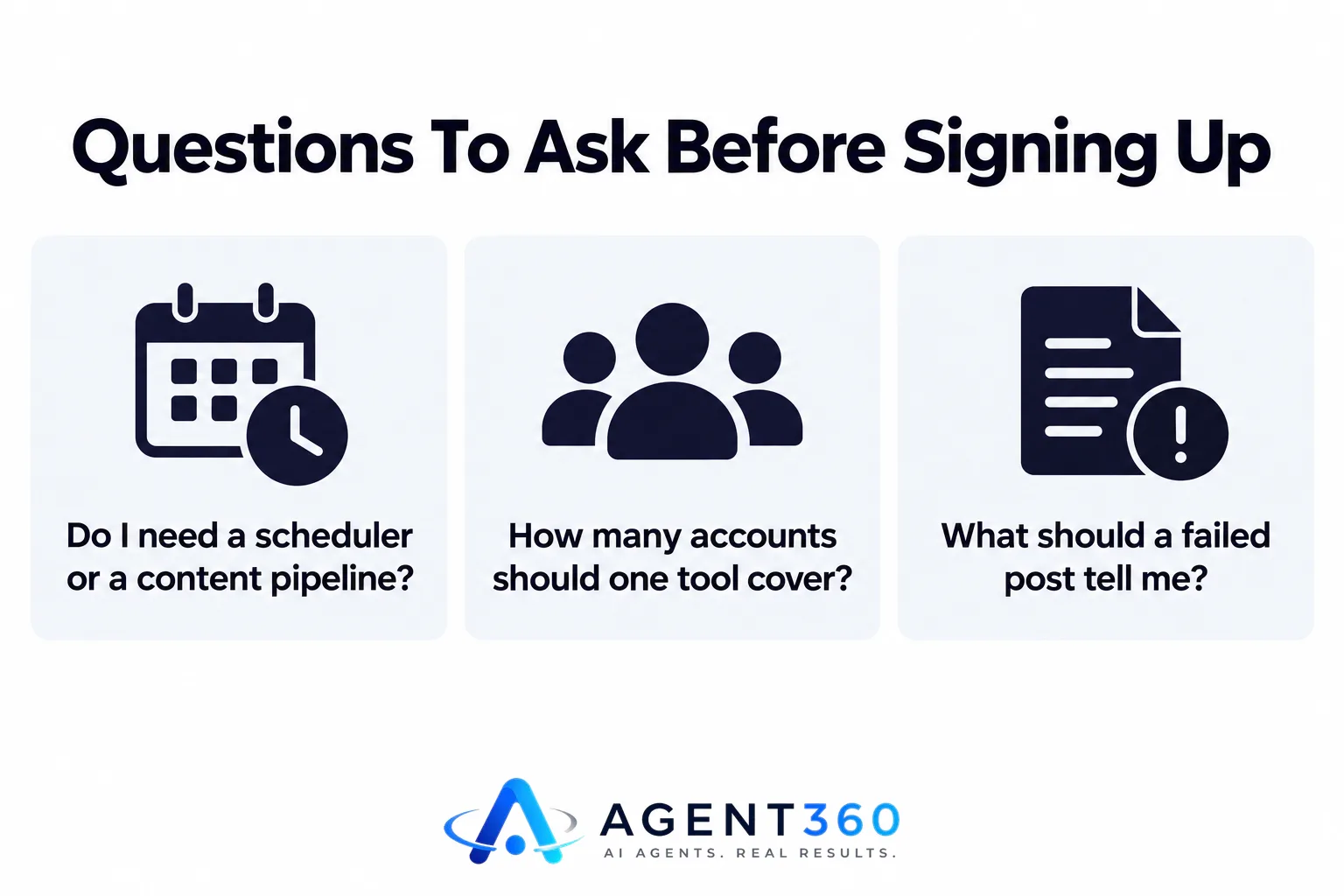
How many accounts should one tool cover? At minimum, the platforms you actually post to today — most small businesses run LinkedIn and Instagram as the core two, with X and YouTube added once there's video or quick commentary worth posting.
What should a failed post tell me? Which post, which account, and why — token expired, account disconnected, or a platform-side rejection — with a retry you can trigger yourself instead of waiting on support.
More articles
- An AI Social Media Content Creator Needs Five Things to Work
- The LinkedIn Content Strategy Founders Actually Have Time For
- An AI Instagram Post Generator Is Not a Content Strategy
- Content Pillars for Social Media: Pick 4, Not 12
- Is a LinkedIn Ghostwriter Worth It? The Honest Math
- How Much Does a LinkedIn Ghostwriter Really Cost?
- Content Repurposing: How One Recording Becomes a Month of Posts
- How to Write a LinkedIn Post That Actually Gets Engagement
