An AI Content Calendar Only Works With Rules Behind It

Fill a calendar with AI-generated posts and you'll have forty entries by Friday. Whether any of them are worth publishing is a separate question, and it's the one most people skip. Tools that generate topics, drafts and posting times solve the blank-page problem. They do nothing about the harder problem: deciding what your brand should actually say this month, and in what order. Skip that step and you get a grid that's full on the fifteenth and forgotten by the thirtieth.
Most people searching for this are trying to patch a scheduling gap with a generation feature. That fixes the wrong half of the job. Here's the half that actually matters, and where automation should sit once that half is done.
A full calendar and a good calendar are different problems
A calendar with forty entries tells you nothing about whether those forty entries will do anything for you. The easy failure mode with AI tools is treating “filled” as the finish line — every weekday has a post, every post has a picture, the grid looks like a marketing team's. Three weeks in, engagement is flat. Nobody on the team can say what the month was about. The posts read like forty unrelated thoughts instead of one argument made forty times.
A calendar that works answers one question before it answers “what do we post on Tuesday”: what are we known for, and does this month's content prove it. Can't answer that in one sentence? The calendar is premature. You're scheduling before you've decided anything.
Three to five pillars decide what goes in the boxes
Pick three to five topics your brand is allowed to post about, and make every entry in the calendar belong to one of them. Fewer than three and you run out of angles by month two. More than five and nothing reinforces anything else — a reader who sees five posts over a month learns five unrelated facts about you instead of one clear position repeated five ways.
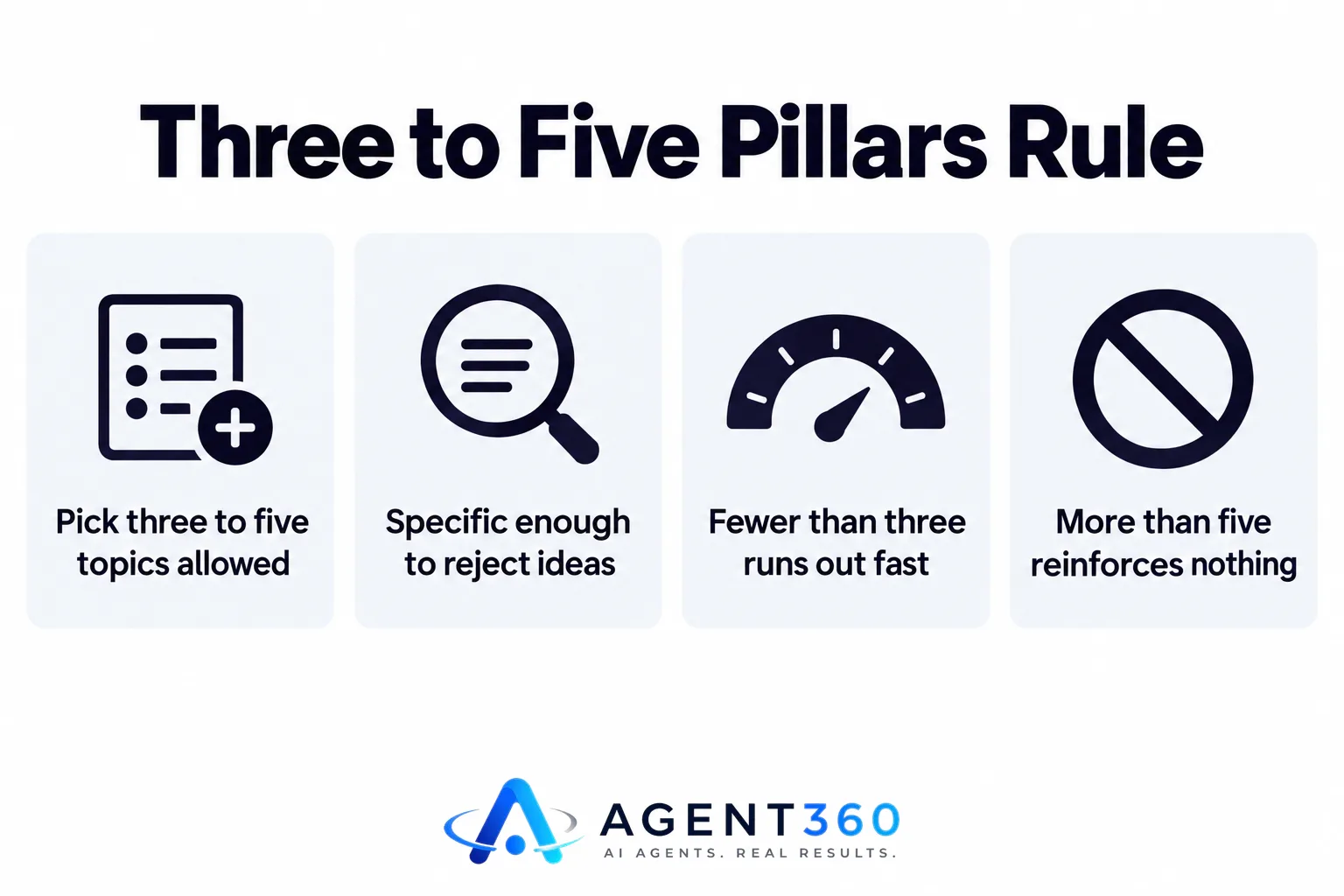
The pillars should be specific enough to reject ideas, not just wave everything through. “Industry trends” approves everything, which means it decides nothing. “Why most onboarding emails fail in the first 48 hours” rejects anything that isn't about that failure — that's what makes it useful as a filter. Once the pillars are set, an AI tool can draft inside them fast. The decision-making happens before the drafting. That's the order that actually works.
Put a ratio in the calendar, not just dates
Every entry in the calendar should carry a label: value or pitch. A feed that's all value never tells anyone what you sell. A feed that's all pitch stops getting shown — platforms and readers both throttle accounts that only ask. Tracking this ratio across the month, rather than leaving it to whoever drafts each post, is the one thing scheduling software alone can't do for you. The mechanics of this split, and where the line usually gets crossed, are worth working through in more detail; see value vs pitch.
One recording should fill a week, not a single post
If you already run webinars, sales calls, or any recorded talk, the calendar shouldn't start from a blank page at all. A single 45-minute recording holds enough material for a week or more of posts once it's cut into clips, quoted in text posts, and turned into short vertical cuts for other platforms. The breakdown of how much is actually in one video is in one video, a month of clips. Treating the calendar as something to fill from scratch every week, instead of something to populate from material you already have, is the most common way teams make the job harder than it needs to be.

Format matters too. A calendar that posts the same shape of update every time trains readers to skip it. Rotating through a small set of proven structures — a contrarian take, a numbered list, a behind-the-scenes note, a direct lesson — keeps the feed from going flat even when the pillar stays the same. The ten formulas worth rotating through are laid out in 10 LinkedIn post formulas.
Where BrandAgent fits
Once the pillars, ratio and source material are decided, what's left is drafting, designing and publishing at the volume you've committed to — and that's the part worth handing off. BrandAgent's calendar and publishing sits on top of that decision-making: it writes posts per platform, scores drafts against each platform's rules before they reach you, adds a picture or short video, and publishes on the schedule you set, with every post waiting for your approval first. Plans start at $97 a month with no contract, detailed on the pricing page, because the calendar is only worth paying for once the strategy behind it is set.
How far ahead should an AI content calendar plan?
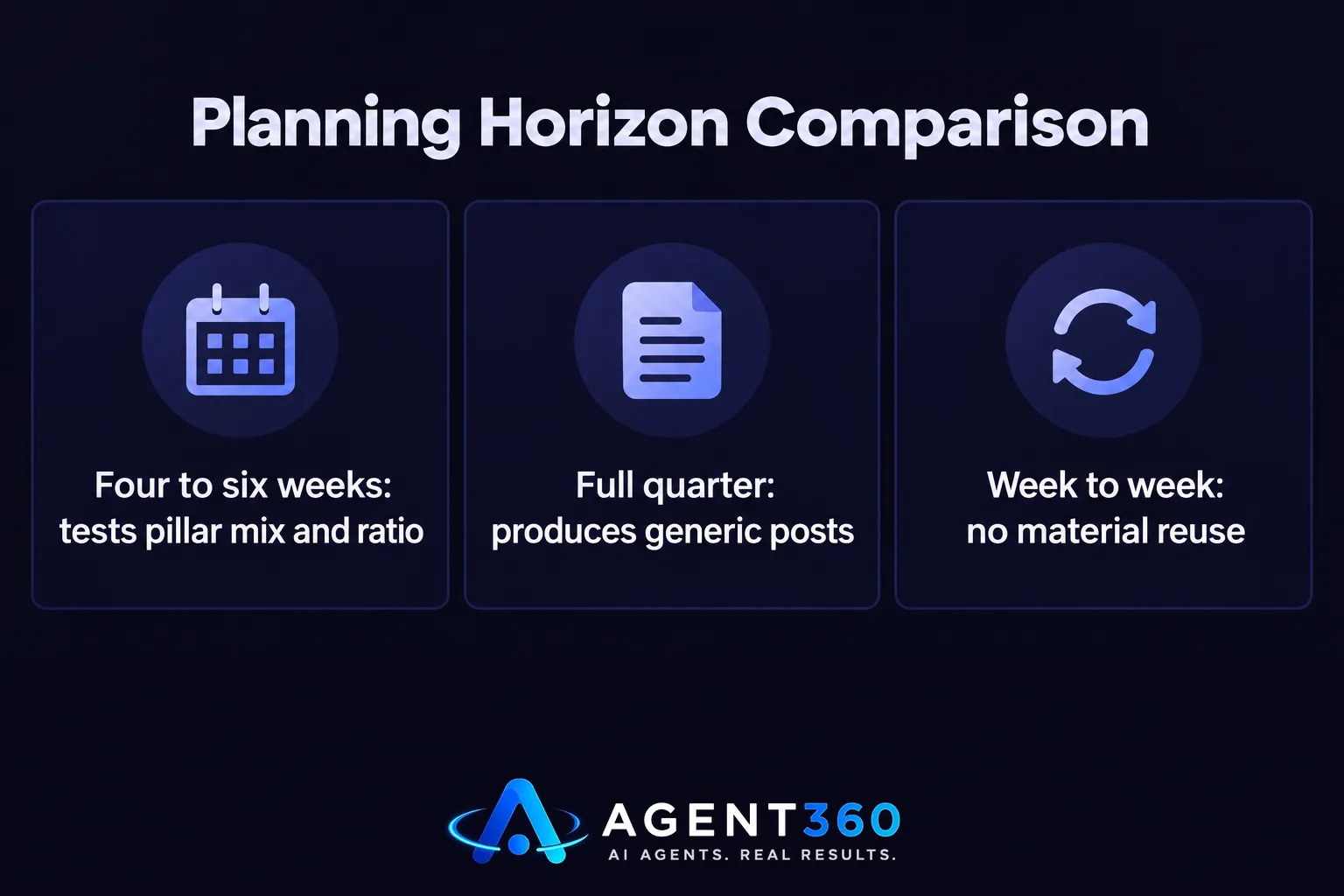
Four to six weeks is enough to see whether the pillar mix and value-to-pitch ratio are working, without locking you into topics that go stale. Plan a full quarter at once and you tend to get generic posts, because nobody can predict what's worth commenting on eight weeks out.
Does an AI content calendar replace a content strategy?
No. The calendar is where a strategy gets executed, not where it gets decided. Pillars, tone, and the value-to-pitch ratio need to exist before the calendar is built. An AI tool drafts faster inside that structure, but it can't invent the structure for you.
Can one person run an AI content calendar without a marketing team?
Yes, if the pillars are narrow enough to make decisions quick and the drafting, design and scheduling run through a tool instead of by hand. That's the gap most founders and executives hit first — plenty of opinions, no time to turn them into a calendar. Solve that before you add headcount, not after.
More articles
- How Often to Post on LinkedIn: The Rules That Actually Matter
- Social Media Content for Small Business: The Rules That Work
- Brand Voice AI: What It Means and What It Can’t Fake
- What an AI Short Video Maker Needs to Actually Work
- The Honest Guide to AI Video Generators for Social Media
- LinkedIn Ghostwriting: What It Really Costs and How It Works
- Social Media Scheduling Tools Won't Fix Your Empty Calendar
- The AI LinkedIn Post Generator That Doesn't Sound Like AI
