Managing Social Media for Multiple Clients Without Chaos

Stop treating your clients as one pipeline. Each one gets its own voice sheet, its own calendar, its own approval rhythm and its own report. The moment two clients share any of those, the work starts to blur, and the blur shows up in public.
Here is the setup we would build, in the order it matters.
Give every client its own workspace, or you will post to the wrong account
One shared spreadsheet, one shared drive folder and one shared calendar feel efficient. They are also how a draft for the dental clinic ends up scheduled on the accounting firm's LinkedIn. It does not take carelessness. It takes a busy Thursday and two tabs that look alike.
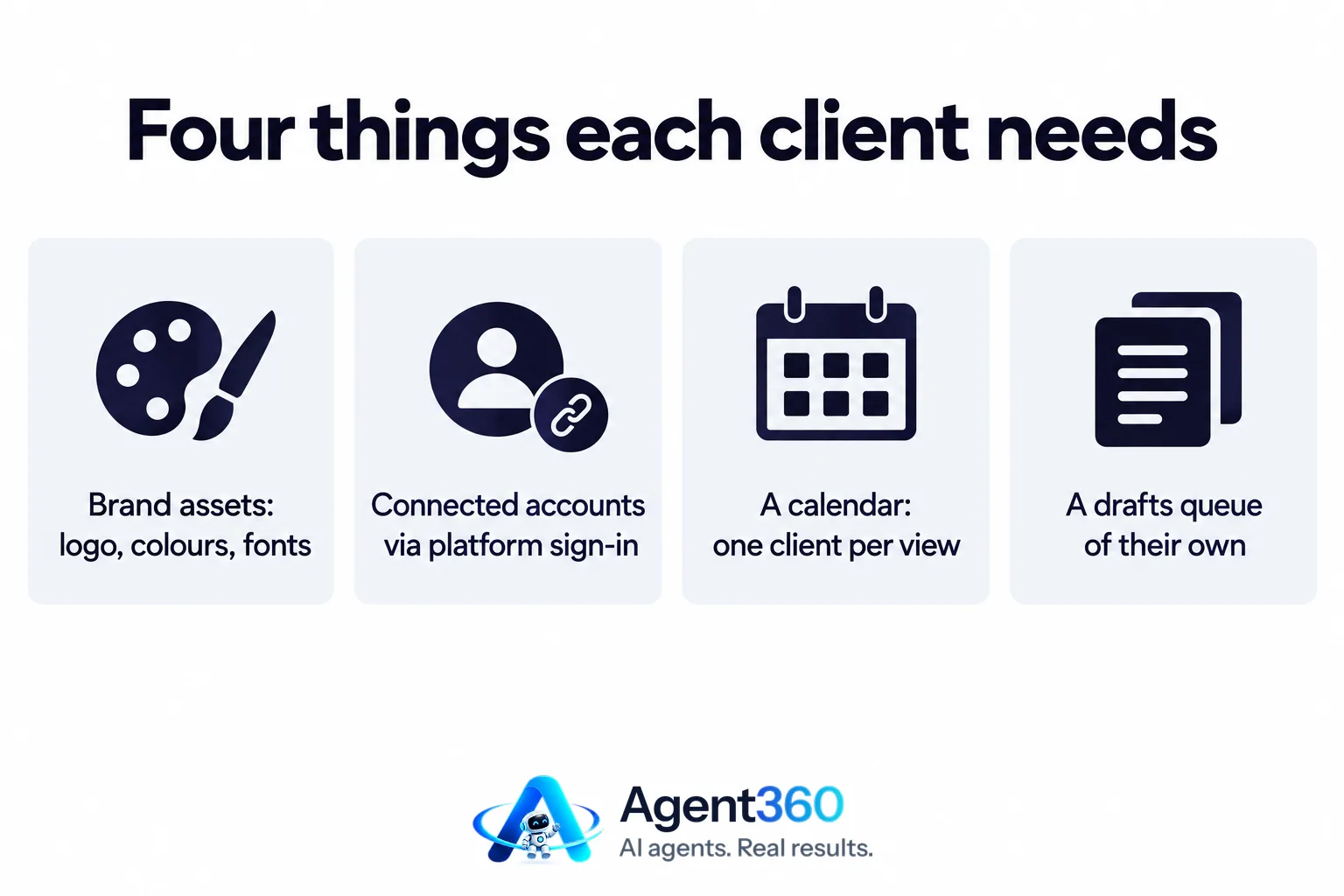
Being careful is not the fix. Structure is. Each client needs a separate home for four things:
- Brand assets: logo, colours, fonts, sample posts.
- Connected accounts: authorised through each platform's own sign-in, never through a shared password.
- A calendar: one client per view, so you cannot schedule across the line by accident.
- A drafts queue: so a rejected post from one client never sits next to an approved one from another.
If your current tools cannot separate these, change that first. Do it before you add a single client.
Write a one-page voice sheet per client before the first draft
Most client work goes wrong in the first month, and the cause is almost always the same. Nobody wrote down how the client sounds. Drafts come back, the client says “not quite us,” and you rewrite blind.

A voice sheet fixes that, and it fits on one page:
- Three posts the client wishes they had written. Real ones, theirs or someone else's.
- Five phrases they would never say. This list does more work than any description of tone.
- Who they are talking to, in one sentence. “Operations managers at mid-sized logistics firms” beats “decision makers.”
- Three topics that are off limits, legally or politically.
- One opinion they hold that competitors would argue with. Without this, every client sounds like a polite version of their category.
Get the client to react to the sheet, not to a blank brief. People are better at correcting a page than describing a voice from nothing. If you use AI to draft, this sheet is also what you feed it. It is what a Brand Kit is meant to capture: voice, tone, colours, fonts and logo in one place that every draft starts from.
Stagger approvals across the week; do not batch every client on Monday
Here we disagree with the usual advice to batch everything into one production day. Batch the writing, fine. Batch the approvals and you build a bottleneck you cannot see.
If every client receives drafts on Monday, you get every client's feedback at once, usually on Friday, usually contradicting something. Give each client a fixed review day instead. Client A reviews Tuesday, client B Wednesday, client C Thursday. You handle one client's revisions at a time, and your own attention stops being what stalls the line.
Two rules make it hold:
- Send drafts in a set no larger than a client can read in one sitting. A client facing thirty posts will approve all of them without reading or none of them.
- Ask for a decision on each post, not general feedback on the batch. “Approve, change, or drop” gets answers. “Thoughts?” gets silence.
We cover the wider mechanics in a social media approval workflow that doesn't stall.
Make silence mean hold, not publish
Plenty of agencies adopt a rule that if the client does not reply in 48 hours, the post goes out. It saves chasing. It is also the fastest way to publish something the client never saw, and the one time it goes wrong costs more than every chase email you saved.
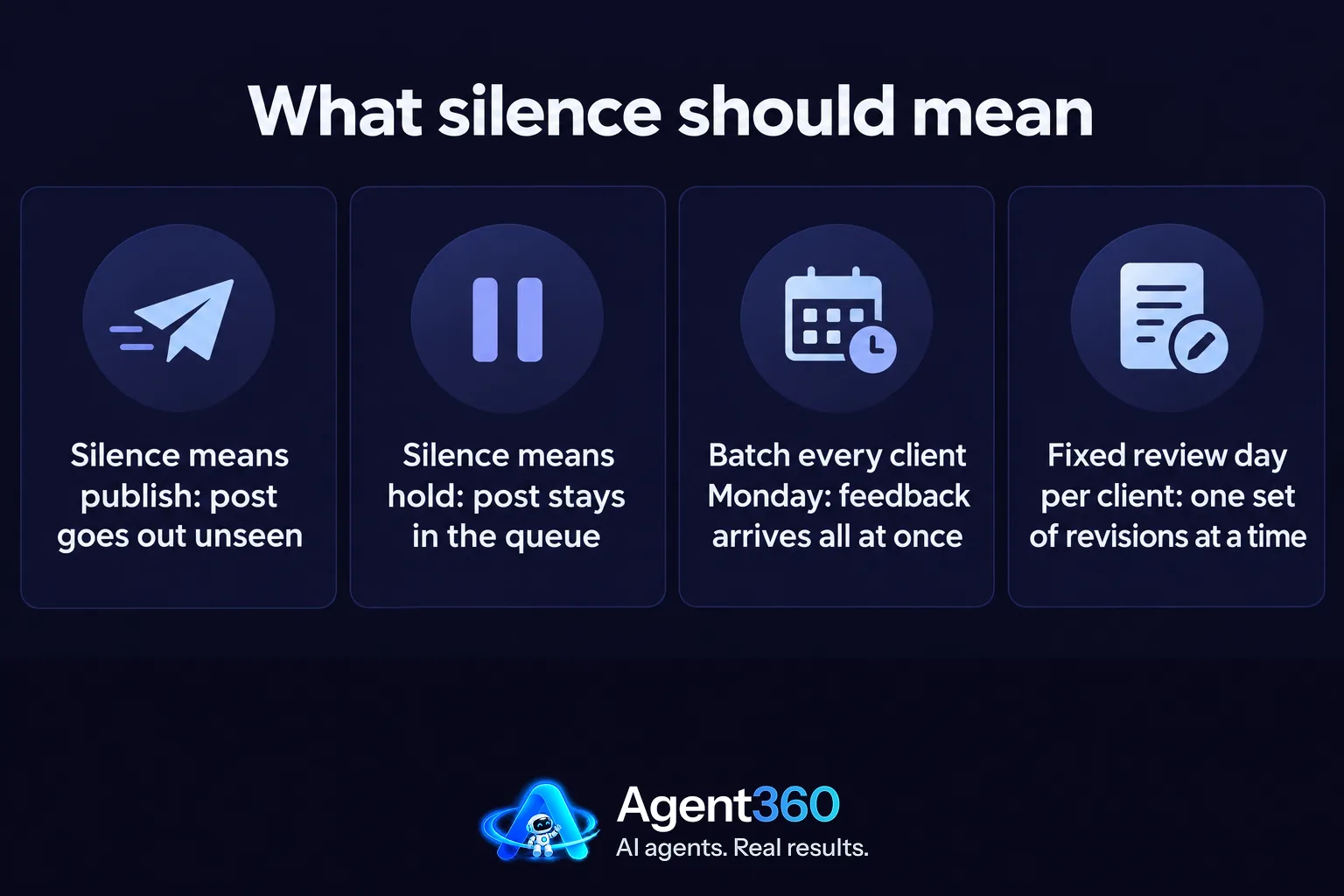
Flip it. No answer means the post stays in the queue. Then deal with the real problem, which is that the client is not reviewing. Usually there is too much to read, the day does not suit them, or the channel is one they never check. Move the review to where they already are, and cut the batch size.
Nothing should publish that a human on the client side did not approve. That is a better promise to make at the sales stage than speed.
Report three numbers and one decision
Clients do not read dashboards. They read the first line and the last line, so build the monthly report around that.
- What went out: posts published against posts planned.
- What got a response: the two posts that drew the most comments or saves, and the one that drew none.
- What moved toward the business: conversations started, enquiries mentioning a post, profile visits, whatever the client actually cares about.
Then end with one decision: what you will do more of next month, and what you will drop. A report with no decision at the bottom is just a record.
Go easy on follower counts. They are simple to report and rarely connect to anything the client is paying for. If a client insists, include them, but lead with the numbers tied to their goal. Pulling views, reach, comments, shares and saves per post into one place, as the analytics view does, saves the hour you would otherwise spend screenshotting four platforms.
Where BrandAgent fits
If you run this for several clients and production is the slow part, BrandAgent for agencies is built around the same structure. Each client is its own workspace with its own Brand Kit, connected accounts and calendar, and you switch between them in one click. The agents write the posts, draw the pictures and cut the clips; you approve every post before anything publishes. White-label branding keeps your agency's name on the app. Plans start at $97 a month, with up to three brands on Scale and as many as you need on Enterprise; see pricing for the detail. It does not guarantee followers or leads, and it does not replace the voice sheet. It works from one.
Questions people still ask
How many clients can one person manage?
It depends less on posting volume than on how many approval conversations you can run per week. Writing and scheduling can be automated. Clients' attention cannot. Start with the number of review days you can protect, and add a client only when it has a fixed slot.
Should each client have a separate login or account on our tools?
Each client should have a separate workspace, with its own brand assets, connected accounts and calendar. A single login for you is fine and saves time. A single shared calendar for everyone is what to avoid, because that is how posts land on the wrong account.
What should we do when a client never approves anything?
Hold the posts and fix the review process. Shrink the batch, pick a review day that suits them, and ask for approve, change or drop on each post. Do not publish on silence. A missed week is recoverable; a post the client never saw may not be.
More articles
- How Startups Should Pick an Instagram Scheduling Tool
- LinkedIn Personal Profile vs Company Page: Post From the Person
- How to Schedule Posts for a Retail Sales Event
- Content Pillars for Instagram: Pick Four and Ratio Them
- The Social Media Scheduler Test Most Businesses Skip
- Generating Instagram Posts With AI: What Actually Works
- AI Social Media Posts: What Actually Works
- AI Social Media Content Generator for Instagram, Explained
