Before You Buy a Social Media Calendar Tool for Your Team

Check seven things before you buy a social media calendar tool for your team: what each post record holds, how approval works, what happens when a post fails to publish, whether you can tag content by type, who can see and edit what, which platforms it publishes to natively, and, the one most people skip, who actually fills the calendar. The usual outcome is a calendar that looks great in the demo and sits half empty by week three. This checklist is built around that failure.
What should a social media calendar include?
Each entry should be a complete post record, not a date with a title. If the tool only shows a grid of coloured boxes, it is a wall planner. Check that every entry can carry:
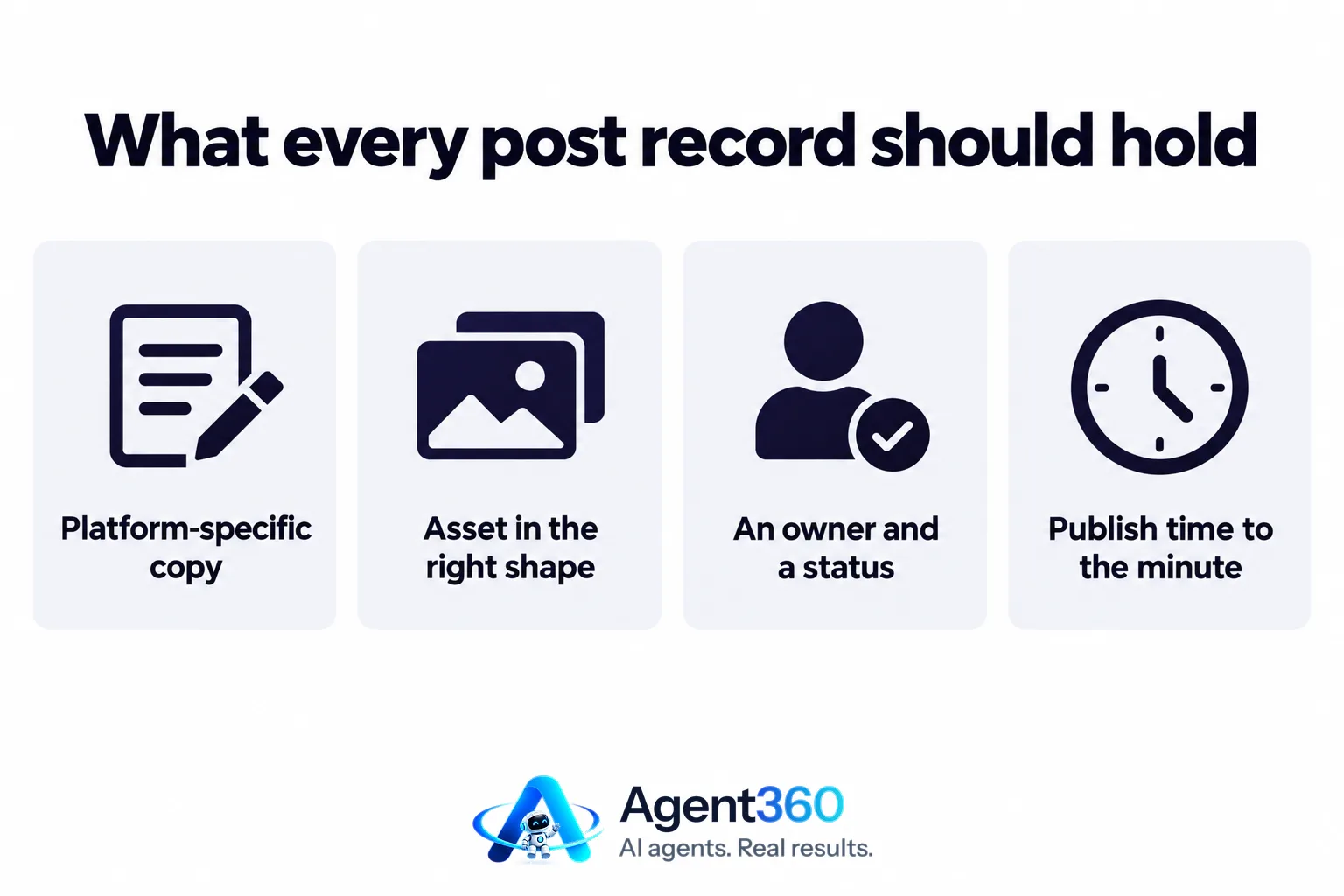
- The platform-specific copy. A LinkedIn post and an X post about the same idea are different texts. If the tool forces one caption across every network, your team will end up pasting workarounds into a spreadsheet beside it.
- The asset. Picture or video attached to the entry, in the right shape for the platform.
- An owner and a status. Draft, in review, approved, scheduled, published, failed. Without an owner field, nobody is accountable for the gap on Thursday.
- A publish time to the minute. Not just a day.
- A content-type tag. You need this for the mix rules further down.
- A place for the goal or link. One line on what the post is supposed to do. Posts with no stated job are the first ones a team cannot defend when budgets get reviewed.
Then look at the view. A person who is not a marketer should be able to see what is going out this week without asking. If the calendar cannot show posts next to the other things happening in the business, such as launches, webinars and sales events, you will end up keeping two calendars.
Test the approval path with your real approver
Scheduling is rarely why a team calendar stalls. A draft sitting with someone who has forty other things to do is. In the trial, put your actual approver through the flow, the sceptical executive or the legal reviewer, and watch what they do. Can they approve from a notification, or must they log into a dashboard they will forget? Can they edit a line directly, or only leave a comment that bounces back to a writer? Does an approved post lock, so nothing changes after sign-off?

If your approval has more than one step, read how to build an approval workflow that doesn't stall before you compare tools. The workflow matters more than the software does. Know which parts of it you are asking the tool to enforce.
Break a post on purpose before you sign
Every tool publishes fine when the demo account is connected and the image is the right size. Ask what happens when it fails: the platform connection expired, the file was rejected, the text was too long for the network. A good answer has three parts. You are told it failed, you are told why, and you can retry in one step. A bad answer is a silent miss that you hear about from a colleague on Monday.
Ask how accounts are connected, too. You should sign in through each platform's own login, not hand over a password. And check who on your team can disconnect an account. That permission matters a lot the day someone leaves.
What is the 4-1-1 rule in social media?
It is a rule of thumb for the mix of what you post: for every six posts, four share or curate other people's useful content, one is your own original content, and one is a promotion. The idea is to avoid being a feed that only sells.
Here is where we would disagree with it. For most B2B teams, four of six posts curating other people's material is the wrong way round. Your own point of view is the thing a buyer cannot get elsewhere. Treat 4-1-1 as a warning against all-pitch feeds, not as a recipe.
For the purchase decision, the point is simpler. Whatever ratio you use, the tool should let you tag each post and see the split across a month. If you cannot filter the calendar by content type and count, you will only learn you drifted to all promotion after the results fade.
What is the 50/30/20 rule for social media?
Versions vary by source, but the common one is roughly half your posts educational or useful, about a third curated or community content, and the remaining fifth promotional. It is the same instinct as 4-1-1 at different proportions: mostly value, a minority of pitch.
Don't buy a tool because it advertises either ratio. Pick one on paper, tag your posts against it, and check monthly. Both are starting points you adjust against your own numbers, and the right pitch share depends on what you sell and how long your sales cycle is. Our guide on value versus pitch covers how to set the mix without guessing.
What the tool must do is make the ratio visible. A calendar with tags, a filter and a monthly count passes. A calendar that only shows a grid fails, whatever the marketing page promises about strategy.
What is the best social media calendar tool?
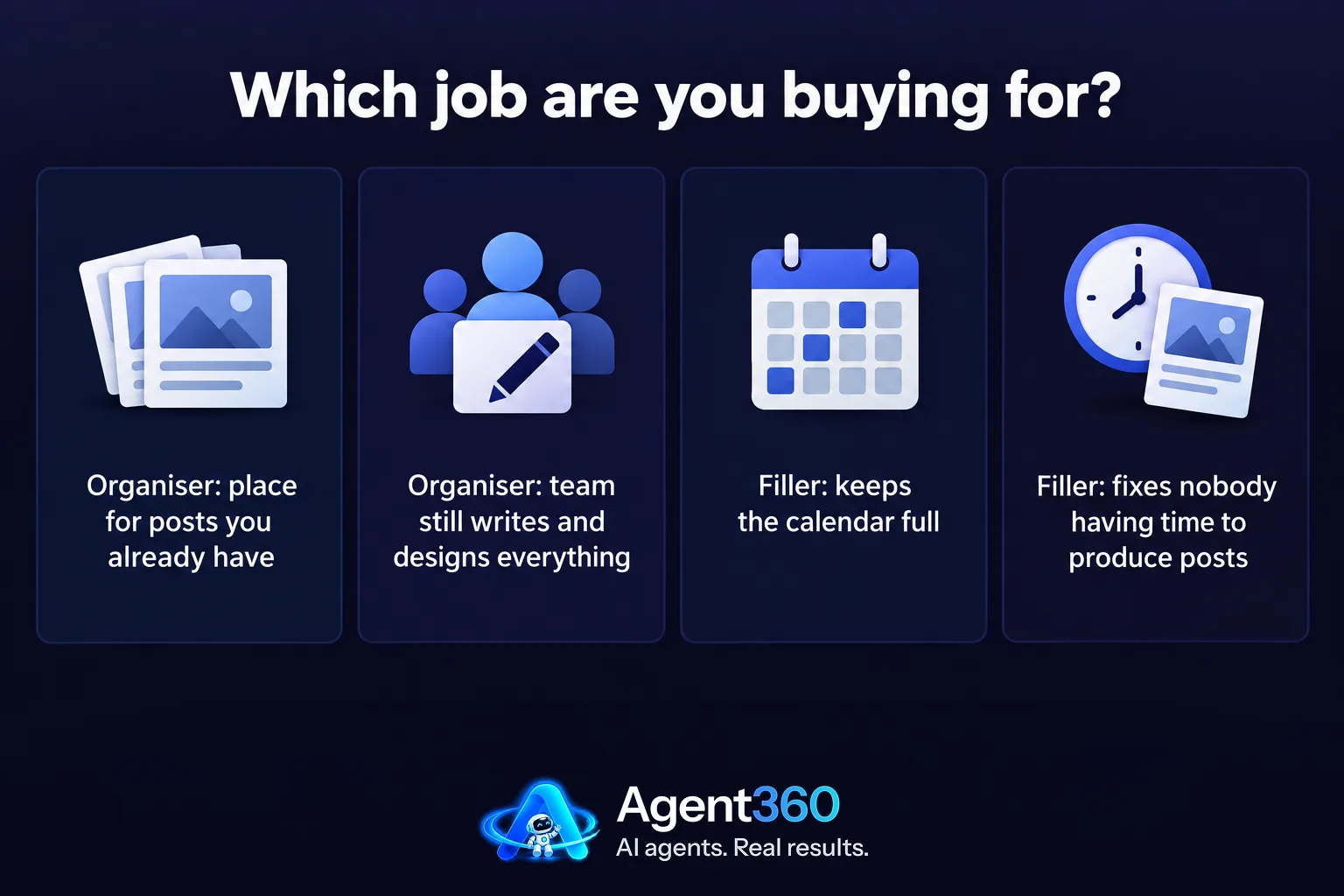
There is no best one in the abstract, and any list that ranks tools without knowing your team is guessing. The useful question is which of two jobs you are buying for:
- A place to organise posts you already have. Someone on your team still writes, designs and cuts every piece. You need a clean calendar, approvals and publishing. Most scheduling tools do this, and the differences are in the fields, permissions and reliability above.
- A way to keep the calendar full. Your problem is not where posts live but that nobody has time to produce them. A better calendar will not fix an empty one.
Be honest about which one you are. If your team already produces more content than it can schedule, buy the organiser and spend the savings elsewhere. If the pattern is a great plan in January and silence by March, read why content creation burns teams out by week six. The tool is not your bottleneck.
Then run a two-week trial with real posts, not the sample content. Load a full fortnight across every platform you actually use, route it through your real approver, and count how many times someone had to leave the tool to get something done. Each exit is a cost you will pay every week.
If the calendar is empty, buy the thing that fills it
BrandAgent is built for the second job. The Scheduler Agent publishes approved posts to LinkedIn, Instagram, YouTube and X at the minute you set, and shows them beside your meetings. When a post fails, it tells you why and offers a one-click retry. The difference from a plain scheduler is upstream: the same system writes each platform's version, draws the picture, cuts clips and makes the videos, and nothing publishes until you approve it. The comparison with scheduling tools lays out the split.
Know the limits before you shortlist it. It does not make carousels, polls or Stories. Facebook Pages are not supported. TikTok gets captions and vertical cuts that you post yourself. Plans start at $97 a month with no contract and no free trial; you begin with a 15-minute call, and the pricing page has the tiers. If you need a calendar for work your team already produces, a plain scheduler is the cheaper answer.
Common questions
Is a spreadsheet enough as a social media calendar?
For one person posting on one or two platforms with a single approver, yes. It stops working when more than a couple of people touch each post, when you need to attach assets, or when posts have to go out on time without someone clicking. Those are the points where a dedicated tool pays for itself.
How long should I trial a calendar tool before buying?
Long enough to push two full weeks of real posts through it, including at least one rejection and one edit by your approver. A shorter test only checks the happy path. If a tool offers no trial, ask for a walkthrough using your own content and approval steps instead of a generic demo.
Should the whole team have access to the calendar?
Everyone who needs to know what is going out should be able to see it, but only a few people should be able to approve or publish. Check that the tool separates view, edit and approve permissions, so a new colleague cannot accidentally push a draft live.
More articles
- Customer Testimonial Posts for LinkedIn That Prove Something
- What AI-Assisted Video Clip Generation Actually Looks Like
- Run a Social Media Content Audit in 90 Minutes
- Get Executives Posting on LinkedIn Without Asking Them to Write
- Managing Social Media for Multiple Clients Without Chaos
- How Startups Should Pick an Instagram Scheduling Tool
- LinkedIn Personal Profile vs Company Page: Post From the Person
- How to Schedule Posts for a Retail Sales Event
