AI Content Calendar: What It Is and How to Build One
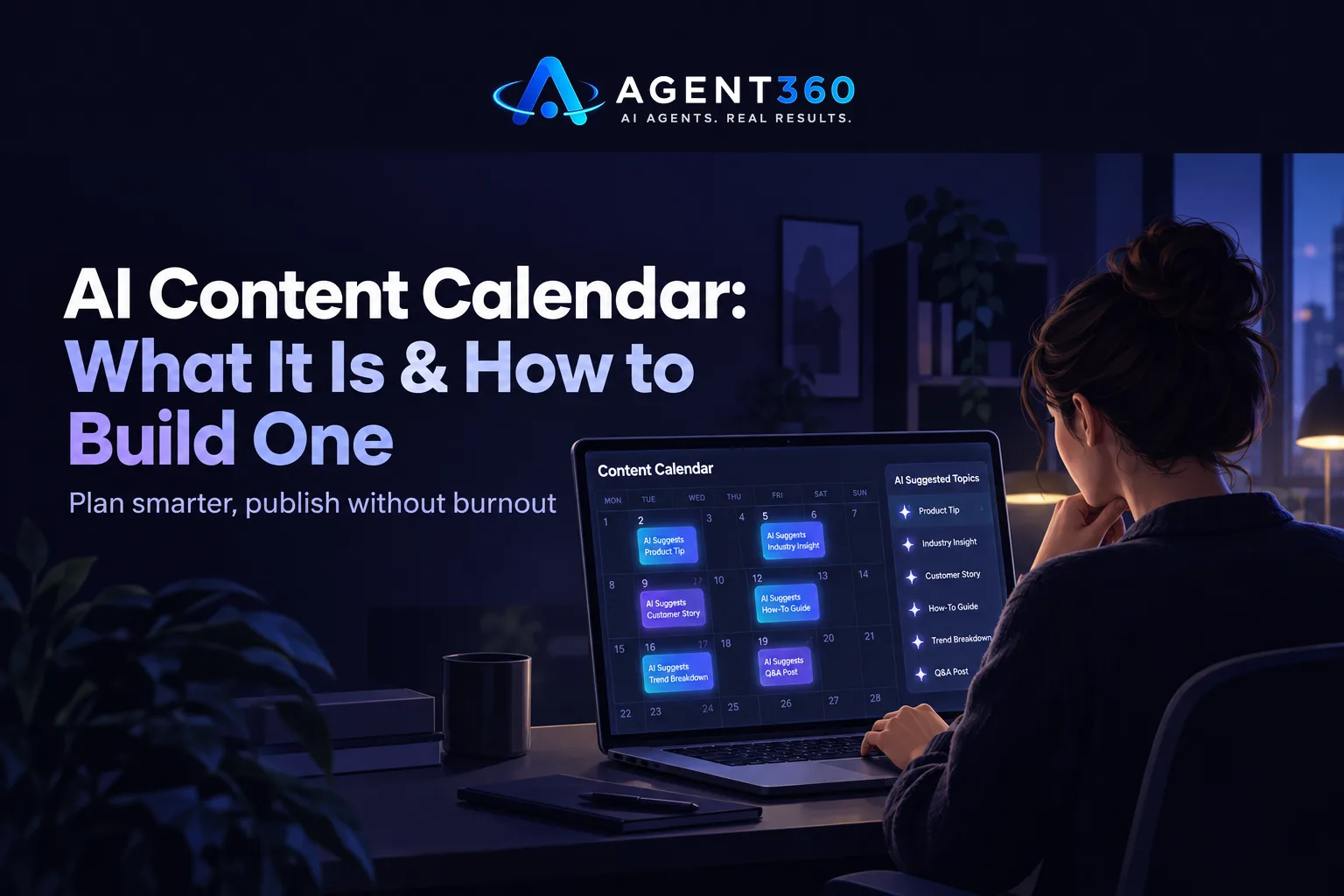
An AI content calendar is a planning system that uses AI to suggest topics, draft posts, and schedule them across your channels — so a small team can keep publishing without hiring someone to do it full-time. It takes the blank-page problem off your plate. Planning becomes a short weekly task instead of a scramble every time a deadline hits.
For a founder running outbound themselves, or a staffing agency owner splitting time between clients and business development, the appeal is obvious. Less time staring at a blank calendar. More time on the work that pays the bills.
This guide walks through what the tool actually does, how to set one up, and where it fits next to the sales work that fills your pipeline.
Key Takeaways
- An AI content calendar handles topic generation, drafting, and scheduling, but still needs a human to approve and fact-check before anything publishes.
- Build the calendar around a handful of recurring themes tied to what your buyers actually search for, not a random topic list.
- Content builds awareness over months; it does not replace the steady, scheduled outreach that founders running their own outbound need for near-term meetings.
- Review and prune the calendar monthly, since AI-generated topic suggestions go stale fast as your market shifts.
- Treat the calendar as one input to pipeline, not the whole plan, if booked meetings are the goal.
Table of Contents
What is an AI content calendar?
It is a scheduling tool with AI built in to handle the ideation and drafting steps, not just the dates. A traditional content calendar is just a spreadsheet or board that tracks what goes out when. An AI version adds a layer on top: it proposes topics based on your industry or past performance, writes a first draft, and slots the result into the schedule automatically.
How is it different from a regular content calendar?
A regular calendar is just a planning document — you still have to come up with every topic and write every piece yourself. An AI version removes the first two steps. Your job shifts from “what do I write about” to “does this draft actually say what I want it to say.”
What tasks does the AI actually handle?
Most tools handle topic suggestions, first drafts, repurposing one piece into several formats, and queueing posts for specific dates and channels. None of them reliably handle fact-checking, your specific claims about your own business, or the judgment call on whether a post is worth publishing at all. That part stays with you.
How do you build an AI content calendar?
Start with a short list of themes tied to what your buyers search for, then let the tool fill in the schedule around them. A calendar built on random AI suggestions drifts off-topic fast; one built on a fixed set of themes stays useful.
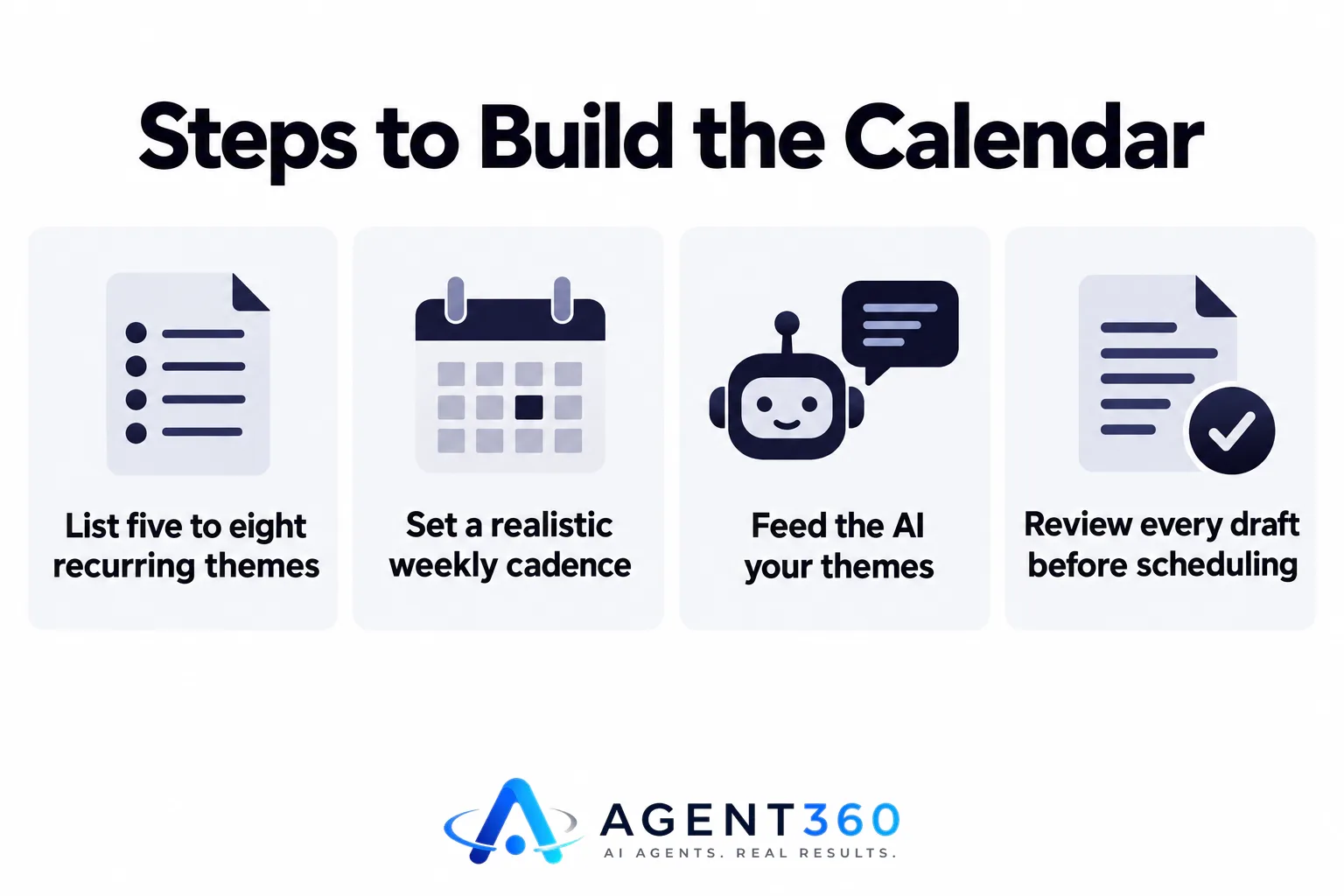
- List five to eight recurring themes. Base these on the questions your prospects actually ask during sales calls, not generic industry trends.
- Set a realistic cadence. One solid post a week beats three thin ones; pick a number you can sustain for three months before you start.
- Feed the AI tool your themes, not a blank prompt. Tools work better when you tell them the angle and audience instead of asking for “content ideas.”
- Review every draft before it schedules. Check specific claims, numbers, and anything that sounds like a promise you cannot back up.
- Track what gets read or shared. Drop themes that go nowhere after a few tries and double down on what gets engagement.
What should a founder or staffing agency actually post?
Post what answers the questions your prospects already ask before they buy. For a B2B founder, that usually means posts about the problem your product solves — not the product itself. For a staffing or recruiting firm, it means posts that speak to hiring managers' actual pain: time-to-fill, candidate quality, the cost of a bad hire — not agency-side process.
Should every post mention your company?
No. Most shouldn't. A calendar that turns into a feed of self-promotion loses readers fast. Save direct mentions of your service for a small fraction of posts, and let the rest earn trust by being useful on its own.
Can an AI content calendar replace outbound prospecting?
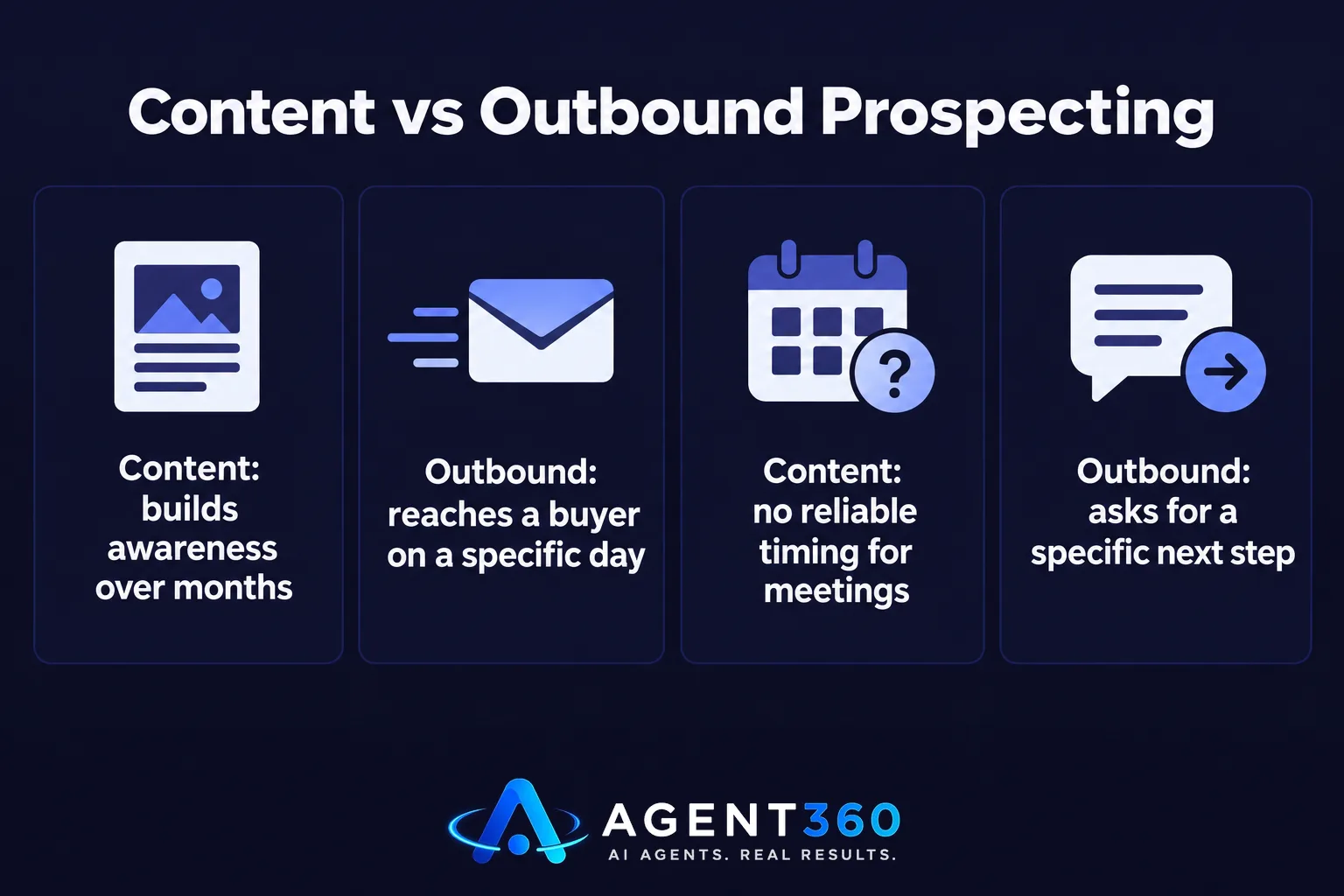
No. Content and outbound solve different timing problems. Content builds awareness and trust over weeks or months, and there's no reliable way to predict when that turns into a meeting. Outbound — email, LinkedIn, phone — reaches a specific buyer on a specific day and asks for a specific next step. If the goal is meetings booked this month, content alone won't get you there; see how the outbound timeline typically plays out before leaning on content as your main pipeline source.
Does posting consistently help outbound at all?
Yes, indirectly. A prospect who checks your LinkedIn or website before replying to a cold email is more likely to take the call if they find something useful there. Content backs up outbound as a trust signal — it's not a substitute for the outreach itself.
How do you keep a content calendar consistent?
Protect a fixed block of time each week for review, and automate everything else. Calendars usually fail not because the AI stops generating ideas, but because the human review step gets skipped under deadline pressure. Quality drops, and the whole thing quietly gets abandoned.
What's the most common reason these calendars get dropped?
Founders and agency owners usually stop because content pulls time away from client work or active deals, with no guaranteed return. Keeping the time block small and fixed — thirty minutes a week to approve drafts, not write from scratch — is what keeps the habit alive past the first month. For more on structuring this without burning hours, see these practical guides.
Keep Your Pipeline Moving While Your Content Builds
A content calendar earns attention over time. It won't book a meeting next Tuesday. If pipeline needs to move now, outbound is the lever that works on a schedule you control.

Agent360's platform runs multi-channel outreach across LinkedIn, email, and phone, with one triple-verified lead included for every email sent and unlimited seats on every plan. For teams that want outreach run end to end, the VIP Done-For-You option puts a dedicated GTM engineer and strategist on the account for $2,000/mo plus $250 per booked meeting — your team just takes the calls.
See how outreach fits alongside your content plan on the outreach product page.
Frequently Asked Questions
Does an AI content calendar write accurate posts on its own?
No. AI tools draft content based on patterns in existing text, so they can get specific facts, numbers, or claims about your business wrong. Every draft needs a human read-through before it goes out.
How many posts a week should a small team aim for?
There's no fixed number that works for every business. Pick a cadence you can sustain for at least three months without skipping weeks — consistency matters more than volume.
Can one person run an AI content calendar alongside sales work?
Yes, if the review step stays short and scheduled. The AI handles drafting and scheduling; the bottleneck is almost always human approval time, and a fixed weekly block solves that.
Is an AI content calendar worth it for a staffing agency?
It can help, if the content speaks to hiring manager pain points rather than internal agency process. It won't replace the client meetings that direct outreach generates.
What's the difference between content marketing and outbound for booking meetings?
Content attracts interest over time, with no fixed timeline for results. Outbound reaches a named prospect on a specific day and asks for a meeting directly — that's what makes it the more predictable lever when pipeline needs to move now.
More articles
- Automotive Repair Marketing: Winning B2B Fleet Accounts
- Content Automation SEO: What It Can Actually Do
- How to Show Up in AI Overviews When Prospects Google You
- How to Appear in Google's AI Overviews
- White Label GEO: What It Means and How to Buy It
- Auto Repair Shop Marketing: What Actually Brings In Customers
- How Many Connection Requests Can You Send on LinkedIn?
- Google Business Profile Optimization: A Practical Guide
