Sourcing Tools for Recruiters: What to Use and Why
Sourcing tools find, qualify, and reach candidates before they ever apply. That covers resume databases, Boolean search add-ons, contact-data enrichment, and outreach sequencers built to put a message in front of someone who isn't actively job hunting.
Most staffing and recruiting teams end up running three or four of these at once: one for finding people, one for getting their contact details, one for tracking the pipeline, one for the back-and-forth once a candidate replies. The confusion isn't usually about what a single tool does. It's about where sourcing ends and tracking begins, and why an ATS and a CRM aren't the same thing.
This guide breaks down the categories, what to prioritize first, and how candidate sourcing sits next to the other half of agency growth: keeping client meetings on the calendar.
Key Takeaways
- Sourcing tools find and contact candidates; an ATS tracks them through a hiring process; a CRM holds relationships with people you're not actively placing yet.
- Start with one sourcing method you can run consistently before adding a second or third tool.
- Data enrichment and outreach sequencing matter more for passive candidates than for applicants who already came to you.
- An agency's growth depends on two pipelines at once — candidates and new client meetings — and staffing agencies often underinvest in the second one.
- Check how a tool handles reply-tracking and follow-up before adding it to your stack; a system nobody checks daily won't get used.
Table of Contents
What Are Some Sourcing Tools?
Sourcing tools fall into a handful of categories: resume and profile search, contact-data enrichment, Boolean and X-ray search extensions, and outreach sequencers that automate the first message. Each one solves a different step of finding someone who isn't actively applying.
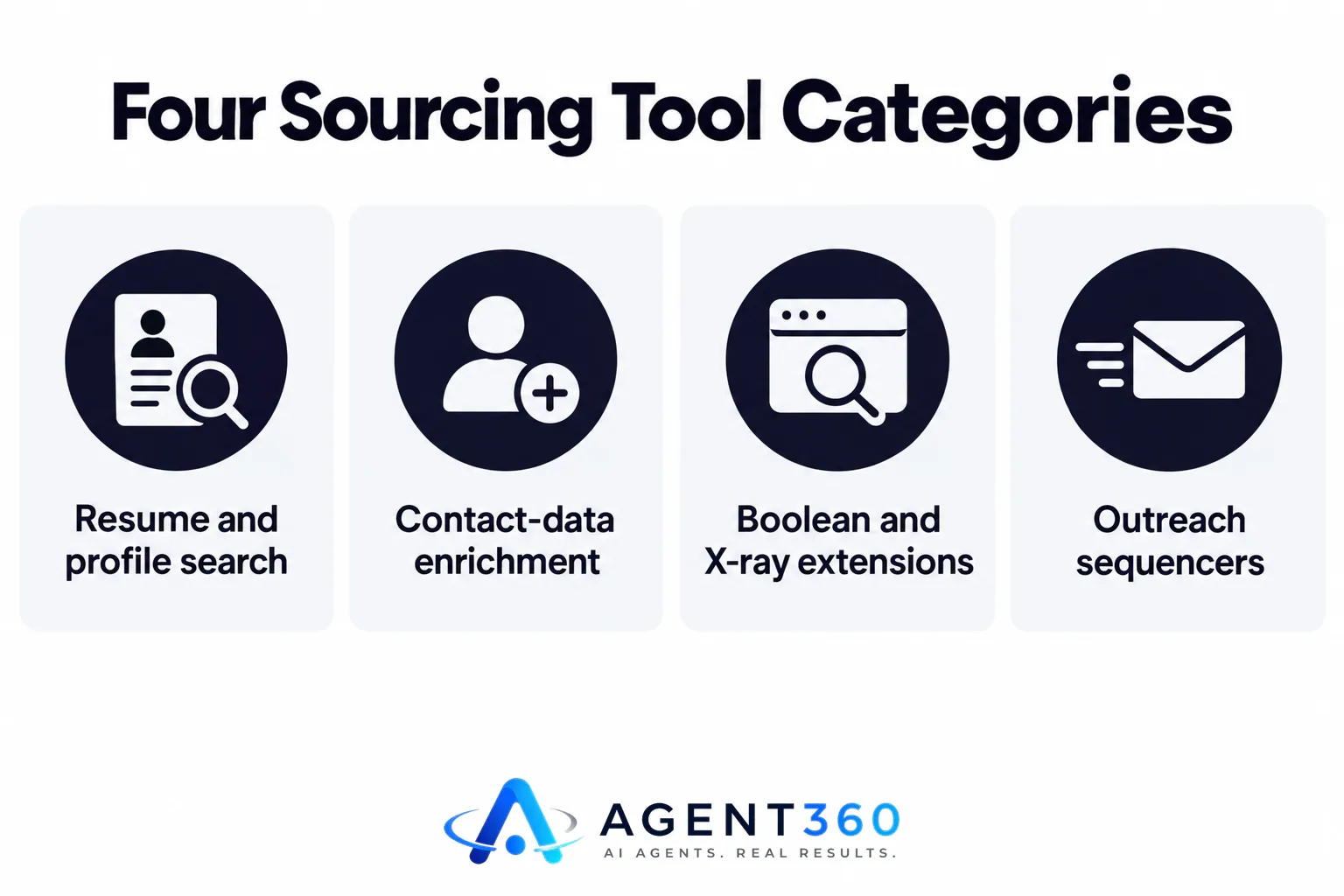
Resume and profile search tools let you search a database of candidates by title, skill, or location. Enrichment tools take a name or profile and return a verified email or phone number. Boolean and X-ray extensions help you search public profiles and job boards with more precision than a basic keyword search. Outreach sequencers automate the follow-up messages, so a candidate who doesn't answer the first note still gets a second and third touch.
Do I need all of these at once?
No. Most agencies start with one search method and one way to get contact details, then add a sequencer once they're sourcing enough volume that manual follow-up starts slipping. Adding tools before the workflow is consistent usually just adds subscription cost without adding placements.
What Are the Best Tools for Sourcing Candidates?
The best sourcing tool is the one that matches how your roles actually get filled — database search for high-volume roles, Boolean and network search for niche or senior roles, referral or community sourcing where trust matters more than reach. There isn't one tool that fits every desk.
High-volume, lower-skill roles usually fill faster from a searchable candidate database with filters on location, availability, and certifications. Specialized or senior roles usually need direct outreach to passive candidates, and that depends more on message quality and follow-up than on database size. Niche technical or regulated roles often move fastest through referral networks and communities where candidates already trust the source.
What's the difference between sourcing and recruiting software?
Sourcing software finds and contacts candidates. Recruiting software is the broader term — it includes sourcing plus the systems that manage the hiring process once someone is in your pipeline: screening, scheduling, and tracking status through to placement.
What Are the Top 10 Recruiting Tools?
A full recruiting stack usually covers ten functions: database search, contact enrichment, an ATS, a candidate CRM, outreach sequencing, interview scheduling, screening or assessment, reference checking, a texting channel, and reporting. Not every agency needs a separate tool for each one. Some ATS and CRM platforms bundle several of these together.
- Candidate database search. Finds people by title, skill, or location.
- Contact enrichment. Turns a name or profile into a verified email or phone number.
- Applicant tracking system. Moves candidates through stages from application to placement.
- Candidate relationship management. Holds passive candidates and talent pools you're not actively placing yet.
- Outreach sequencing. Automates follow-up messages to candidates who don't reply right away.
- Interview scheduling. Removes the back-and-forth of finding a time that works.
- Screening or assessment. Pre-qualifies skills or fit before a hiring manager gets involved.
- Reference checking. Automates or speeds up the verification step before an offer.
- Texting. Reaches candidates on the channel they actually check.
- Reporting. Shows time-to-fill, source of hire, and where candidates drop out.
What Are ATS and CRM Tools?
An ATS tracks candidates through an active hiring process; a CRM tracks relationships with candidates and contacts you'll want to reach again later, whether or not they're in an active search right now. The two overlap in some platforms, but they solve different problems.
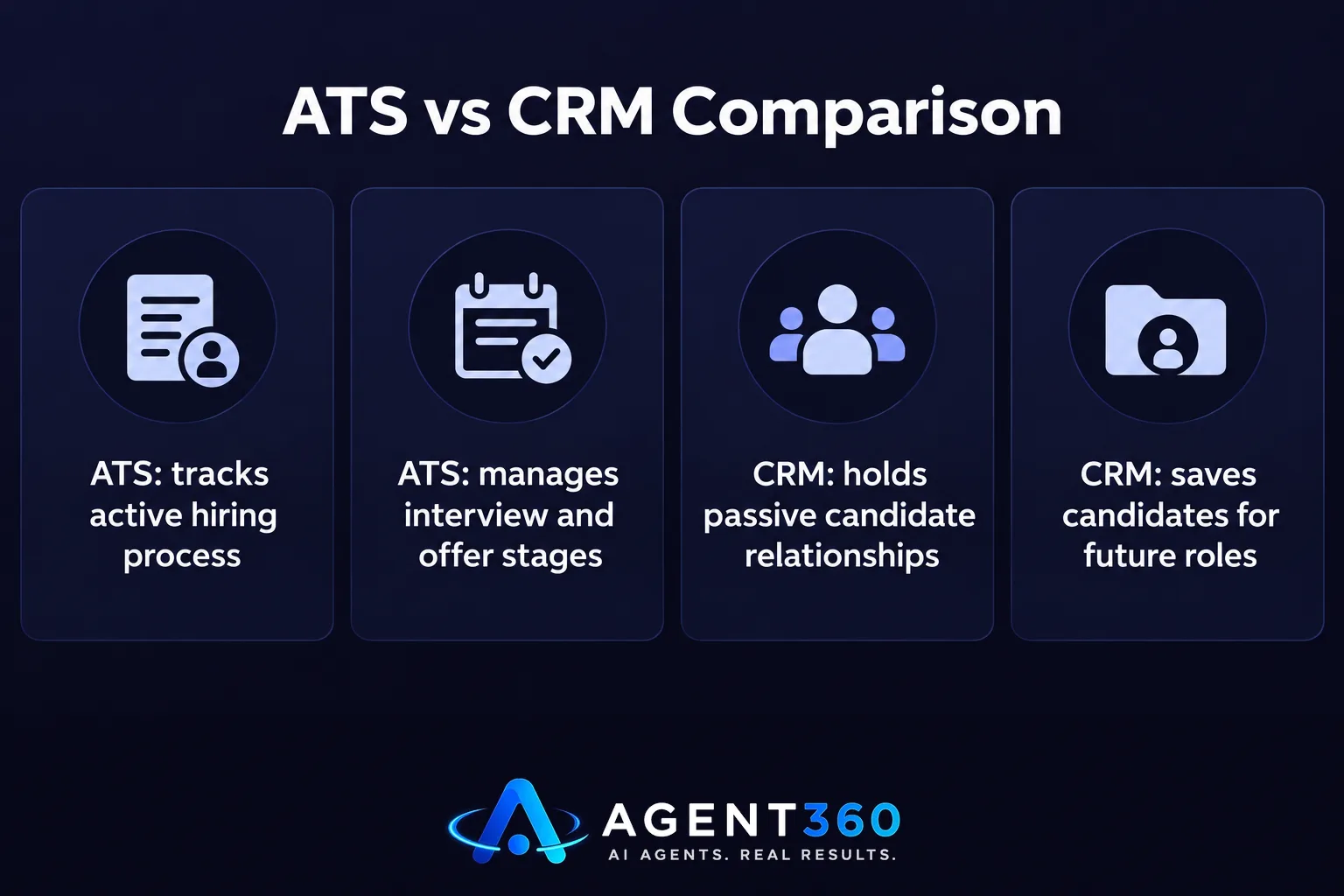
An applicant tracking system exists for the job you're filling today: who applied, what stage they're in, who's scheduled for an interview, who got an offer. A candidate relationship management system exists for the job you might fill next quarter — the strong candidate who wasn't right for this role but could be perfect for the next one, the passive contact who said “not now” six months ago.
Do I need a CRM if I already have an ATS?
If your agency places the same type of role repeatedly, yes. A CRM saves you from re-sourcing candidates you've already found once. Without one, strong candidates who didn't get placed tend to disappear from view the moment a role closes.
Keep the Client Pipeline Moving While You Source
Candidate sourcing fills one side of a staffing agency's pipeline. The other side — new clients with open roles to fill — depends on consistent outbound to hiring managers, and that's easy to let slide while recruiters are heads-down on active searches.

Agent360 runs that side for agencies in two ways. The Agent360 Platform gives your team in-house outbound with leads included, an email and LinkedIn sequencer, a parallel dialer, and a CRM with unlimited seats, starting from $99/mo. For agencies that want it handled end to end, VIP Done-For-You Outbound runs the full client outreach motion with a dedicated GTM engineer and strategist, so recruiters stay on searches instead of chasing meetings.
Either way, the goal is the same: new client meetings on the calendar without pulling a recruiter off candidate work. See how it fits a staffing desk at our page for agencies.
Frequently Asked Questions
What are some sourcing tools?
Sourcing tools include candidate database search platforms, contact-data enrichment tools, Boolean and X-ray search extensions, and outreach sequencers that automate follow-up messages to passive candidates.
What are the best tools for sourcing candidates?
The best tool depends on the role: database search works well for high-volume roles, direct outreach and Boolean search work better for senior or niche roles, and referral or community sourcing often wins for roles where trust matters most.
What are the top 10 recruiting tools?
A full stack typically covers database search, contact enrichment, an ATS, a candidate CRM, outreach sequencing, interview scheduling, screening or assessment, reference checking, texting, and reporting — though many platforms bundle several of these together.
What are ATS and CRM tools?
An ATS tracks candidates through an active hiring process from application to placement. A CRM holds relationships with candidates and contacts you may want to reach again later, even if they're not in an active search right now.
Do I need a separate CRM for candidates and for clients?
Most agencies run two separate CRMs because the data and purpose differ: one tracks candidate relationships for future roles, the other tracks hiring-manager contacts and outreach for new business.
How do I pick a first sourcing tool if I don't have one yet?
Start with whichever step is slowest today — finding candidates, getting their contact details, or following up consistently — and pick a tool for that single step before adding more to the stack.
More articles
- Missed Call Text Back: How It Turns Lost Calls Into Jobs
- Who Can Automate My Content and SEO in One System?
- Best Done-For-You Marketing Agency for Mechanics?
- What a Social Media AI Content Creator Actually Does
- How to Appear in AI Search Results Across Platforms
- Whitelabel GEO: What to Check Before You Resell It
- Applicant Tracking System for Small Business: A Buyer's Guide
- MSP Appointment Setting: What It Actually Costs
