Skylead vs Dripify: Which LinkedIn Tool Fits Your Team?

Skylead and Dripify both automate LinkedIn outreach — connection requests, follow-ups, basic email sequences, all running on autopilot. The real split between them is depth. Skylead leans into multi-channel sequencing with conditional branches. Dripify stays simple and cheap, built for teams that just want steady LinkedIn activity without a learning curve.
Neither one is a full outbound system by itself. Both run through your personal LinkedIn account, and that means both carry the same risk: push the volume too hard and LinkedIn restricts the account, not just the tool sitting on top of it.
Here's what each one actually does, where people look next when neither fits, and what to check before you hand over a monthly fee to any LinkedIn automation tool.
Key Takeaways
- Skylead supports more complex, multi-step sequences across LinkedIn and email; Dripify is simpler and leans LinkedIn-only.
- Both tools run through your personal LinkedIn account, so daily action limits and account safety matter more than feature lists.
- No LinkedIn automation tool replaces a prospecting and CRM system — check how the major tools compare before you commit.
- Free alternatives to LinkedIn Sales Navigator exist but trade off search depth and filters.
- Waalaxy offers a free tier, but it caps the volume you can send without upgrading.
Table of Contents
Skylead vs Dripify: Which One Should You Use?
Skylead fits teams that want branching, multi-channel sequences; Dripify fits teams that want simple, LinkedIn-first outreach at a lower price. It comes down to how complicated your outreach needs to get, and how much of it you actually want to manage.
What does Skylead do differently?
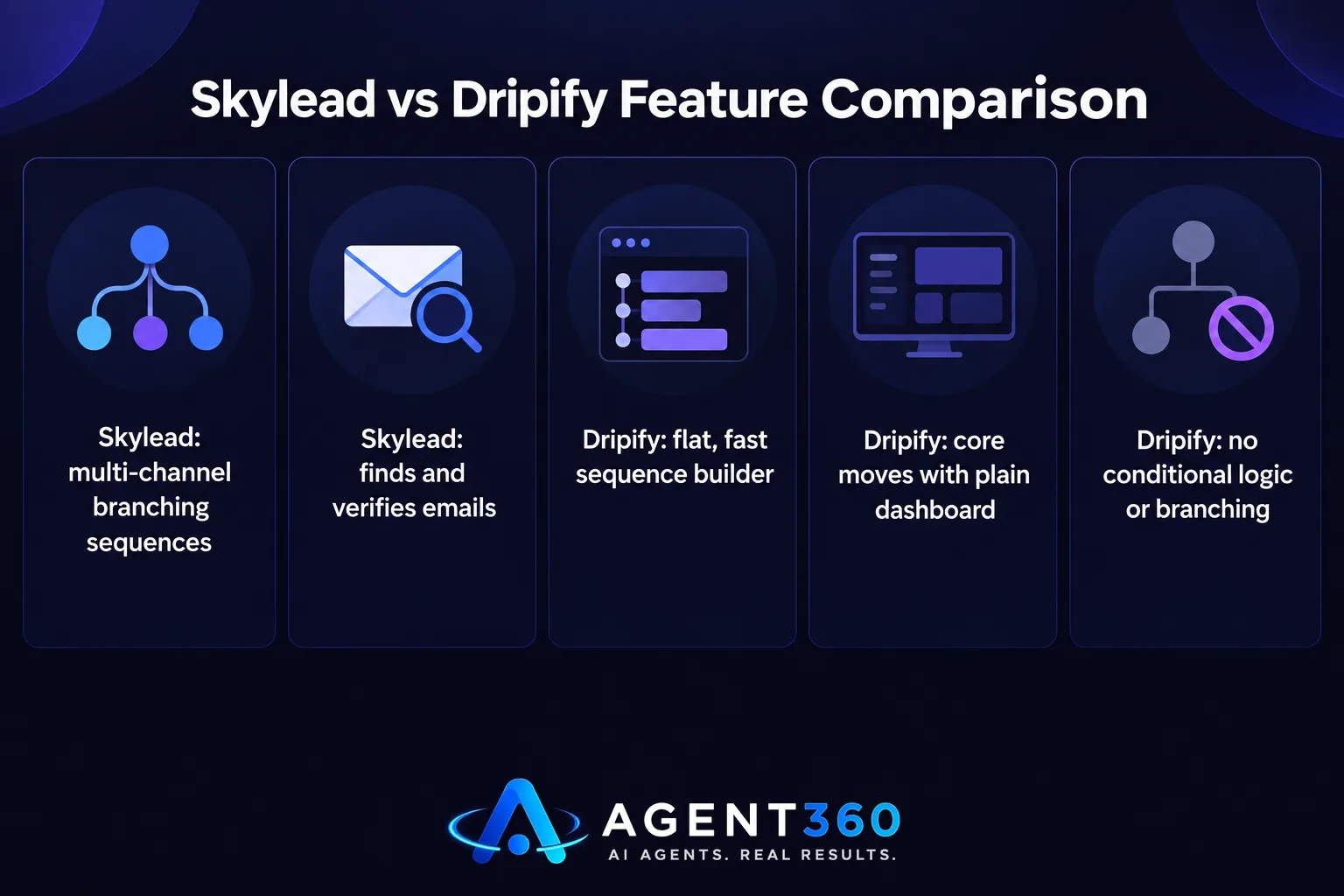
Skylead builds sequences that branch based on what a prospect does — a different message fires if someone views your profile than if they accept your connection request. It also finds and verifies emails, so a sequence can slide from LinkedIn to inbox without you switching tools midway.
What does Dripify do differently?
Dripify keeps the sequence builder flat and fast to set up. It covers the core moves — connection requests, messages, profile views, endorsements — and reports on them in a plain dashboard. No conditional logic, no branching. For teams that don't need that complexity, the simplicity is the whole point.
What Are Some Alternatives to Dripify?
The main alternatives are Expandi, HeyReach, Waalaxy, and Skylead itself, each trading off price, safety controls, and complexity differently. Where you land depends on what you're actually optimizing for.
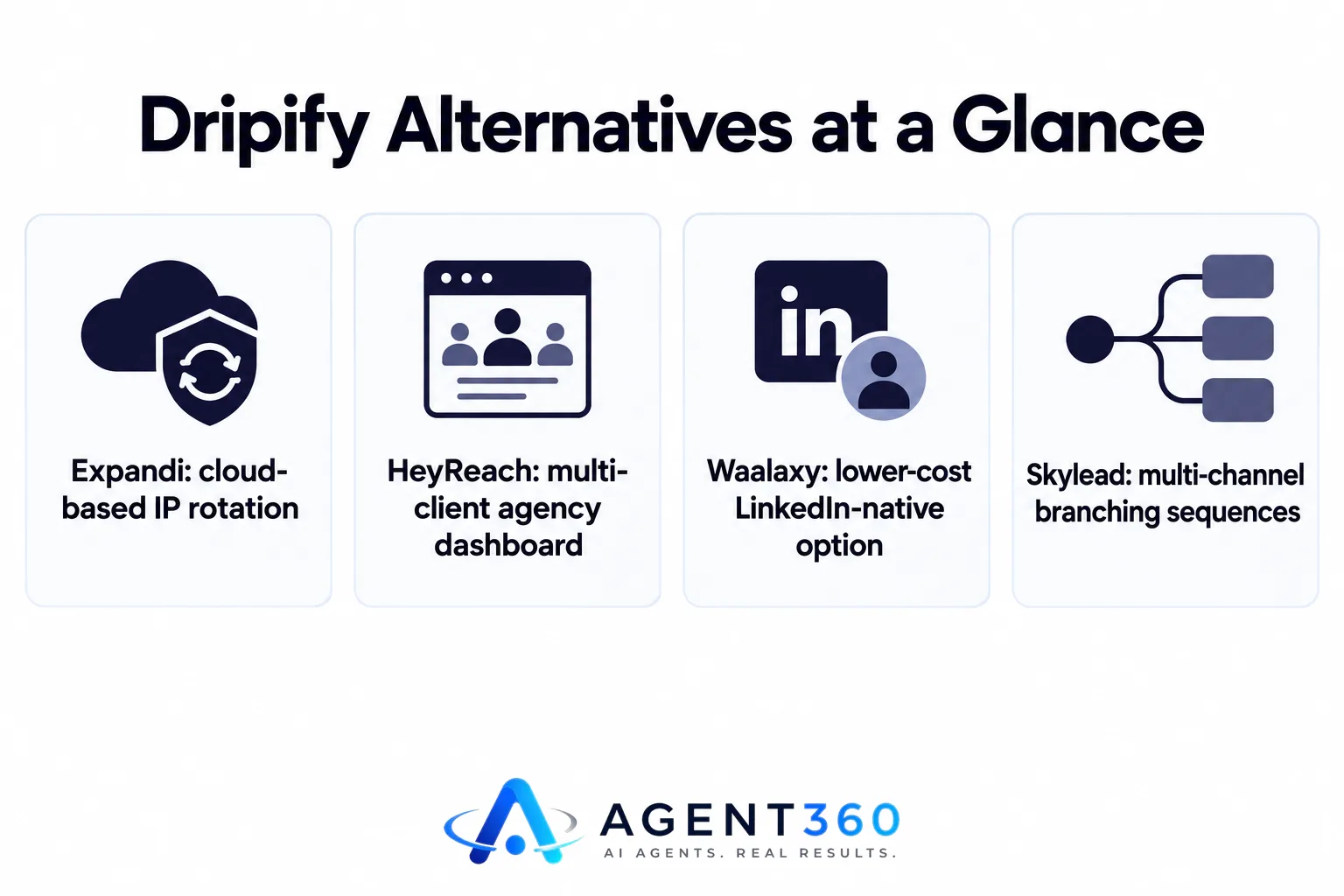
- Expandi is built around cloud-based IP rotation and is often compared directly against Dripify for account safety — see the Dripify vs Expandi breakdown.
- HeyReach is built for agencies running LinkedIn outreach across multiple client accounts from one dashboard.
- Waalaxy is the lower-cost, LinkedIn-native option many teams try first — compare it directly in Waalaxy vs Dripify.
None of these handle email deliverability, phone outreach, or pipeline tracking on their own. If your outbound needs more than LinkedIn messages, that gap starts to matter fast.
What Are the Top LinkedIn Automation Tools to Consider?
Skylead, Dripify, Expandi, HeyReach, and Waalaxy cover most of what teams search for, but they differ sharply on safety controls and channel coverage. A full side-by-side, including where each tool sits on price and risk, is laid out in the comparison of the best LinkedIn automation tools.
What should you actually compare between them?
Compare daily action limits, whether the tool runs in the cloud or through a browser extension, and whether it sends email alongside LinkedIn. Browser-extension tools generally carry more account risk than cloud-based ones — the activity pattern reads less like a real person using LinkedIn and more like a script.
Is There a Free Alternative to LinkedIn Sales Navigator?
Not a direct one. Free tools can search and filter LinkedIn, but none match Sales Navigator's saved searches, lead lists, and advanced filters. LinkedIn's own basic search, plus the free tier of tools like Waalaxy, can get you started — but they search a smaller slice of LinkedIn's data and cap how many profiles you can save or message.
If you need accurate contact data at volume rather than manual searching, a dedicated prospecting tool built around verified leads usually beats stretching a free search tool past where it was meant to go.
Is Waalaxy Free?
Waalaxy has a free plan, but it caps the number of LinkedIn actions you can send each week. That pushes active users toward a paid tier fast. The free plan is fine for testing whether LinkedIn outreach even fits your process. Once you're sending consistently, though, the weekly cap becomes the limiting factor — not the tool's features.
What should you check before upgrading any of these tools?
Check LinkedIn's own guidance and general outreach limits before scaling any automation tool. Exceeding a safe daily or weekly volume is what triggers account restrictions, not the brand of software you're running. The LinkedIn outreach limits guide covers the ranges worth staying under.
Take the Next Step With a Full-Funnel Outbound System
Skylead, Dripify, and tools like them automate one channel. If the goal is booked meetings rather than LinkedIn activity for its own sake, you eventually need prospecting, outreach, and a CRM working off the same data — not three subscriptions bolted together with nothing shared between them.

Agent360's platform runs email and LinkedIn sequencing alongside a parallel dialer and CRM tools, with unlimited seats on every plan starting at $99/mo, and one triple-verified lead included for every email sent. For teams that would rather hand the work off entirely, the VIP done-for-you option runs outbound end to end with a dedicated GTM engineer and strategist for $2,000/mo plus $250 per booked meeting.
Check what's included at each tier on the pricing page before you decide which way to go.
Frequently Asked Questions
What are the top 10 LinkedIn automation tools?
The most commonly compared tools are Skylead, Dripify, Expandi, HeyReach, Waalaxy, Aimfox, Lemlist, Zopto, Meet Alfred, and Linked Helper. Coverage and pricing change often, so check a current side-by-side rather than relying on a fixed list.
What are the best LinkedIn automation tools for 2026?
The tools worth shortlisting are the same core group — Skylead, Dripify, Expandi, HeyReach, and Waalaxy — but the right pick depends on whether you need multi-channel sequencing, agency-level account management, or just simple LinkedIn-only outreach.
Is waalaxy free?
Waalaxy has a free plan, but weekly sending caps make it mainly useful for testing LinkedIn outreach before committing to a paid tier.
Is there a free alternative to LinkedIn Sales Navigator?
No free tool fully replicates Sales Navigator's saved searches and advanced filters. Basic LinkedIn search and free tiers of automation tools can approximate some of it, but with less data depth.
Do I need a CRM alongside a LinkedIn automation tool?
Yes, if you want to track replies and pipeline beyond a single channel. LinkedIn automation tools log message activity but rarely give you full deal tracking, which is where a connected CRM matters.
Can I run both LinkedIn and email outreach from one tool?
Some tools like Skylead layer basic email into their sequences, but dedicated outbound platforms handle both channels with shared deliverability and reply tracking, which is worth checking before you run two disconnected systems.
More articles
- Cold Email for Recruiters: What Actually Works
- MSP Lead Generation Services: What to Look For
- AI Dialer: What It Actually Does and What to Check First
- Unlimited Seats Sales Software: What to Buy and Why
- Cold Email and LinkedIn Sequencer: What to Look For
- Staffing Agency Lead Generation: A Practical Playbook
- AI SDR for Staffing Agencies: What to Look for Before You Buy
- Otter.ai Alternative: What Sales Teams Need Beyond Notes
