Instantly vs Smartlead: Which Cold Email Tool Wins?
Instantly and Smartlead are the two cold email platforms most outbound teams shortlist first, and the honest answer is neither one wins outright. The right pick depends on how many inboxes you're running, how much you care about built-in deliverability tools, and whether you need anything past sending email.
Both platforms exist to solve the same core problem: get a growing number of cold emails out of a growing number of inboxes without tripping spam filters. Where they diverge is in warm-up controls, pricing structure, and how much of the sending infrastructure they manage for you versus leave to you.
This comparison walks through the practical differences, who each tool tends to fit, and where a founder or staffing firm owner runs into the limit of what either one can do for a sales process that needs more than sent email.
Key Takeaways
- Instantly and Smartlead are both email-sending platforms; neither books meetings or manages your pipeline on its own.
- Pick based on how many inboxes and domains you plan to run, not on brand reputation alone.
- Check each platform's current warm-up and deliverability settings directly, since these change often and neither company publishes a fixed daily send limit.
- If your outbound needs LinkedIn and phone too, compare Instantly vs Smartlead against a multi-channel option before you commit to either.
- A tool that sends email well still leaves prospecting, booking, and CRM tracking as separate problems to solve.
Table of Contents
What's the core difference between Instantly and Smartlead?
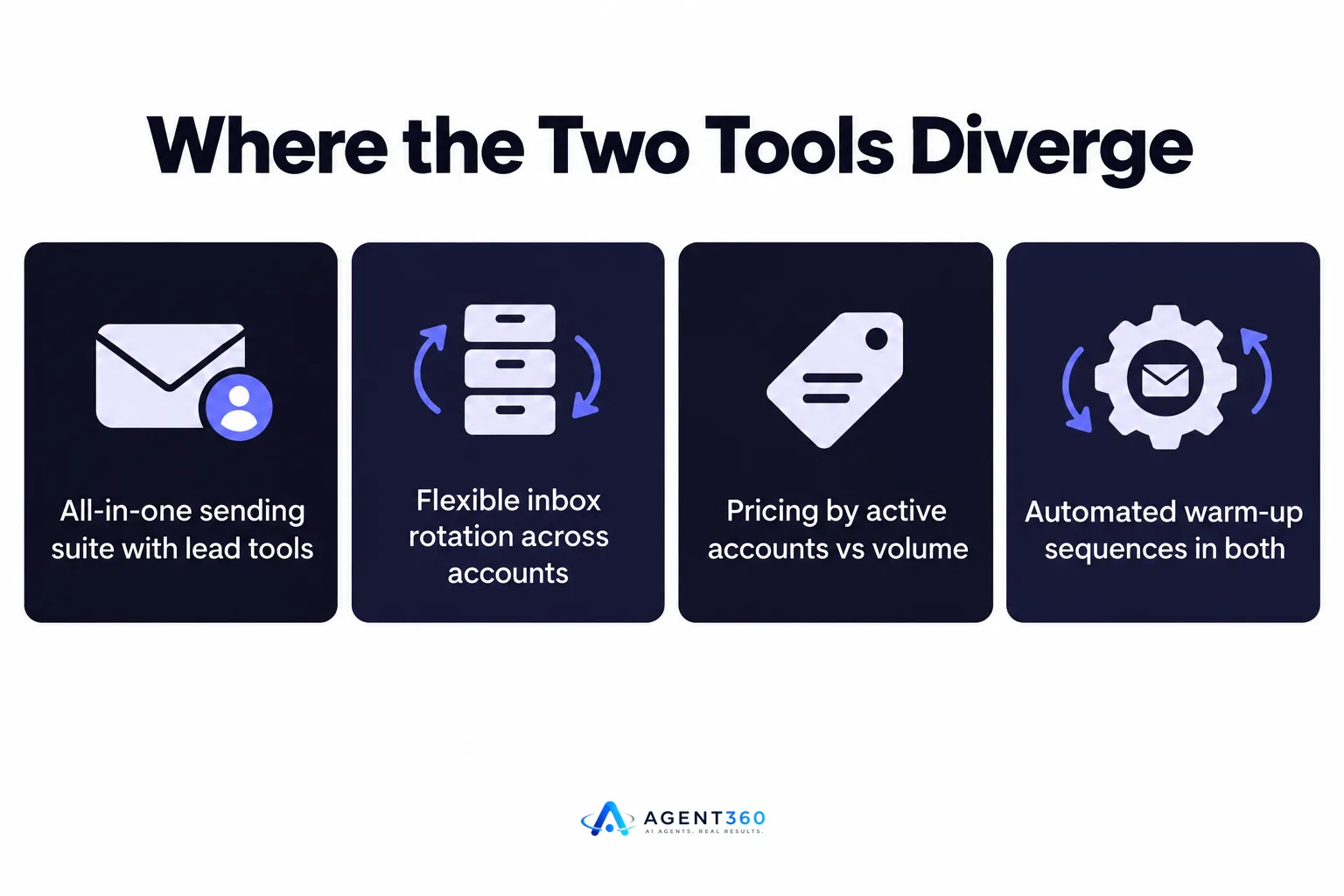
Both send cold email at volume, but they differ in how much inbox and warm-up management is built in versus handled by you. Instantly leans toward an all-in-one sending suite with lead list tools bundled in. Smartlead is built around flexible inbox rotation across a large number of connected accounts, which teams managing several client campaigns tend to notice first.
How do they handle inbox warm-up?
Both platforms run automated warm-up sequences that send and reply to seed emails to build sender reputation before cold sends start. The exact thresholds and pacing each one uses change as spam filters evolve, so check each platform's current help documentation rather than relying on a number from last year's blog post.
How does pricing structure differ?
Instantly's plans are generally built around the number of active email accounts and contacts stored. Smartlead's plans scale more directly with email volume and the number of mailboxes connected. Neither public pricing page guarantees a specific reply rate or deliverability outcome, so treat the cost comparison as a sending-capacity decision, not a results guarantee.
Which tool fits a founder running outbound alone?
A solo founder usually needs the simpler setup, which tends to be whichever tool has fewer configuration steps for a small number of inboxes. If you're sending from one or two domains and a handful of mailboxes, the warm-up defaults and list management in either tool will likely cover you. The deciding factor becomes how much time you want to spend building the rest of the pipeline yourself.
What's missing once email is sent?
Neither tool finds your buyers, calls prospects, or books the meeting on your calendar. A founder running outbound solo still has to source the list, handle replies, and move interested prospects into some kind of pipeline tracking, all outside the sending tool.
How do I evaluate which one to choose?
Walk through inbox count, deliverability controls, and integration needs before you compare price. The steps below apply whether you're a solo founder or a staffing firm running outbound for several open roles at once.
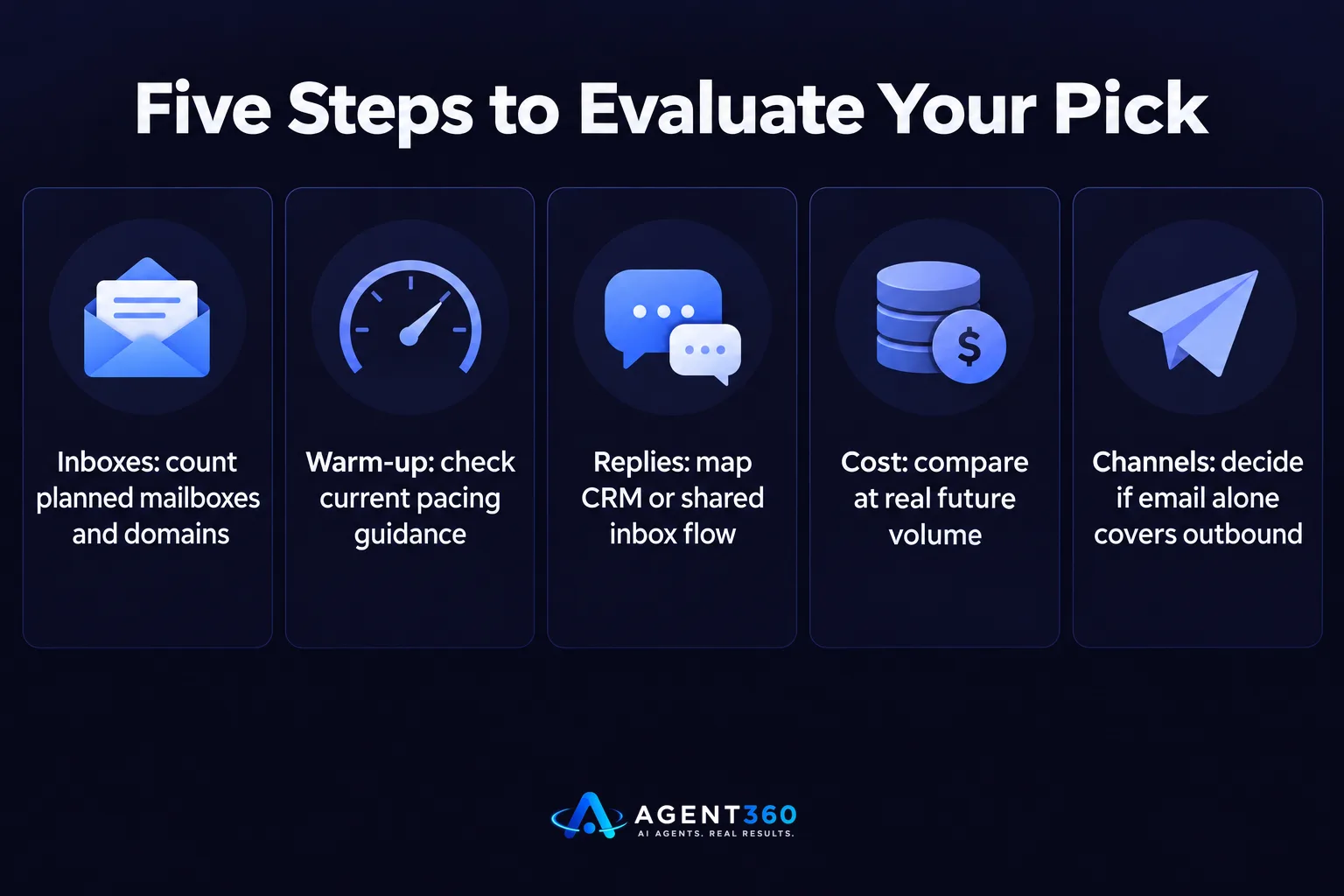
- Count your planned inboxes and domains. If you're scaling past a handful of mailboxes, check how each platform handles multi-domain rotation and whether that changes the plan tier you need.
- Check current warm-up and sending guidance. Read each platform's own help pages for pacing recommendations, since these are updated as mailbox providers change their spam filtering.
- Map your reply handling. Decide whether replies need to flow into a CRM or a shared inbox, and confirm each tool's export or integration options cover that.
- Compare total cost at your real volume. Price out both platforms at the inbox count and send volume you expect in three months, not just where you start.
- Decide if email alone covers your outbound. If your buyers also need a LinkedIn touch or a phone call, factor that gap into the decision now rather than after you've built campaigns in one tool.
Do either tool book meetings or manage your pipeline?
No, both stop at getting the email delivered and the reply captured. Instantly and Smartlead are built for sending, not for qualifying a reply, scheduling a call, or tracking a deal from first touch to closed-won. For a lot of outbound setups that's fine, because the sending tool connects to a separate CRM. For a founder trying to avoid hiring a full sales operation, that gap means stitching together a sending tool, a calendar tool, and a tracking spreadsheet by hand.
What should I check before I add a separate CRM?
Confirm the sending tool can push replies and reply status into whatever you use to track deals, whether that's a full CRM or a shared sheet. Knowing where every open conversation stands matters more than the sending tool's send volume once you're actually booking calls.
Take the Next Step Beyond Sending Email
Instantly and Smartlead both answer the question “how do I send more cold email,” but neither answers “how do I turn replies into booked meetings without hiring an SDR.” That's a different problem, and it's the one Agent360 is built around.

Agent360 pairs AI prospecting that finds buyers and flags buying signals with multi-channel outreach across LinkedIn, email, and phone, then books the meeting straight onto your calendar and tracks the deal in built-in CRM tools. It's the layer that sits on top of sending volume, not a replacement for picking a good sending tool.
If you've already weighed Instantly against Smartlead and want to see how a full outbound stack compares, look at Agent360 vs Instantly or book a demo to see the meeting-booking layer in action.
Frequently Asked Questions
Is Instantly or Smartlead better for deliverability?
Both run automated warm-up and offer deliverability controls, and either can perform well or poorly depending on your domain setup and sending pace. Check each platform's current documentation rather than a fixed claim, since deliverability depends heavily on your own domain reputation and list quality, not just the tool.
Can I use Instantly or Smartlead for LinkedIn outreach?
Neither platform is built as a LinkedIn sending tool; both focus on email. If your outbound needs a LinkedIn touch alongside email, you'll need a separate tool or a platform that covers both channels in one place.
Do Instantly and Smartlead integrate with a CRM?
Both offer integrations and export options to push leads and replies into common CRMs, though the exact list of native integrations changes over time. Confirm the specific integration you need is listed on the platform's current integrations page before you commit.
How many inboxes do I need to run either tool at scale?
There's no single published number that applies to every sender, since safe sending volume depends on domain age, warm-up pacing, and list quality. For a closer look at how sending volume and inbox count interact, see cold email volume guidance.
Which tool is better for an agency or staffing firm managing multiple clients?
Staffing firms and agencies running several campaigns at once tend to value whichever platform makes multi-account and multi-domain management simplest to administer, since that's where time gets lost at scale. Test both with your actual client load before standardizing on one.
What do I add once I've picked a sending tool?
Most teams add a CRM to track replies and a process for scheduling meetings once a prospect responds. Check how much Agent360 costs if you want prospecting, outreach, booking, and CRM handled as one connected stack instead of several separate tools.
More articles
- Cold Email Software Comparison: What Actually Matters
- LinkedIn Outreach Limits: What They Are and How to Stay Under Them
- Agent 360: Who It's For, What It Costs and How It Works
- What Is Agent360? Outbound, Meetings and CRM Explained
- Renting LinkedIn Accounts for Outreach: Worth the Risk?
- Looking for an Aimfox Alternative? Check This First
- A Dripify Alternative That Adds Email, Calls and CRM
- The Best HeyReach Alternative for Full B2B Outbound
